
Products compared
Nikon
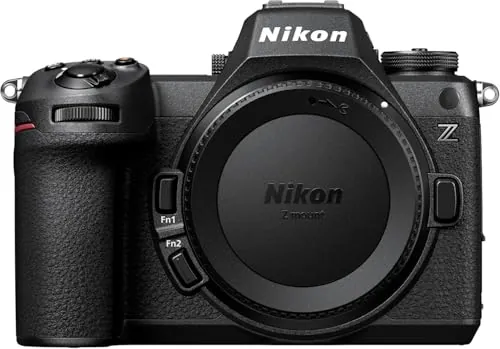
Nikon Z6 III Full-Frame Mirrorless Camera
Black U.S. model 1890; FX Large still dimensions of 6048 × 4032 and a wider set of listed internal video recording modes.
Model Z6 III (U.S. model 1890)
Amazon ASIN B0D77SL8CY
Nikon
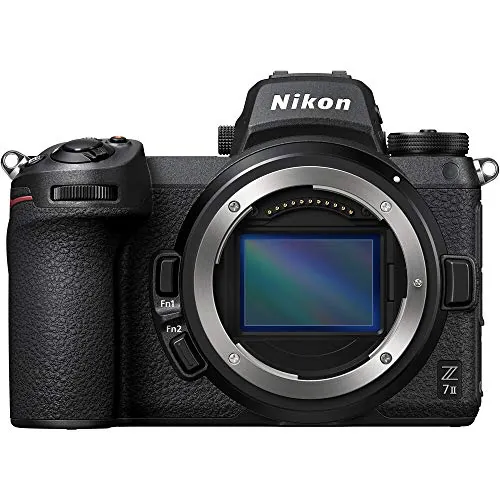
Nikon Z 7II Full-Frame Mirrorless Camera
Black Nikon USA model 1653; higher listed FX Large still-image dimensions and internal 4K/60p with a documented recording qualification.
Model Z 7II (U.S. model 1653)
Amazon ASIN B08L614R6K
Differences that matter
What matters most to you?
Choose a priority to see what it changes.
Sources for FX Large still-image dimensions
Sources for Internal high-resolution and high-frame-rate video
Sources for Frame area and lens framing at high frame rates
Sources for Memory-card and post-production preparation
Translate your job into a camera choice
The practical question is whether your next deliverable needs the Z 7II's larger FX Large still dimensions or one of the Z6 III's internal video modes. If 8256 × 5504 pixels gives a useful margin for your crop or output size and 8-bit internal 4K/60p is enough, the Z 7II may fit. If your project specifically calls for internal 6K/60p N-RAW or 4K/120p, Nikon documents those choices on the Z6 III. Neither specification determines which camera makes the better-looking image.
The answer can change by assignment: a stills-heavy job with a known crop requirement may value pixel dimensions, while a video job may be constrained by frame rate, codec, bit depth or internal recording rules. Decide from the final deliverable first, then check frame area and media.
Stills: decide whether the larger pixel canvas matters
At FX Large, Nikon lists 6048 × 4032 pixels for the Z6 III and 8256 × 5504 for the Z 7II. That is a concrete output-size difference: if you routinely crop, reframe or deliver high-pixel files, ask whether the Z6 III's file dimensions leave enough pixels for your final image. If they do, the Z 7II's larger dimensions may not change the assignment.
These numbers are file dimensions, not a side-by-side test of resolved detail. Lens choice, focus, shutter speed, subject motion, processing and output all affect the result; those questions remain open without matched image testing.
Video: compare complete recording modes, not headline rates
The Z6 III manual lists internal 6K/60p N-RAW 12-bit using FX image area and a 4K/120p option using DX image area. It also lists multiple other codecs and rates, so verify the combination you intend to use. The Z 7II records internal 4K UHD/60p in 8-bit FX; Nikon notes that its recorded coverage is about 93% of its own 4K/30p FX coverage. Its 10-bit N-Log/HLG capture is described as an external-recorder route.
For a real job, compare required resolution, rate, bit depth, codec, internal versus external capture and lens framing. The DX mode changes framing relative to the camera's FX area, and the Z 7II 60p mode's coverage differs from its 30p baseline. These are format/workflow distinctions, not evidence of a quality or speed winner.
Before a shoot: make the card and edit path part of the decision
A mode that looks suitable on a spec sheet still has a media workflow. Nikon's Z6 III guide lists named approved cards when recording N-RAW or ProRes RAW HQ at 12-bit. For Z 7II 4K/60p, Nikon recommends CFexpress/XQD media with at least 250 MB/s maximum transfer, or a qualifying UHS Speed Class 3 SD card rated at least 250 MB/s. Follow the exact current camera list for the card you plan to use; the shared supported-card families do not mean every individual card supports every mode.
Write a sample mode checklist for your production: image area, lens framing, file type, bit depth, frame rate, card model, card reader and editing software. If you do not need the listed high-rate or RAW options and your still output fits, prioritize the modes and workflow you will actually deliver rather than maximum values.
Product details
Nikon Z6 III Full-Frame Mirrorless Camera
- FX Large still output
- 6048 × 4032 pixels (24.4 million pixels at FX Large); Nikon separately lists 24.5 million effective pixels. Source
- Internal video examples
- N-RAW 12-bit up to 6048 × 3402 at 60p in FX image area; 4K UHD at 120p is listed in DX image area. Available combinations depend on file type and settings. Source
- Media planning
- Supports CFexpress Type B, XQD and UHS-I/UHS-II SD cards; Nikon names specific approved cards for N-RAW 12-bit and ProRes RAW HQ 12-bit recording. Source
Nikon Z 7II Full-Frame Mirrorless Camera
- FX Large still output
- 8256 × 5504 pixels (45.4 million pixels at FX Large); Nikon lists 45.7 million effective pixels. Source
- Internal 4K video qualification
- Internal 4K UHD/60p is 8-bit and fixed to FX image area; Nikon says its recorded coverage is approximately 93% of FX coverage at 4K/30p. Nikon documents external-recorder 10-bit N-Log/HLG separately. Source
- Media planning
- Supports CFexpress Type B, XQD and UHS-I/UHS-II SD cards. Nikon recommends media meeting its published transfer-speed criteria for 4K/60p recording and playback. Source
Before you buy
Community discussions
Existing lenses and wildlife cropping needs
Nikon Z6 III Full-Frame Mirrorless Camera
A buyer upgrading from a D7100 describes shooting landscapes, wildlife and sports, and says they crop wildlife photos. They are weighing the Z6 III and Z 7II while considering an existing F-mount lens and a planned Z-mount zoom.
What to check
List the lenses you plan to use and verify compatibility and any adapter requirements for the exact body. Then compare the guide's published still dimensions with how much you expect to crop for your intended output.
Common questions
Does the Z 7II's higher megapixel figure prove better image quality?
No. Nikon lists larger FX Large dimensions for the Z 7II (8256 × 5504 versus 6048 × 4032 on the Z6 III), which gives a larger pixel canvas for some crop or output needs. That specification alone does not test detail, noise, dynamic range, lens resolution or final image quality.Nikon Z6III Reference Guide: SpecificationsNikon Z 7II/Z 6II Reference Manual: Specifications
Can the Z6 III record 4K at 120p internally?
Nikon lists internal 4K UHD/120p recording for the Z6 III. Its recording-options table places 4K/120p in DX image area, so check the framing and supported file type for your chosen settings before recording.Nikon Z6III Reference Guide: Video Frame Size and Rate OptionsNikon Z6III Mirrorless Camera: U.S. product features and modes
Is the Z 7II's internal 4K/60p 10-bit?
Nikon specifies the internal 4K/60p mode as 8-bit and FX, with about 93% of the Z 7II's 4K/30p FX coverage. Nikon describes 10-bit N-Log/HLG as an external-recorder workflow, not the same internal mode.Nikon Z 7II Camera: U.S. product features and modesNikon Z 7II/Z 6II Online Manual: Movies
Do I need special media for these video modes?
Check the exact camera manual and card model for the mode you will use. Nikon lists approved card recommendations for Z6 III N-RAW/ProRes RAW HQ; for Z 7II, it recommends a card with at least a 250 MB/s maximum transfer rate for 4K/60p recording and playback. A card slot accepting a format does not mean every card of that type is suitable for every mode.Nikon Z6III Reference Guide: Approved Memory CardsNikon Z 7II/Z 6II Online Manual: Approved Memory Cards
Sources and scope
This guide compares Nikon's published specifications and manuals for the U.S. Z6 III (model 1890) and Z 7II (model 1653). Neither camera was tested. Pixel dimensions and recording modes do not establish still-image quality, autofocus results, rolling shutter, noise, color, editing speed, heat behavior or a universal winner. Actual output depends on selected settings, lens, media, firmware and post-production workflow.
- Nikon Z6III Mirrorless Camera: U.S. product features and modes
- Nikon Z 7II Camera: U.S. product features and modes
- Nikon Z6III Reference Guide: Specifications
- Nikon Z 7II/Z 6II Reference Manual: Specifications
- Nikon Z6III Reference Guide: Video Frame Size and Rate Options
- Nikon Z 7II/Z 6II Online Manual: Movies
- Nikon Z6III Reference Guide: Approved Memory Cards
- Nikon Z 7II/Z 6II Online Manual: Approved Memory Cards
Related comparisons
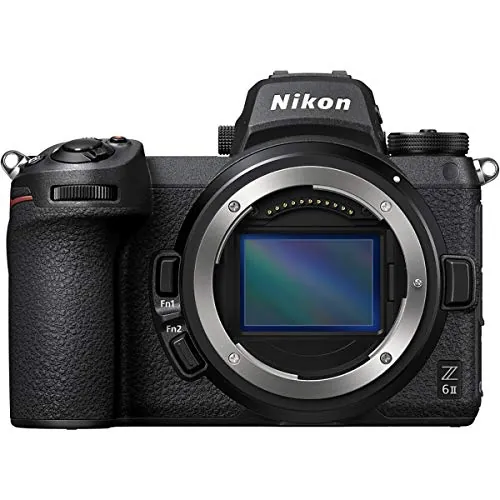
Nikon Z6 III vs Z 6II: Video Modes, Cards and Recorder Setup
This body-only US comparison is about recording workflow, not image quality. Nikon documents 6K/60p internal RAW and 4K/120p on the Z6 III. The Z 6II can record internal 4K/60p after firmware 1.10, but Nikon specifies DX image area and 8-bit; its separate external 10-bit N-Log workflow is documented at 4K/30p, 25p and 24p. Both bodies use CFexpress Type B/XQD plus SD card slots, but their HDMI ports differ: Type A on Z6 III and Type C on Z 6II. Check your exact delivery format, card/reader and recorder cable before changing bodies.
Read comparison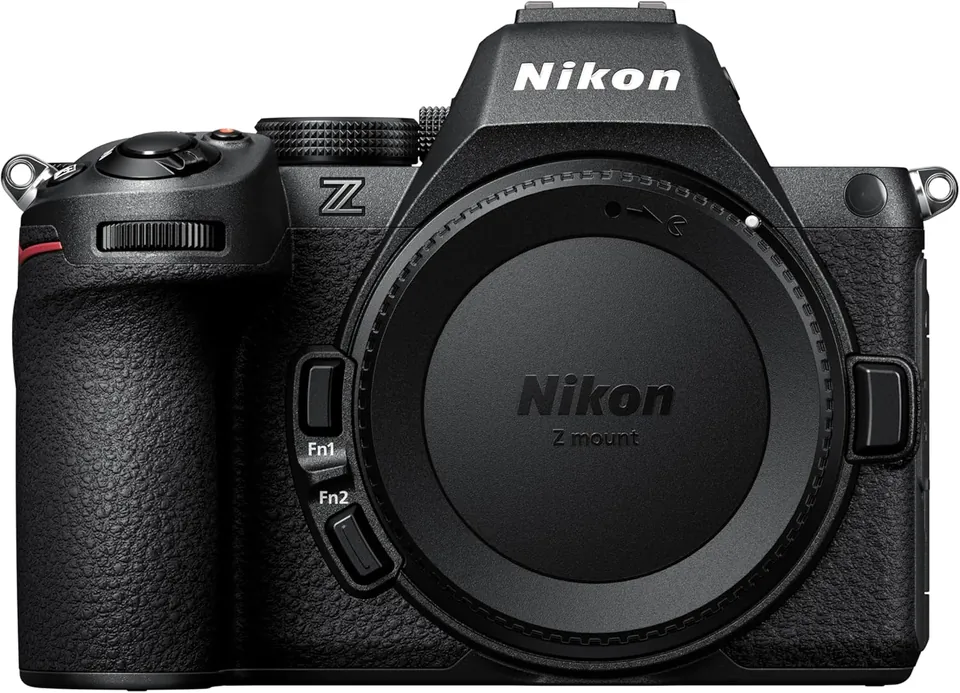
Nikon Z6 III vs Z5 II: Choose by Video Format, Crop and Cards
This US body-only comparison is for buyers planning a video workflow. The Nikon Z6 III body (model 1890) records FX 6K/60p N-RAW and FX 4K/60p; its 4K/120p option is fixed to DX area. The Z5 II body (model 1680) offers FX 4K/30p and N-RAW, while its 4K/60p option is also fixed to DX area. The Z6 III pairs SD with CFexpress Type B/XQD; the Z5 II has two SD slots. Choose by the deliverable’s frame rate and framing, then verify cards, slot roles and your preferred on-body controls. This is a specification-based fit guide, not a footage test.
Read comparison