
Products compared
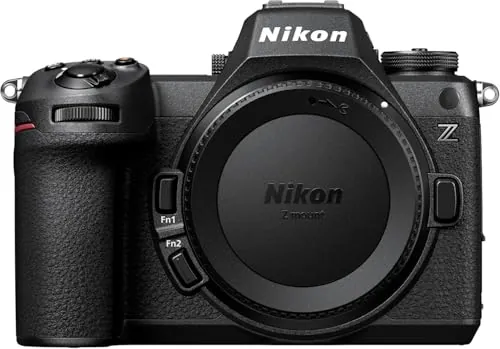
Nikon
Nikon Z6 III Full-Frame Mirrorless Camera Body
US listed model 1890, black Z6 III body only; not a lens kit. Nikon documents internal FX 6K/60p N-RAW and FX 4K/60p modes. The 4K/120p option uses DX image area.
Model 1890
Amazon ASIN B0D77SL8CY
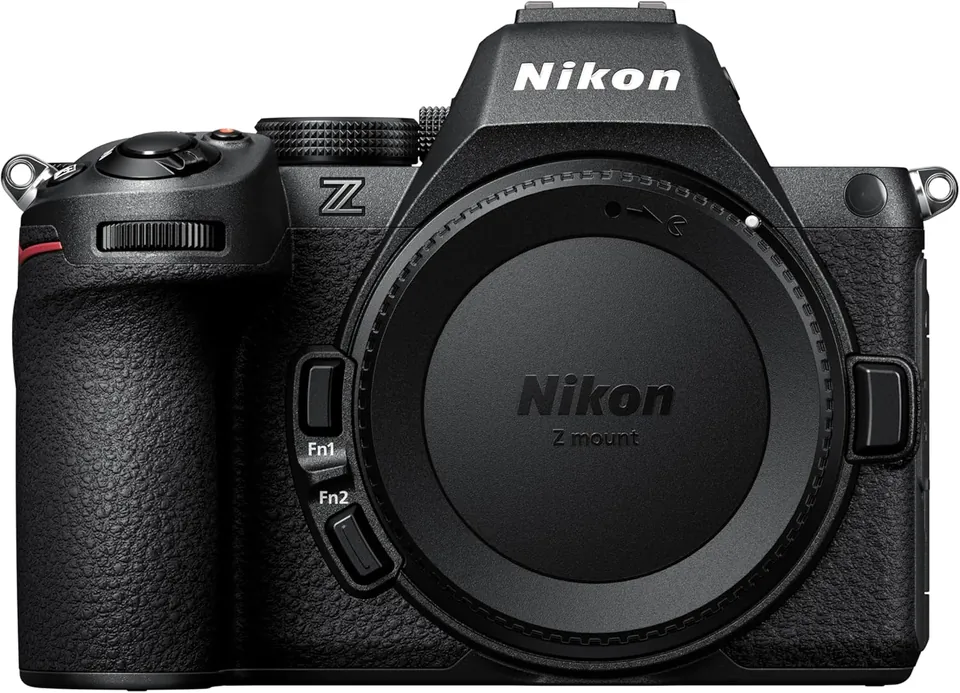
Nikon
Nikon Z5 II Full-Frame Mirrorless Camera Body
US listed model 1680, black Z5 II body only; not a lens kit. Nikon documents FX 4K/30p N-RAW and 4K/60p H.265 modes. The 4K/60p option uses DX image area.
Model 1680
Amazon ASIN B0F3HJD64Y
Differences that matter
What matters most to you?
Choose a priority to see what it changes.
Sources for Internal RAW workflow
Sources for Card inventory and slot plan
Sources for On-body video and setting controls
Start with the delivery format, not the headline maximum
For a full-area FX 4K/60p requirement, the Z6 III is the model with the documented option in this pair. Its 4K/120p mode is DX area. The Z5 II provides FX 4K/30p N-RAW, while its 4K/60p H.265 mode is also DX area. If your finished work is FX 4K/30p, the Z5 II’s listed mode may already fit; if it is FX 4K/60p, the Z6 III’s mode table is the meaningful distinction.
These are recording-mode facts, not a prediction about how footage will look. Your chosen codec, framing, lens, card and edit pipeline remain part of the decision.
Map your cards before you choose a body
The Z6 III combines one SD slot with one CFexpress Type B/XQD slot; the Z5 II uses two SD slots. For a video kit, list the card models and reader you already own, then confirm that Nikon approves the media for the exact file type and frame rate you intend to record. Finally check which slot is selected as destination and whether your planned backup/overflow behavior is supported for that mode.
The available slot types are directly documented, but a slot count alone does not establish that a particular high-bitrate format can be recorded to any card or that it will be duplicated automatically.
Check the controls you will reach for during a shoot
Both reference guides identify a dedicated video-record button and a photo/video selector. The Z5 II also has an h Picture Control button that opens Picture Control options in the shooting display. If those settings are part of your routine, handle each body or inspect its exact control map before replacing a familiar camera. This is a button-layout distinction; it says nothing about captured-image quality.
A compact pre-buy test is to set the intended video mode, confirm the image-area icon and recording destination, then rehearse the controls you expect to use while the camera is mounted or handheld.
Product details
Nikon Z6 III Full-Frame Mirrorless Camera Body
- Selected internal video modes
- FX 6048×3402 60p N-RAW; FX 3840×2160 60p is listed; 3840×2160 120p is fixed to DX image area. Other modes and codecs vary by video-file-type setting. Source
- Card slots
- One SD slot and one CFexpress Type B/XQD slot. Check Nikon’s per-format approved-card guidance before reusing or buying media. Source
- Video controls
- Body has a dedicated video-record button and photo/video selector; video settings are available through the video menus and customizable i menu. Source
Nikon Z5 II Full-Frame Mirrorless Camera Body
- Selected internal video modes
- FX 4032×2268 30p N-RAW; 3840×2160 60p H.265 is listed and fixed to DX image area. Other modes and codecs vary by video-file-type setting. Source
- Card slots
- Two SD slots. Check Nikon’s per-format approved-card guidance and configure the slot role for your recording workflow. Source
- Video and Picture Control buttons
- Body has a dedicated video-record button, photo/video selector and a dedicated h Picture Control button that opens Picture Control options in the shooting display. Source
Before you buy
Community discussions
Planning a second copy on a separate card
Nikon Z5 II Full-Frame Mirrorless Camera Body
A photographer who moved from a Z50II to a Z5 II reported a card read error on their computer and was glad they had set up a second card.
What to check
Check the card types the body uses and which recording modes can use both. If you shoot events, plan the card and import workflow before buying.
Checking settings after a battery change
Nikon Z6 III Full-Frame Mirrorless Camera Body
A Z6 III owner shooting events reported finding some manual settings changed after the battery ran out or was removed.
What to check
Before an event, check which recording settings the camera recalls after a battery change. Recheck your selected mode and media after restarting.
Common questions
Does the Z5 II record 4K/60p in full FX area?
No. Nikon’s reference guide states that 3840×2160 60p or 50p uses a fixed DX image area on the Z5 II. Its FX 4K N-RAW modes are listed up to 30p.Nikon Z5II Reference Guide — Video Frame Size and Rate OptionsNikon Z5II Reference Guide — Video Image Area Options
Is Z6 III 4K/120p full-frame FX?
No. Nikon’s Z6 III guide says the 3840×2160 120p and 100p modes are fixed to DX image area. The table separately lists FX 4K/60p.Nikon Z6III Reference Guide — Video Frame Size and Rate OptionsNikon Z6III Reference Guide — Video Image Area Options
Can I use the same SD-only cards in both cameras?
The Z5 II has two SD slots. The Z6 III has one SD slot and one CFexpress Type B/XQD slot. Check Nikon’s approved-card list for the exact codec and rate before relying on a particular card or adapter.Nikon Z6III model 1890 — US product specificationsNikon Z5II model 1680 — US product specifications
Sources and scope
This guide compares the US body-only Nikon Z6 III model 1890 and Z5 II model 1680 using Nikon’s specifications and reference guides. It does not compare image quality, autofocus, rolling shutter, thermal behavior, recording reliability or footage. Movie modes depend on selected file type, image area and lens; card-slot functions do not establish which card is required for every mode. Confirm the camera firmware, chosen format’s approved media, slot destination/backup behavior and your actual lens before buying.
- Nikon Z6III model 1890 — US product specifications
- Nikon Z5II model 1680 — US product specifications
- Nikon Z6III Reference Guide — Video Frame Size and Rate Options
- Nikon Z6III Reference Guide — Video Image Area Options
- Nikon Z5II Reference Guide — Video Frame Size and Rate Options
- Nikon Z5II Reference Guide — Video Image Area Options
- Nikon Z6III Reference Guide — Camera Body
- Nikon Z5II Reference Guide — Camera Body
- Nikon Z5II Reference Guide — The Picture Control Button
Related comparisons
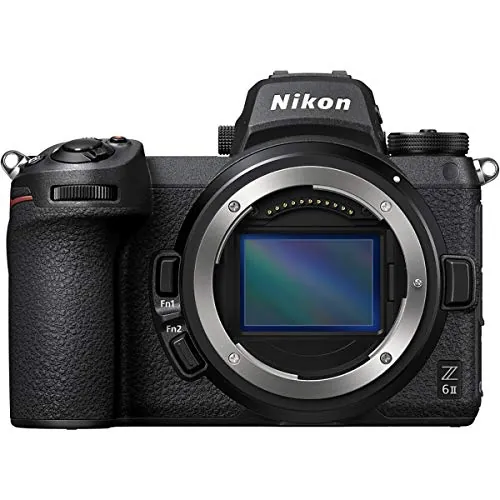
Nikon Z6 III vs Z 6II: Video Modes, Cards and Recorder Setup
This body-only US comparison is about recording workflow, not image quality. Nikon documents 6K/60p internal RAW and 4K/120p on the Z6 III. The Z 6II can record internal 4K/60p after firmware 1.10, but Nikon specifies DX image area and 8-bit; its separate external 10-bit N-Log workflow is documented at 4K/30p, 25p and 24p. Both bodies use CFexpress Type B/XQD plus SD card slots, but their HDMI ports differ: Type A on Z6 III and Type C on Z 6II. Check your exact delivery format, card/reader and recorder cable before changing bodies.
Read comparison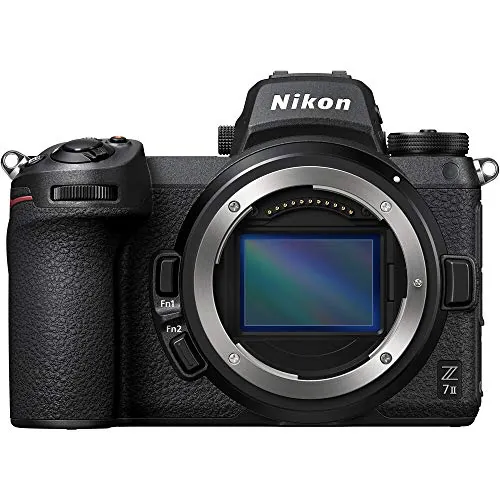
Nikon Z6 III vs Nikon Z 7II: Still Resolution or Internal Video Modes?
Both are Nikon full-frame mirrorless bodies, but their documented output paths differ. Nikon lists the Z 7II at 8256 × 5504 pixels for FX Large stills, versus 6048 × 4032 on the Z6 III. The newer Z6 III adds internal 6K/60p N-RAW in FX and 4K/120p in DX; the Z 7II records internal 4K/60p in 8-bit FX with about 93% of its 4K/30p FX coverage. Choose by the still-file dimensions and exact video deliverable you need, then verify cards and framing before a shoot.
Read comparison