
Products compared
TP-Link
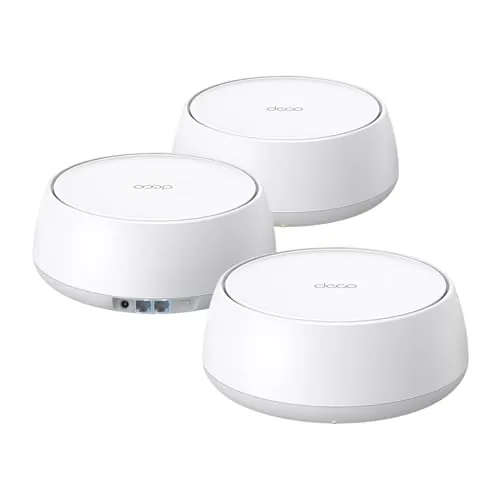
TP-Link Deco BE25 BE5000 Wi-Fi 7 Mesh System, 3-Pack
Assigned U.S. listing data product 25315 is the white three-unit BE25 pack. TP-Link's U.S. page lists three BE25 units in the 3-pack and two 2.5GbE auto-sensing WAN/LAN ports per unit.
Model Deco BE25 (3-Pack)
Amazon ASIN B0DKVDZXSN

TP-Link
TP-Link Deco X55 AX3000 Wi-Fi 6 Mesh System, 3-Pack
Assigned U.S. listing data product 574 is the Deco X55 three-pack. TP-Link's U.S. page lists three X55 units in its 3-pack and three Gigabit auto-sensing WAN/LAN ports on each unit.
Model Deco X55 (3-Pack)
Amazon ASIN B09PRB1MZM
Differences that matter
What matters most to you?
Choose a priority to see what it changes.
Sources for Per-node Ethernet ports and remaining LAN slots
Sources for Wi-Fi generation and compatible clients
Sources for Band requirement: 2.4, 5 or 6 GHz
Sources for Three-node setup and backhaul
Count the ports at every node
BE25 provides two 2.5GbE ports per unit. X55 provides three Gigabit ports. At each node, subtract every cable used for internet or links between nodes. A router with only its WAN cable has one BE25 or two X55 ports free. If that router also feeds a wired satellite directly, it has zero or one free, respectively.
At a satellite that connects wirelessly, the backhaul uses no Ethernet port. A satellite linked by Ethernet consumes one port for that cable and another if it is also cabled directly to an onward node. If you need extra ports, include any compatible Ethernet switch in your plan.
Check the Wi-Fi features your clients can use
BE25 is a dual-band Wi-Fi 7 system; X55 is dual-band Wi-Fi 6. TP-Link lists BE25 MLO and says corresponding client support is required to use Wi-Fi 7 features. Older devices can still connect to the BE25 over 2.4 or 5 GHz, so identify the client models you actually expect to benefit before treating Wi-Fi 7 as a reason to replace X55. Neither exact U.S. specification lists 6 GHz.
Both three-packs allow Ethernet backhaul
TP-Link lists optional Ethernet backhaul on both models and three units in both U.S. 3-pack configurations. Backhaul is therefore a deployment option shared by the pair, not a reason to select one by itself. A satellite connected by cable uses one of its node's ports for that uplink, so include it in the per-node LAN count.
What the specifications cannot settle
TP-Link publishes maximum wireless rates, but they are not measurements of internet speed, coverage, roaming, or latency in your home. The selected offer's hardware revision is not identified, so check its exact hardware details if a version-dependent feature matters to you.
Product details
TP-Link Deco BE25 BE5000 Wi-Fi 7 Mesh System, 3-Pack
- Wireless standard and bands
- Wi-Fi 7 (802.11be) on dual bands: 5 GHz and 2.4 GHz; no 6 GHz band is listed on TP-Link's U.S. specifications Source
- Per-node wired ports
- Two 2.5 Gbps auto-sensing WAN/LAN ports per unit; only one port can serve as WAN at a time Source
- Pack and backhaul
- Three BE25 units in the 3-pack; optional Ethernet backhaul is supported Source
- Client condition
- TP-Link says Wi-Fi 7 features such as MLO require client devices to support the corresponding features Source
TP-Link Deco X55 AX3000 Wi-Fi 6 Mesh System, 3-Pack
- Wireless standard and bands
- Wi-Fi 6 (802.11ax) on dual bands: 5 GHz and 2.4 GHz; no 6 GHz band is listed on TP-Link's U.S. specifications Source
- Per-node wired ports
- Three Gigabit auto-sensing WAN/LAN Ethernet ports per unit Source
- Pack and backhaul
- Three X55 units in the 3-pack; optional Ethernet backhaul is supported Source
Before you buy
Community discussions
Planning Ethernet for a satellite that will not link wirelessly
TP-Link Deco X55 AX3000 Wi-Fi 6 Mesh System, 3-Pack
A Deco X55 owner with three units reported that one satellite worked when wired to the main unit but disconnected when the cable was removed. Another satellite was connected wirelessly upstairs.
What to check
If a satellite needs Ethernet backhaul, reserve that port first. Count the media devices or computers that still need wired connections at each node.
Common questions
How many LAN ports remain after connecting WAN or wired backhaul?
With one upstream cable, BE25 has one spare jack and X55 has two. Deduct any further cables at the same unit, such as a wired link from the router to a satellite. A fully wireless satellite uses no port for backhaul.Deco BE25 | Deco 7 BE5000 Whole Home Mesh WiFi 7 SystemDeco X55 | AX3000 Whole Home Mesh WiFi 6 System
Does Wi-Fi 7 on the BE25 mean it has 6 GHz?
No. TP-Link's U.S. BE25 specifications list 2.4 GHz and 5 GHz only. Wi-Fi 7 describes the wireless generation; it does not guarantee that a particular product has a 6 GHz radio.Deco BE25 | Deco 7 BE5000 Whole Home Mesh WiFi 7 System
Will my older Wi-Fi devices work with the BE25?
TP-Link says older clients can still connect on 2.4 or 5 GHz. Features such as Wi-Fi 7 MLO require compatible clients. Check the exact device specification if that feature is part of your reason to upgrade.TP-Link Wi-Fi 7 Router and Deco FAQsDeco BE25 | Deco 7 BE5000 Whole Home Mesh WiFi 7 System
Will an existing Deco X55 work with a BE25?
TP-Link says its Deco models work together. That establishes family compatibility at a high level, but not that every feature, speed or coverage outcome is preserved in a particular mixed BE25/X55 arrangement.Deco BE25 | Deco 7 BE5000 Whole Home Mesh WiFi 7 SystemDeco X55 | AX3000 Whole Home Mesh WiFi 6 System
Sources and scope
This is a feature-fit comparison based on TP-Link's U.S. product pages and Wi-Fi 7 support FAQ. BE25 hardware revision is not identified for the selected offer. Advertised radio figures are physical maximums, not real-home speed; there is no matched coverage, latency, roaming, backhaul-throughput, or reliability test. Compatibility between Deco models does not promise every feature will remain available when mixing generations.
Related comparisons
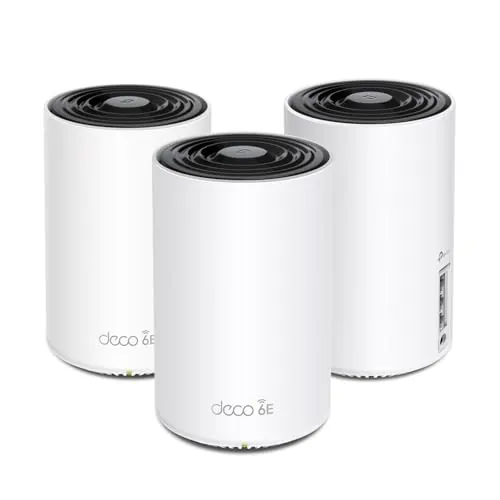
TP-Link Deco X55 vs XE75 (3-Pack): Wired Backhaul or Wi-Fi 6E?
Both assigned packages are three-unit Deco systems with optional Ethernet backhaul and three Gigabit ports on each node. The X55 is dual-band Wi-Fi 6; the XE75 adds a 6 GHz band and tri-band Wi-Fi 6E. If you can wire the satellite nodes and your important devices do not support Wi-Fi 6E, start by asking whether you need the XE75’s extra client band. If nodes must link wirelessly, verify the XE75’s exact hardware and current app behavior first: TP-Link’s Rev 2 guide describes 6 GHz dedicated-backhaul and client-network choices, while its current support page lists a newer guide that does not document the same setting. Published radio and coverage figures are not a head-to-head real-home speed result.
Read comparison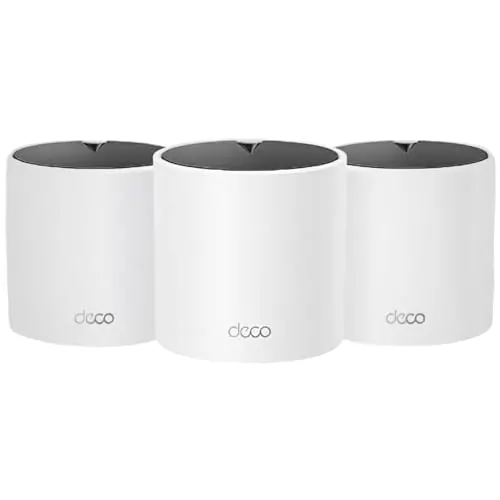
TP-Link Deco X15 vs X55 3-Pack: How Many Ethernet Ports Do You Need?
Both assigned TP-Link Deco bundles are three-packs of dual-band Wi-Fi 6 mesh units and both model pages list optional Ethernet backhaul. The X15 has two Gigabit Ethernet ports per unit; the X55 has three, so the X55 adds one physical port at each of the three nodes. For a useful pre-buy check, sketch your modem, main Deco and two satellite locations, then draw each wired backhaul and wired device connection. A node that needs three separate Ethernet connections can exceed the X15's two-port count; the X55 offers a third port, while a compatible switch is another possible layout choice. TP-Link's X55 page also lists an HE160 5 GHz mode, but the selected ASIN is not tied to a hardware revision here. Treat product-page wireless rates as specifications, not a measured speed comparison.
Read comparison