Pickagu

Mesh Wifi

Find your model below to compare what is included and how the differences affect everyday use.

10 comparisons

Mesh Wifi comparisons

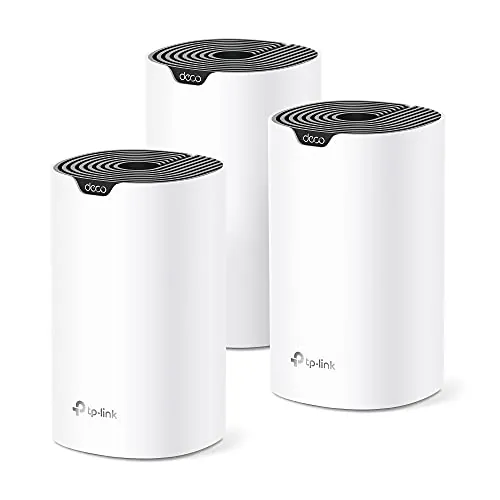
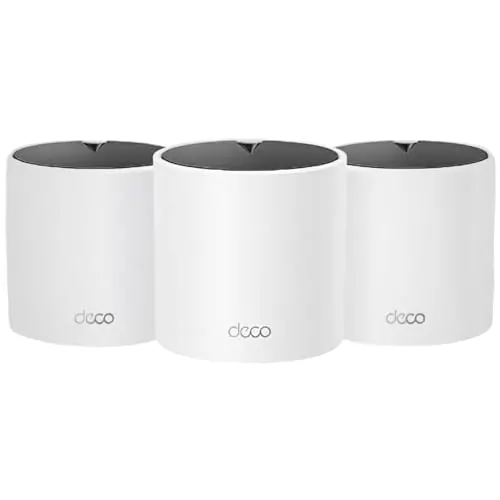
TP-Link Deco X55 AX3000 Whole Home Mesh Wi-Fi 6 System (3-Pack) · Deco X55
TP-Link Deco X55 AX3000 Whole Home Mesh Wi-Fi 6 System (3-Pack)
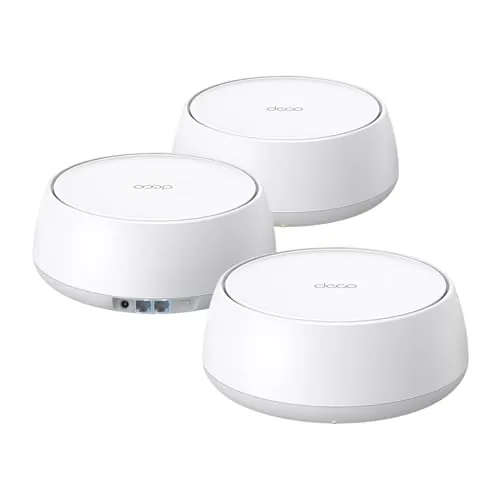
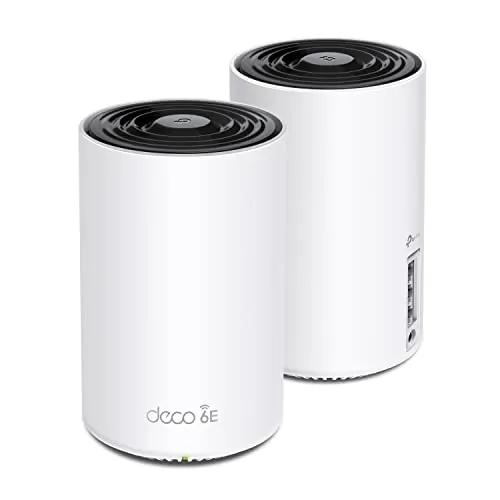
TP-Link Deco XE75 AXE5400 Tri-Band Mesh Wi-Fi 6E System (3-Pack) · Deco XE75
TP-Link Deco XE75 AXE5400 Tri-Band Mesh Wi-Fi 6E System (3-Pack)

TP-Link Deco X55 vs XE75 (3-Pack): Wired Backhaul or Wi-Fi 6E?

Both assigned packages are three-unit Deco systems with optional Ethernet backhaul and three Gigabit ports on each node. The X55 is dual-band Wi-Fi 6; the XE75 adds a 6 GHz band and tri-band Wi-Fi 6E. If you can wire the satellite nodes and your important devices do not support Wi-Fi 6E, start by asking whether you need the XE75’s extra client band. If nodes must link wirelessly, verify the XE75’s exact hardware and current app behavior first: TP-Link’s Rev 2 guide describes 6 GHz dedicated-backhaul and client-network choices, while its current support page lists a newer guide that does not document the same setting. Published radio and coverage figures are not a head-to-head real-home speed result.

Read comparison
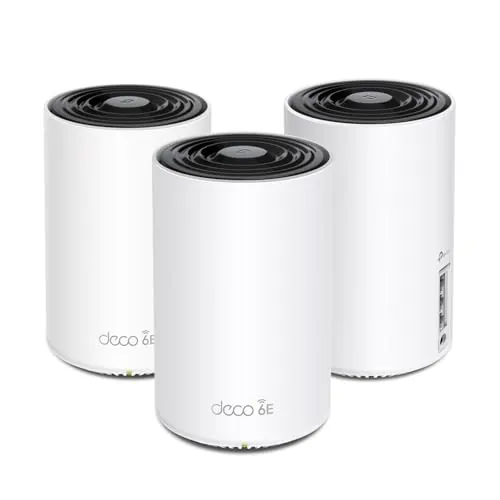
TP-Link Deco XE75 AXE5400 Tri-Band Wi-Fi 6E Mesh System (3-Pack) · Deco XE75
TP-Link Deco XE75 AXE5400 Tri-Band Wi-Fi 6E Mesh System (3-Pack)
TP-Link Deco X15 Dual-Band AX1500 Wi-Fi 6 Mesh System (3-Pack) · Deco X15
TP-Link Deco X15 Dual-Band AX1500 Wi-Fi 6 Mesh System (3-Pack)

TP-Link Deco XE75 vs X15 3-Pack: Do You Need 6 GHz and Another Port?

Both assigned products are three-node TP-Link Deco kits with optional Ethernet backhaul. The XE75 is tri-band Wi-Fi 6E with a 6 GHz band and three Gigabit ports per unit; the X15 is dual-band Wi-Fi 6 with two Gigabit ports per unit. Pick the XE75 when its extra band or third port solves a specific need. If your devices use 2.4/5 GHz and two ports at each node are enough, the X15 covers those documented needs. Before buying, map the main Deco and two satellite positions, count wired devices at each, and mark any Ethernet cable route. The XE75's older Rev 2 guide describes a 6 GHz dedicated-backhaul setting, but the selected ASIN is not mapped to a hardware revision; verify current hardware and app behavior before relying on that setting. Published rates and coverage figures are not measured results for your home.

Read comparison
TP-Link Deco X15 AX1500 Dual-Band Wi-Fi 6 Mesh System (3-Pack) · Deco X15
TP-Link Deco X15 AX1500 Dual-Band Wi-Fi 6 Mesh System (3-Pack)
TP-Link Deco X55 AX3000 Dual-Band Wi-Fi 6 Mesh System (3-Pack) · Deco X55
TP-Link Deco X55 AX3000 Dual-Band Wi-Fi 6 Mesh System (3-Pack)

TP-Link Deco X15 vs X55 3-Pack: How Many Ethernet Ports Do You Need?

Both assigned TP-Link Deco bundles are three-packs of dual-band Wi-Fi 6 mesh units and both model pages list optional Ethernet backhaul. The X15 has two Gigabit Ethernet ports per unit; the X55 has three, so the X55 adds one physical port at each of the three nodes. For a useful pre-buy check, sketch your modem, main Deco and two satellite locations, then draw each wired backhaul and wired device connection. A node that needs three separate Ethernet connections can exceed the X15's two-port count; the X55 offers a third port, while a compatible switch is another possible layout choice. TP-Link's X55 page also lists an HE160 5 GHz mode, but the selected ASIN is not tied to a hardware revision here. Treat product-page wireless rates as specifications, not a measured speed comparison.

Read comparison
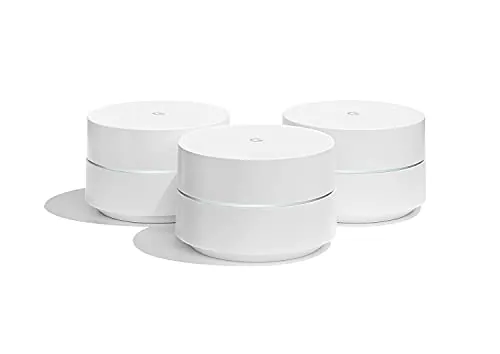
Google Wifi AC1200 Mesh Wi-Fi System (NLS-1304-25, 3-Pack) · NLS-1304-25
Google Wifi AC1200 Mesh Wi-Fi System (NLS-1304-25, 3-Pack)
TP-Link Deco X55 AX3000 Whole Home Mesh Wi-Fi 6 System (3-Pack) · Deco X55
TP-Link Deco X55 AX3000 Whole Home Mesh Wi-Fi 6 System (3-Pack)

Google Wifi (NLS-1304-25) vs TP-Link Deco X55 3-Pack: Should You Replace Your Mesh?

This is a generation and network-layout decision, not a measured speed contest. The assigned Google Wifi is the original NLS-1304-25 three-point system introduced in 2016: Wi-Fi 5, dual-band and two Ethernet ports per point. TP-Link’s US Deco X55 three-pack is Wi-Fi 6, dual-band, supports optional Ethernet backhaul and has three Gigabit ports per node. Your Wi-Fi 5 and Wi-Fi 6 clients can use either system, but the Google points do not become Deco satellites. Before replacing Google Wifi, map your gateway, node cable runs and wired devices; if you keep an ISP router in front of Deco, choose the appropriate Deco operating mode and wiring layout.

Read comparison
Google Wifi 3-Pack · NLS-1304-25
Google Wifi 3-Pack
TP-Link Deco S4 3-Pack · Deco S4 (3-Pack; hardware revision not identified in listing data)
TP-Link Deco S4 3-Pack

Google Wifi 3-Pack vs TP-Link Deco S4 3-Pack: Router and App Setup

These are both three-unit mesh kits, but the main setup question is what happens to your current router. Google says original Google Wifi replaces a traditional router and cannot act as an extender or repeater for the router you already have. TP-Link lists Deco S4 Router and Access Point modes, which can fit an existing wired network; check the Deco unit's hardware revision before relying on its exact settings. Google Wifi now uses Google Home, while Deco is set up and managed in the Deco app.

Read comparison
TP-Link Deco BE25 BE5000 Wi-Fi 7 Mesh System, 3-Pack · Deco BE25 (3-Pack)
TP-Link Deco BE25 BE5000 Wi-Fi 7 Mesh System, 3-Pack
TP-Link Deco X55 AX3000 Wi-Fi 6 Mesh System, 3-Pack · Deco X55 (3-Pack)
TP-Link Deco X55 AX3000 Wi-Fi 6 Mesh System, 3-Pack

TP-Link Deco BE25 vs Deco X55 3-Pack: Count Ports and Check Your Clients

Choose the Deco BE25 three-pack for Wi-Fi 7 features on compatible devices or 2.5GbE wiring. Choose the Deco X55 three-pack for three built-in Gigabit jacks per node instead of two. Both use 2.4 and 5 GHz and support wired backhaul. At each node, count the cables for internet and links between nodes before counting free jacks for your devices.

Read comparison
TP-Link Deco X15 AX1500 Wi-Fi 6 Mesh System (3-Pack) · Deco X15 (3-Pack)
TP-Link Deco X15 AX1500 Wi-Fi 6 Mesh System (3-Pack)
TP-Link Deco BE25 Deco 7 BE5000 Wi-Fi 7 Mesh System (3-Pack) · Deco BE25 (3-Pack)
TP-Link Deco BE25 Deco 7 BE5000 Wi-Fi 7 Mesh System (3-Pack)

TP-Link Deco X15 vs Deco BE25 3-Pack: Check Clients and Ethernet First

These are both three-unit TP-Link Deco mesh kits. The X15 is a dual-band Wi-Fi 6 system with two Gigabit ports per unit; the BE25 is dual-band Wi-Fi 7 with two 2.5 Gbps ports per unit. The BE25’s newer features matter only when your client devices and wired equipment can use them. Its US datasheet lists 2.4 and 5 GHz, not 6 GHz. Before choosing, list your Wi-Fi clients, modem/internet plan, switch or wired devices, and the rooms where each node can be powered. This is a feature-fit guide, not a coverage or speed test.

Read comparison
TP-Link Deco XE75 AXE5400 Tri-Band Wi-Fi 6E System, 3-Pack · Deco XE75 (3-pack)
TP-Link Deco XE75 AXE5400 Tri-Band Wi-Fi 6E System, 3-Pack
TP-Link Deco S4 AC1900 Dual-Band Wi-Fi System, 3-Pack · Deco S4 (3-pack)
TP-Link Deco S4 AC1900 Dual-Band Wi-Fi System, 3-Pack

TP-Link Deco XE75 vs Deco S4 3-Pack: Check 6 GHz and Wired Node Plans

Both assigned listings are three-node TP-Link Deco kits. The XE75 family page lists tri-band Wi-Fi 6E on 2.4, 5 and 6 GHz; the S4 is dual-band Wi-Fi 5 on 2.4 and 5 GHz. Both manufacturer pages list optional Ethernet backhaul. Before using either pack for a wired node plan, check the delivered hardware revision: current family pages and revision-specific manuals do not always show the same S4 port count. These published features cannot predict speed or coverage in your home.

Read comparison
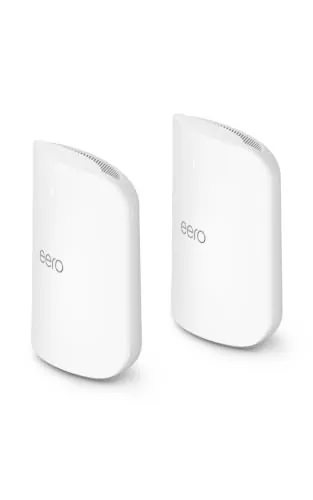
eero Max 7 2-pack · eero Max 7 (V010001 per node)
eero Max 7 2-pack
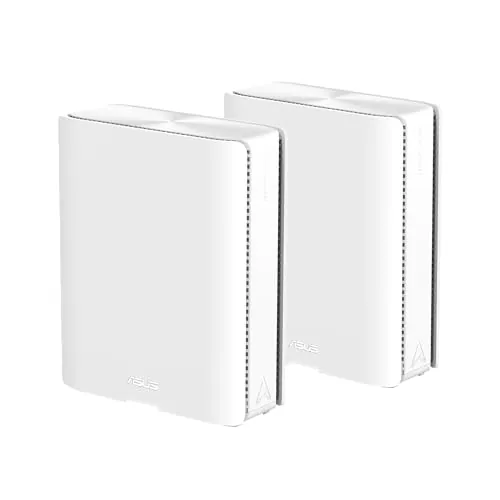
ASUS ZenWiFi BQ16 Pro 2-pack · BQ16 Pro(W-2-PK)
ASUS ZenWiFi BQ16 Pro 2-pack

eero Max 7 2-Pack vs ASUS ZenWiFi BQ16 Pro 2-Pack: Backhaul and Port Planning

The eero Max 7 is a tri-band Wi-Fi 7 system with four multi-gigabit Ethernet ports per node and an app-guided setup that requires a smartphone. ASUS’s BQ16 Pro two-pack is quad-band with two 6 GHz bands, five Ethernet jacks per node (three are 1 GbE), a USB 3.0 port and a documented browser Web GUI. ASUS documents a dedicated 6 GHz wireless backhaul design; if you plan wired backhaul instead, map port use at each node before choosing.

Read comparison
Amazon eero Max 7 Mesh Wi-Fi System (2-Pack) · V010001
Amazon eero Max 7 Mesh Wi-Fi System (2-Pack)
TP-Link Deco XE75 AXE5400 Tri-Band Wi-Fi 6E Mesh System (2-Pack) · Deco XE75 (2-pack)
TP-Link Deco XE75 AXE5400 Tri-Band Wi-Fi 6E Mesh System (2-Pack)

eero Max 7 2-Pack vs TP-Link Deco XE75 2-Pack: Ports, 6 GHz and Setup

These are both two-unit mesh kits, but their documented network interfaces differ: eero Max 7 has four auto-sensing multi-gig Ethernet ports per unit, while Deco XE75 has three auto-sensing Gigabit ports per unit. eero is Wi-Fi 7; XE75 is Wi-Fi 6E and defaults to using 6 GHz for mesh backhaul, with an option to offer that band to Wi-Fi 6E clients. Map your devices and wired paths before choosing; specifications do not predict coverage or real-world speed.

Read comparison