
Products compared
TP-Link
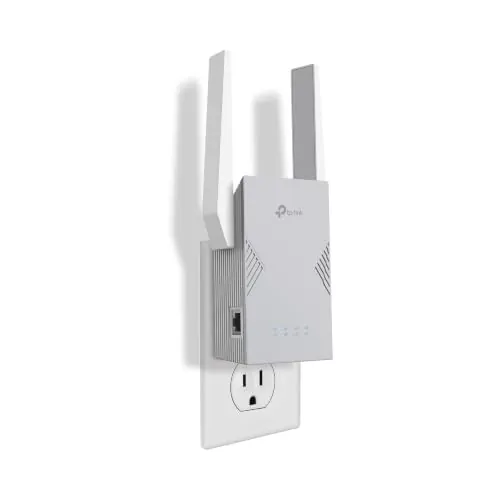
TP-Link BE3200 Dual-Band Wi-Fi 7 Range Extender RE223BE
TP-Link's U.S. listing identifies the RE223BE Wi-Fi 7 extender but does not specify the hardware revision a seller will ship.
Model RE223BE
Amazon ASIN B0FH4MBRTK
TP-Link
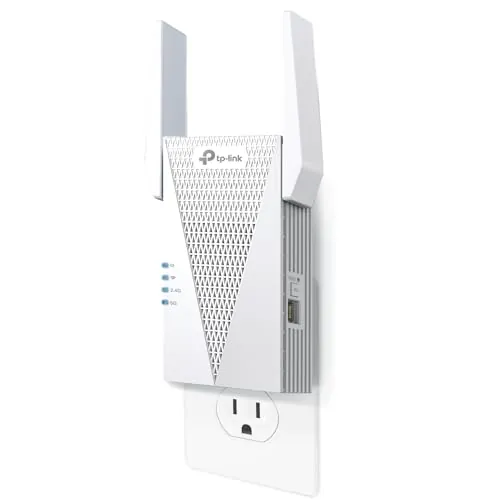
TP-Link AX1800 Wi-Fi 6 Range Extender RE615X
TP-Link's U.S. listing identifies the RE615X Wi-Fi 6 extender but does not specify the hardware revision a seller will ship.
Model RE615X
Amazon ASIN B0CLQ4954G
Differences that matter
What matters most to you?
Choose a priority to see what it changes.
Sources for Wi-Fi generation, bands and MLO
Sources for Wireless extender or wired access point
Sources for EasyMesh and host-router fit
Sources for Setup, physical placement and hardware revision
Start with your router and clients
The RE223BE is TP-Link's dual-band Wi-Fi 7 extender; the RE615X is its dual-band Wi-Fi 6 option. TP-Link lists 2.4 GHz and 5 GHz for each. The RE223BE adds listed Wi-Fi 7 features including MLO, but TP-Link says corresponding features require compatible clients. Match that feature list against the router and devices you actually own rather than assuming a newer label produces a faster result.
There is a band wording issue to resolve before buying if you depend on 6 GHz: the RE223BE page's detailed specification lists 2.4 and 5 GHz and calls the product dual-band, while a separate Access Point mode sentence calls its signal “tri-band.” The user guide also lists only 2.4/5 GHz. The sentence does not establish a 6 GHz radio; ask TP-Link to confirm the exact unit if this changes your choice.
Plan the Ethernet path before choosing
Both units list one Gigabit Ethernet port and both Range Extender and Access Point modes. If you can run Ethernet to the room, TP-Link documents an AP option that turns the wired network connection into Wi-Fi. If you cannot, the extender has to link wirelessly to the host router; a signal-status indicator and placement check are part of setup, not proof of a particular whole-home result.
In extender mode, the port can instead connect a wired TV, console or computer at the extender. Because each exact U.S. page specifies a single Gigabit port, neither is the documented choice for a greater-than-gigabit port requirement.
Check EasyMesh and the hardware label
TP-Link lists EasyMesh compatibility for both extenders, with an EasyMesh-compatible router needed for that shared mesh setup. That is a router-specific check, separate from the more basic ability to connect as a range extender or access point.
The offer records identify RE223BE and RE615X but do not give a hardware revision. TP-Link's U.S. support page currently lists RE223BE V1.60, while its RE615X page exposes V1, V1.60, V2 and V2.60. Those support pages do not prove which revision an unversioned listing will ship. Check the label and region before following revision-specific firmware directions.
Product details
TP-Link BE3200 Dual-Band Wi-Fi 7 Range Extender RE223BE
The RE223BE is the Wi-Fi 7 option for buyers who can use its documented features with their router and clients. Its official page specifies 2.4 and 5 GHz but also has one conflicting “tri-band” sentence for AP mode; do not infer a third band from that line.
- Wi-Fi bands and listed features
- TP-Link's U.S. specification lists 2.4 GHz and 5 GHz, Wi-Fi 7 and MLO. Its compatibility footnote says corresponding Wi-Fi features require clients that support them. Source
- Ethernet and operating modes
- One 1 Gbps Ethernet port; Range Extender and Access Point modes. Source
TP-Link AX1800 Wi-Fi 6 Range Extender RE615X
The RE615X is a Wi-Fi 6 choice when that generation fits the router and client devices you already have. TP-Link also lists one Gigabit port, EasyMesh compatibility and an AP mode; verify your router model and the extender's hardware version.
Before you buy
Community discussions
Check the host router before relying on mesh
TP-Link AX1800 Wi-Fi 6 Range Extender RE615X
A buyer with a Nokia BGW320-505 gateway and an RE615X asks whether they can use a wired EasyMesh setup with another TP-Link extender.
What to check
If you want one mesh network, verify EasyMesh support for your exact gateway and the hardware revision and firmware of the extender you plan to buy.
Consider what an older wireless client needs
TP-Link AX1800 Wi-Fi 6 Range Extender RE615X
An RE615X owner says they gave the two bands different network names so their Wii could choose the 2.4 GHz network.
What to check
If you have older clients, check which band they use and whether you need separately named bands. Confirm that the exact extender and router setup you plan to buy can provide the network names your devices need.
Common questions
Does the RE223BE have 6 GHz?
TP-Link's U.S. product page calls it dual-band and its detailed specification lists 2.4 GHz and 5 GHz. The same page has one Access Point mode sentence saying “tri-band,” but its detailed frequency list still names only those two bands. Do not assume 6 GHz from that sentence; ask TP-Link about the exact hardware if it is essential.BE3200 Dual-Band Wi-Fi 7 Range Extender RE223BERE223BE User Guide
Can either extender use a wired connection at the far end of the home?
Both list one Gigabit Ethernet port. TP-Link describes AP mode as using a wired network connection to create Wi-Fi; in Range Extender mode the Ethernet port can connect a wired endpoint. Check which mode fits the cable you can run and remember the port rating is 1 Gbps.BE3200 Dual-Band Wi-Fi 7 Range Extender RE223BEAX1800 Wi-Fi Range Extender RE615X
Does EasyMesh work with any router?
TP-Link lists EasyMesh compatibility for both models and describes pairing with an EasyMesh-compatible router. Check your router's exact model and firmware; a generic Wi-Fi compatibility statement does not mean that every router supports EasyMesh.BE3200 Dual-Band Wi-Fi 7 Range Extender RE223BEAX1800 Wi-Fi Range Extender RE615X
Can I use RE223BE's MLO with my current devices?
TP-Link says Wi-Fi features such as MLO require clients that support the corresponding feature. Check the router and client specifications for the exact connection you plan; the extender's Wi-Fi 7 label alone does not establish that every device will use MLO.BE3200 Dual-Band Wi-Fi 7 Range Extender RE223BE
Sources and scope
This guide compares setup and listed features using TP-Link's U.S. product, guide and support pages. It does not test speed, latency, range, roaming or mesh handoff. TP-Link's RE223BE page calls the product dual-band and specifies 2.4/5 GHz, but one AP-mode sentence says “tri-band”; confirm the exact hardware with TP-Link if the band count or 6 GHz capability is decisive. The product listings do not identify a hardware revision.
Related comparisons
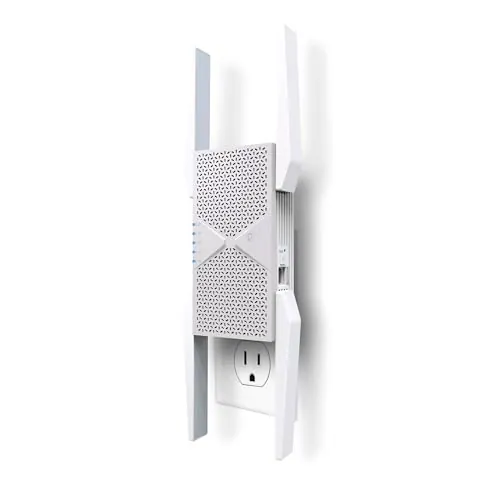
TP-Link RE653BE vs RE223BE: Bands, Ethernet and Placement
The U.S. TP-Link RE653BE is a tri-band extender with 2.4, 5 and 6 GHz radios plus one 2.5 Gbps LAN port. The RE223BE is dual-band (2.4 and 5 GHz) with one Gigabit Ethernet port. Both list Range Extender and Access Point modes and EasyMesh compatibility. Match the bands to your router and devices, check whether a wired endpoint actually needs a 2.5 Gbps link, and decide whether you can connect the extender to the router by Ethernet for access point mode. For a wireless extender, placement still depends on receiving the router signal where you install it; TP-Link suggests an in-range placement aid for RE653BE and placement between the router and target area for RE223BE.
Read comparison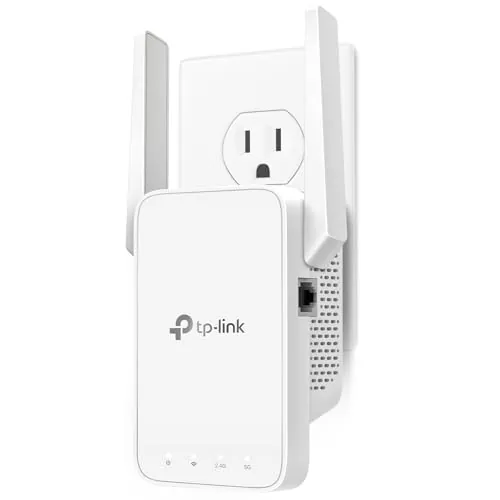
TP-Link RE315 vs RE615X: Wi-Fi Standard, Ethernet Port and Mesh Fit
The RE315 lists Wi-Fi 5-era 802.11ac/n and one 10/100 Ethernet port; the RE615X lists Wi-Fi 6 (802.11ax) and one Gigabit port. Both support range-extender and wired-access-point modes, but a mesh setup depends on your router, exact hardware revision and firmware. The specifications identify feature fit, not real-home speed or coverage.
Read comparison