Pickagu

Wifi Extenders

Find your model below to compare what is included and how the differences affect everyday use.

7 comparisons

Wifi Extenders comparisons

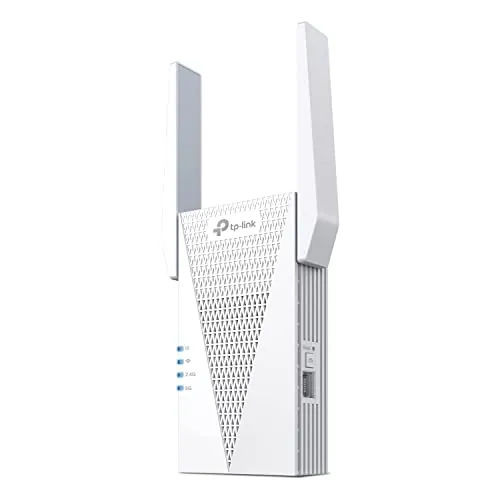
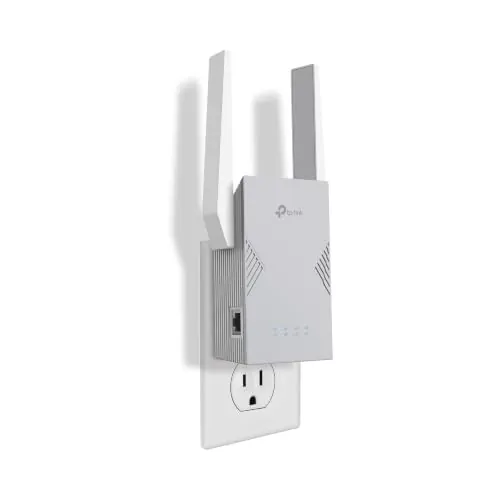
TP-Link RE653BE BE10000 Tri-Band Wi-Fi 7 Range Extender · RE653BE
TP-Link RE653BE BE10000 Tri-Band Wi-Fi 7 Range Extender
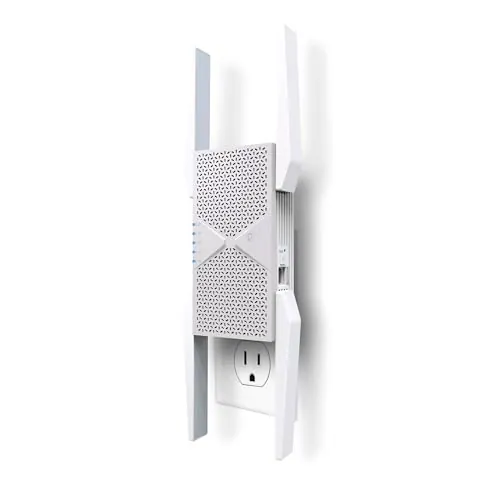
TP-Link RE223BE BE3200 Dual-Band Wi-Fi 7 Range Extender · RE223BE
TP-Link RE223BE BE3200 Dual-Band Wi-Fi 7 Range Extender

TP-Link RE653BE vs RE223BE: Bands, Ethernet and Placement

The U.S. TP-Link RE653BE is a tri-band extender with 2.4, 5 and 6 GHz radios plus one 2.5 Gbps LAN port. The RE223BE is dual-band (2.4 and 5 GHz) with one Gigabit Ethernet port. Both list Range Extender and Access Point modes and EasyMesh compatibility. Match the bands to your router and devices, check whether a wired endpoint actually needs a 2.5 Gbps link, and decide whether you can connect the extender to the router by Ethernet for access point mode. For a wireless extender, placement still depends on receiving the router signal where you install it; TP-Link suggests an in-range placement aid for RE653BE and placement between the router and target area for RE223BE.

Read comparison
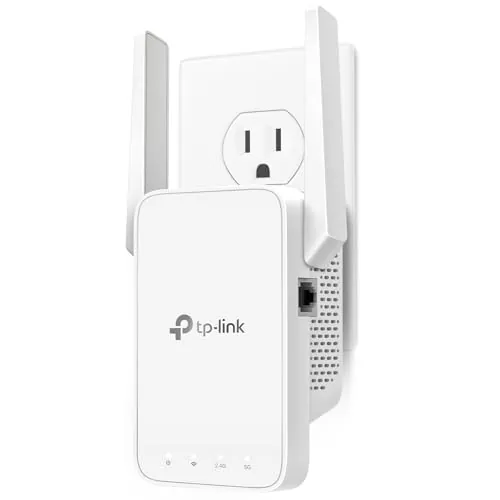
TP-Link RE315 AC1200 Mesh Wi-Fi Range Extender · RE315
TP-Link RE315 AC1200 Mesh Wi-Fi Range Extender
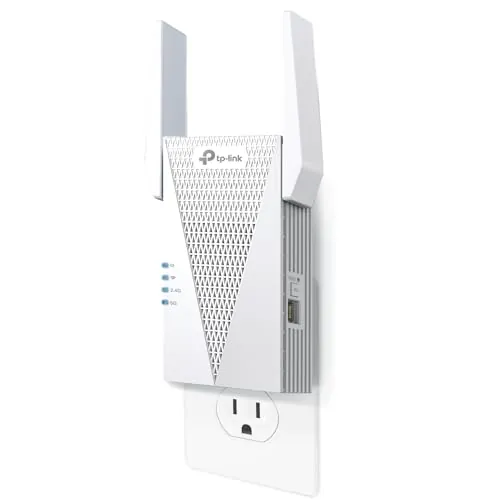
TP-Link RE615X AX1800 Wi-Fi 6 Range Extender · RE615X
TP-Link RE615X AX1800 Wi-Fi 6 Range Extender

TP-Link RE315 vs RE615X: Wi-Fi Standard, Ethernet Port and Mesh Fit

The RE315 lists Wi-Fi 5-era 802.11ac/n and one 10/100 Ethernet port; the RE615X lists Wi-Fi 6 (802.11ax) and one Gigabit port. Both support range-extender and wired-access-point modes, but a mesh setup depends on your router, exact hardware revision and firmware. The specifications identify feature fit, not real-home speed or coverage.

Read comparison
TP-Link RE315 AC1200 Mesh Wi-Fi Range Extender · RE315
TP-Link RE315 AC1200 Mesh Wi-Fi Range Extender
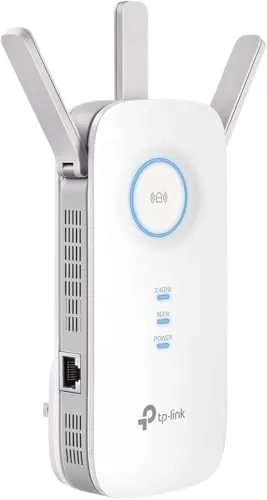
TP-Link RE550 AC1900 Wi-Fi Range Extender · RE550
TP-Link RE550 AC1900 Wi-Fi Range Extender

TP-Link RE315 vs RE550: Ethernet Link and Wi-Fi Class Fit

The RE315 lists one 10/100 Mbps Ethernet port and maximum physical rates of 300 Mbps at 2.4 GHz and 867 Mbps at 5 GHz. The RE550 lists Gigabit Ethernet and 600/1,300 Mbps maximum physical rates. Both list Range Extender and Access Point modes. Check the router, cable and client path before paying for the higher interface or class, and do not treat the maker’s ceilings as measured speed or range.

Read comparison
TP-Link BE3200 Dual-Band Wi-Fi 7 Range Extender RE223BE · RE223BE
TP-Link BE3200 Dual-Band Wi-Fi 7 Range Extender RE223BE
TP-Link AX1800 Wi-Fi 6 Range Extender RE615X · RE615X
TP-Link AX1800 Wi-Fi 6 Range Extender RE615X

TP-Link RE223BE vs RE615X: Wi-Fi generation, Ethernet and router fit

The TP-Link RE223BE is a dual-band Wi-Fi 7 extender listing MLO; the RE615X is a dual-band Wi-Fi 6 extender. TP-Link lists 2.4 and 5 GHz for both. Each has one Gigabit Ethernet port and range-extender/access-point modes, so a wired access point is a shared option. Verify your router, client features, EasyMesh support and exact hardware revision before buying.

Read comparison
TP-Link RE550 AC1900 Wi-Fi Range Extender · RE550
TP-Link RE550 AC1900 Wi-Fi Range Extender
TP-Link RE715X AX3000 Wi-Fi 6 Range Extender · RE715X
TP-Link RE715X AX3000 Wi-Fi 6 Range Extender

TP-Link RE550 vs RE715X: Wi-Fi Standard, Mesh Checks and Wired Setup

TP-Link's U.S. page lists 802.11ac on 5 GHz and 802.11b/g/n on 2.4 GHz for RE550; the U.S. V2.6 datasheet lists 802.11ax on both bands for RE715X. Both have one Gigabit Ethernet port and an access-point mode. EasyMesh support depends on hardware revision and firmware, and TP-Link's backhaul guide names RE715X V2. Check the unit label and router support before buying for mesh backhaul.

Read comparison