
Products compared
TP-Link
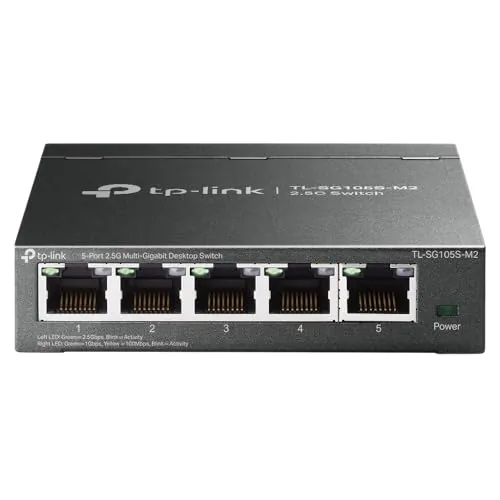
TP-Link TL-SG105S-M2 5-Port 2.5G Multi-Gigabit Desktop Switch
Five auto-negotiating 100 Mbps / 1 Gbps / 2.5 Gbps Ethernet ports in a fanless, unmanaged switch. With one port used for a single router uplink, up to four remain for downstream wired devices. The selected Amazon listing does not identify the unit's hardware revision; check the product label if revision-specific support matters.
Model TL-SG105S-M2
Amazon ASIN B0CMXXPTVH
TP-Link
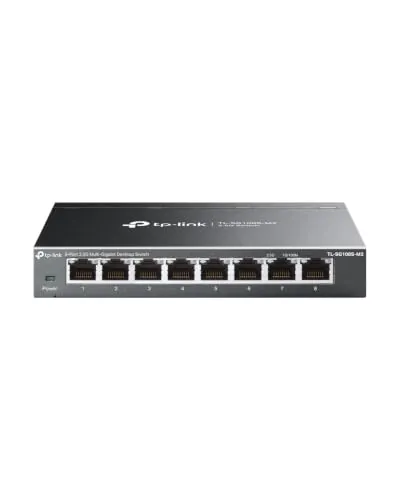
TP-Link TL-SG108S-M2 8-Port 2.5G Multi-Gigabit Desktop Switch
Eight auto-negotiating 100 Mbps / 1 Gbps / 2.5 Gbps Ethernet ports in a fanless, unmanaged switch. With one port used for a single router uplink, up to seven remain for downstream wired devices. The listing does not identify its hardware revision; check the unit label if revision-specific support matters.
Model TL-SG108S-M2
Amazon ASIN B0CMFX748Y
Differences that matter
What matters most to you?
Choose a priority to see what it changes.
Sources for Downstream port budget after one router uplink
Sources for Link negotiation and existing cable
Sources for Management and device power
Start with the port count after the router link
Neither switch has a dedicated uplink port in the cited specification; for the one-uplink layout in this guide, one of the Ethernet ports connects to the router. That leaves four ports on the TL-SG105S-M2 or seven on the TL-SG108S-M2. If you have another upstream device or link, subtract that port too.
This makes the buying decision concrete: choose five total ports when four device connections cover the plan, and eight when the plan needs five through seven. If the endpoint count exceeds seven after uplinks, look for a larger exact model instead.
A 2.5G label is a port capability, not a whole-network guarantee
TP-Link lists each port for auto-negotiation at 100 Mbps, 1 Gbps or 2.5 Gbps and says Cat5e or better cable is supported. To use the higher rate on a given connection, check the router port, the endpoint's Ethernet adapter and the complete cable path. If one segment supports only a lower rate, the switch specification does not override that limit.
Both products are described as unmanaged plug-and-play switches. They are for adding wired connections, not a replacement for a managed switch when you need configurable per-port or VLAN controls. Their official specification pages list an external DC adapter and no PoE output; use a separately documented PoE source for a device that needs power over Ethernet.
Measure the case and the installed cable path
The five-port model's listed chassis is 99.8 × 98 × 25 mm; the eight-port model's is 158 × 101 × 25.4 mm. Those are case dimensions, not a guarantee that a particular shelf, cabinet or bracket will fit once Ethernet plugs and the power lead are attached.
The shared TP-Link installation guide covers the 5- and 8-port 2.5G switches and depicts their mounting positions. It gives different mounting-hole spacing for the two models, so check the guide against your intended wall or shelf before reusing holes or hardware.
What this comparison can and cannot tell you
This guide compares manufacturer-published port totals, link negotiation, power description and chassis dimensions. It uses simple port subtraction for one stated router uplink; it does not report a lab result, internet speed, noise measurement, reliability result or comparative throughput.
The assigned retail listings do not identify the hardware revision inside the box. Product pages expose multiple hardware versions, so check the unit label for any revision-sensitive support question.
Product details
TP-Link TL-SG105S-M2 5-Port 2.5G Multi-Gigabit Desktop Switch
- Ports and negotiation
- 5 × 100 Mbps / 1 Gbps / 2.5 Gbps auto-negotiating ports; one port used for a single upstream router connection leaves up to four endpoint ports. Source
- Published chassis size
- 99.8 × 98 × 25 mm (W × D × H), about 3.9 × 3.9 × 1.0 in; allow extra room for Ethernet plugs, cable bends and the external adapter. Source
- Power and operating type
- Unmanaged and fanless; manufacturer specifications list an external 9 V DC / 0.6 A power adapter. The product specifications do not list PoE output. Source
TP-Link TL-SG108S-M2 8-Port 2.5G Multi-Gigabit Desktop Switch
- Ports and negotiation
- 8 × 100 Mbps / 1 Gbps / 2.5 Gbps auto-negotiating ports; one port used for a single upstream router connection leaves up to seven endpoint ports. Source
- Published chassis size
- 158 × 101 × 25.4 mm (W × D × H), about 6.2 × 4.0 × 1.0 in; allow extra room for Ethernet plugs, cable bends and the external adapter. Source
- Power and operating type
- Unmanaged and fanless; manufacturer specifications list an external 12 V DC / 1 A power adapter. The product specifications do not list PoE output. Source
Before you buy
Community discussions
Choosing a switch with space for eight Ethernet connections
TP-Link TL-SG108S-M2 8-Port 2.5G Multi-Gigabit Desktop Switch
A shopper looking for an unmanaged eight-port switch in Europe considered the TP-Link TL-SG108S-M2 and a similarly named Mercusys model.
What to check
Count the router uplink and each device first. Then check how much shelf space and room for cables the five-port or eight-port version needs.
Common questions
How many wired devices can I connect after linking the switch to my router?
With one port reserved for one router uplink, the TL-SG105S-M2 leaves up to four ports and the TL-SG108S-M2 leaves up to seven. Subtract any additional upstream connections from those totals.TL-SG105S-M2 | 5-Port 2.5G Multi-Gigabit Desktop SwitchTL-SG108S-M2 | 8-Port 2.5G Multi-Gigabit Desktop Switch
Will either switch make my internet connection or every device run at 2.5 Gbps?
No such result is established by the port label. Each port auto-negotiates among 100 Mbps, 1 Gbps and 2.5 Gbps; the router, connected endpoint, cable and the rest of the network path must also support the rate. The comparison is not a throughput test.TL-SG105S-M2 | 5-Port 2.5G Multi-Gigabit Desktop SwitchTL-SG108S-M2 | 8-Port 2.5G Multi-Gigabit Desktop Switch
Can these switches provide PoE to an access point or camera?
The official specification pages describe each as an unmanaged switch and list an external DC power adapter; they do not list PoE output. If the endpoint needs PoE, select a separately documented compatible PoE source.TL-SG105S-M2 | 5-Port 2.5G Multi-Gigabit Desktop SwitchTL-SG108S-M2 | 8-Port 2.5G Multi-Gigabit Desktop Switch
Sources and scope
Check the exact switch hardware revision before ordering. The published Ethernet rates describe link negotiation. Throughput depends on the attached equipment and the cable path.
Related comparisons
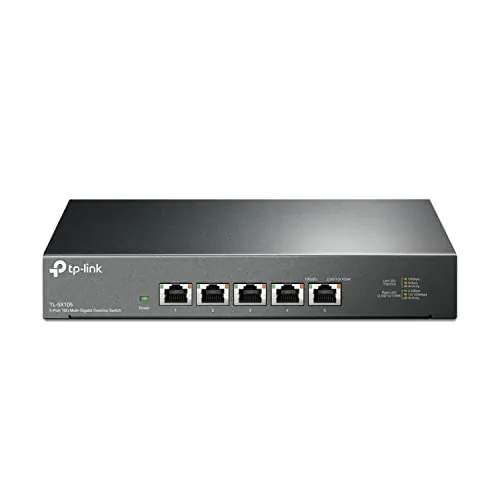
TP-Link TL-SG105S-M2 vs TL-SX105: Choose by Endpoint Speed and Setup
Both are five-port, fanless desktop/wall-mount switches, but their port ranges serve different links: TL-SG105S-M2 negotiates up to 2.5Gbps, while TL-SX105 also lists 5Gbps and 10Gbps. Before buying, check each endpoint's NIC, the cable run, the path to the router/NAS, and the switch's actual installation footprint. TP-Link's U.S. pages also list different dimensions and power-package wording; verify the hardware revision and box for the exact offer. Port ratings are not measured file-transfer or internet speeds.
Read comparison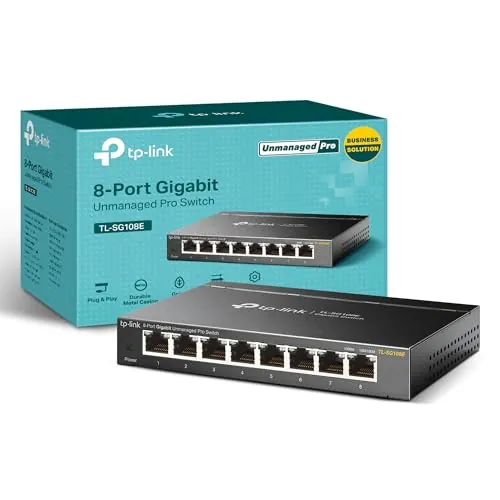
TP-Link TL-SG105S-M2 vs TL-SG108E: 2.5G links or configurable controls?
The five-port TL-SG105S-M2 supports 100 Mbps, 1 Gbps, and 2.5 Gbps links with plug-and-play, unmanaged setup. The eight-port TL-SG108E is a gigabit Easy Smart switch with configurable VLAN, monitoring, and diagnostic functions. Count the router connection and every wired device, then confirm the exact hardware revision before using model-specific setup instructions.
Read comparison