Pickagu

Network Switches

Find your model below to compare what is included and how the differences affect everyday use.

11 comparisons

Network Switches comparisons

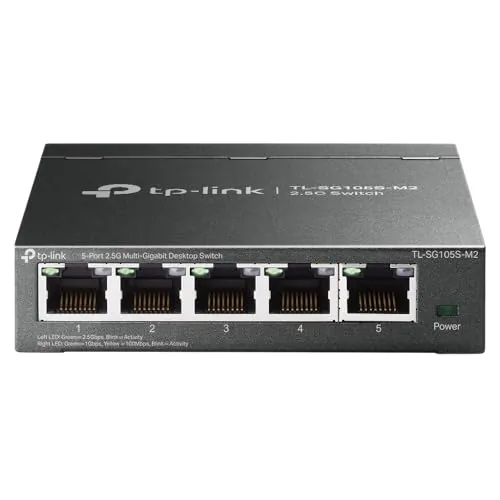
TP-Link TL-SG105S-M2 5-Port 2.5G Multi-Gigabit Desktop Switch · TL-SG105S-M2
TP-Link TL-SG105S-M2 5-Port 2.5G Multi-Gigabit Desktop Switch
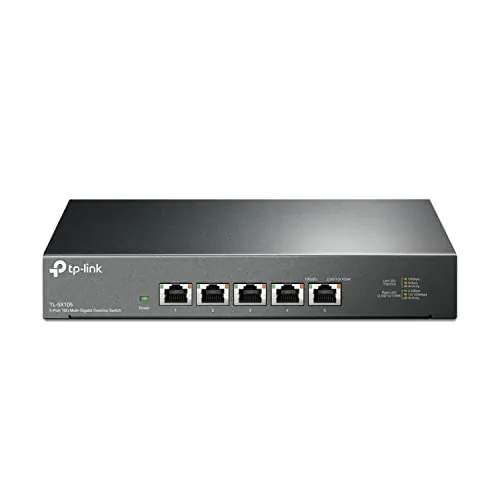
TP-Link TL-SX105 5-Port 10G Desktop Switch · TL-SX105
TP-Link TL-SX105 5-Port 10G Desktop Switch

TP-Link TL-SG105S-M2 vs TL-SX105: Choose by Endpoint Speed and Setup

Both are five-port, fanless desktop/wall-mount switches, but their port ranges serve different links: TL-SG105S-M2 negotiates up to 2.5Gbps, while TL-SX105 also lists 5Gbps and 10Gbps. Before buying, check each endpoint's NIC, the cable run, the path to the router/NAS, and the switch's actual installation footprint. TP-Link's U.S. pages also list different dimensions and power-package wording; verify the hardware revision and box for the exact offer. Port ratings are not measured file-transfer or internet speeds.

Read comparison
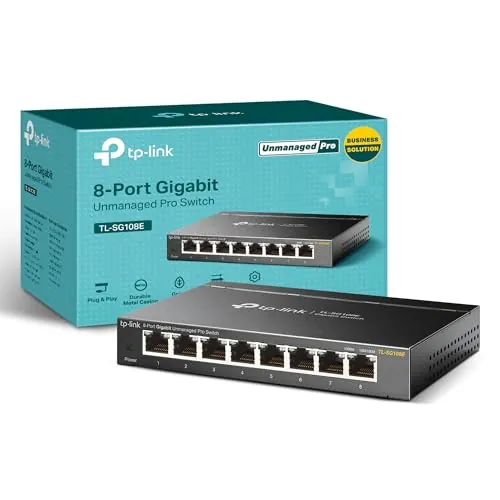
TP-Link TL-SG108E 8-Port Gigabit Easy Smart Switch · TL-SG108E
TP-Link TL-SG108E 8-Port Gigabit Easy Smart Switch
TP-Link TL-SG105 5-Port Gigabit Unmanaged Desktop Switch · TL-SG105
TP-Link TL-SG105 5-Port Gigabit Unmanaged Desktop Switch

TP-Link TL-SG108E vs TL-SG105: Port Count, Easy Smart Controls and Hardware Revisions

Both plain TP-Link switches provide 10/100/1000 Mbps RJ45 ports, a metal enclosure, and plug-and-play setup. With one port used for the uplink, the eight-port TL-SG108E leaves seven direct device ports; the five-port TL-SG105 leaves four. The SG108E adds optional web or utility management, while the unmanaged SG105 still lists automatic QoS and IGMP Snooping. Both are desktop or wall-mountable; their published footprints and package lists differ. TP-Link supports multiple hardware revisions for both models, so check the label on the exact unit before relying on revision-specific features or firmware status.

Read comparison
TP-Link TL-SG105S-M2 5-Port 2.5G Multi-Gigabit Desktop Switch · TL-SG105S-M2
TP-Link TL-SG105S-M2 5-Port 2.5G Multi-Gigabit Desktop Switch
TP-Link TL-SG108E 8-Port Gigabit Easy Smart Switch · TL-SG108E
TP-Link TL-SG108E 8-Port Gigabit Easy Smart Switch

TP-Link TL-SG105S-M2 vs TL-SG108E: 2.5G links or configurable controls?

The five-port TL-SG105S-M2 supports 100 Mbps, 1 Gbps, and 2.5 Gbps links with plug-and-play, unmanaged setup. The eight-port TL-SG108E is a gigabit Easy Smart switch with configurable VLAN, monitoring, and diagnostic functions. Count the router connection and every wired device, then confirm the exact hardware revision before using model-specific setup instructions.

Read comparison
TP-Link TL-SG108E 8-Port Gigabit Easy Smart Switch · TL-SG108E
TP-Link TL-SG108E 8-Port Gigabit Easy Smart Switch
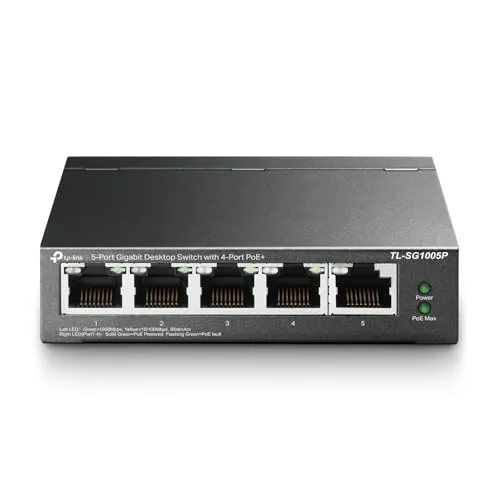
TP-Link TL-SG1005P 5-Port Gigabit Desktop Switch with 4-Port PoE+ · TL-SG1005P
TP-Link TL-SG1005P 5-Port Gigabit Desktop Switch with 4-Port PoE+

TP-Link TL-SG108E vs TL-SG1005P: Eight Configurable Ports or PoE Output?

These two TP-Link switches solve different wiring problems. The eight-port TL-SG108E adds Easy Smart configuration, including VLAN and port diagnostics, but does not provide PoE output. The five-port TL-SG1005P powers compatible endpoints on four ports, but is unmanaged; its per-port limit and total budget depend on hardware revision. Before buying, count the router uplink and all wired devices, then verify the TL-SG1005P revision against every endpoint's PoE requirement.

Read comparison
TP-Link TL-SX105 5-Port 10G Desktop Switch · TL-SX105; hardware revision not identified for selected offer
TP-Link TL-SX105 5-Port 10G Desktop Switch
TP-Link TL-SG108S-M2 8-Port 2.5G Multi-Gigabit Desktop Switch · TL-SG108S-M2; hardware revision not identified for selected offer
TP-Link TL-SG108S-M2 8-Port 2.5G Multi-Gigabit Desktop Switch

TP-Link TL-SX105 vs TL-SG108S-M2: Plan Ports Before Link Speed

Both are unmanaged desktop/wall-mount switches. TL-SX105 has five ports that negotiate up to 10 Gbps; TL-SG108S-M2 has eight ports that negotiate up to 2.5 Gbps. With one ordinary port connected to a router, that leaves four versus seven device connections. Count the whole wired setup and confirm hardware revision, endpoint ports and cable runs before deciding.

Read comparison
TP-Link TL-SG105S-M2 5-Port 2.5G Multi-Gigabit Desktop Switch · TL-SG105S-M2
TP-Link TL-SG105S-M2 5-Port 2.5G Multi-Gigabit Desktop Switch
TP-Link TL-SG108S-M2 8-Port 2.5G Multi-Gigabit Desktop Switch · TL-SG108S-M2
TP-Link TL-SG108S-M2 8-Port 2.5G Multi-Gigabit Desktop Switch

TP-Link TL-SG105S-M2 vs TL-SG108S-M2: Count the Ports You Will Actually Use

The five-port TL-SG105S-M2 leaves four jacks for devices after one router uplink. The eight-port TL-SG108S-M2 leaves seven and is about 58 mm wider and 3 mm deeper. Both are fanless unmanaged 2.5G switches. Count every uplink and leave room for cabling. Check the router, client and cable path for the link rate you want.

Read comparison
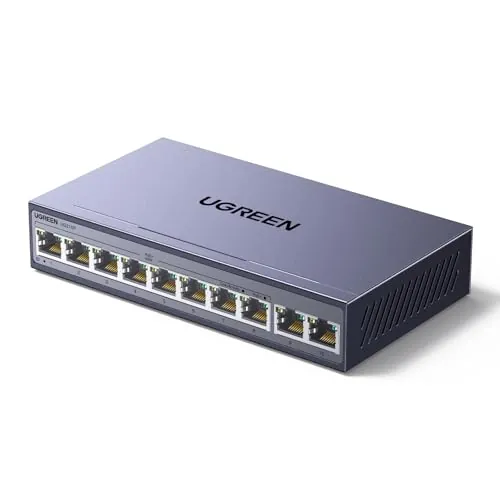
UGREEN Ethernet Switch 35372US, 10-Port PoE+ Gigabit Switch · 35372US
UGREEN Ethernet Switch 35372US, 10-Port PoE+ Gigabit Switch
TP-Link TL-SG105 5-Port Gigabit Unmanaged Switch · TL-SG105 (hardware revision not shown in selected listing)
TP-Link TL-SG105 5-Port Gigabit Unmanaged Switch

UGREEN 35372US vs TP-Link TL-SG105: Ports, PoE and Setup

Count the router connection as a port, then list which endpoints need power over Ethernet. UGREEN 35372US has eight PoE+ Gigabit device ports plus two labeled Gigabit uplinks and a 60W shared PoE budget. TP-Link TL-SG105 has five Gigabit ports, with any port usable as the upstream connection, leaving four client ports in that simple layout; TP-Link’s U.S. materials classify the model as non-PoE. One important listing gap: the assigned TP-Link offer does not state its hardware revision, so verify the unit label before relying on revision-specific dimensions, power adapter or support information.

Read comparison
TP-Link TL-SG108E 8-Port Gigabit Easy Smart Switch · TL-SG108E
TP-Link TL-SG108E 8-Port Gigabit Easy Smart Switch
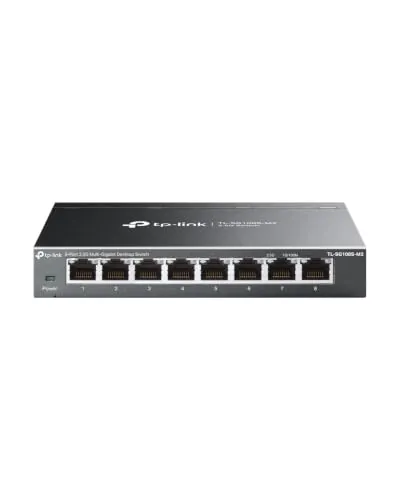
TP-Link TL-SG108S-M2 8-Port 2.5G Multi-Gigabit Desktop Switch · TL-SG108S-M2
TP-Link TL-SG108S-M2 8-Port 2.5G Multi-Gigabit Desktop Switch

TP-Link TL-SG108E vs TL-SG108S-M2: Choose by Link Speed and Management

The eight-port TL-SG108E provides Gigabit Ethernet and Easy Smart VLAN controls. The unmanaged TL-SG108S-M2 has eight ports that can negotiate at up to 2.5 Gbps. Check the ports on your devices and the switch’s hardware revision to see whether faster links or VLAN configuration solve your setup.

Read comparison
TP-Link TL-SG108S-M2 8-Port 2.5G Multi-Gigabit Desktop Switch · TL-SG108S-M2
TP-Link TL-SG108S-M2 8-Port 2.5G Multi-Gigabit Desktop Switch
TP-Link TL-SG105 5-Port Gigabit Desktop Switch · TL-SG105
TP-Link TL-SG105 5-Port Gigabit Desktop Switch

TP-Link TL-SG108S-M2 vs TL-SG105: Map Your Ports Before Upgrading

Both are unmanaged, plug-and-play desktop switches, but the port plan is different: TL-SG108S-M2 lists eight 100 Mbps/1 Gbps/2.5 Gbps ports, while TL-SG105 lists five 10/100/1000 Mbps ports. Before paying for multi-gig, count the switch's router/uplink connection as well as endpoints and check that the devices and the upstream path you want to accelerate also support more than 1 Gbps. TL-SG105 has the smaller manufacturer-listed chassis; verify the exact hardware version and measure the shelf before ordering.

Read comparison
TP-Link TL-SG105S-M2 5-Port 2.5G Multi-Gigabit Desktop Switch · TL-SG105S-M2
TP-Link TL-SG105S-M2 5-Port 2.5G Multi-Gigabit Desktop Switch
UGREEN 35372US 10-Port PoE+ Ethernet Switch · 35372US
UGREEN 35372US 10-Port PoE+ Ethernet Switch

TP-Link TL-SG105S-M2 vs UGREEN 35372US: 2.5G Ports or PoE+ Ports?

The TP-Link TL-SG105S-M2 lists five ports that auto-negotiate at 100 Mbps, 1 Gbps, or 2.5 Gbps. UGREEN's exact 35372US page lists eight PoE+ Gigabit ports and two Gigabit uplinks, with up to 30W per PoE port and a 60W total power budget. Count your connections, match the link rate across the full path, and check every powered device's PoE standard and draw before choosing.

Read comparison
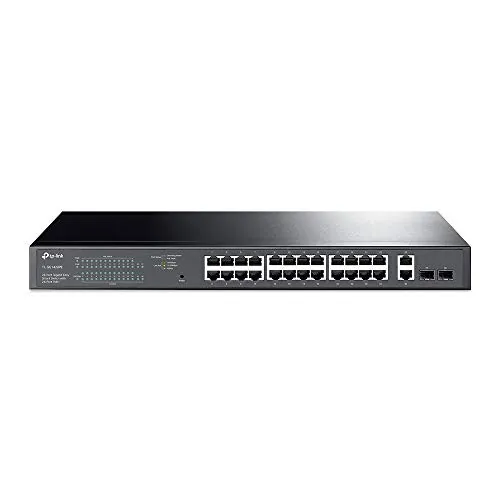
TP-Link TL-SG1428PE 28-Port Gigabit Easy Smart Switch with 24 PoE+ Ports · TL-SG1428PE
TP-Link TL-SG1428PE 28-Port Gigabit Easy Smart Switch with 24 PoE+ Ports
UGREEN 35372US 10-Port PoE Ethernet Switch · 35372US
UGREEN 35372US 10-Port PoE Ethernet Switch

TP-Link TL-SG1428PE vs UGREEN 35372US: PoE Ports, Controls and Placement

The TP-Link TL-SG1428PE lists 24 PoE+ ports, a 250 W total PoE budget, a web-based Easy Smart interface and a 19-inch 1U rack format. UGREEN's exact 35372US lists eight PoE+ ports, a 60 W total budget, a physical selector for three modes and desktop or wall mounting. Count your powered devices, add their stated PoE needs, and match the switch to the way you will configure and place it.

Read comparison