
Products compared
TP-Link
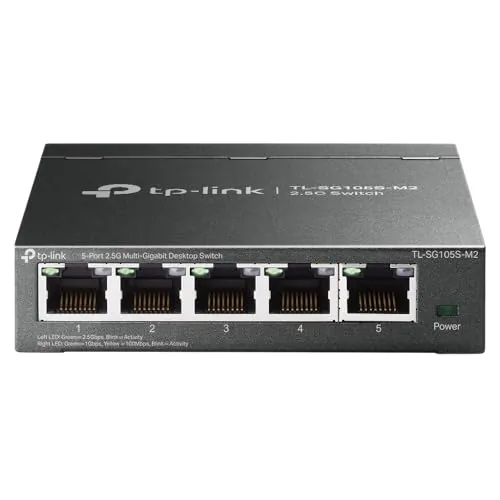
TP-Link TL-SG105S-M2 5-Port 2.5G Multi-Gigabit Desktop Switch
Black, one switch. The U.S. product page lists a power adapter in the box; verify the exact retail offer's hardware revision and included power hardware.
Model TL-SG105S-M2
Amazon ASIN B0CMXXPTVH
TP-Link
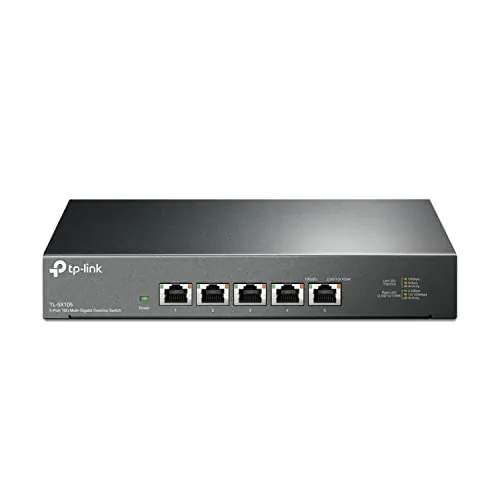
TP-Link TL-SX105 5-Port 10G Desktop Switch
Black, one switch. TP-Link's U.S. specifications list a 12V/2A external-adapter output; its package-content list says power cord. Confirm the exact retail offer's revision and power hardware before purchase.
Model TL-SX105
Amazon ASIN B09CYNHL4S
Differences that matter
Sources for Fastest negotiated port rate you need
Sources for Cable run and negotiated speed
Sources for Desktop or wall placement
Sources for Power connection and what the box lists
Start with the fastest wired endpoint
Both TP-Link switches have five ports, but their negotiation ranges differ. The TL-SG105S-M2 lists 100Mbps, 1Gbps, and 2.5Gbps; the TL-SX105 adds 5Gbps and 10Gbps. If every planned connection is 2.5Gbps or slower, the SX105's higher rates may not solve a current endpoint need. If a NAS, workstation, or access point has a faster NIC you intend to use, the M2's port ceiling is the deciding limitation.
Map each link separately: endpoint NIC → Ethernet run → switch port → uplink/router or NAS. The negotiated speed depends on every relevant connection in that path. A 10G switch port does not turn a 1G endpoint or internet plan into 10G, and the published rate is not a file-transfer test.
Check the cable run, not only the switch label
TP-Link says the M2's 2.5G use case can work with Cat5e, Cat6, Cat6a, or higher-category cable. For the SX105, TP-Link says Cat6a or higher supports 10G connections up to 100 meters and notes that cable type/quality and client limitations affect the result. Those conditions matter most when you are choosing the 5G/10G model for an existing in-wall run.
If the installed cable category or length is unknown, verify the run and current hardware-version documentation before treating 10G as achievable. The SX105 page's theoretical diagrams and rated ports are manufacturer claims, not an independent throughput test.
Measure the installation and verify its power hardware
TP-Link lists the M2 at 99.8 × 98 × 25 mm and the SX105 at 226 × 131 × 35 mm (W × D × H). Both pages describe fanless metal switches for desktop or wall mounting. Measure the actual surface or cabinet and leave room for connected cables; the published body dimensions alone cannot establish fit in your installation.
The M2 specification lists a 9V/0.6A external-adapter output and its U.S. package list names a power adapter. The SX105 lists 12V/2.0A output and its package list names a power cord. Because TP-Link's package terms differ, confirm what the exact seller offer includes and check the label on the unit's hardware revision. These output ratings are not consumption measurements or physical adapter sizes.
Use the hardware-version page for the unit you receive
TP-Link's U.S. support pages list multiple hardware versions for both the TL-SG105S-M2 and TL-SX105 and warn that availability varies by region. The current support landing pages do not map either selected Amazon ASIN to a particular revision. After identifying the version on the unit or exact offer, use that revision's matching documentation rather than transferring a revision-specific statement from another version.
The model-level port and setup guidance above is bounded to TP-Link's current U.S. product-page specifications. No speed, latency, reliability, heat, or noise winner is claimed.
Product details
TP-Link TL-SG105S-M2 5-Port 2.5G Multi-Gigabit Desktop Switch
- Port negotiation
- Five RJ-45 ports auto-negotiate at 100Mbps, 1Gbps, or 2.5Gbps. Source
- Published body size and mounting
- 99.8 × 98 × 25 mm (W × D × H); TP-Link lists desktop/wall mounting and fanless construction. Source
- External supply output
- 9 VDC / 0.6 A; this is the listed adapter output, not a power-consumption measurement or adapter-brick dimension. Source
TP-Link TL-SX105 5-Port 10G Desktop Switch
- Port negotiation
- Five RJ-45 ports auto-negotiate at 100Mbps, 1Gbps, 2.5Gbps, 5Gbps, or 10Gbps. Source
- Published body size and mounting
- 226 × 131 × 35 mm (W × D × H); TP-Link lists desktop/wall mounting and fanless construction. Source
- External supply output
- 12 VDC / 2.0 A; this is the listed adapter output, not a power-consumption measurement or adapter-brick dimension. Source
Before you buy
Community discussions
Matching the switch to the desk and nearby equipment
TP-Link TL-SG105S-M2 5-Port 2.5G Multi-Gigabit Desktop Switch
A buyer shortlisting the TL-SG105S-M2 wanted to fit a switch near a PC, NAS and printer and compared its footprint with another TP-Link model.
What to check
List the ports you expect to use and the link speed each wired device supports. Leave room for the power plug, cable bends and access to the ports.
Common questions
Will the TL-SX105 make my computer or internet plan run at 10Gbps?
Not by itself. TP-Link lists 10Gbps auto-negotiation on the SX105 ports, but the connected computer/NAS port, cable run, other links in the local path, and the network service/router path also matter. This specification is a port capability, not a measured file-transfer or internet speed.TL-SX105 | 5-Port 10G Desktop Switch
Can I use my existing Ethernet cable with either switch?
TP-Link's M2 page lists Cat5e and higher categories for its 2.5G scenario. Its SX105 page says Cat6a or higher cable supports 10G connections up to 100 meters and cautions that cable quality/type and client limits affect actual speed. Check your installed cable category and length for the exact link instead of assuming the switch headline rate.TL-SG105S-M2 | 5-Port 2.5G Multi-Gigabit Desktop SwitchTL-SX105 | 5-Port 10G Desktop Switch
Which model fits a small desk or wall location?
TP-Link lists the M2 at 99.8 × 98 × 25 mm and the SX105 at 226 × 131 × 35 mm, and lists desktop/wall mounting for both. Measure the space for the switch and cables. The product-page measurements do not include your cable bend clearance, and the selected retail units' exact hardware revisions are unknown.TL-SG105S-M2 | 5-Port 2.5G Multi-Gigabit Desktop SwitchTL-SX105 | 5-Port 10G Desktop SwitchDownload for TL-SG105S-M2Download for TL-SX105
Sources and scope
This is a manufacturer-specification and network-fit comparison, not a throughput, latency, reliability, noise, or installation test. TP-Link's U.S. support pages list multiple hardware versions for both models and say availability varies by region; the retail ASINs in this pair are not mapped to a specific revision. Use the exact unit's hardware-version marking and its matching support page before relying on revision-specific details. TP-Link's current model pages list different power-in-box terms for the two switches, so confirm the seller's actual package if the power lead/adapter form matters. No adapter brick dimensions or actual power consumption are inferred.
Related comparisons
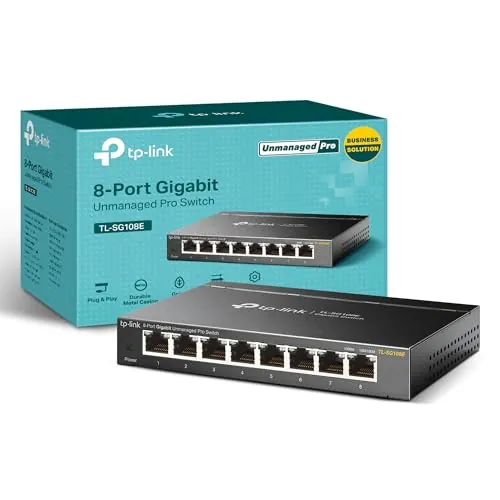
TP-Link TL-SG105S-M2 vs TL-SG108E: 2.5G links or configurable controls?
The five-port TL-SG105S-M2 supports 100 Mbps, 1 Gbps, and 2.5 Gbps links with plug-and-play, unmanaged setup. The eight-port TL-SG108E is a gigabit Easy Smart switch with configurable VLAN, monitoring, and diagnostic functions. Count the router connection and every wired device, then confirm the exact hardware revision before using model-specific setup instructions.
Read comparison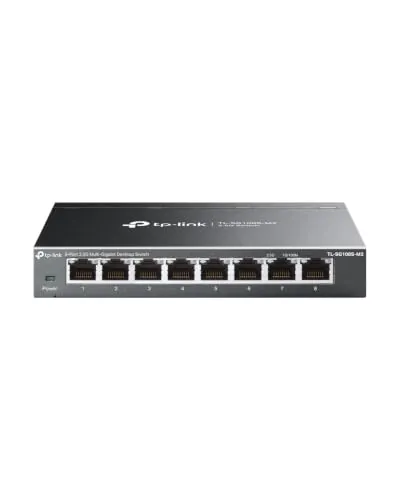
TP-Link TL-SX105 vs TL-SG108S-M2: Plan Ports Before Link Speed
Both are unmanaged desktop/wall-mount switches. TL-SX105 has five ports that negotiate up to 10 Gbps; TL-SG108S-M2 has eight ports that negotiate up to 2.5 Gbps. With one ordinary port connected to a router, that leaves four versus seven device connections. Count the whole wired setup and confirm hardware revision, endpoint ports and cable runs before deciding.
Read comparison