Pickagu

Keyboard Mouse Combos

Find your model below to compare what is included and how the differences affect everyday use.

4 comparisons

Keyboard Mouse Combos comparisons

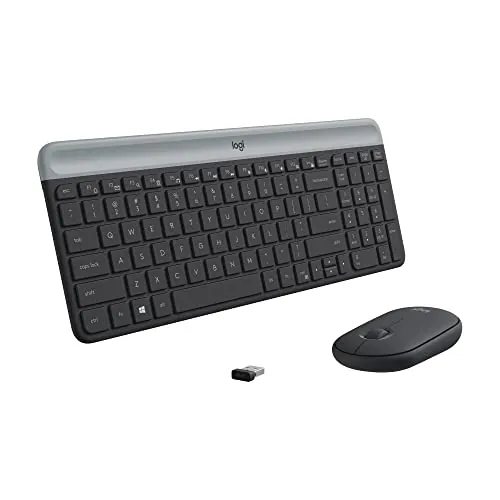
Logitech MK470 Slim Wireless Combo, Graphite · MK470 / 920-009437
Logitech MK470 Slim Wireless Combo, Graphite
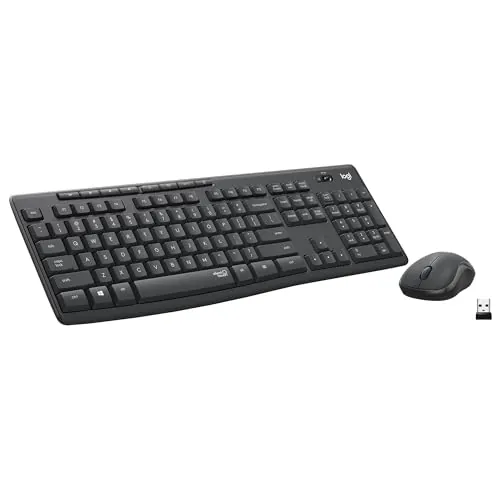
Logitech MK295 Silent Wireless Combo, Graphite · MK295 / 920-009782
Logitech MK295 Silent Wireless Combo, Graphite

Logitech MK470 vs MK295: Compact Number Pad or Full-Size Layout?

The Logitech MK470 and MK295 are both Graphite keyboard-and-mouse combos with a number pad, but the keyboard takes a different amount of desk space and uses a different key construction. MK470 pairs a compact number-pad layout and low-profile scissor keys with 12 FN shortcuts. MK295 uses a full-size layout, plunger keys and 8 convenience shortcuts plus media hotkeys. Logitech lists a 2.4 GHz non-Unifying USB-A receiver for both, so neither is a Bluetooth or Unifying-receiver choice. Both use replaceable AA/AAA batteries with the same stated keyboard and mouse life estimates; those are manufacturer figures, not a comparative battery test.

Read comparison
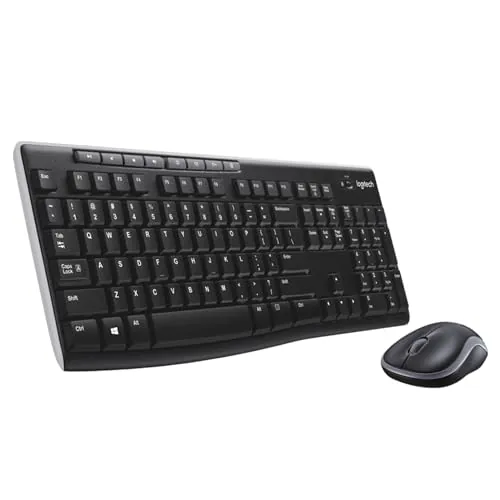
Logitech MK295 Silent Wireless Combo · 920-009782
Logitech MK295 Silent Wireless Combo
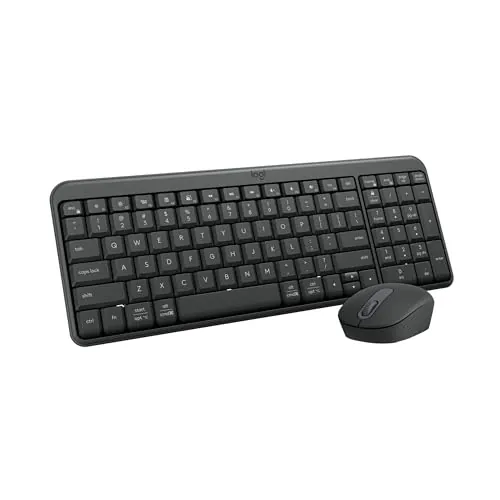
Logitech MK250 Compact Bluetooth Wireless Combo · 920-013510
Logitech MK250 Compact Bluetooth Wireless Combo

Logitech MK295 920-009782 vs MK250 920-013510: USB Receiver or Bluetooth?

Both Logitech sets include a keyboard and mouse with a number pad on the keyboard. The practical difference is how they connect and how much keyboard space you want: MK295 920-009782 shares one USB-A 2.4 GHz receiver and uses a full-size keyboard with eight shortcuts, while MK250 920-013510 uses Bluetooth without a dongle and a compact keyboard. MK250’s K250 keyboard and M196 mouse are paired separately, so check that setup and your operating-system shortcuts before buying.

Read comparison
Logitech MK470 Slim Wireless Combo, Graphite · MK470 / 920-009437
Logitech MK470 Slim Wireless Combo, Graphite
Logitech MK250 Compact Bluetooth Wireless Combo, Graphite · MK250 / 920-013510
Logitech MK250 Compact Bluetooth Wireless Combo, Graphite

Logitech MK470 vs MK250: Key Profile, Bluetooth and Desk Setup

The Graphite Logitech MK470 (920-009437) and MK250 (920-013510) both keep a number pad in a compact keyboard-and-mouse set, but they connect differently. MK470 uses a 2.4 GHz non-Unifying USB-A receiver and low-profile scissor keys. MK250 uses Bluetooth LE with a Logi K250 keyboard and M196 mouse that you pair separately, and Logitech describes its keys as deep-profile. Check the computer's available connection, the key style you prefer and the separate component measurements before ordering.

Read comparison
Logitech MK270 Wireless Combo (U.S. Black) · MK270 · 920-008813
Logitech MK270 Wireless Combo (U.S. Black)
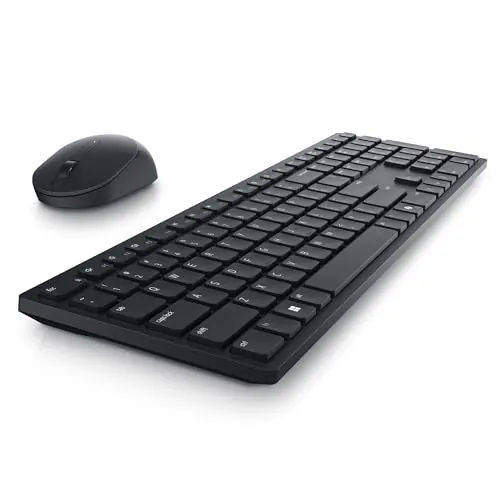
Dell Advanced Wireless Keyboard and Mouse KM520 · KM520
Dell Advanced Wireless Keyboard and Mouse KM520

Logitech MK270 vs Dell KM520: Host Support, Receiver Setup, and Keys

Both are 2.4 GHz receiver-based keyboard-and-mouse combos. Logitech’s exact U.S. MK270 part 920-008813 explicitly lists Windows 7/8 and eight media controls. Dell’s KM520 guide names a broader current host list and describes a conditional Copilot key plus shortcuts configurable through Dell Display and Peripheral Manager. Match your host, available USB port, and preferred key workflow; verify the exact Dell listing variant before relying on its package details.

Read comparison