Pickagu

Label Makers

Find your model below to compare what is included and how the differences affect everyday use.

34 comparisons

Label Makers comparisons

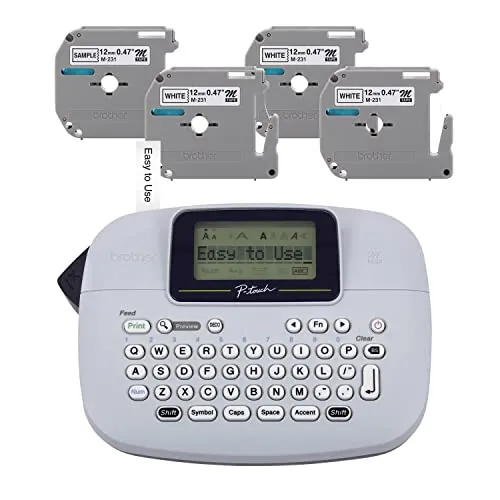
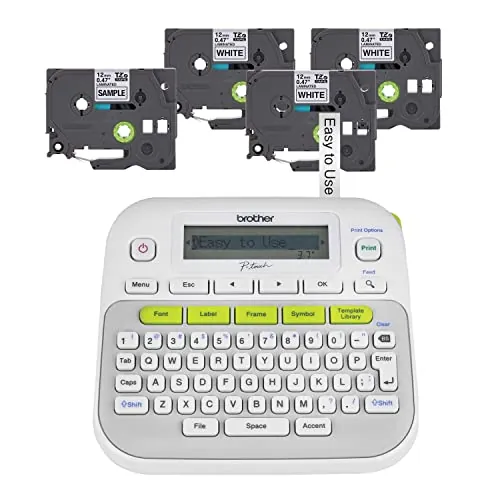
Brother P-touch PT-D210BP Label Maker Bundle · PT-D210BP bundle / PT-D210 label maker
Brother P-touch PT-D210BP Label Maker Bundle
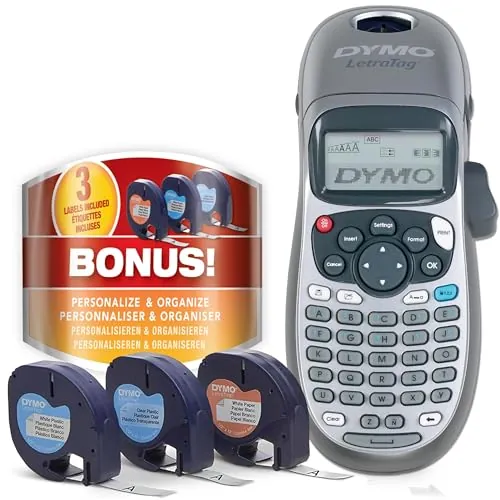
DYMO LetraTag 100H Plus Label Maker Bundle, Silver · LetraTag 100H Plus, item 2174562
DYMO LetraTag 100H Plus Label Maker Bundle, Silver

Brother PT-D210BP vs DYMO LetraTag 100H Plus: Tape and Controls

The Brother PT-D210BP supports four TZe tape widths and gives you a QWERTY keyboard with a dedicated preview key. The DYMO LetraTag 100H Plus uses 12 mm LT cassettes; its exact 2174562 bundle lists paper and plastic starter cassettes plus a magnetic holder. Check the refill family and box contents before buying: the two systems are not interchangeable.

Read comparison
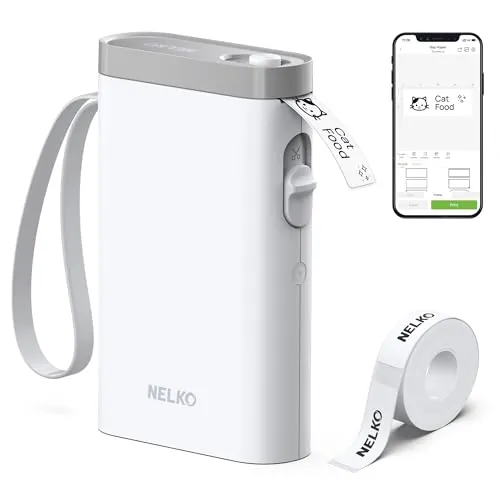
NELKO P21 Portable Bluetooth Label Printer, White · P21
NELKO P21 Portable Bluetooth Label Printer, White
DYMO LetraTag 100H+ Handheld Label Maker Bundle, Silver, Item 2174562 · LetraTag 100H+ (item 2174562, silver bundle of 3 cassettes)
DYMO LetraTag 100H+ Handheld Label Maker Bundle, Silver, Item 2174562

NELKO P21 vs DYMO LetraTag 100H+ 2174562: Phone or Keypad?

The white NELKO P21 connects to the NELKO phone app over Bluetooth and uses a rechargeable 1200 mAh battery charged by Type-C. Its current manufacturer page lists a 14 × 40 mm roll, cable and manual in the box. DYMO item 2174562 is the silver LetraTag 100H+ bundle with three 12 mm LT cassettes, a magnetic holder and documentation; the LT100H guide describes local key-and-LCD entry and four AA alkaline batteries. Pick by where you want to compose labels, the size/media format you need, and whether you prefer recharging or replacing cells.

Read comparison
Nelko P21 Portable Bluetooth Label Printer (White) · P21
Nelko P21 Portable Bluetooth Label Printer (White)
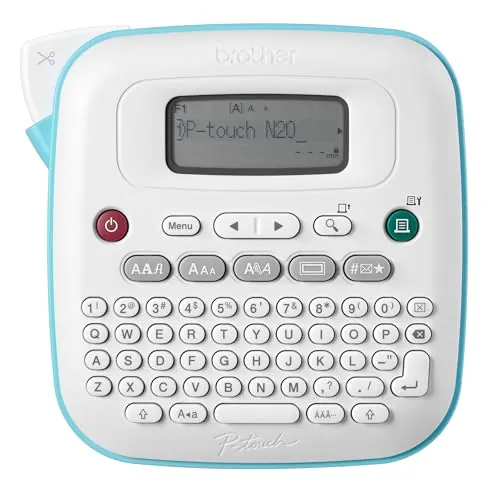
Brother P-touch PT-N20 Personal Desktop Label Maker (White) · PT-N20
Brother P-touch PT-N20 Personal Desktop Label Maker (White)

Nelko P21 vs Brother PT-N20: Phone App or Built-In Keyboard?

The white Nelko P21 connects to the NELKO phone app over Bluetooth and prints on P21-compatible thermal rolls. Brother's white PT-N20 works from its own QWERTY keyboard and display and accepts Brother Btag 12 mm tape only. Decide first whether you want a phone-based design workflow or standalone typing, then verify the replacement-media format and the exact kit contents before ordering.

Read comparison
NELKO P21 Portable Bluetooth Label Printer (White) · P21
NELKO P21 Portable Bluetooth Label Printer (White)
Brother P-touch PT-M95 Label Maker Bundle (PTM95BP) · PT-M95 / PTM95BP bundle offer
Brother P-touch PT-M95 Label Maker Bundle (PTM95BP)

Nelko P21 vs Brother PT-M95: App, Keyboard and Tape Choice

The white Nelko P21 is a phone-first Bluetooth label printer for P21-series rolls; the Brother PT-M95 puts a QWERTY keyboard and 12-character display on the device and uses non-laminated Brother M tapes in 9 or 12 mm widths. Their power routines differ too: the P21 has a rechargeable USB-C battery, while Brother’s manual calls for four AAA alkaline batteries. Pick by the device you want to type on and media you can keep buying. Brother lists four black-on-white M tapes in the PTM95BP bundle.

Read comparison
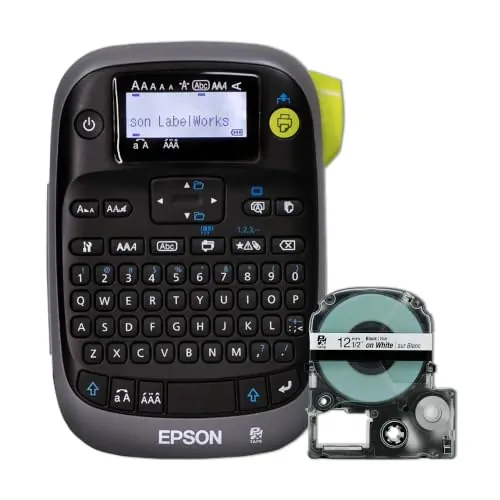
Epson LABELWORKS LW-PX300 · LW-PX300
Epson LABELWORKS LW-PX300
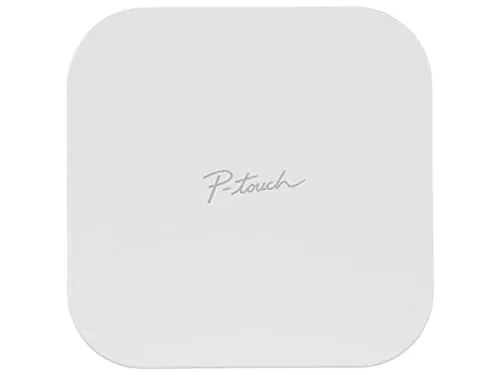
Brother P-touch CUBE PT-P300BT (White) · PT-P300BT
Brother P-touch CUBE PT-P300BT (White)

Epson LW-PX300 vs Brother P-touch CUBE PT-P300BT: Keyboard or Phone-App Workflow?

The Epson LABELWORKS LW-PX300 has its own character keys and display, supports dedicated PX tapes in listed 6, 9, 12 and 18 mm widths, and includes a starter cartridge. The white Brother PT-P300BT is keyboard-less and makes labels through the Design&Print2 app on a compatible phone or tablet, using TZe tapes up to 12 mm; its carton lists a starter tape and AC adapter. Pick by where you want to compose labels and the exact tape family your project needs.

Read comparison
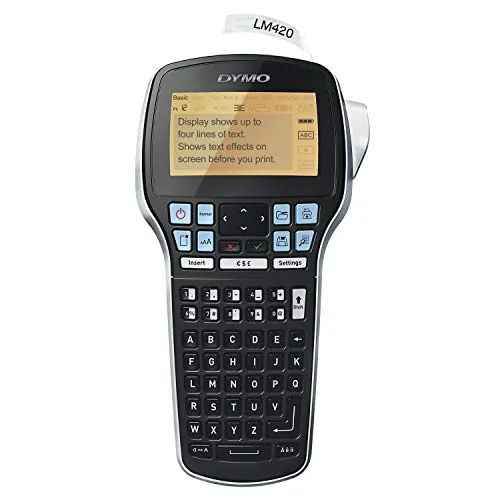
DYMO LabelManager 420P Label Maker · LabelManager 420P (item 1768815)
DYMO LabelManager 420P Label Maker
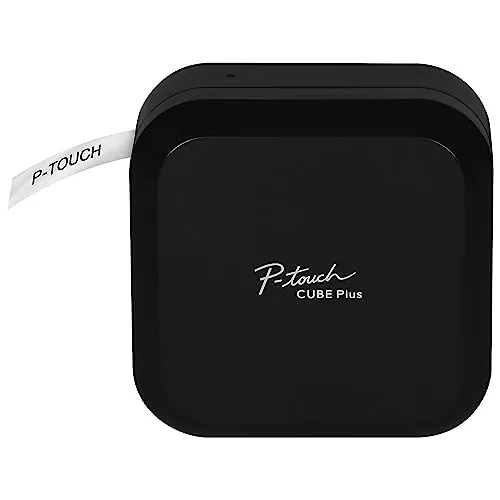
Brother P-touch CUBE Plus PT-P710BT Bluetooth Label Maker · PT-P710BT
Brother P-touch CUBE Plus PT-P710BT Bluetooth Label Maker

DYMO LabelManager 420P vs Brother P-touch CUBE Plus PT-P710BT: Keyboard or App?

The DYMO LabelManager 420P has its own keyboard and display for standalone label entry, uses D1 tape up to 19 mm, and its current U.S. product page lists a rechargeable battery, charging adapter and USB cable. Brother's keyboard-less PT-P710BT uses phone or tablet apps over Bluetooth and P-touch Editor over USB, with TZe tapes up to 24 mm. Choose by how you compose labels, the tape already on your shelf, and the width you need.

Read comparison
Brother P-touch CUBE Plus PT-P710BT Bluetooth Label Maker, Black · PT-P710BT
Brother P-touch CUBE Plus PT-P710BT Bluetooth Label Maker, Black
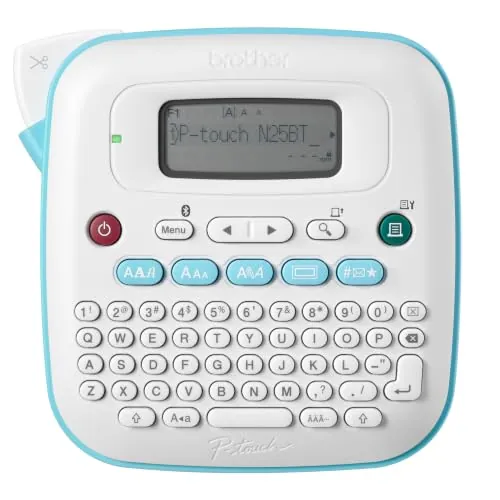
Brother P-touch PT-N25BT Personal Connected Label Maker, White and Blue · PT-N25BT
Brother P-touch PT-N25BT Personal Connected Label Maker, White and Blue

Brother PT-P710BT vs PT-N25BT: Choose by Tape and Input Style

Both Brother label makers support Design&Print 2 from a mobile device, but their physical workflow and media differ. The PT-N25BT adds a QWERTY keyboard and preview screen while using only 12 mm Btag tape. The keyboardless PT-P710BT uses TZe tape up to 24 mm and supports desktop P-touch Editor through its included USB cable. Check your tape cassette, required width, and host connection before buying.

Read comparison
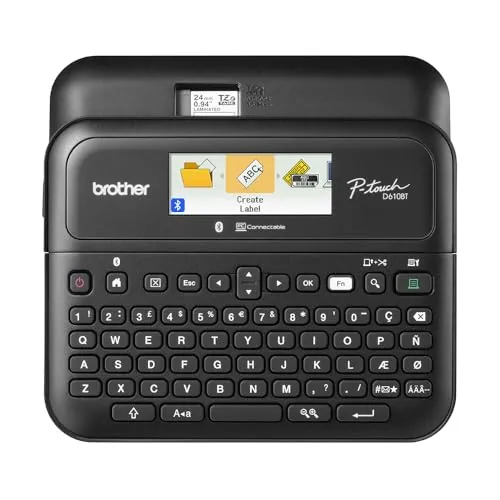
Brother P-touch PT-D610BT Business Professional Connected Label Maker · PT-D610BT
Brother P-touch PT-D610BT Business Professional Connected Label Maker
Brother P-touch CUBE Plus PT-P710BT Bluetooth Connected Label Maker · PT-P710BT
Brother P-touch CUBE Plus PT-P710BT Bluetooth Connected Label Maker

Brother PT-D610BT vs PT-P710BT: On-Printer Keyboard or App-First Labels?

Both exact US Brother models use TZe tape up to 24 mm. The practical choice is where you compose a label: the PT-D610BT has a QWERTY keyboard and two-line color display, while the PT-P710BT has no screen or keyboard and is driven from Brother mobile apps or P-touch Editor on a computer. Their Brother US standard-box contents and power paths also differ; check the seller's carton before assuming it matches Brother's standard list.

Read comparison
Brother P-touch PT-N20 Personal Desktop Label Maker · PT-N20 / PTN20
Brother P-touch PT-N20 Personal Desktop Label Maker
Brother P-touch PT-N25BT Personal Connected Label Maker · PT-N25BT / PTN25BT
Brother P-touch PT-N25BT Personal Connected Label Maker

Brother PT-N20 vs PT-N25BT: Keyboard Labels or Optional Phone Layouts?

These two U.S. Brother Btag machines share a QWERTY keyboard, 16-character display, ten saved-label slots and 12 mm Btag tape. The PT-N25BT's Bluetooth Design&Print 2 app adds templates and layout options, but it is not an app-only printer. Decide whether you have a recurring project that benefits from designing on a phone, and check that your phone or tablet is supported before relying on the app.

Read comparison