Pickagu

Power Strips

Find your model below to compare what is included and how the differences affect everyday use.

7 comparisons

Power Strips comparisons

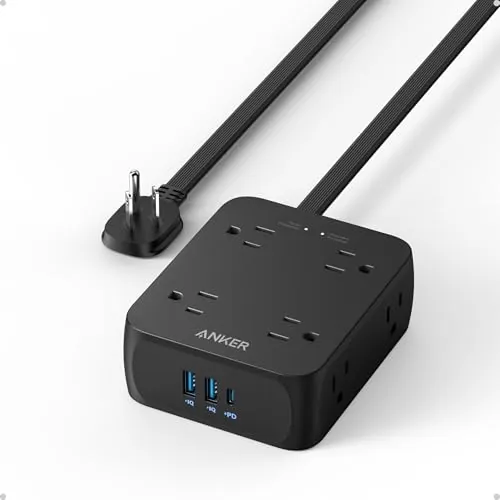
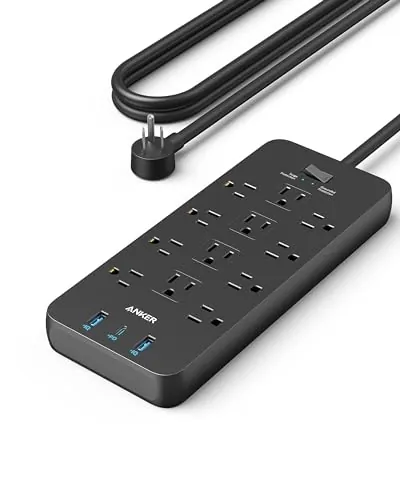
Anker 351 Power Strip, A9192, Black, 5 ft · A9192
Anker 351 Power Strip, A9192, Black, 5 ft
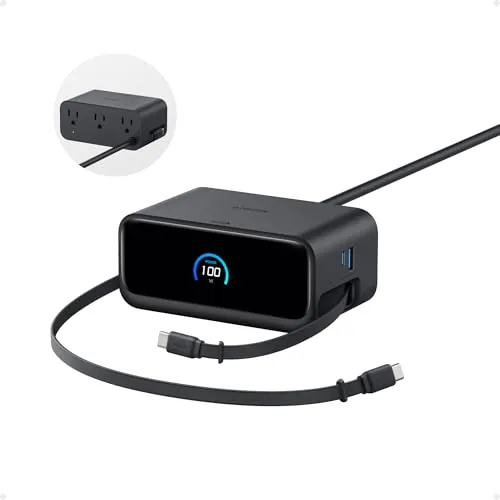
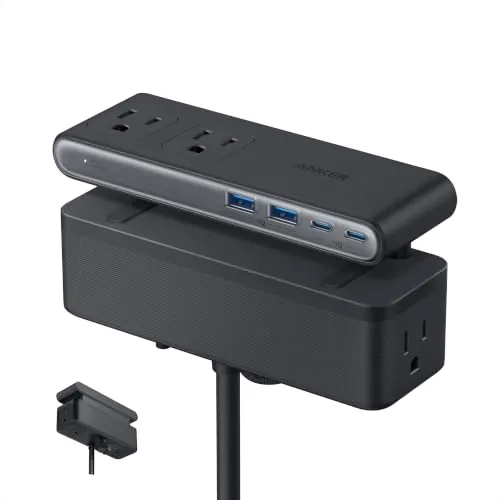
Anker Nano Power Strip (10-in-1, 70W, Clamp), A9196, Black · A9196
Anker Nano Power Strip (10-in-1, 70W, Clamp), A9196, Black

Anker 351 A9192 vs Nano Clamp A9196: Outlets, USB Sharing, and Desk Fit

Anker 351 A9192 is a flat, wall-mountable strip with twelve AC outlets, one USB-C and two USB-A ports. Nano A9196 puts six AC outlets across a desk clamp and adds two USB-C plus two USB-A ports, with up to 70 W available from one USB-C port under the stated conditions. Compare how many AC adapters you need, where plugs must sit, and what the USB ports deliver when used together. Measure the desk edge and the 2.61-inch body below it before relying on the clamp.

Read comparison
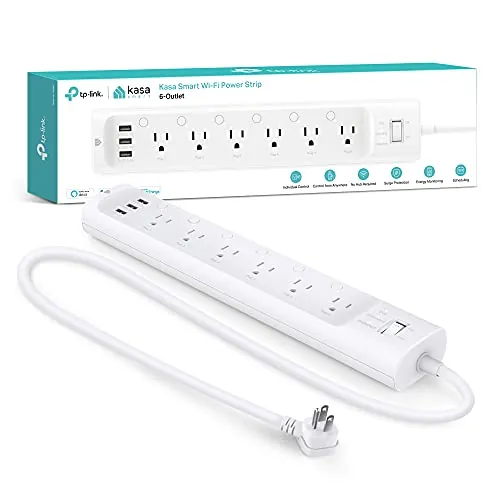
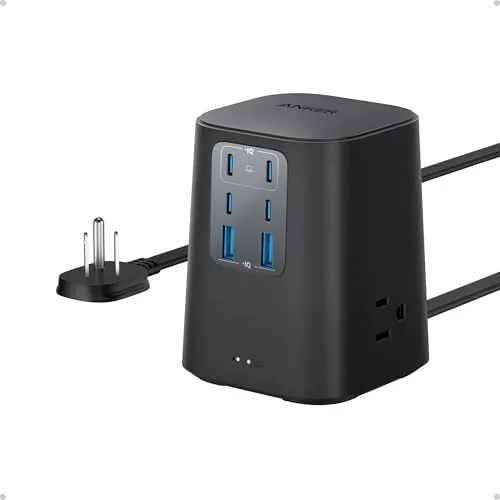
Kasa Smart Wi-Fi Power Strip, 6-Outlets · HS300
Kasa Smart Wi-Fi Power Strip, 6-Outlets
Anker 351 Power Strip · A9192
Anker 351 Power Strip

Kasa HS300 vs Anker 351 A9192: Smart Outlets or 12 AC Positions?

These strips share a 15 A / 1,875 W maximum AC load, so Anker's twelve sockets do not raise the combined limit. Kasa HS300 adds six independently controlled outlets, schedules and energy-use viewing over secured 2.4 GHz Wi-Fi. Anker A9192 provides twelve AC outlets plus USB-C and USB-A charging; its 20 W USB-C output depends on whether the USB-A ports are in use.

Read comparison
Anker Charging Station (9-in-1, 100W) · A91C6
Anker Charging Station (9-in-1, 100W)
Anker Nano Charging Station (7-in-1, 100W) · A91C8
Anker Nano Charging Station (7-in-1, 100W)

Anker A91C6 vs Nano A91C8: USB Cable Reach and Shared Power

The A91C6 has four USB-C sockets and two USB-A sockets for cables you choose. The Nano A91C8 has two retractable USB-C leads up to around 2.33 ft, one separate USB-C socket and one USB-A socket. Both list a 100W maximum across USB. Measure the device-to-station cable routes and check how the power is shared when several devices are connected.

Read comparison
Anker 341 USB Power Strip · A9183
Anker 341 USB Power Strip
Anker 351 Power Strip · A9192
Anker 351 Power Strip

Anker 341 A9183 vs Anker 351 A9192: Outlet Count, USB Sharing and Placement

The Anker 341 A9183 lists 8 AC outlets; the Anker 351 A9192 lists 12. Both list one USB-C port, two USB-A ports, a 5-foot cord and the same 125 V / 15 A / 1,875 W AC ceiling. USB behavior differs: A9183 lists 15 W shared across USB ports when multiple are used, while A9192's 20 W USB-C maximum is available only when both USB-A ports are unused. Choose by outlet count and actual setup, not the product series number.

Read comparison
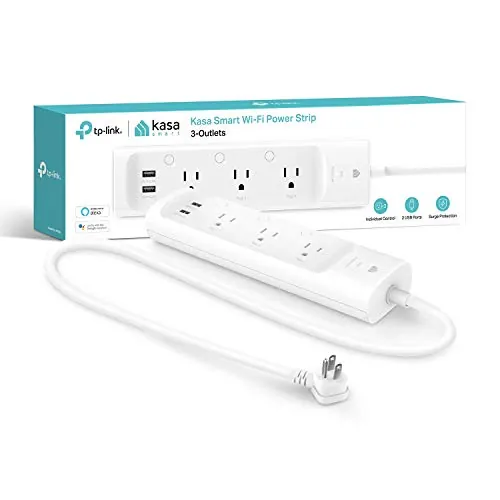
Kasa Smart Wi-Fi Power Strip, 3-Outlets · KP303
Kasa Smart Wi-Fi Power Strip, 3-Outlets
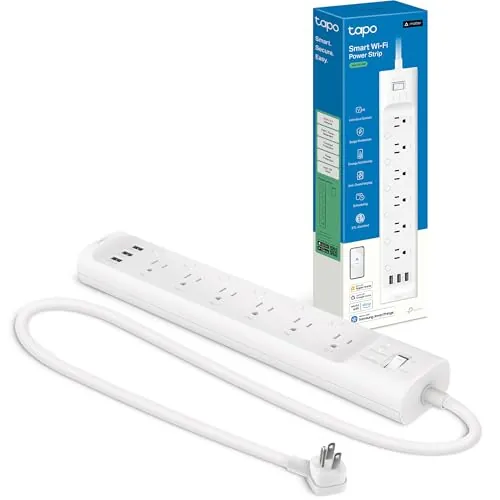
Tapo Smart Wi-Fi Power Strip · P316M (US, 1-pack; V1 page)
Tapo Smart Wi-Fi Power Strip

Kasa KP303 vs Tapo P316M: Switched Outlets, Matter and Placement

Both models are indoor smart power strips with a manufacturer-listed 15 A, 1,875 W maximum total load. Kasa KP303 has three independently controlled AC outlets and two always-on USB ports; Tapo P316M has six independently controlled AC outlets and three always-on USB ports. The USB ports are charging ports, not extra switched AC outlets. P316M adds documented Matter setup and per-outlet energy monitoring in Tapo; KP303 documents Kasa-app control, schedules, Alexa and Google Assistant. Count the AC devices you need to switch, check the chosen app or Matter controller, then measure the strip body and cord route.

Read comparison
Anker Nano Power Strip (10-in-1, 70W, Clamp) · A9196
Anker Nano Power Strip (10-in-1, 70W, Clamp)
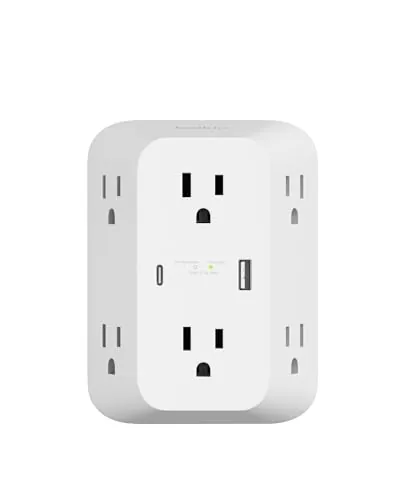
Belkin 6-Outlet Wall Surge Protector with USB-C and USB-A · SRA008p6tt
Belkin 6-Outlet Wall Surge Protector with USB-C and USB-A

Anker Nano A9196 vs Belkin SRA008p6tt: Clamp-On or Wall-Plug Power?

Both exact U.S. models list six AC outlets, but they serve different spaces: Anker A9196 clamps to a compatible desk edge and adds four USB ports, while Belkin SRA008p6tt plugs directly into a wall receptacle and has two USB ports. Anker publishes detailed multi-port USB output allocations; Belkin lists 22.5W maximum total across its USB-C and USB-A ports but does not publish their allocation on the checked page. This supports a placement and port-fit decision, not a charging-speed or surge-protection winner.

Read comparison