Pickagu

Smart Locks

Find your model below to compare what is included and how the differences affect everyday use.

11 comparisons

Smart Locks comparisons

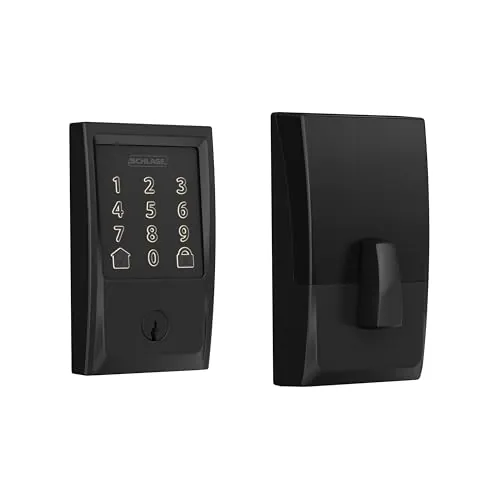
Schlage Encode Smart WiFi Deadbolt with Century Trim, Matte Black · BE489WB Century (CEN 622 / BE489WBCEN622)
Schlage Encode Smart WiFi Deadbolt with Century Trim, Matte Black
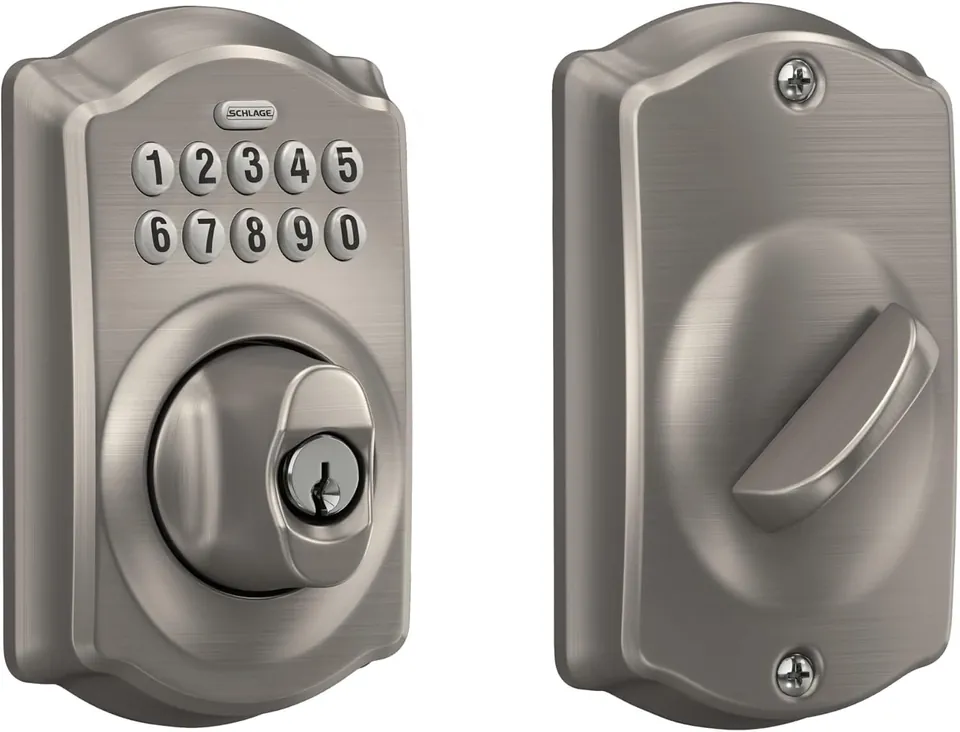
Schlage Keypad Deadbolt with Camelot Trim, Satin Nickel · BE365 Camelot (CAM 619 / BE365VCAM619)
Schlage Keypad Deadbolt with Camelot Trim, Satin Nickel

Schlage Encode BE489WB Century Matte Black vs BE365 Camelot Satin Nickel

Both are battery-powered Schlage keypad deadbolts, but their daily routines differ. The Encode BE489WB can manage up to 100 codes remotely through Schlage Home when paired and connected to 2.4 GHz Wi-Fi; optional auto-lock also needs app and Wi-Fi setup. The BE365 Camelot manages codes at the lock and requires a manual outside thumbturn after entry. Before ordering either, measure door thickness, backset and existing bore preparation against Schlage’s exact model guide.

Read comparison
eufy Security Smart Lock C220, Black · T8506
eufy Security Smart Lock C220, Black
Schlage BE365 Camelot Keypad Deadbolt, Satin Nickel, Single Pack · BE365VCAM619
Schlage BE365 Camelot Keypad Deadbolt, Satin Nickel, Single Pack

eufy Smart Lock C220 vs Schlage BE365: Fingerprint App or Keypad Deadbolt?

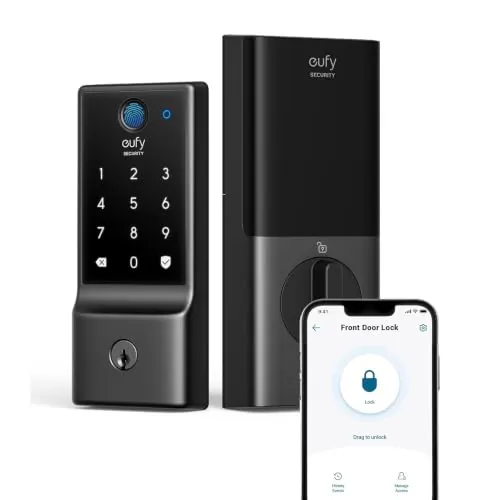
These are two different entry workflows, not a tested security ranking. The assigned eufy C220 is model T8506: fingerprint, touchscreen passcodes, physical key and app access, with eight included AA batteries and an emergency-only USB-C power port. The Schlage BE365 Camelot Satin Nickel listing is model BE365VCAM619: its keypad is local, it uses one 9V battery, and after a valid code the outside thumbturn is still turned by hand. Start with the door: C220 lists a wider supported thickness range, while Schlage's BE365 page gives its own 35–44 mm range; check the exact cross-bore and backset too.

Read comparison
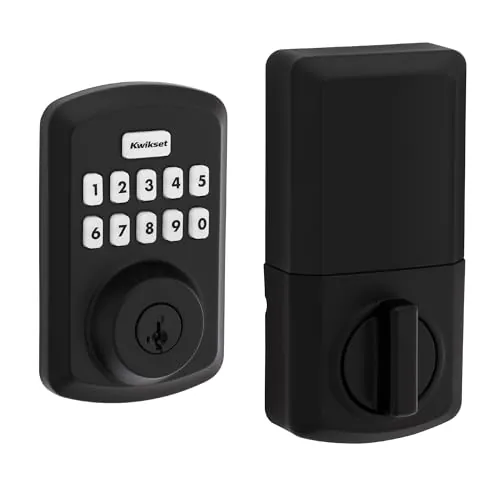
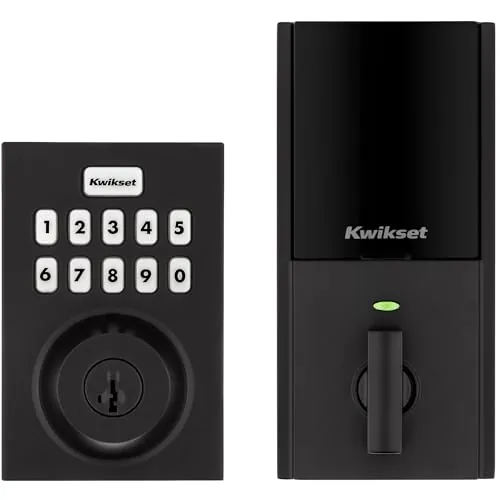
Kwikset Powerbolt 250 Transitional Keypad Electronic Lock · 9250 TRS 514 SMT
Kwikset Powerbolt 250 Transitional Keypad Electronic Lock
Schlage Encode Smart WiFi Deadbolt, Century Trim · BE489WB CEN 622
Schlage Encode Smart WiFi Deadbolt, Century Trim

Kwikset Powerbolt 250 vs Schlage Encode: Keys, Apps and Door Fit

The Kwikset Powerbolt 250 is a keypad-only lock with a manufacturer-documented KW1-compatible SmartKey option. The Schlage Encode BE489 adds built-in 2.4 GHz Wi-Fi and Schlage Home app management, while Schlage documents separate key-matching options through participating retailers or locksmiths. First measure your door and confirm the exact finish and service route before choosing.

Read comparison
Kwikset Powerbolt 250 Transitional Keypad Electronic Lock, Matte Black · 992500-008
Kwikset Powerbolt 250 Transitional Keypad Electronic Lock, Matte Black
eufy Smart Lock C220 · T8506
eufy Smart Lock C220

Kwikset Powerbolt 250 vs eufy Smart Lock C220: Local Keypad or Wi-Fi App?

Kwikset’s Powerbolt 250 is a local keypad deadbolt with a physical key and a documented option to rekey to a compatible KW1 key. The eufy C220 adds fingerprint entry and remote app control over built-in Wi-Fi. Check door thickness, the existing holes and handle clearance before choosing an entry setup.

Read comparison
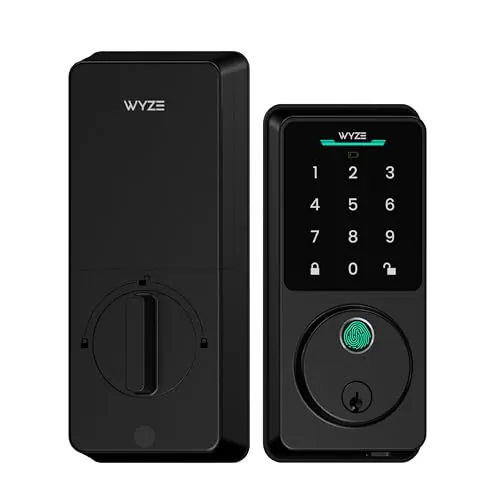
Wyze Lock Bolt v2 — Black · WLCKB2
Wyze Lock Bolt v2 — Black
eufy Smart Lock C30 Contemporary — Black · T85D0
eufy Smart Lock C30 Contemporary — Black

Wyze Lock Bolt v2 vs eufy Smart Lock C30 Contemporary: Entry and Fit

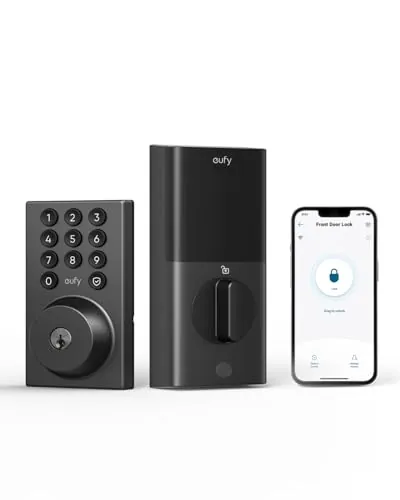
Wyze Lock Bolt v2 adds fingerprint entry and scheduled one-time guest codes. It comes with eight AA batteries and accepts USB-C emergency power for code entry. The eufy C30 Contemporary offers keypad, app, key and voice access and stores up to 100 passcodes. Budget for batteries with the eufy, and check your door against each maker's fit guide before choosing.

Read comparison
Kwikset HomeConnect 620 Z-Wave Long Range Keypad Smart Lock, Matte Black, Contemporary · 98695-007
Kwikset HomeConnect 620 Z-Wave Long Range Keypad Smart Lock, Matte Black, Contemporary
Schlage Encode Smart WiFi Deadbolt with Century Trim, Matte Black · BE489WBCEN622
Schlage Encode Smart WiFi Deadbolt with Century Trim, Matte Black

Kwikset HomeConnect 620 vs Schlage Encode: Hub and Door-Fit Check

The Kwikset HomeConnect 620 (98695-007) is the Z-Wave option: Kwikset says remote access needs a compatible hub, and lists doors up to 2 inches thick. The Schlage Encode Century (BE489WBCEN622) has built-in Wi-Fi for the Schlage Home app on 2.4 GHz; its standard door range ends at 1-3/4 inches, with a separate thick-door kit documented for wider doors. Check your hub or Wi-Fi and measure door thickness and backset before choosing.

Read comparison
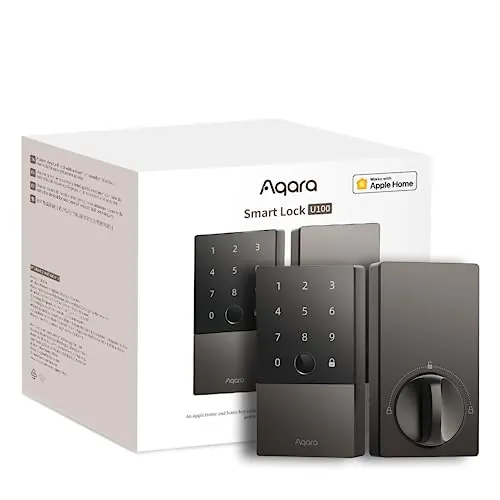
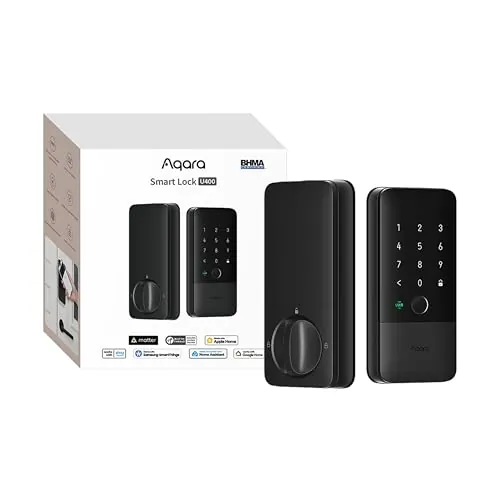
Aqara Smart Lock U400 (Black) · DL-D06E
Aqara Smart Lock U400 (Black)
Kwikset HomeConnect 620 Contemporary Keypad Smart Lock (Matte Black) · 98695-007
Kwikset HomeConnect 620 Contemporary Keypad Smart Lock (Matte Black)

Aqara U400 DL-D06E vs Kwikset HomeConnect 620 98695-007: Entry and Hub Fit

The black Aqara U400 DL-D06E offers several local entry routes, including fingerprint, passcode, Apple Home Key, UWB approach unlock on supported Apple devices, and a mechanical key. The matte-black Kwikset HomeConnect 620 98695-007 is a keyed-side keypad deadbolt built around Z-Wave 700 Long Range and a compatible hub for remote access. Before choosing, verify the specific Aqara phone/watch and software requirements for the entry mode you want, confirm a compatible hub/controller for either connected setup, and measure your door prep against the exact manufacturer's fit guidance.

Read comparison
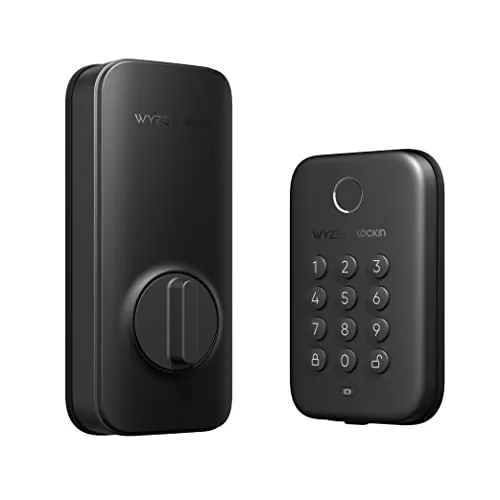
Wyze Auto-Lock Bolt, Matte Black · WLCKB1
Wyze Auto-Lock Bolt, Matte Black
Wyze Auto-Lock Bolt v2, Black · WLCKB2
Wyze Auto-Lock Bolt v2, Black

Wyze Auto-Lock Bolt WLCKB1 vs Bolt v2 WLCKB2: Remote Access, Batteries and Door Fit

The original Wyze Auto-Lock Bolt WLCKB1 is Bluetooth-only for ordinary app control, uses four AA cells and has a keypad USB-C port for brief emergency power. Bolt v2 WLCKB2 adds built-in 2.4 GHz Wi-Fi for remote app lock/unlock and status, but uses eight AA cells and its emergency USB-C cable is not included. Check your existing Wyze doorbell model and your deadbolt measurements before choosing: Wyze's current exact compatibility table is more specific than a broader chart that conflicts with it.

Read comparison
Tapo DL100 Smart Wi-Fi Door Lock, Black · DL100
Tapo DL100 Smart Wi-Fi Door Lock, Black
Wyze Lock Bolt v2, Black · WLCKB2
Wyze Lock Bolt v2, Black

Tapo DL100 vs Wyze Lock Bolt v2: Door Fit, Entry and App Requirements

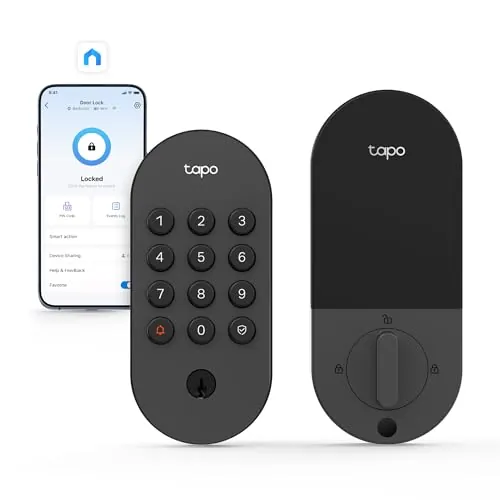
The Tapo DL100 and Wyze Lock Bolt v2 are both keypad deadbolts, but their documented routines differ: DL100 adds nearby Bluetooth, Tapo-app remote control, PIN-confirmed voice control and permanent, one-time or scheduled PIN categories; Wyze lists fingerprint entry alongside keypad, app and key access. Before picking a workflow, compare your actual door with each maker’s separate checks. Both list a 35–55 mm door thickness and 60 or 70 mm backset, but Wyze also specifies bore, latch and nearby-hardware measurements. App setup is not interchangeable: Tapo requires its app, TP-Link ID and internet, while Wyze lists its own app and OS requirements plus Bluetooth and 2.4 GHz Wi-Fi setup.

Read comparison