Pickagu

All comparisons

Search by model or browse by category and brand pairing.

2,994 comparisons

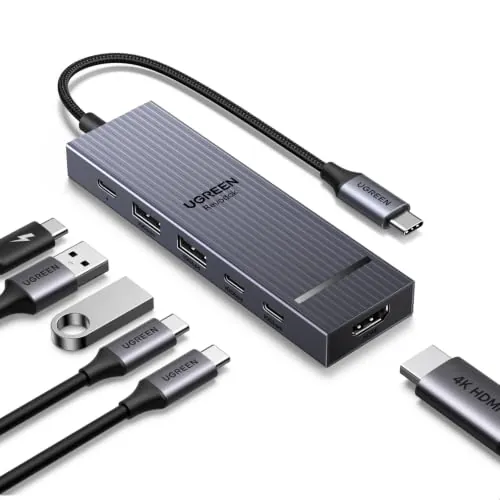
UGREEN Revodok Pro 106 6-in-1 USB-C Hub · SKU 45363
UGREEN Revodok Pro 106 6-in-1 USB-C Hub
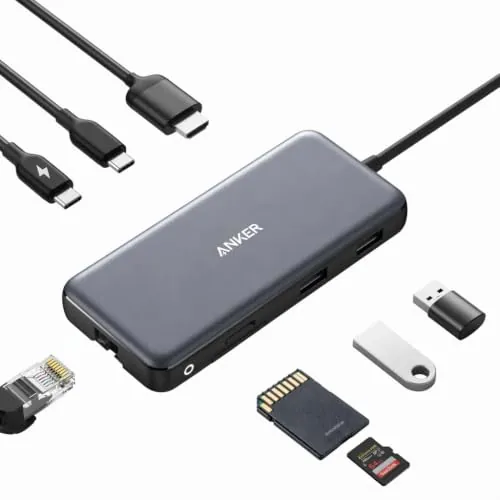
Anker 555 USB-C Hub (8-in-1) · A8383 (listing data suffix A83830A1)
Anker 555 USB-C Hub (8-in-1)

Usb C Hubs

UGREEN Revodok Pro 106 vs Anker 555 A8383: Which Ports Fit Your Desk?

For a desk built around USB-C accessories, the UGREEN Revodok Pro 106 (SKU 45363) gives you two downstream USB-C data ports plus two USB-A ports. The Anker 555 (A8383) has one USB-C and two USB-A data ports, then adds Gigabit Ethernet and UHS-I SD and microSD readers. Both list HDMI up to 4K at 60Hz and up to 85W of laptop power from a 100W PD input. Check the laptop's exact USB-C video support and power needs before choosing; connector shape alone does not confirm either feature.

Read comparison
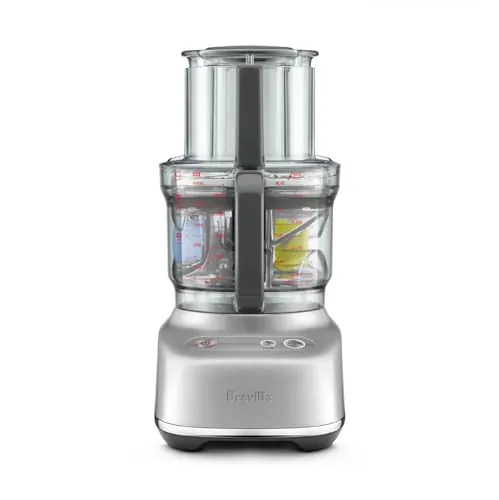
Breville Sous Chef 9 Food Processor, Brushed Stainless Steel · BFP610BSS1BNA1
Breville Sous Chef 9 Food Processor, Brushed Stainless Steel
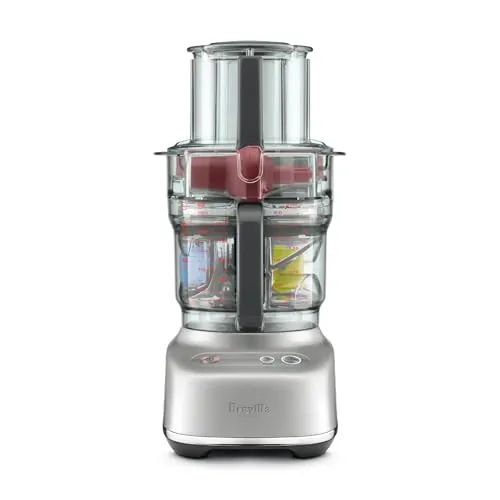
Breville Paradice 9 Processor and Dicer, Brushed Stainless Steel · BFP638BSS1BNA1
Breville Paradice 9 Processor and Dicer, Brushed Stainless Steel

Food Processors

Breville Sous Chef 9 BFP610 vs Paradice 9 BFP638: Is Dicing in the Box Worth It?

Choose by your actual prep routine. The brushed-stainless Sous Chef 9 BFP610 includes the S-blade, dough blade, adjustable slicer and reversible shredder, and can use Breville's separately sold Paradice Kit 9. The brushed-stainless Paradice 9 BFP638 includes the half-inch grid-and-blade dicing kit with those same listed core attachments. If you already expect to dice regularly, the included-kit package is easier to start with; if dicing is occasional or undecided, the BFP610 lets you defer that accessory. Its caddy copy says it can house a dicing kit, but Breville's accessory list and comparison chart distinguish storage from what the BFP610 package includes.

Read comparison
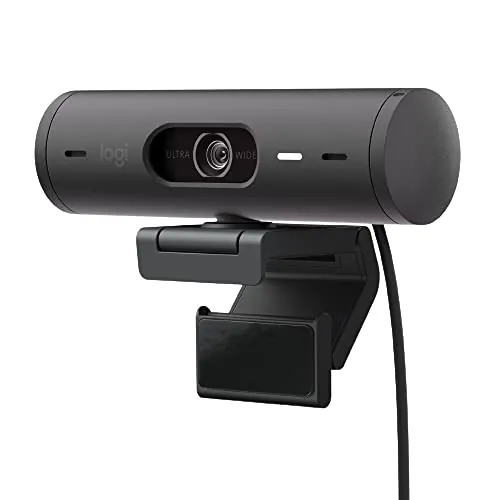
Logitech Brio 301 Full HD Webcam · Brio 301, Black, 960-001513
Logitech Brio 301 Full HD Webcam
Logitech C920e Business Webcam (Mic Enabled) · C920e, 960-001401, Mic Enabled
Logitech C920e Business Webcam (Mic Enabled)

Webcams

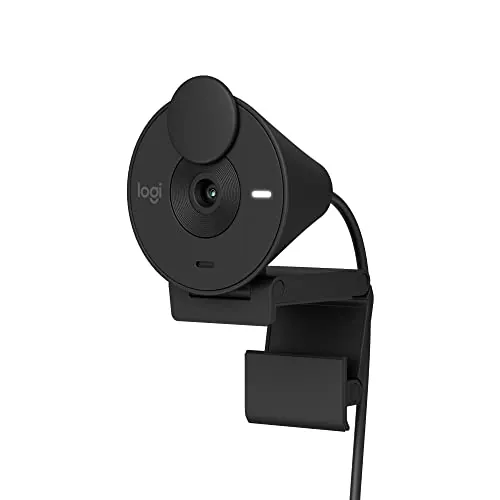
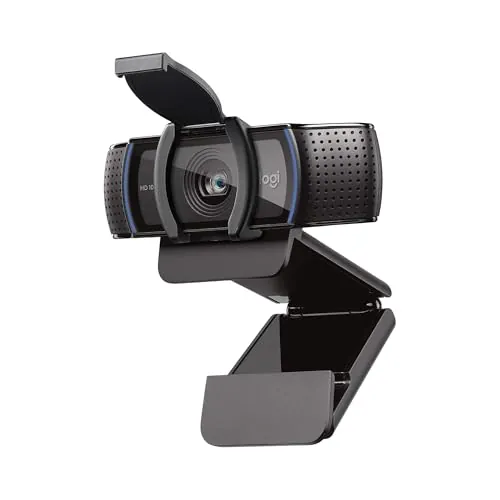
Logitech Brio 301 vs C920e: Ports, Microphone Setup and Mounting

The assigned Brio 301 is Logitech part 960-001513: it uses an attached USB-C cable, fixed focus, a 70° diagonal view and an integrated privacy shutter. The assigned C920e is part 960-001401, labeled Mic Enabled; its attached cable is USB-A, and Logitech lists autofocus, a 78° view, an attachable privacy shade and a 1/4-inch tripod thread. Before a managed-workplace purchase, check the host port and OS, find out whether Logi Tune is permitted if you need its controls, and test that the exact C920e microphone appears in the intended call app. These are documented configuration choices, not picture or audio test results.

Read comparison
Logitech Brio 501 Full HD Webcam (for Amazon) · 960-001514
Logitech Brio 501 Full HD Webcam (for Amazon)
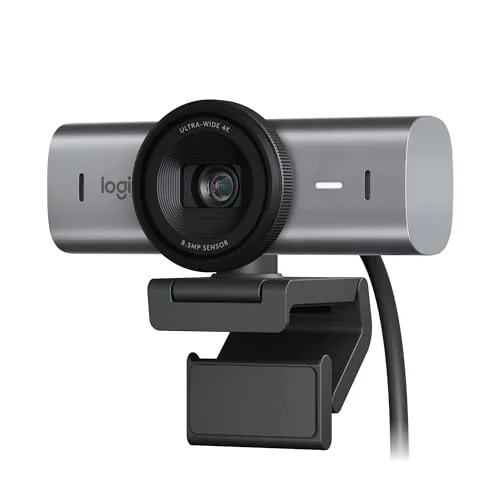
Logitech MX Brio 4K Webcam, Graphite (consumer model) · 960-001545
Logitech MX Brio 4K Webcam, Graphite (consumer model)

Webcams

Logitech Brio 501 vs MX Brio: Capture Modes, USB and Mounts

The assigned U.S. models are Logitech Brio 501 for Amazon (960-001514, ASIN B09WHTMF23) and consumer MX Brio Graphite (960-001545, ASIN B0BFJ4CRKD), in that order. Brio 501 tops out at 1080p/30fps or 720p/60fps and uses its attached USB-C cable. MX Brio adds 4K/30fps or 1080p/60fps earlier product-page information, but Logitech specifies a USB-C port supporting USB 3.0 and says the application and system resources can limit the mode. Both support tilting down to show desk objects, so presentation alone does not make MX Brio necessary. Compare the app you use, the host port and cable, and the mount placement before paying for higher earlier product-page information modes.

Read comparison
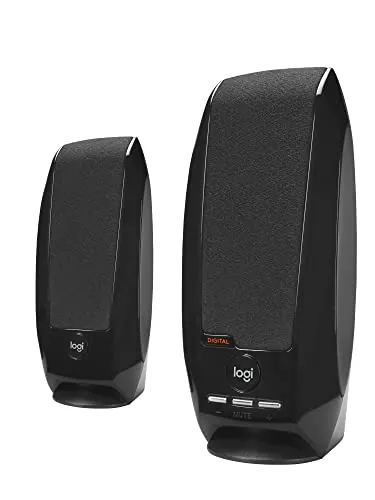
Logitech S150 USB Stereo Speakers — Black · 980-000028
Logitech S150 USB Stereo Speakers — Black
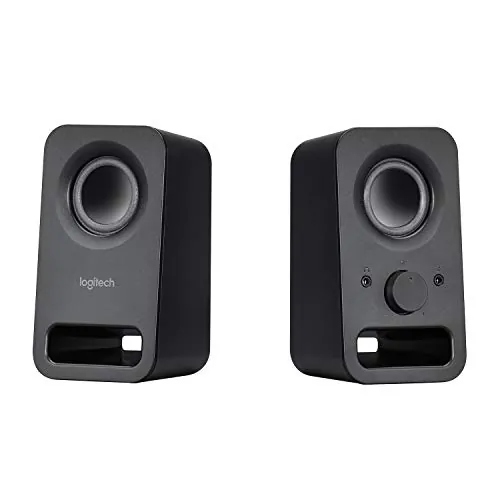
Logitech Z150 Multimedia Speakers — Black · 980-000802
Logitech Z150 Multimedia Speakers — Black

Computer Speakers

Logitech S150 vs Z150: USB Computer Audio or Analog Desk Speakers?

The black U.S. S150 (980-000028) uses one USB-A connection to a computer for both audio and power, with volume and mute buttons on the right speaker. The black Z150 (980-000802) uses an AC adapter plus analog 3.5mm audio; its right speaker has a power/volume knob, front auxiliary input and headphone jack. Choose by the ports and controls you will use. Logitech does not document how the Z150's two audio inputs behave when connected at once, nor does this comparison establish a sound-quality winner.

Read comparison
ASUS ProArt Display PA278QV · PA278QV
ASUS ProArt Display PA278QV
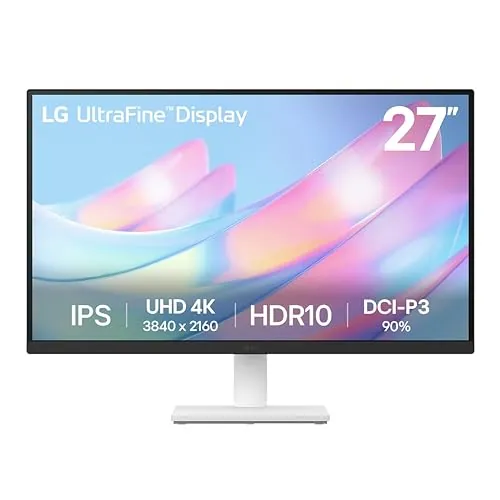
LG UltraFine 27US500-W · 27US500-W.AUS
LG UltraFine 27US500-W

Monitors

ASUS ProArt PA278QV vs LG 27US500-W: QHD Stand Flexibility or Native 4K?

Both are 27-inch IPS monitors, but they solve different desk problems. The ASUS ProArt PA278QV is native 2560 × 1440 and has an included stand with up to 150 mm of height adjustment, swivel and pivot, plus maker-listed sRGB/Rec.709 presets. The LG 27US500-W.AUS is native 3840 × 2160, with tilt on its supplied stand and maker-listed Reader Mode/HDR10 features. Before ordering, check your computer or dock's output, your usual app scale and whether you need to raise or rotate the physical screen.

Read comparison
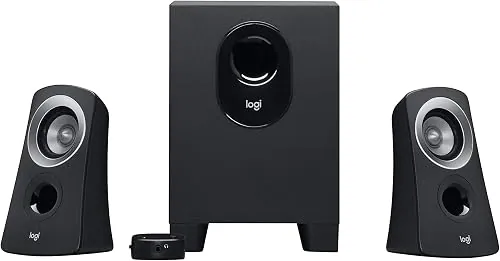
Logitech Z313 2.1 Speaker System with Subwoofer (Black) · 980-000382
Logitech Z313 2.1 Speaker System with Subwoofer (Black)
Logitech Z150 Stereo Speakers (Black) · 980-000802
Logitech Z150 Stereo Speakers (Black)

Computer Speakers

Logitech Z313 vs Z150: Which Speaker Layout Fits Your Desk?

Both models accept an analog 3.5 mm source. The Z313 uses a separate subwoofer and wired control pod; the Z150 connects at the right speaker and places its power, volume, headphone jack and auxiliary input together. Logitech's Z313 product page and setup guide describe its input cable path differently, so confirm the cable routing before arranging the subwoofer and controls.

Read comparison
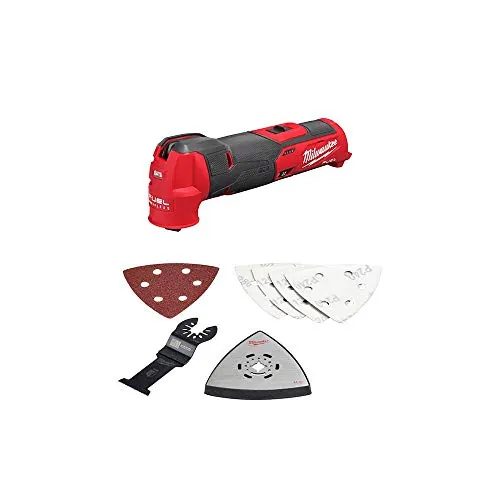
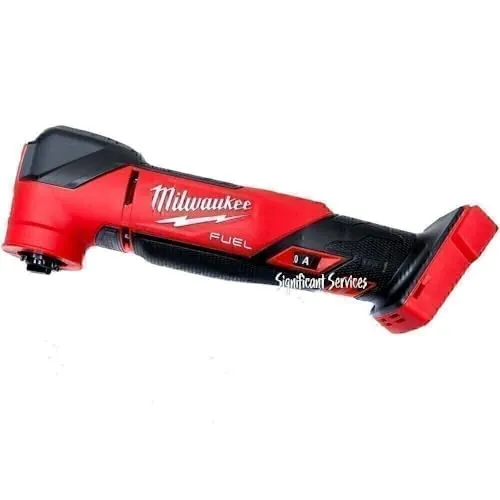
Milwaukee M18 FUEL Oscillating Multi-Tool (Tool Only) · 2836-20
Milwaukee M18 FUEL Oscillating Multi-Tool (Tool Only)
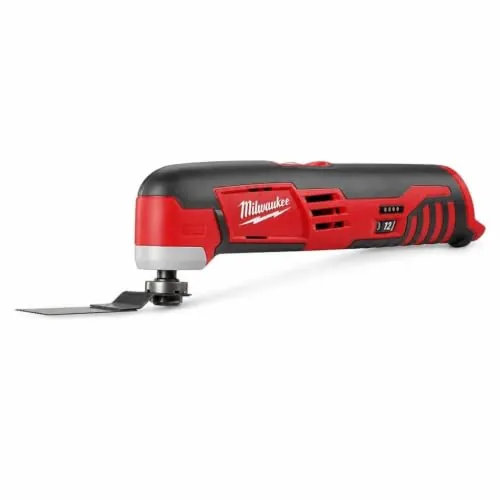
Milwaukee M12 Multi-Tool (Tool Only) · 2426-20
Milwaukee M12 Multi-Tool (Tool Only)

Oscillating Tools

Milwaukee 2836-20 M18 FUEL vs 2426-20 M12 Multi-Tool

The 2836-20 is the M18 option with a 10-setting dial, Auto-Load mode and tool-free blade-change mechanism; the 2426-20 stays on M12 and Milwaukee lists a wood blade, sanding pad and five sheets with it. Both are tool-only purchases without a battery, so start with your existing platform and check the accessory arbor before buying replacements.

Read comparison
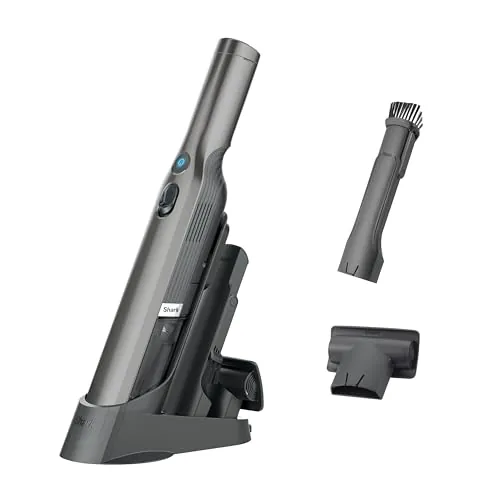
Shark WANDVAC Cordless Handheld Vacuum · WV201
Shark WANDVAC Cordless Handheld Vacuum
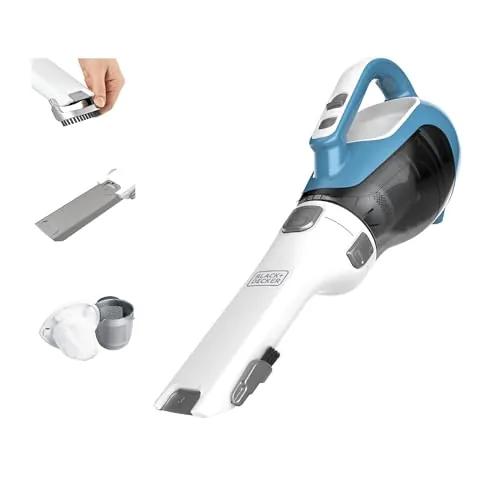
BLACK+DECKER dustbuster AdvancedClean Cordless Handheld Vacuum · CHV1410L
BLACK+DECKER dustbuster AdvancedClean Cordless Handheld Vacuum

Handheld Vacuums

Shark WV201 vs BLACK+DECKER CHV1410L: Tools, Dock and Filter Care

These cordless hand vacuums differ most in how tools travel with the machine and what happens after the bin is emptied. Shark WV201 comes with a Duster Crevice Tool and Multi-Surface Pet Tool, and its dock stores both. BLACK+DECKER CHV1410L builds an extendable crevice tool and flip-up brush into its rotating nozzle. Shark's manual gives a specific water-only filter wash and 24-hour air-dry step; BLACK+DECKER's manual describes reusable filters and bowl washing in warm soapy water, followed by drying before refitting. Pick by the routine you will actually keep near its charger, not by untested pickup or runtime claims.

Read comparison
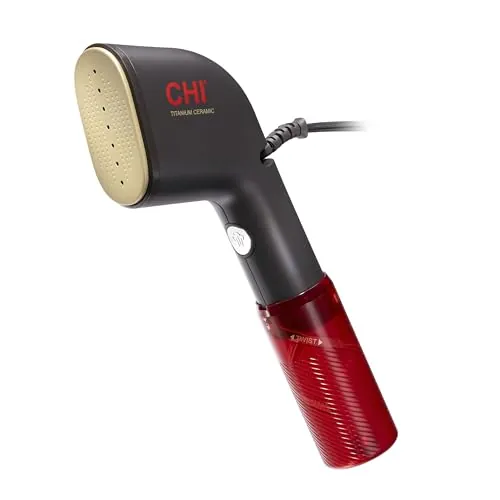
CHI Collapsible Travel Steamer 11611 · 11611
CHI Collapsible Travel Steamer 11611
Conair ExtremeSteam GS23 Handheld Fabric Steamer · GS23X / GS23RS listing codes
Conair ExtremeSteam GS23 Handheld Fabric Steamer

Garment Steamers

CHI 11611 vs Conair ExtremeSteam GS23: Ironing, Water and Pack-Up

CHI 11611 combines handheld steaming and board-contact ironing. The Conair ExtremeSteam GS23 manuals show hanging-garment steaming, a separate LOW/HIGH switch and a continuous-steam trigger. Check the Conair model label before selecting water: the GS23X booklet calls for distilled water, while the GS23 booklet supplied for the GS23RS listing allows everyday tap water.

Read comparison