Pickagu

All comparisons

Search by model or browse by category and brand pairing.

2,994 comparisons

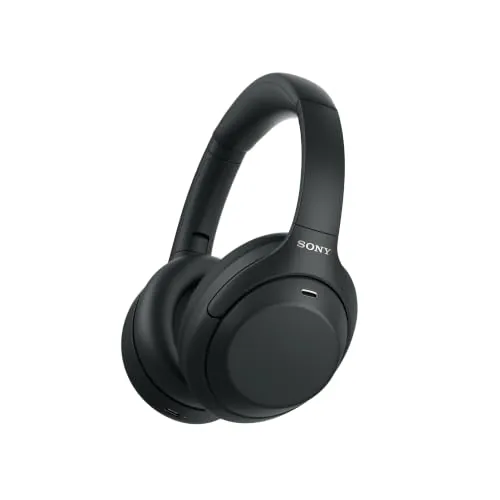
Sony WH-1000XM4C Wireless Noise Canceling Headphones (M4 2nd Gen), Black · WH-1000XM4C
Sony WH-1000XM4C Wireless Noise Canceling Headphones (M4 2nd Gen), Black
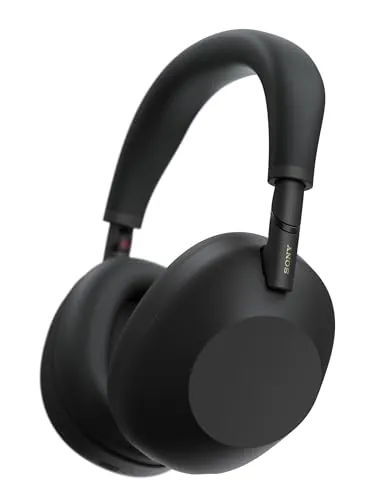
Sony WH-1000XM6 Wireless Noise Canceling Headphones, Black · WH-1000XM6
Sony WH-1000XM6 Wireless Noise Canceling Headphones, Black

Headphones

Sony WH-1000XM4C (M4 2nd Gen) vs WH-1000XM6: Which Source-Switching Workflow Fits?

These exact black US models both support two-device Bluetooth multipoint after setup in Sony | Sound Connect. The useful difference is playback handoff: the WH-1000XM4C (M4 2nd Gen) guide says to stop the currently playing device before starting the other; the WH-1000XM6 guide says starting the second device makes its music audible. Pick around your laptop-and-phone routine, not an untested sound, call, comfort, or noise-canceling comparison.

Read comparison
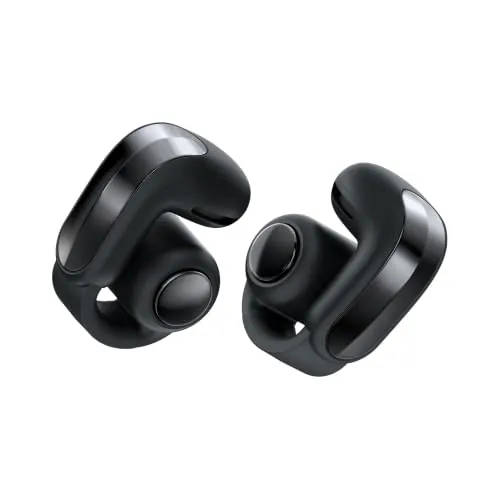
Bose Ultra Open Earbuds (2nd Gen) · 897806-0010
Bose Ultra Open Earbuds (2nd Gen)
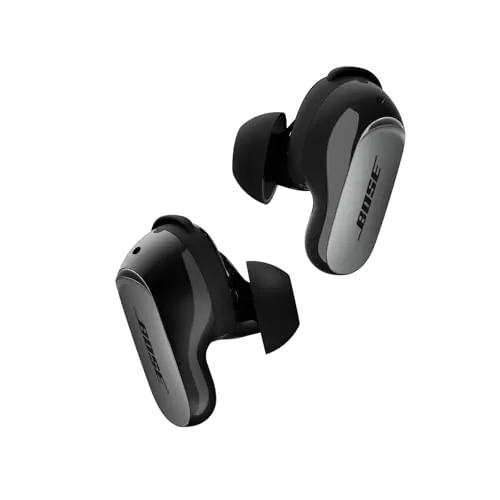
Bose QuietComfort Ultra Earbuds (2nd Gen) · 896637-0010
Bose QuietComfort Ultra Earbuds (2nd Gen)

Earbuds

Bose Ultra Open Earbuds 2nd Gen vs QuietComfort Ultra 2nd Gen: fit and controls

This is the exact Black 2nd-generation pair: Ultra Open 897806-0010 (B0HF8PYLWS) versus QuietComfort Ultra 896637-0010 (B0F7M3HPBD). The practical choice is an open-ear cuff with physical buttons versus an in-ear fit kit, touch controls and Quiet/Aware/Immersion modes. Aware mode does not turn the in-ear model into an open-ear design.

Read comparison
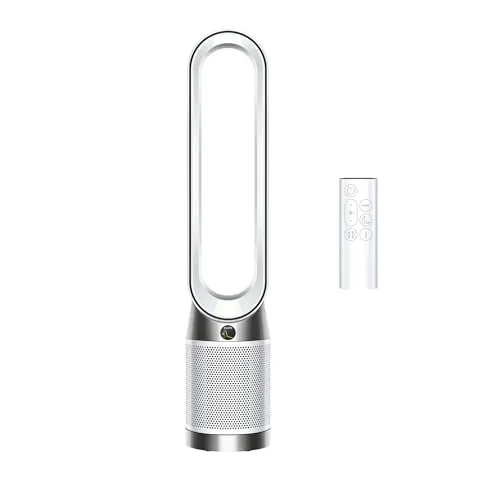
Dyson Purifier Cool PC1 (White/White) · TP11
Dyson Purifier Cool PC1 (White/White)
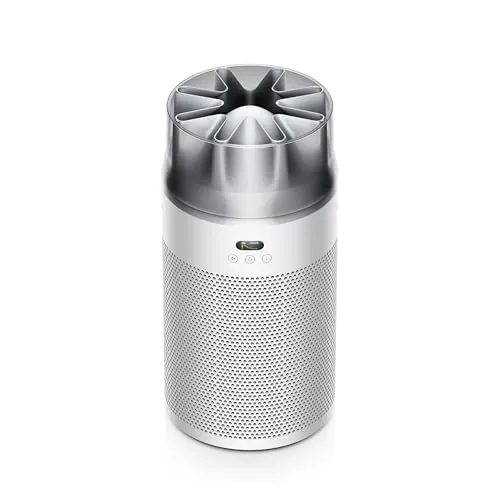
Dyson HushJet Purifier Compact (White/Silver) · SP01-A
Dyson HushJet Purifier Compact (White/Silver)

Air Purifiers

Dyson Purifier Cool PC1 vs HushJet Compact: Tower or Smaller Placement?

The Purifier Cool PC1 (TP11) stands 41.3 inches tall on an 8.6-inch base and oscillates from 0° to 350°. The White/Silver HushJet Compact is listed as SP01-A and appears as HJ10 on Dyson’s U.S. product page; it is 18.5 inches tall with a 9.06-inch amplifier diameter and 90° oscillation. Dyson describes app controls for HushJet and a remote for PC1. Filter planning differs: PC1 uses one combined filter, while HushJet has separate electrostatic and carbon filters; the five-year statement applies only to the electrostatic filter.

Read comparison
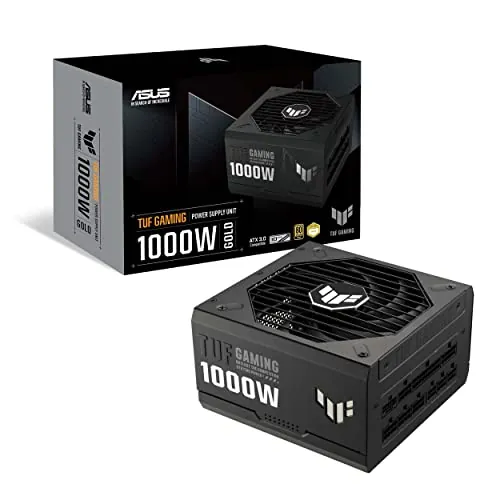
ASUS TUF Gaming 1000W Gold Power Supply · TUF-GAMING-1000G
ASUS TUF Gaming 1000W Gold Power Supply
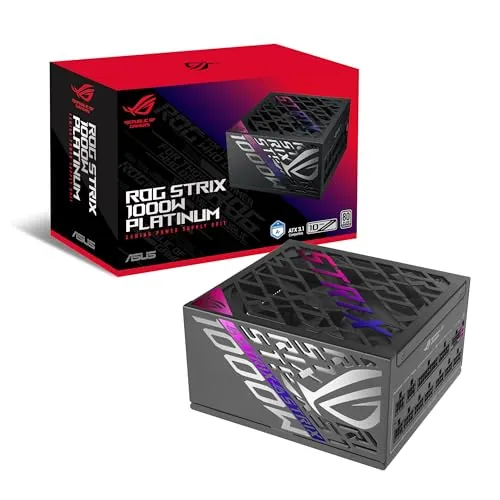
ASUS ROG Strix 1000W Platinum Power Supply · ROG-STRIX-1000P-GAMING
ASUS ROG Strix 1000W Platinum Power Supply

Power Supplies

ASUS TUF-GAMING-1000G vs ROG-STRIX-1000P-GAMING: Case Fit and Cable Checks

Both exact U.S. models are 1000W fully modular ATX12V supplies, but the TUF body is listed at 150 mm long and the ROG at 160 mm. ROG lists longer CPU and 16-pin PCIe leads and a physical fan-mode button. ASUS's U.S. TUF specification says ATX 3.0, while another ASUS page for the same model code says 3.1; confirm the revision in the exact box. The TUF offer is currently unavailable here, so no purchase link is shown.

Read comparison
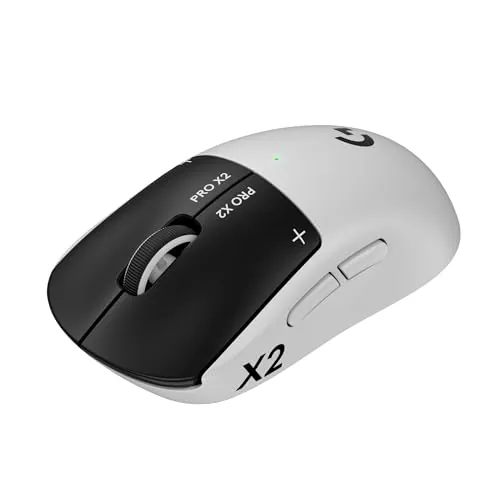
Logitech G PRO X2 SUPERSTRIKE LIGHTSPEED Wireless Gaming Mouse · 910-007700
Logitech G PRO X2 SUPERSTRIKE LIGHTSPEED Wireless Gaming Mouse
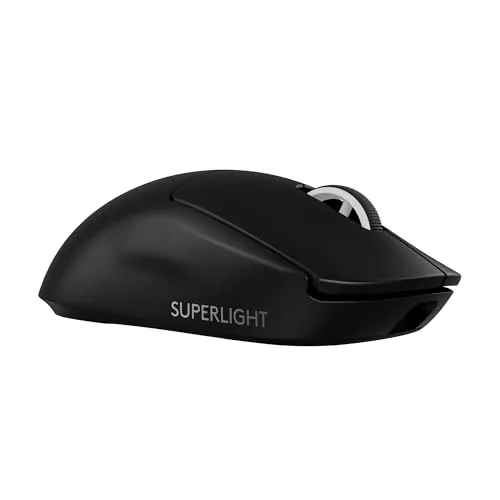
Logitech G PRO X SUPERLIGHT 2 LIGHTSPEED Wireless Gaming Mouse, Black · 910-006628
Logitech G PRO X SUPERLIGHT 2 LIGHTSPEED Wireless Gaming Mouse, Black

Computer Mice

Logitech PRO X2 SUPERSTRIKE vs PRO X SUPERLIGHT 2: Adjustable HITS or LIGHTFORCE

The PRO X2 SUPERSTRIKE (910-007700) replaces conventional main-button microswitches with HITS controls: Logitech documents 10 actuation settings, five rapid-trigger reset settings and six haptic levels in G HUB. The PRO X SUPERLIGHT 2 (910-006628) uses LIGHTFORCE hybrid optical-mechanical switches. Both are LIGHTSPEED wireless mice with a listed USB-A receiver and USB-A-to-USB-C cable. Pick the X2 if you want its adjustable click controls; pick the SUPERLIGHT 2 if you prefer its documented LIGHTFORCE switch design. Logitech's X2 weight sources conflict, so listed weight does not decide this guide.

Read comparison
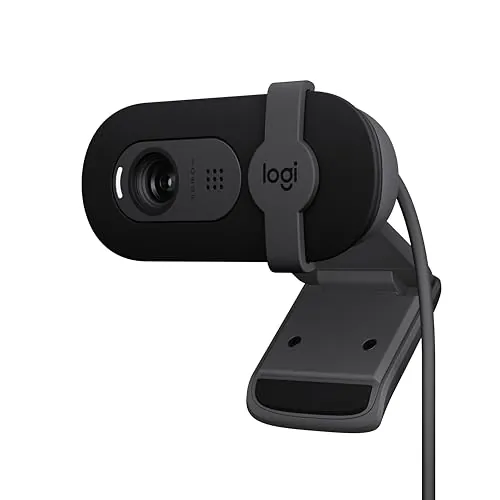
Logitech Brio 101 · 960-001589
Logitech Brio 101
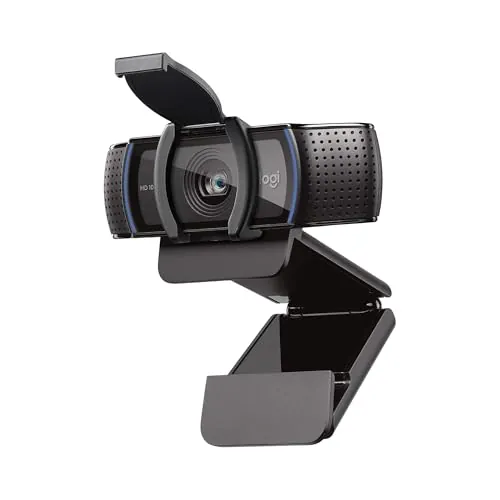
Logitech C920e Business Webcam (Mic Enabled) · 960-001401
Logitech C920e Business Webcam (Mic Enabled)

Webcams

Logitech Brio 101 vs C920e: Frame, Privacy and Microphone Setup

Both exact U.S. models connect over USB-A and list 1080p video at up to 30 fps. Brio 101 has a 58.9° diagonal field of view, fixed focus and an integrated privacy shutter. C920e part 960-001401 is the mic-enabled SKU and lists a wider 78° view, autofocus and two microphones. Check desk framing, mounting and the exact microphone input behavior in your calling app before buying; this guide compares published features, not image or audio performance.

Read comparison
Logitech G522 LIGHTSPEED Wireless Gaming Headset · 981-001491
Logitech G522 LIGHTSPEED Wireless Gaming Headset
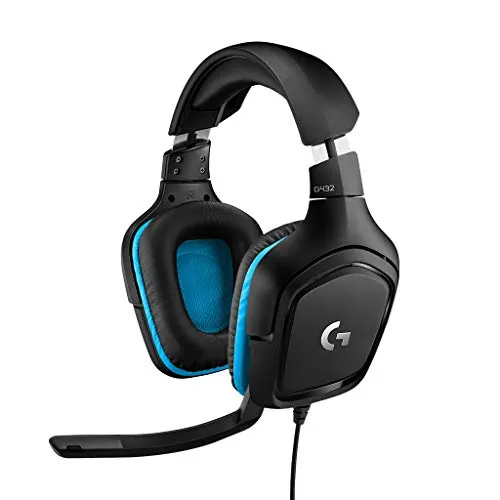
Logitech G432 Wired Gaming Headset · 981-000769
Logitech G432 Wired Gaming Headset

Gaming Headsets

Logitech G522 LIGHTSPEED vs G432: connection paths and mic controls

For the exact black G522 (981-001491) and G432 (981-000769), decide from your real host and how you want to mute. G522 documents LIGHTSPEED, Bluetooth and USB-C audio, but Logitech says USB mode takes priority and disables LIGHTSPEED. G432 stays wired and offers the included USB audio adapter or a 3.5 mm route, plus a flip-up mic mute.

Read comparison
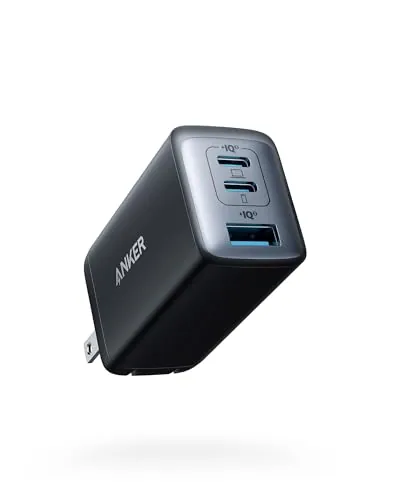
Anker 735 Charger (Nano II 65W), Black · A2667111
Anker 735 Charger (Nano II 65W), Black
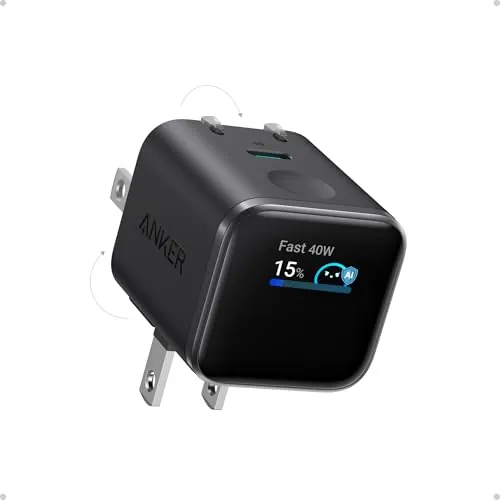
Anker Nano Charger (45W, Smart Display, 180° Foldable), Black · A121D
Anker Nano Charger (45W, Smart Display, 180° Foldable), Black

Usb C Chargers

Anker 735 A2667 vs Nano Smart Display A121D: Shared Ports or One-Cable Setup?

The A2667 has two USB-C ports and one USB-A port, but its available output changes with the port combination. The A121D has one USB-C port and displays live charging power; Anker documents Auto Mode up to 45W and Care Mode up to 20W. Neither charger guarantees a particular device's negotiated power, and both require a compatible cable that is not included with the selected listing.

Read comparison
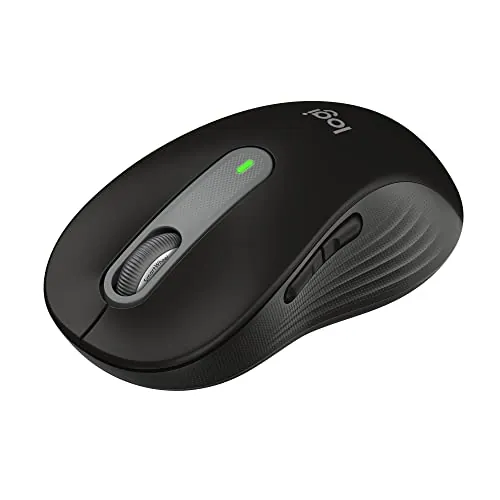
Logitech Signature M650 L Wireless Mouse (Black) · 910-006265
Logitech Signature M650 L Wireless Mouse (Black)
Logitech Signature Comfort Plus M850 L Wireless Mouse (Graphite) · 910-007709
Logitech Signature Comfort Plus M850 L Wireless Mouse (Graphite)

Computer Mice

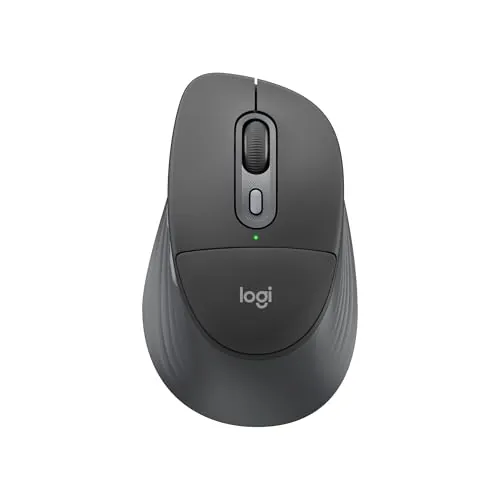
Logitech M650 L vs M850 L: Bolt Receiver or Three-Device Switching?

The black Logitech Signature M650 L includes a Logi Bolt receiver and also supports Bluetooth on one connection channel. The graphite Signature Comfort Plus M850 L is documented for Bluetooth Easy-Switch among up to three devices; Logitech describes it as Bolt-ready, but the worldwide box does not include that receiver. Choose by host setup and preferred hand-contact features, not an untested comfort claim.

Read comparison
Anker Zolo Power Bank (20K, 30W, Built-In USB-C Cable) · A1689
Anker Zolo Power Bank (20K, 30W, Built-In USB-C Cable)
Anker Nano Power Bank (10K, 45W, Built-In Retractable USB-C Cable) · A1638
Anker Nano Power Bank (10K, 45W, Built-In Retractable USB-C Cable)

Power Banks

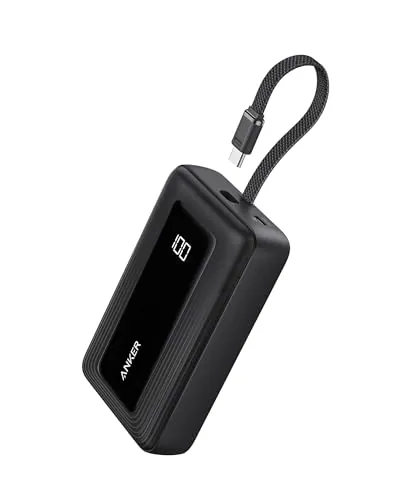
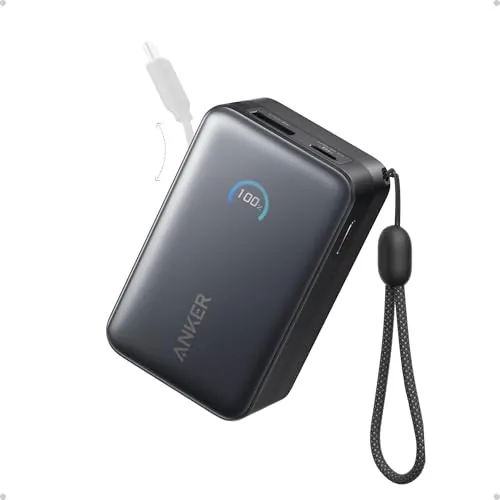
Anker Zolo A1689 vs Nano A1638: Capacity or Cable Reach?

The black Anker Zolo A1689 is the 20,000mAh option with a short built-in USB-C cable; the black Nano A1638 is 10,000mAh and has a retractable USB-C cable that extends about 2.3 feet. Anker rates the A1638 higher for single USB-C output and bank input, while both list USB-C and USB-A outputs. The A1689 purchase link is withheld because the lot’s serial-specific recall eligibility is unknown; check an exact unit with Anker before treating it as eligible.

Read comparison
Anker Power Bank (20K, 87W, Built-In USB-C Cable) · A1383
Anker Power Bank (20K, 87W, Built-In USB-C Cable)
Anker Zolo Power Bank (20K, 30W, Built-In USB-C Cable) · A1689
Anker Zolo Power Bank (20K, 30W, Built-In USB-C Cable)

Power Banks

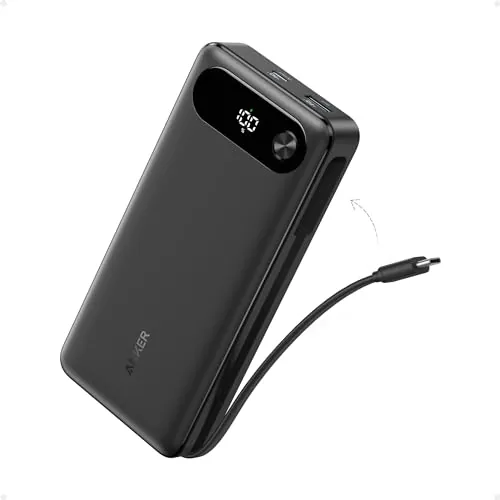
Anker A1383 vs A1689: Output Budget, Ports and Recall Check

Both exact Anker models list 20,000mAh and a built-in USB-C cable. A1383 lists up to 65W on a single USB-C cable or port and 87W total across its output budget; A1689 is a 30W-max bank with 20W-max USB-C input and three connection endpoints. The practical check is your device's accepted USB-C power profile and whether you need more than one port at once. A1689 model units are included in a CPSC recall notice; check the individual serial with Anker because the model name alone does not identify an affected unit.

Read comparison
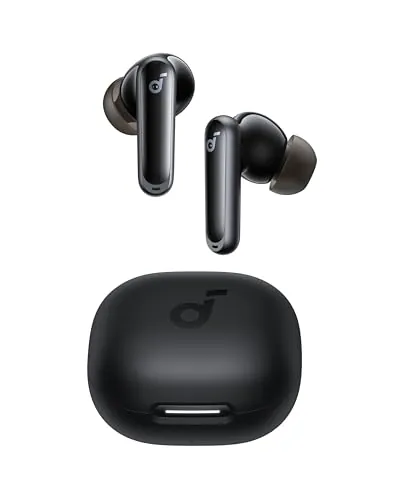
soundcore P40i Smart ANC True-Wireless Earbuds · A3955
soundcore P40i Smart ANC True-Wireless Earbuds
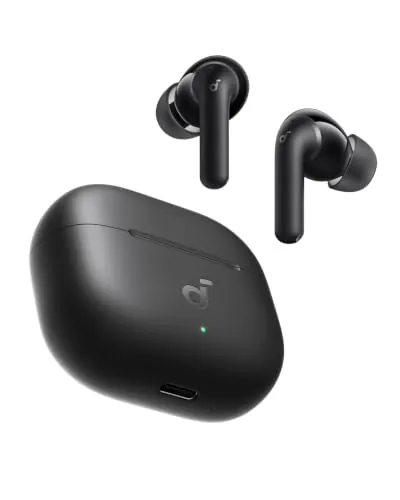
soundcore P42i True Wireless Earbuds with Adaptive ANC · D1205
soundcore P42i True Wireless Earbuds with Adaptive ANC

Earbuds

soundcore P40i A3955 vs P42i D1205: Case Use, Controls and LDAC

Both exact models support two-device connection and app features, so multipoint alone does not separate them. The P40i A3955 charging case doubles as a horizontal phone stand, with maker-stated size/orientation limits. The P42i D1205 documents SBC, AAC and LDAC; LDAC is Android-only and cannot run alongside Spatial Audio or Gaming mode. Choose around that case routine or the codec/mode combination you will actually use, not an assumed sound or ANC winner.

Read comparison