Pickagu

All comparisons

Search by model or browse by category and brand pairing.

2,994 comparisons

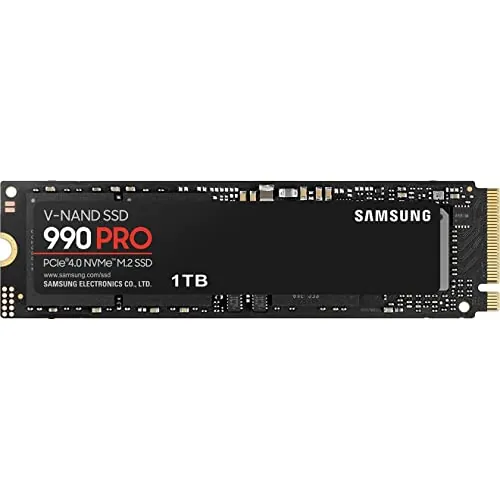
Samsung 990 PRO 1TB PCIe 4.0 NVMe M.2 SSD · MZ-V9P1T0B/AM
Samsung 990 PRO 1TB PCIe 4.0 NVMe M.2 SSD
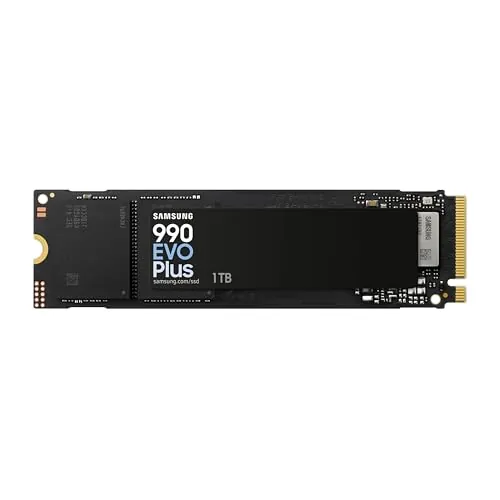
Samsung 990 EVO Plus 1TB PCIe 4.0 / 5.0 NVMe M.2 SSD · MZ-V9S1T0B/AM
Samsung 990 EVO Plus 1TB PCIe 4.0 / 5.0 NVMe M.2 SSD

Internal Ssds

Samsung 990 PRO vs 990 EVO Plus 1TB: PCIe Fit, Heatsink and Rated Speeds

This exact U.S. 1TB pair shares the M.2 2280 format, but the Samsung 990 PRO (MZ-V9P1T0B/AM) is a PCIe 4.0 x4 drive with 1GB LPDDR4 DRAM, while the 990 EVO Plus (MZ-V9S1T0B/AM) supports PCIe 4.0 x4 or PCIe 5.0 x2 and uses HMB. Samsung rates the PRO at up to 7,450/6,900 MB/s sequential read/write and this exact-capacity EVO Plus at up to 7,150/6,300 MB/s. Those are manufacturer ceilings from different test configurations, not a matched result. Check your motherboard's specific M.2 slot, lane sharing and cooler clearance before choosing.

Read comparison
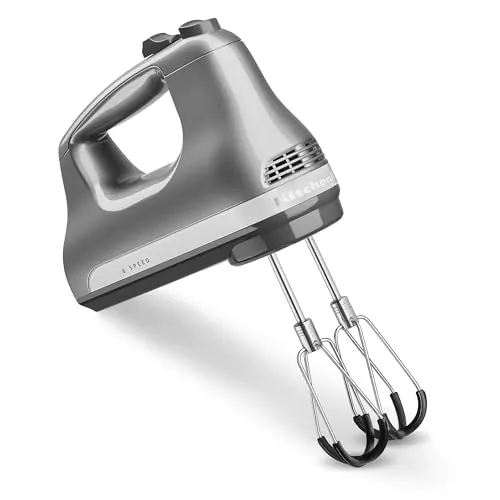
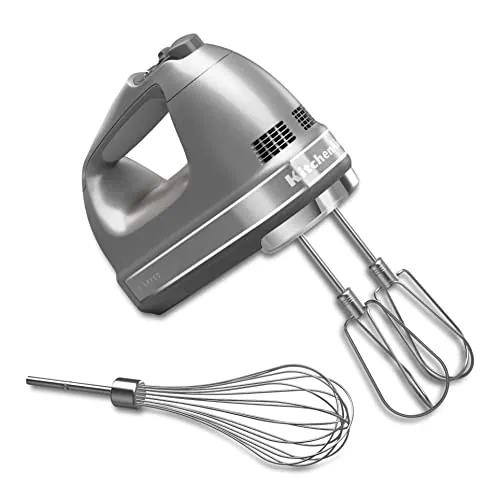
KitchenAid 6-Speed Hand Mixer with Flex Edge Beaters — KHM6118CU, Contour Silver · KHM6118CU
KitchenAid 6-Speed Hand Mixer with Flex Edge Beaters — KHM6118CU, Contour Silver
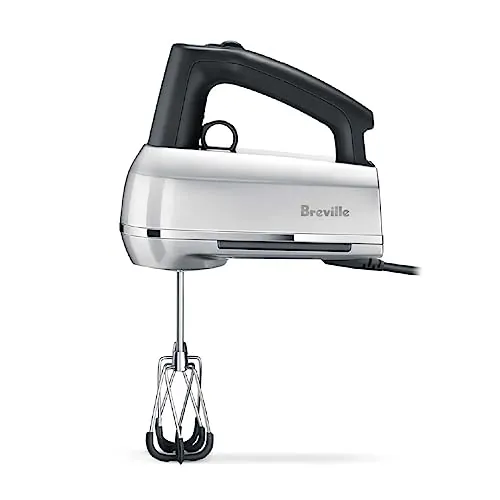
Breville the Handy Mix Scraper — BHM800SILUSC, Silver · BHM800SILUSC
Breville the Handy Mix Scraper — BHM800SILUSC, Silver

Hand Mixers

KitchenAid KHM6118CU vs Breville BHM800SILUSC: Attachments, Speed and Storage

KitchenAid's six-speed KHM6118CU package lists Flex Edge beaters, a Pro whisk and a clip beneath the mixer for storing its accessories. Breville's Handy Mix Scraper BHM800SILUSC lists scraper beaters, dough hooks and balloon whisks; it has nine speed positions plus Boost and a detachable compartment for the attachments and swivel cord. If you specifically need dough hooks or prefer keeping tools and cord in a separate case, the Breville package matches that routine. If you want the listed Flex Edge beaters and Pro whisk stored under the mixer, the KitchenAid does. These maker-listed options do not establish which mixer performs better.

Read comparison
Breville the Handy Mix Scraper Hand Mixer — Silver · BHM800SILUSC
Breville the Handy Mix Scraper Hand Mixer — Silver
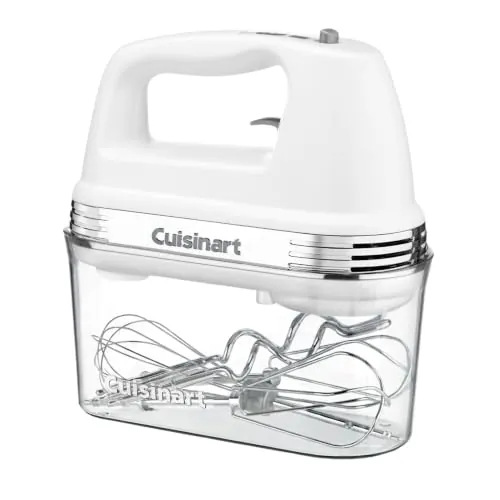
Cuisinart Power Advantage PLUS 9-Speed Hand Mixer — White · HM-90S
Cuisinart Power Advantage PLUS 9-Speed Hand Mixer — White

Hand Mixers

Breville BHM800SILUSC vs Cuisinart HM-90S: Controls, Tools and Storage

The Breville Handy Mix Scraper BHM800SILUSC documents attachment-responsive Beater IQ, a scroll wheel, pause, a timer and boost. Cuisinart HM-90S uses a one-step switch with a nine-speed LED display and SmoothStart’s three low speeds. Their included tools and storage cases also differ. Compare those routines rather than assuming either mixer produces better results.

Read comparison
KitchenAid 7-Speed Hand Mixer · KHM7210CU
KitchenAid 7-Speed Hand Mixer
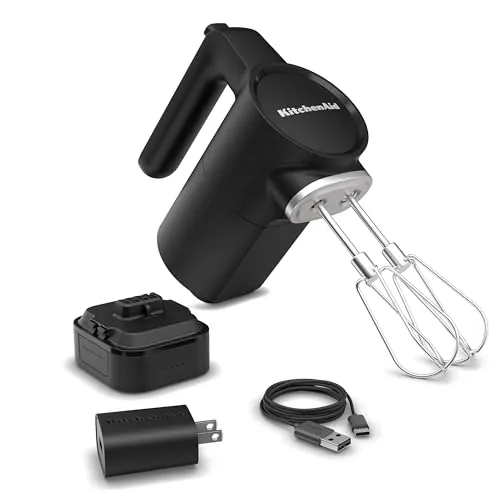
KitchenAid Go Cordless Hand Mixer - Battery Included · KHMR762BM
KitchenAid Go Cordless Hand Mixer - Battery Included

Hand Mixers

KitchenAid KHM7210CU vs KHMR762BM: Corded or Battery-Included?

Both KitchenAid mixers list seven speeds and Stainless Steel Turbo Beater II accessories. The real choice is how you want to power and outfit the mixer: KHM7210CU has a lockable swivel cord and a Pro Whisk in its listed package; KitchenAid Go KHMR762BM is cordless and its Black Matte battery-included bundle lists the removable battery, USB-C cable and wall adapter. KitchenAid's page gives conflicting runtime figures for the Go, so compare the setup and included items rather than relying on an expected session length.

Read comparison
KitchenAid 6-Speed Hand Mixer with Flex Edge Beaters · KHM6118CU
KitchenAid 6-Speed Hand Mixer with Flex Edge Beaters
KitchenAid Go Cordless Hand Mixer, battery included · KHMR762BM
KitchenAid Go Cordless Hand Mixer, battery included

Hand Mixers

KitchenAid KHM6118CU vs Go KHMR762BM: Battery, Tools and Counter Workflow

Both are KitchenAid hand mixers with a whisk or beater kit, but the exact KHMR762BM offer is explicitly battery-included and cordless. KHM6118CU lists six speeds, Flex Edge beaters, a Pro whisk and an accessory clip; its official page does not state its power connection. Compare the selected bundle and how you mix, pause and clean before choosing.

Read comparison
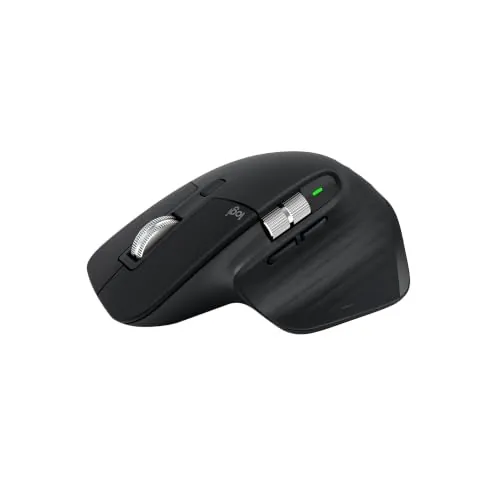
Logitech MX Master 4 Wireless Mouse · 910-007558
Logitech MX Master 4 Wireless Mouse
Logitech M720 Triathlon Multi-Device Wireless Mouse · 910-006036
Logitech M720 Triathlon Multi-Device Wireless Mouse

Mice

Logitech MX Master 4 vs M720 Triathlon: Receiver, Scroll and Setup

The Logitech MX Master 4 Graphite (910-007558) pairs a separate thumbwheel with the Actions Ring, which requires Logi Options+, and a rechargeable USB-C setup. The M720 Triathlon Black (910-006036) moves horizontally by tilting its main wheel and uses a replaceable AA battery with a Unifying receiver in the box. Both also offer Bluetooth and can pair with up to three computers. Decide by your preferred controls, software setup, host connection and power routine; this is not a comfort or performance ranking.

Read comparison
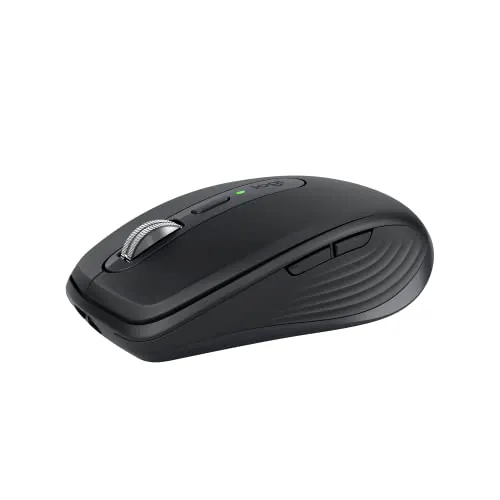
Logitech MX Anywhere 3S Compact Wireless Mouse · 910-006925 (Graphite; MX Anywhere 3S)
Logitech MX Anywhere 3S Compact Wireless Mouse
Logitech Signature M650 L Wireless Mouse · 910-006265 (Black; Signature M650 L large-size model)
Logitech Signature M650 L Wireless Mouse

Mice

Logitech MX Anywhere 3S vs Signature M650 L: Receiver, Wheel, and Desk Space

The MX Anywhere 3S documents Bluetooth switching among up to three computers and recharges over USB-C, but its compatible Logi Bolt receiver is sold separately. The Signature M650 L includes a Bolt receiver and AA battery. Compare the exact model names, scroll controls, and published body measurements before choosing.

Read comparison
Logitech M720 Triathlon Multi-Device Wireless Mouse · M720 Triathlon
Logitech M720 Triathlon Multi-Device Wireless Mouse
Logitech MX Anywhere 3S Compact Wireless Performance Mouse · MX Anywhere 3S, 910-006925
Logitech MX Anywhere 3S Compact Wireless Performance Mouse

Mice

Logitech M720 Triathlon vs MX Anywhere 3S: Receiver, Wheel and Power

The useful difference is how each mouse connects and how you move through long pages or wide spreadsheets. Logitech's M720 package lists a Unifying receiver and replaceable AA; the MX Anywhere 3S supports Bluetooth or a Logi Bolt receiver that is not included, and charges through its included USB-C cable. M720 tilts its wheel for direct horizontal scroll, while Anywhere 3S uses a side-button-plus-wheel gesture and a MagSpeed wheel with SmartShift. Both support switching among up to three paired computers. Choose from the port, battery and scroll routine you prefer; this is not a fit or runtime test.

Read comparison
Logitech M720 Triathlon Multi-Device Wireless Mouse — Black · 910-006036
Logitech M720 Triathlon Multi-Device Wireless Mouse — Black
Logitech MX Master 3S Bluetooth Edition Wireless Mouse — Black · 910-007500 / MR0096
Logitech MX Master 3S Bluetooth Edition Wireless Mouse — Black

Mice

Logitech M720 vs MX Master 3S Bluetooth Edition: Scrolling, Receiver and Desk Fit

This black Logitech pair differs most in receiver and power routine. M720 Triathlon (910-006036) includes a Unifying receiver, supports Bluetooth Low Energy, and uses a replaceable AA. MX Master 3S Bluetooth Edition (910-007500) pairs over Bluetooth or a separately obtained Logi Bolt receiver, and charges by USB-C with the cable sold separately. Their scrolling controls differ too: M720 uses a button to switch speed/precision modes and has a tilt wheel; the Master 3S automatically shifts MagSpeed modes as scroll speed changes, with manual override and a separate thumb wheel. Compare the exact mousepad space and host connections before choosing; this is not a comfort or scrolling-performance test.

Read comparison
Logitech M720 Triathlon Wireless Mouse · M720 Triathlon (910-006036)
Logitech M720 Triathlon Wireless Mouse
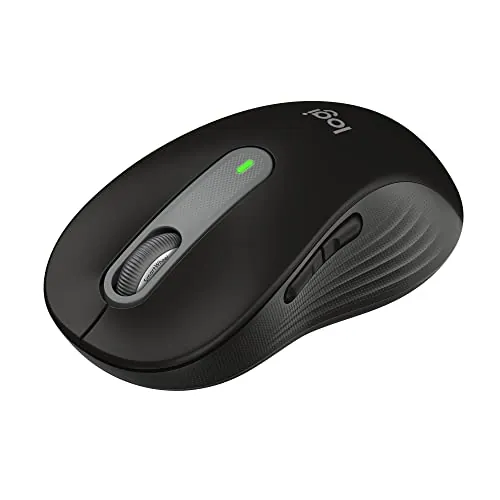
Logitech Signature M650 L Wireless Mouse · Signature M650 L (910-006265; Logitech M/N MR0091 by country)
Logitech Signature M650 L Wireless Mouse

Mice

Logitech M720 Triathlon vs Signature M650 L: Multi-Device Switching or a Simpler Large Mouse?

For a desk where one mouse needs to move among several computers or tablets, the M720 Triathlon's three Easy-Switch channels are the clearest distinction. The Signature M650 L is the large right-handed M650 size, with Bluetooth LE or its included Logi Bolt receiver and one listed connection channel. Compare receiver ecosystems, scroll gestures, and the large-hand form factor before choosing.

Read comparison
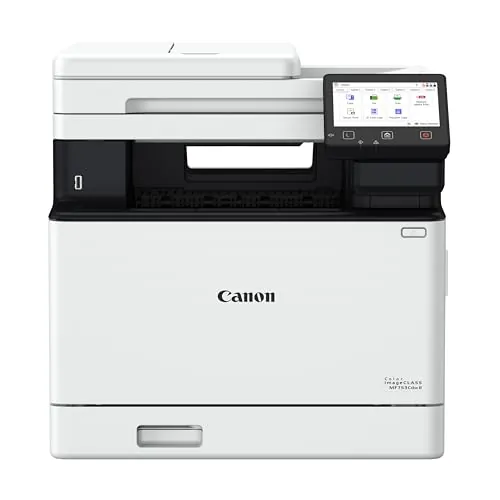
Canon Color imageCLASS MF753Cdw II · MF753Cdw II
Canon Color imageCLASS MF753Cdw II
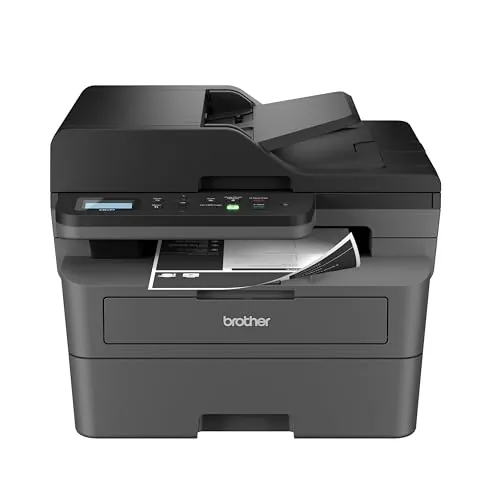
Brother DCP-L2640DW Wireless Compact Monochrome Laser Multi-Function Printer · DCP-L2640DW
Brother DCP-L2640DW Wireless Compact Monochrome Laser Multi-Function Printer

Printers

Canon Color imageCLASS MF753Cdw II vs Brother DCP-L2640DW

These are different workflows, not interchangeable laser all-in-ones. Canon's MF753Cdw II prints in color, includes fax, and has a 50-sheet one-pass duplex ADF. Brother's DCP-L2640DW is monochrome, prints on both sides automatically, and its 50-page ADF does not scan both sides automatically. Check your actual scan jobs and toner family before choosing.

Read comparison
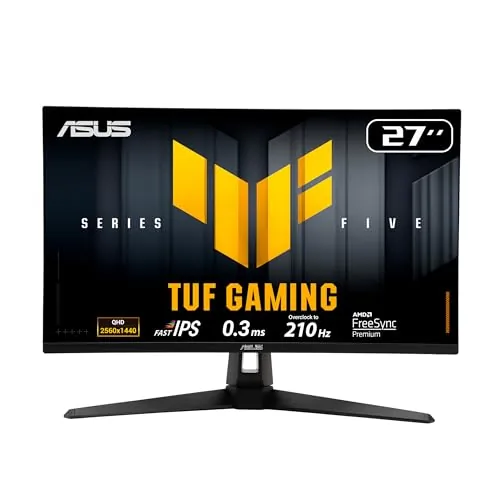
ASUS TUF Gaming VG27AQL5A · VG27AQL5A
ASUS TUF Gaming VG27AQL5A
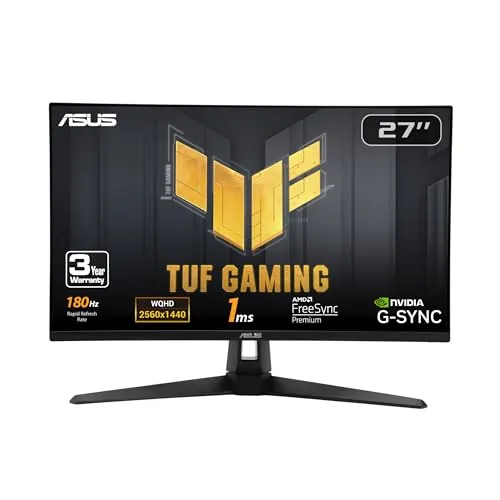
ASUS TUF Gaming VG27AQ3A · VG27AQ3A
ASUS TUF Gaming VG27AQ3A

Monitors

ASUS VG27AQL5A vs VG27AQ3A: Check the Port and Stand Before You Buy

Both are 27-inch QHD ASUS TUF Gaming monitors with DisplayPort 1.4 and two HDMI 2.0 inputs. ASUS lists the VG27AQL5A up to 210Hz over DisplayPort and gives it a height-adjustable, pivoting stand; the VG27AQ3A is listed up to 180Hz over DisplayPort and has no height adjustment. Both HDMI signal ranges stop at 144Hz, so the 210Hz headline only helps a compatible DisplayPort setup.

Read comparison