
Pickagu

All comparisons

Search by model or browse by category and brand pairing.

2,994 comparisons

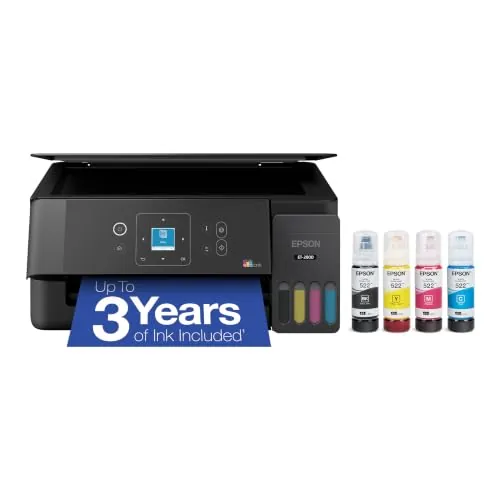
Epson EcoTank ET-2900 Wireless All-in-One Color Supertank Printer – Black · C11CL63201
Epson EcoTank ET-2900 Wireless All-in-One Color Supertank Printer – Black
Canon PIXMA TR8620a Wireless Home Office All-in-One Printer · 4451C032
Canon PIXMA TR8620a Wireless Home Office All-in-One Printer

Printers

Epson EcoTank ET-2900 vs Canon PIXMA TR8620a: Refill Routine or ADF Workflow?

The black U.S. Epson EcoTank ET-2900 (C11CL63201) uses refillable ink tanks and scans from its flatbed; Epson's shared guide says this model group does not include an ADF or Ethernet. The Canon PIXMA TR8620a (4451C032) uses five individual ink tanks, adds an ADF for supported paper stacks, and lists USB, Wi-Fi, and Ethernet. Pick the workflow that matches your home office; neither maker's documentation establishes lower total ink cost or faster real-world work.

Read comparison

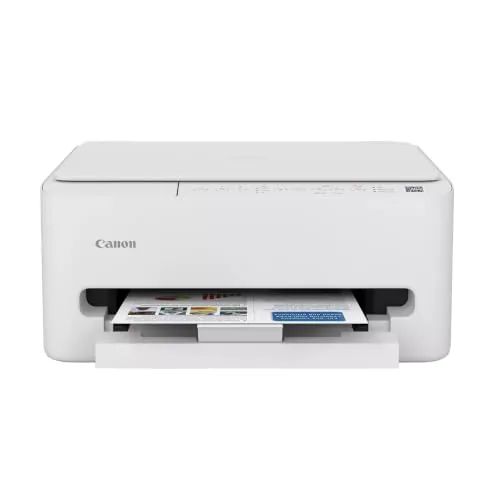
Canon PIXMA TR8620a Wireless All-in-One Printer, Black · 4451C032
Canon PIXMA TR8620a Wireless All-in-One Printer, Black
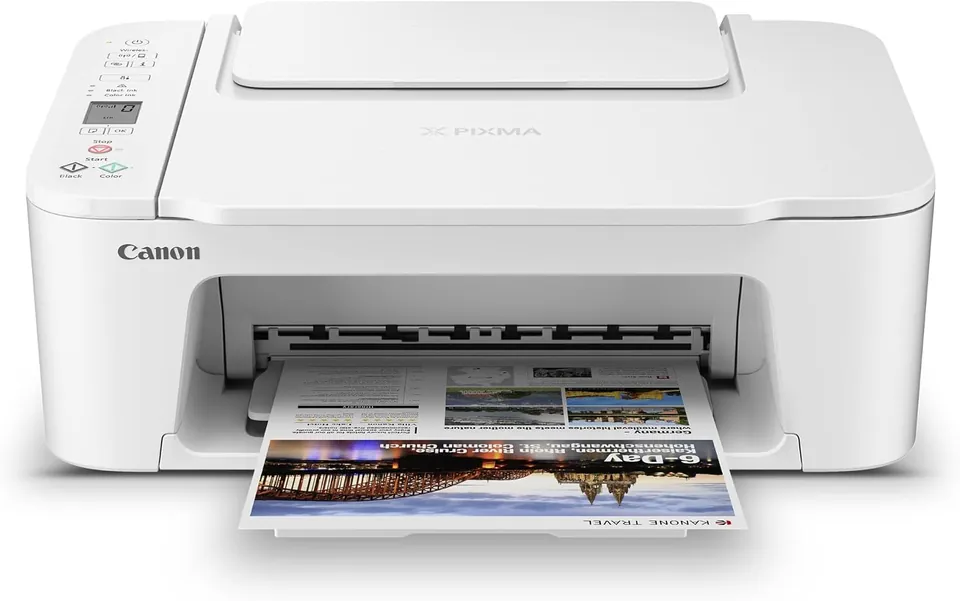
Canon PIXMA TS6520 Wireless Multi-Function Home Printer, White · 7179C002
Canon PIXMA TS6520 Wireless Multi-Function Home Printer, White

Printers

Canon PIXMA TR8620a vs TS6520: Ink Replacement and Document Scanning

The black Canon PIXMA TR8620a (4451C032) has a flatbed plus an ADF that Canon specifies for up to 20 same-size Letter/A4 plain-paper originals or 5 Legal originals within its limits; its ADF does not scan duplex originals automatically. Its five-color system uses separate CLI-281 dye black, cyan, magenta and yellow tanks alongside pigment black. The white PIXMA TS6520 (7179C002) uses a flatbed scanner with multi-page PDF support but no ADF, and a two-tank system whose CL-286 color cartridge combines cyan, magenta, yellow and dye black. Pick by your scan-feed routine and how you prefer to replace dye colors, not claimed print quality or running cost.

Read comparison
Canon PIXMA TR8620a Wireless Home Office All-in-One Printer · 4451C032
Canon PIXMA TR8620a Wireless Home Office All-in-One Printer
Canon PIXMA TS4320 Wireless Multi-Function Home Printer · 7181C002
Canon PIXMA TS4320 Wireless Multi-Function Home Printer

Printers

Canon PIXMA TR8620a vs TS4320: Do You Need Separate Ink Tanks and an ADF?

The TR8620a adds five individual ink tanks, a 20-sheet Letter / 5-sheet Legal ADF, a second paper feed, and fax. The TS4320 uses two cartridges and a flatbed. Canon documents automatic two-sided printing for TR8620a. Published TS4320 automatic-duplex records disagree, so verify that feature if it affects your choice.

Read comparison
Canon PIXMA TS6520 Wireless Color Inkjet Printer · 7179C002
Canon PIXMA TS6520 Wireless Color Inkjet Printer
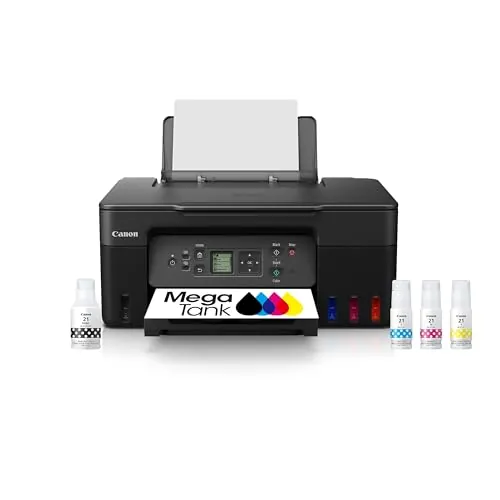
Canon MegaTank PIXMA G3270 Wireless All-in-One Printer · 5805C002
Canon MegaTank PIXMA G3270 Wireless All-in-One Printer

Printers

Canon PIXMA TS6520 vs MegaTank G3270: Ink, Duplex, Media, and Scanning

The white PIXMA TS6520 uses black and color FINE cartridges; the black MegaTank G3270 has four integrated ink tanks filled from GI-21 bottles. Canon lists duplex printing for the TS6520 and its Windows driver supports automatic or manual duplex. The G3270 product spec lists simplex printing, while its linked G3070-series Windows manual documents a manual reload-and-confirm two-sided workflow. Compare the refill task, paper handling, and flatbed scanner specs without assuming lower ink cost or better scan output.

Read comparison
Epson EcoTank ET-2900 Wireless All-in-One Color Supertank Printer - Black · C11CL63201
Epson EcoTank ET-2900 Wireless All-in-One Color Supertank Printer - Black
Canon PIXMA TS4320 Wireless Multi-Function Home Printer - White · 7181C002
Canon PIXMA TS4320 Wireless Multi-Function Home Printer - White

Printers

Epson ET-2900 vs Canon PIXMA TS4320: Ink, Paper and Duplex

The black Epson ET-2900 C11CL63201 uses keyed EcoFit bottles for its built-in tanks; the white Canon PIXMA TS4320 7181C002 uses PG-295 black and CL-286 color cartridges. Both list a 100-sheet paper supply, but Epson loads from the rear and Canon uses a front cassette. Canon's U.S. pages and Windows driver guide describe automatic duplex for Letter or A4, while an exact-model ENERGY STAR record says it is not automatic-duplex capable. Because those sources conflict, treat duplex as unverified for your exact setup and choose first by the ink routine you prefer.

Read comparison
Canon PIXMA TS3720 Wireless All-in-One Printer, White · 6671C022
Canon PIXMA TS3720 Wireless All-in-One Printer, White
Canon PIXMA TR8620a Wireless Home Office All-in-One Printer, Black · 4451C032
Canon PIXMA TR8620a Wireless Home Office All-in-One Printer, Black

Printers

Canon PIXMA TS3720 vs TR8620a: Paper Handling, Duplex and Ink Setup

The white PIXMA TS3720 keeps the workflow simple: one rear paper tray, a black-and-color FINE cartridge pair, and manual duplex on supported Windows jobs. The black PIXMA TR8620a adds a cassette plus rear tray, five separate ink tanks, a 20-sheet Letter or 5-sheet Legal ADF, and automatic print duplex on supported sizes and media. Match the choice to the documents you actually handle; neither the ink layout nor the feature list proves lower running cost or better print results.

Read comparison
ASUS ROG Strix X870E-E Gaming WiFi · ROG STRIX X870E-E GAMING WIFI
ASUS ROG Strix X870E-E Gaming WiFi
ASUS ROG Strix B850-A Gaming WiFi · ROG STRIX B850-A GAMING WIFI
ASUS ROG Strix B850-A Gaming WiFi

Motherboards

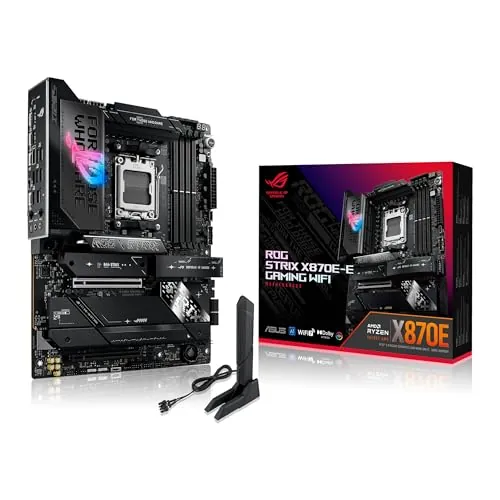
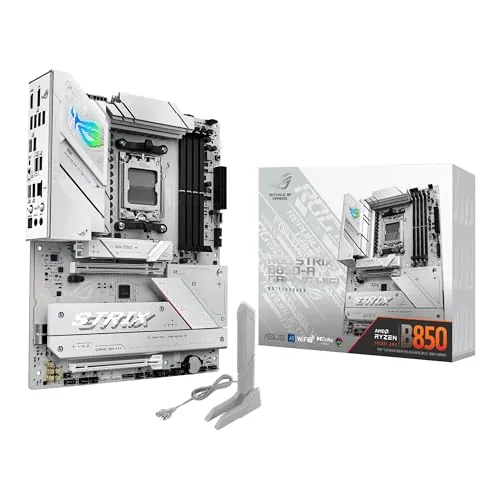
ASUS ROG Strix X870E-E vs B850-A: USB4, M.2 Lanes and DDR5 Build Fit

The US ASUS ROG Strix X870E-E Gaming WiFi documents two rear USB4 40Gbps Type-C ports and five M.2 sockets; the ROG Strix B850-A Gaming WiFi lists four M.2 sockets and a different M.2_3/secondary-slot conflict, with no USB4 port in its rear-I/O list. Both are AM5 DDR5 boards with four DIMM slots and up to 256GB listed, while supported memory speed and module count depend on the CPU and configuration. Before choosing, map your exact Ryzen generation, every M.2 drive, graphics card, add-in card and RAM kit to the ASUS board specifications. This is a feature-fit guide, not a benchmark ranking.

Read comparison
Canon PIXMA TR8620a Wireless Home Office All-in-One Printer, Black · 4451C032
Canon PIXMA TR8620a Wireless Home Office All-in-One Printer, Black
Canon MegaTank PIXMA G3270 Wireless All-in-One Printer, Black · 5805C002
Canon MegaTank PIXMA G3270 Wireless All-in-One Printer, Black

Printers

Canon PIXMA TR8620a vs MegaTank G3270: Ink, Paper and Scanning Fit

The black U.S. Canon PIXMA TR8620a (4451C032) uses five replaceable ink tanks and combines a flatbed with an ADF for supported document stacks. It can keep plain paper in its front cassette and another supported media type in the rear tray, and its manual documents automatic duplex printing for Letter, A5, A4 and B5 when paper and software settings qualify. The black PIXMA MegaTank G3270 (5805C002) refills integrated tanks from GI-21 bottles, scans from a flatbed, and uses one rear paper tray. Canon's G3270 product specifications say single-sided printing, while the G3070-series Windows driver guide documents a manual two-sided setting; ask Canon to confirm your exact G3270 job before counting on duplex. No page-yield, print-quality or cost winner is claimed.

Read comparison
Canon PIXMA TR7120 Wireless Multi-Function Home Printer · 7178C002
Canon PIXMA TR7120 Wireless Multi-Function Home Printer
Canon MegaTank PIXMA G3270 Wireless All-in-One Printer · 5805C002
Canon MegaTank PIXMA G3270 Wireless All-in-One Printer

Printers

Canon PIXMA TR7120 vs MegaTank PIXMA G3270: Cartridge, Refill, and Paper Workflows

The white U.S. PIXMA TR7120 (7178C002) uses PG-295/CL-286 FINE cartridges, has a 35-sheet ADF for supported paper stacks, and prints automatically on both sides. The black U.S. MegaTank PIXMA G3270 (5805C002) uses refillable GI-21 tanks, scans multi-page PDFs by loading each page on its flatbed, and is listed for single-sided printing. Choose by the paper jobs you do and the ink-maintenance steps you prefer; this comparison makes no ink-cost estimate.

Read comparison
JBL Grip Portable Bluetooth Speaker · JBLGRIPBLKAM
JBL Grip Portable Bluetooth Speaker
JBL Clip 5 Portable Bluetooth Speaker · JBLCLIP5BLKAM
JBL Clip 5 Portable Bluetooth Speaker

Bluetooth Speakers

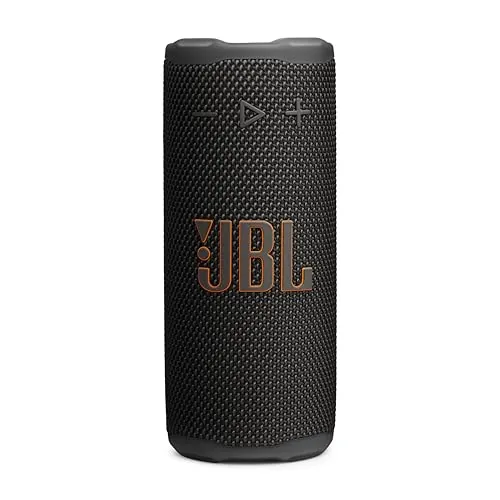
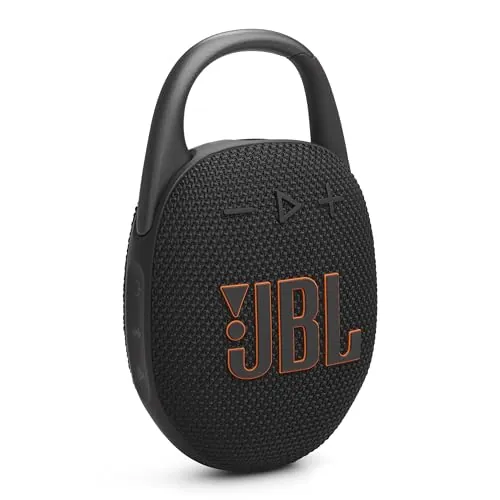
JBL Grip vs Clip 5: Attachment, App Controls, and Box Contents

The black JBL Grip (JBLGRIPBLKAM) has an integrated rope hook, rear ambient light, and omits a USB-C cable; the black JBL Clip 5 (JBLCLIP5BLKAM) uses a wide-opening integrated carabiner and includes a Type-C cable. Both support Auracast, while JBL describes stereo pairing with two speakers of the same model.

Read comparison
JBL Go 5 Ultra-Portable Bluetooth Speaker · JBLGO5BLKAM
JBL Go 5 Ultra-Portable Bluetooth Speaker
JBL Grip Compact Bluetooth Speaker · JBLGRIPBLKAM
JBL Grip Compact Bluetooth Speaker

Bluetooth Speakers

JBL Go 5 vs JBL Grip: Carry Size, Pairing, and Rated Playtime

Both black JBL speakers have IP68 ratings, app controls, Auracast multi-speaker support, and a published Playtime Boost maximum. The Go 5 is 77.4 mm tall and 0.23 kg, with AirTouch stereo pairing by bringing two Go 5 units together; JBL rates it up to 8 hours plus 2 with Playtime Boost. The Grip stands 152.5 mm tall, weighs 0.385 kg, pairs two Grips for stereo through Auracast, and is rated up to 12 hours plus 2 with Playtime Boost. Those are maker ratings, not a same-condition runtime test.

Read comparison