Pickagu

All comparisons

Search by model or browse by category and brand pairing.

2,994 comparisons

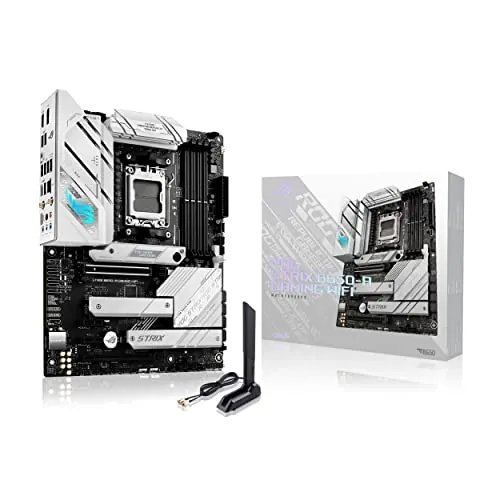
ASUS ROG STRIX B650-A GAMING WIFI · ROG STRIX B650-A GAMING WIFI
ASUS ROG STRIX B650-A GAMING WIFI
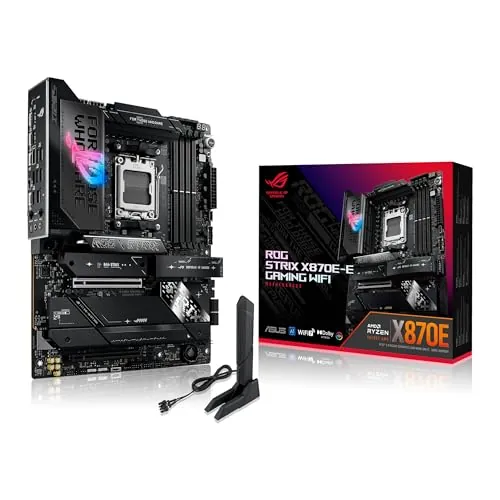
ASUS ROG STRIX X870E-E GAMING WIFI · ROG STRIX X870E-E GAMING WIFI
ASUS ROG STRIX X870E-E GAMING WIFI

Motherboards

ROG Strix B650-A vs X870E-E: M.2 Lanes, USB4, and RAM Limits

Both are AM5 ROG Strix boards for Ryzen 7000, 8000, and 9000 series, but their lane maps are not interchangeable. B650-A offers three M.2 sockets and a chipset M.2_3 that shares bandwidth with its secondary chipset x4 slot; X870E-E offers five sockets, but Ryzen 8000 disables M.2_2/_3 and Ryzen 7000/9000 drops the primary graphics slot to x8 when either is populated. Choose after mapping your exact CPU, drives, add-in cards, and case USB headers.

Read comparison
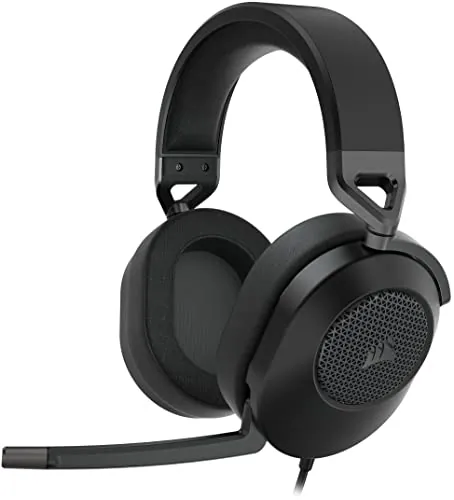
Corsair HS65 Surround Wired Gaming Headset — Carbon · CA-9011270-NA
Corsair HS65 Surround Wired Gaming Headset — Carbon
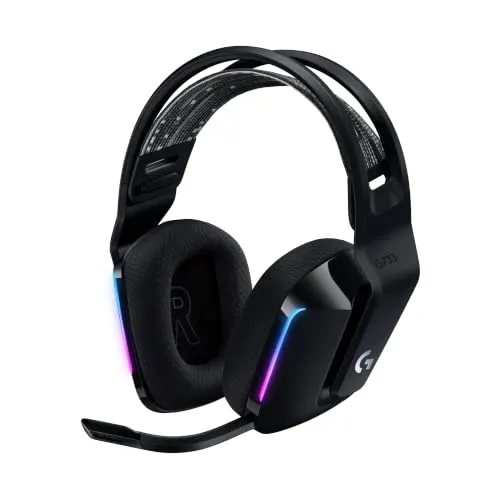
Logitech G733 LIGHTSPEED Wireless RGB Gaming Headset — Black · 981-000863
Logitech G733 LIGHTSPEED Wireless RGB Gaming Headset — Black

Gaming Headsets

Corsair HS65 Surround vs Logitech G733: 3.5mm, USB Receiver and Mic Controls

The US Corsair HS65 Surround Carbon CA-9011270-NA uses a 3.5mm wired connection and includes a USB adapter for specified PC/Mac features. Its attached boom mutes when flipped up. The black Logitech G733 981-000863 sends audio over its LIGHTSPEED USB receiver, uses USB-C for charging, and has a detachable boom with a separate mute button. Choose by the ports on your actual host and the mic motion you prefer; verify console compatibility before relying on a USB receiver. This guide compares documented setup and controls, not sound, voice quality, comfort or latency.

Read comparison
SteelSeries Arctis Nova 5 Wireless (Black) · 61670
SteelSeries Arctis Nova 5 Wireless (Black)
HyperX Cloud III Wired Gaming Headset (Black) · 727A8AA
HyperX Cloud III Wired Gaming Headset (Black)

Gaming Headsets

SteelSeries Arctis Nova 5 vs HyperX Cloud III: Wireless Switching or Wired Connections?

The black Arctis Nova 5 Wireless (model 61670) connects through its USB-C wireless dongle or Bluetooth and switches between those sources; it is not the Xbox-compatible Nova 5X. The black HyperX Cloud III Wired (727A8AA) uses a cable, with 3.5 mm, USB-C, and USB-A paths listed by HyperX. Choose after checking the exact console port and whether you want wireless source switching or a wired setup.

Read comparison
Corsair HS65 Surround Wired Gaming Headset — Carbon · CA-9011270-NA
Corsair HS65 Surround Wired Gaming Headset — Carbon
Logitech G PRO X Wired Gaming Headset — Black · 981-000817
Logitech G PRO X Wired Gaming Headset — Black

Gaming Headsets

Corsair HS65 Surround vs Logitech G PRO X Wired: USB Setup, 3.5mm and Mic Workflow

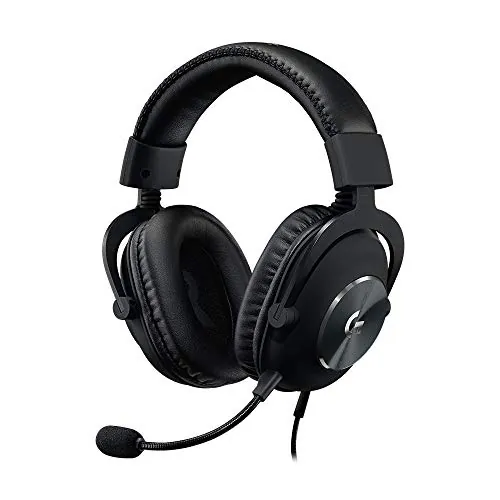
This US comparison covers the Corsair HS65 Surround Carbon CA-9011270-NA and the original wired Logitech G PRO X Black 981-000817. Both offer a wired 3.5 mm route, but their included USB paths and PC software features differ. HS65 uses its included USB surround adapter with Corsair iCUE for SoundID and Dolby Audio features; PRO X uses its included USB DAC with Logitech G HUB for Blue VO!CE, EQ and DTS Headphone:X 2.0. HS65's boom is fixed and flips up to mute; PRO X's boom can be removed, and Logitech shows a separate mobile-cable setup without establishing that cable's box inclusion. This is a documented setup and control comparison, not a sound or microphone test.

Read comparison
CORSAIR HS65 SURROUND Wired Gaming Headset - Carbon · CA-9011270-NA
CORSAIR HS65 SURROUND Wired Gaming Headset - Carbon
SteelSeries Arctis Nova 5 Wireless Gaming Headset - Black · 61670
SteelSeries Arctis Nova 5 Wireless Gaming Headset - Black

Gaming Headsets

Corsair HS65 Surround vs SteelSeries Arctis Nova 5: Wired, Dongle, or Bluetooth?

The Carbon HS65 Surround (CA-9011270-NA) is a wired 3.5 mm headset, with an included USB surround adapter for its documented iCUE feature path. Standard Arctis Nova 5 Wireless (61670) uses a USB-C wireless dongle and can switch to Bluetooth 5.3. For PS4/PS5, SteelSeries documents the dongle plus included USB-C-to-USB-A adapter; for Xbox, Corsair lists the HS65's wired compatibility while the reviewed Nova 5 guide does not list an Xbox wireless route. Verify your exact host and desired audio features before buying. Neither headset is ranked for sound or mic quality.

Read comparison
Logitech G733 LIGHTSPEED Wireless Gaming Headset — Black · G733 / 981-000863
Logitech G733 LIGHTSPEED Wireless Gaming Headset — Black
HyperX Cloud Alpha Gaming Headset — Black-Red · HX-HSCA-RD/AM (current part 4P5L1AA#ABL)
HyperX Cloud Alpha Gaming Headset — Black-Red

Gaming Headsets

Logitech G733 vs HyperX Cloud Alpha: USB Wireless or 3.5mm Wired?

The black Logitech G733 uses LIGHTSPEED wireless through USB; the original black-red HyperX Cloud Alpha uses a detachable 3.5mm cable. Check your console or PC ports first, then compare where you want audio and microphone controls and what the selected box includes.

Read comparison
SteelSeries Arctis Nova 5 Wireless Gaming Headset, Black · 61670
SteelSeries Arctis Nova 5 Wireless Gaming Headset, Black
HyperX Cloud Alpha Wired Gaming Headset, Black-Red · 4P5L1AA#ABL
HyperX Cloud Alpha Wired Gaming Headset, Black-Red

Gaming Headsets

SteelSeries Arctis Nova 5 vs HyperX Cloud Alpha: USB-C Wireless or 3.5mm Wired?

The black standard Arctis Nova 5 (61670) pairs a USB-C 2.4 GHz dongle with Bluetooth QuickSwitch, a retractable mic, and SteelSeries app/PC software options. The black-red original HyperX Cloud Alpha (4P5L1AA#ABL) is wired over 3.5mm, has a detachable mic and cable controls, and is listed for Xbox when the device has a compatible connection. Standard Nova 5 is not Xbox-compatible; do not confuse it with Nova 5X.

Read comparison
Logitech G PRO X Wired Gaming Headset (Black) · 981-000817
Logitech G PRO X Wired Gaming Headset (Black)
SteelSeries Arctis Nova 5 Wireless Gaming Headset (Black) · 61670
SteelSeries Arctis Nova 5 Wireless Gaming Headset (Black)

Gaming Headsets

Logitech G PRO X Wired vs SteelSeries Arctis Nova 5 Wireless: PC DAC or Dongle?

The Logitech G PRO X is a wired headset whose included USB DAC and G HUB unlock named features on PC; its analog splitter path does not. The standard Arctis Nova 5 Wireless uses a USB-C dongle with a USB-A adapter or Bluetooth QuickSwitch. Check the port and software route you will use, then decide whether you prefer a detachable boom or one that retracts into the earcup.

Read comparison
Nikon Z5 II Full-Frame Mirrorless Camera, Black · Z5II (U.S. model 1680)
Nikon Z5 II Full-Frame Mirrorless Camera, Black
Nikon Z50 II Mirrorless Camera, Black · Z50II (U.S. model 1784)
Nikon Z50 II Mirrorless Camera, Black

Mirrorless Cameras

Nikon Z5II vs Z50II: FX or DX, In-Body VR and Dual-Card Backup

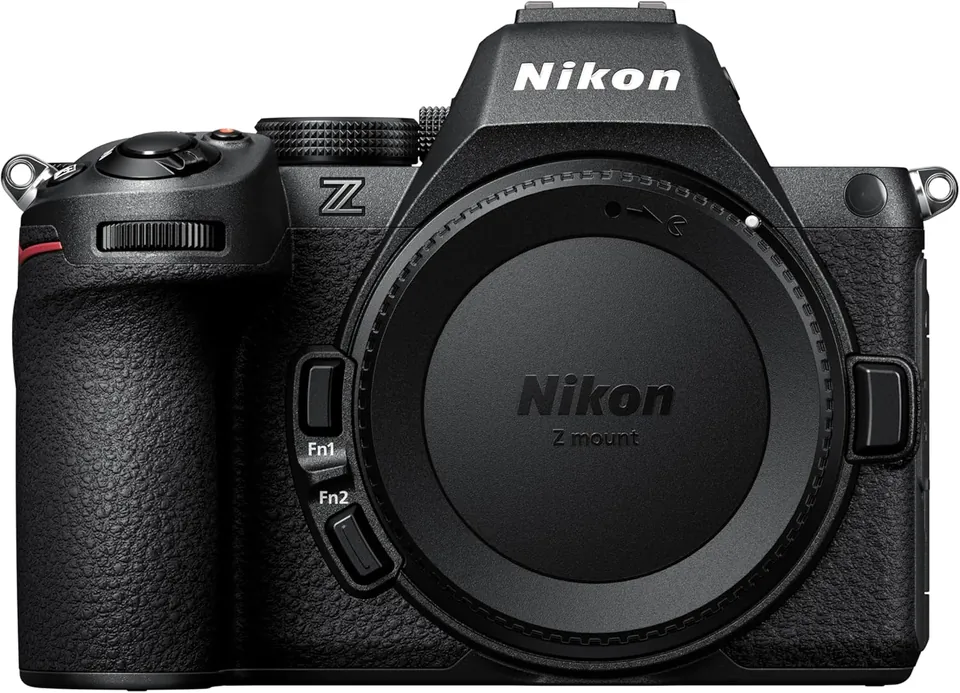
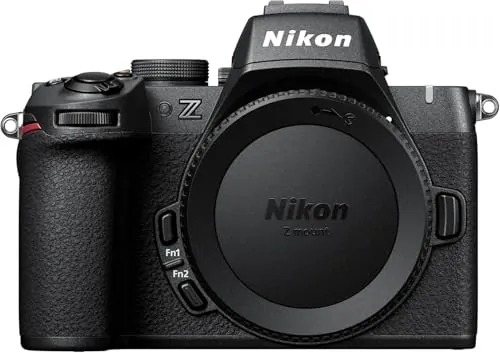
The Nikon Z5II (U.S. model 1680) is an FX body with 5-axis in-body VR and two SD slots; its guide says a DX lens fixes capture to the DX image area. The Nikon Z50II (U.S. model 1784) is a DX body with one SD slot and lens-shift VR when paired with a compatible VR lens. Inventory your lenses first, then decide whether in-camera duplicate-card recording and the Z5II's 125 g higher Nikon-listed camera weight fit your routine.

Read comparison
CORSAIR HS65 SURROUND Wired Gaming Headset — Carbon · CA-9011270-NA
CORSAIR HS65 SURROUND Wired Gaming Headset — Carbon
Logitech G522 LIGHTSPEED Wireless Gaming Headset — Black · 981-001491
Logitech G522 LIGHTSPEED Wireless Gaming Headset — Black

Gaming Headsets

CORSAIR HS65 SURROUND vs Logitech G522 LIGHTSPEED: Connections and Mic Controls

The black CORSAIR HS65 SURROUND (CA-9011270-NA) is a wired headset with a 3.5 mm path and an included USB adapter for documented PC features. The black Logitech G522 LIGHTSPEED (981-001491) offers LIGHTSPEED, Bluetooth, and USB-wired options, but USB-wired and LIGHTSPEED cannot run together. Their mic controls differ too: flip the HS65 boom up to mute, or press the G522 mute button and use its red indicators. Match the exact host, cable path, and mute control to your setup; these documented differences do not establish an audio or mic-performance winner.

Read comparison
Logitech G733 LIGHTSPEED Wireless Gaming Headset - Black · 981-000863
Logitech G733 LIGHTSPEED Wireless Gaming Headset - Black
HyperX Cloud III Wired Gaming Headset - Black · 727A8AA
HyperX Cloud III Wired Gaming Headset - Black

Gaming Headsets

Logitech G733 vs HyperX Cloud III Wired: USB Wireless or Wired Ports?

The black G733 (981-000863) sends game audio through a LIGHTSPEED USB connection; its built-in USB-C port is for charging. Black HyperX Cloud III Wired (727A8AA) is a wired alternative with USB-C, USB-A and 3.5 mm paths. HyperX specifically says to connect Cloud III Wired to an Xbox controller through 3.5 mm, while Logitech's reviewed G733 documents do not establish an Xbox route. For PC voice tools, Logitech names Blue VO!CE through G HUB; HyperX lists Cloud III Wired under NGENUITY Legacy, which is Windows-only and has limited maintenance. Choose around your host ports and software needs, not an untested sound or mic-quality ranking.

Read comparison
Nikon D7500 DX-Format Digital SLR Body · 1581
Nikon D7500 DX-Format Digital SLR Body
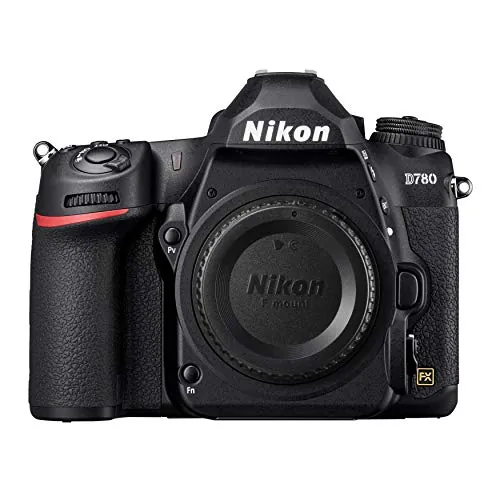
Nikon D780 FX-Format DSLR Body · 1618
Nikon D780 FX-Format DSLR Body

Dslr Cameras

Nikon D7500 vs D780: DX Lenses, Dual SD Cards, and Capture Modes

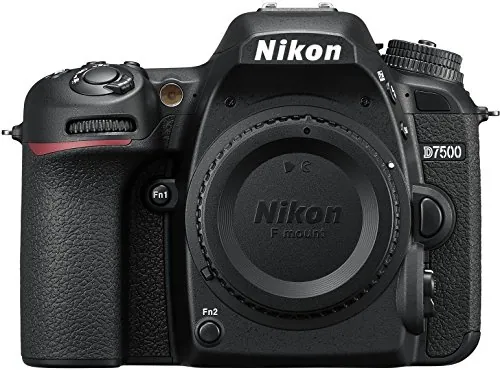
Both are Nikon F-mount DSLR bodies with U1/U2 user settings and touchscreen displays, but they capture different image areas and store files differently. D7500 is DX with DX and 1.3× crop choices and one SD slot. D780 is FX, can use DX lenses with DX crop selected, and has two SD slots for overflow, duplicate stills, or RAW/JPEG separation. Check your exact lens model and card routine before changing bodies.

Read comparison