Pickagu

Earbuds

Find your model below to compare what is included and how the differences affect everyday use.

46 comparisons

Earbuds comparisons

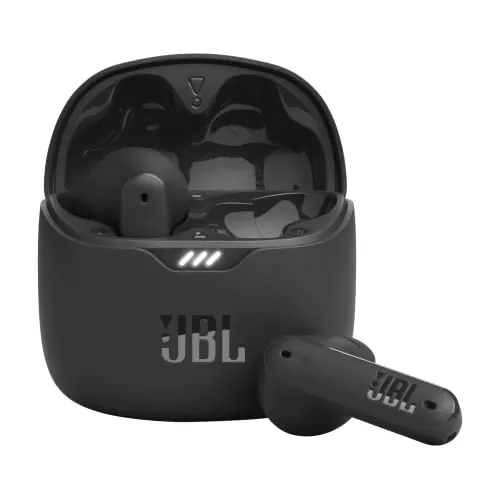
JBL Tune Flex 2 True Wireless Noise Cancelling Earbuds, Black · JBLTFLEX2BLKAM
JBL Tune Flex 2 True Wireless Noise Cancelling Earbuds, Black
JBL Tune Flex True Wireless Noise Cancelling Earbuds, Black · JBLTFLEXBLKAM
JBL Tune Flex True Wireless Noise Cancelling Earbuds, Black

JBL Tune Flex 2 vs Tune Flex: Tips, Charging and Two-Device Switching

Both black US models include an open ear tip, three sealing-tip sizes, a charging case and a USB-C cable. JBL documents up to two-device multipoint for Tune Flex 2; its US information does not say whether the selected original Tune Flex supports it. Compare the exact app controls and maker-rated charging figures without treating them as fit or sound tests.

Read comparison
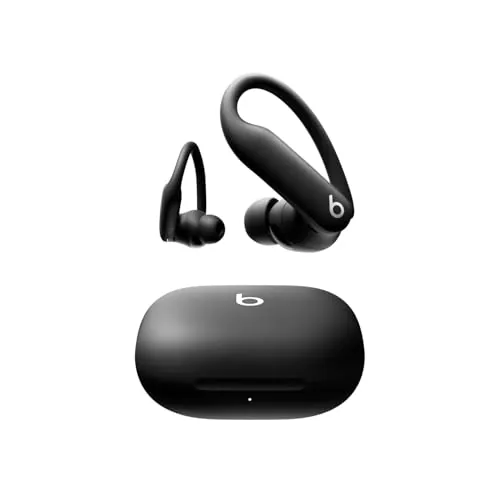
Beats Powerbeats Pro 2 · MX723DN/A (Jet Black)
Beats Powerbeats Pro 2
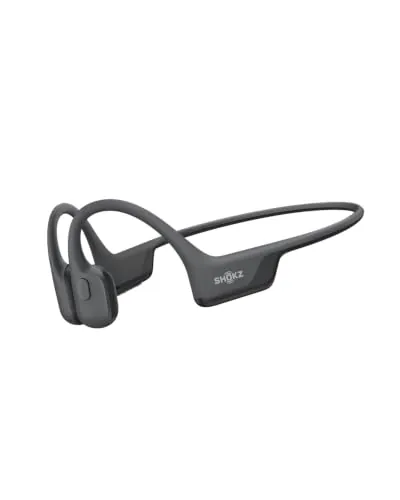
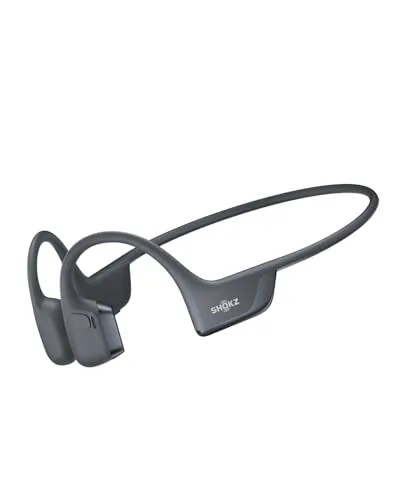
Shokz OpenRun Pro 2 · S820, Standard Black
Shokz OpenRun Pro 2

Beats Powerbeats Pro 2 vs Shokz OpenRun Pro 2: In-Ear or Open-Ear?

These are different wearing formats, not close substitutes. Powerbeats Pro 2 puts silicone tips in the ear and adds earhooks, ANC and Transparency mode; OpenRun Pro 2 keeps the ear canal uncovered with a one-piece open-ear frame. The choice comes down to the listening format you want, plus whether you prefer a wireless charging case or direct USB-C charging.

Read comparison
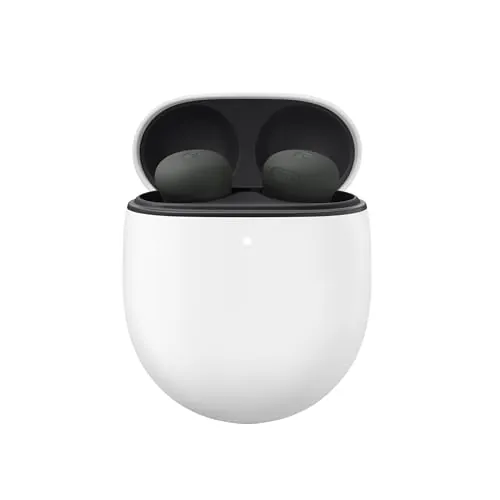
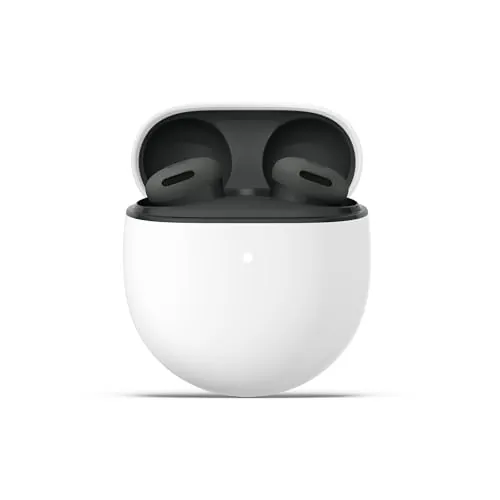
Google Pixel Buds Pro 2 · GA05762-US
Google Pixel Buds Pro 2
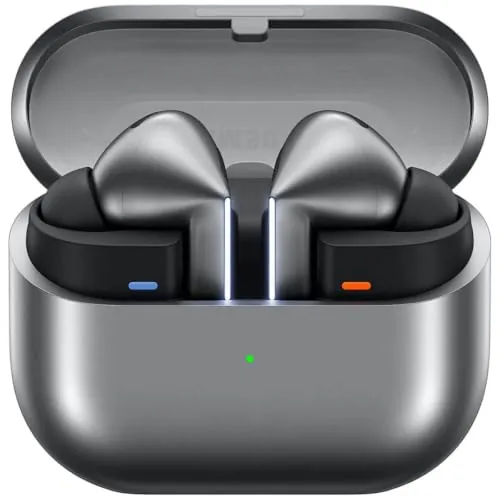
Samsung Galaxy Buds3 Pro · SM-R630NZAAXAC
Samsung Galaxy Buds3 Pro

Pixel Buds Pro 2 vs Galaxy Buds3 Pro: Phone and Device Fit

Both are premium true-wireless earbuds with USB-C case charging and Qi wireless charging. The useful difference is the ecosystem around them: Google documents basic Bluetooth pairing with Android, iOS, tablets, and laptops, while Samsung’s Buds3 Pro Auto Switch and Galaxy AI features have compatible Galaxy-device and account requirements. Check the exact Samsung SKU’s iPhone app/features and regional warranty before buying.

Read comparison
Samsung Galaxy Buds4 Pro, Black · SM-R640NZKFXAR
Samsung Galaxy Buds4 Pro, Black
Samsung Galaxy Buds3 FE, Black · SM-R420NZKFXAR
Samsung Galaxy Buds3 FE, Black

Samsung Galaxy Buds4 Pro vs Buds3 FE: Controls, Phone Support and Case Fit

Samsung lists Gemini for both the Galaxy Buds4 Pro and Galaxy Buds3 FE, so assistant availability alone does not decide this pair. The Pro's documented head gestures need a Galaxy device on One UI 8.5 or later; Buds3 FE documents Gemini activation by a configured hotword or pinch-and-hold on One UI 8.0+. Both use touch or pinch controls, while Samsung lists Bluetooth-only use on iOS. Check the case dimensions against your own storage space and confirm the exact Black listing before checkout.

Read comparison
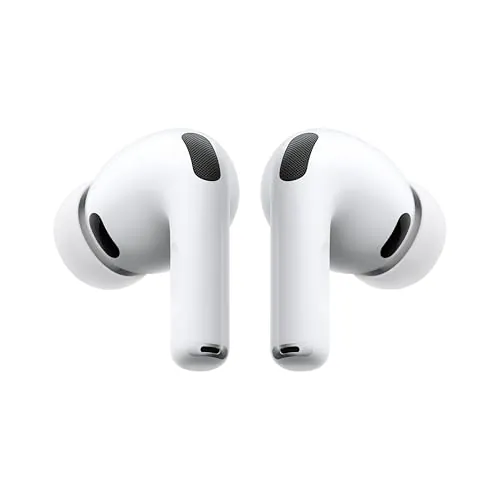
Apple AirPods Pro 3 · AirPods Pro 3 (MFHP4LL/A, White)
Apple AirPods Pro 3
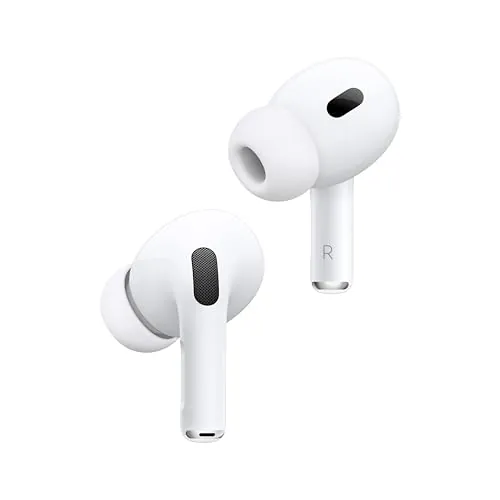
Apple AirPods Pro 2 with MagSafe Charging Case (USB-C) · AirPods Pro 2 USB-C case edition (MTJV3AM/A, White)
Apple AirPods Pro 2 with MagSafe Charging Case (USB-C)

AirPods Pro 3 vs AirPods Pro 2 USB-C: Tips and Charging

Both models use a USB-C MagSafe case that supports MagSafe, Apple Watch, Qi-certified or USB-C charging. The documented differences are their included tip ranges and fit-check workflows, plus whether the box includes a USB-C cable. Verify that the Pro 2 listing is the USB-C case edition before ordering.

Read comparison
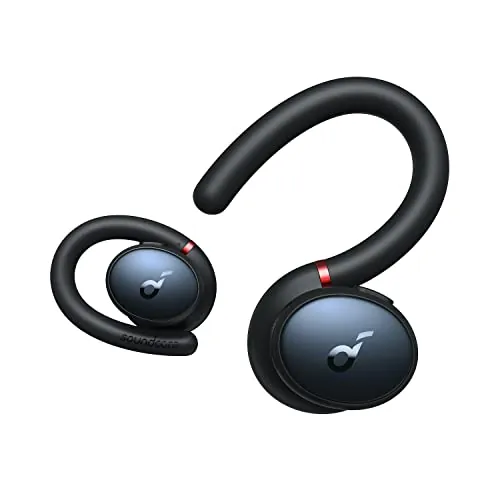
soundcore Sport X10 True Wireless Workout Earbuds (Black) · A3961011 / A3961
soundcore Sport X10 True Wireless Workout Earbuds (Black)
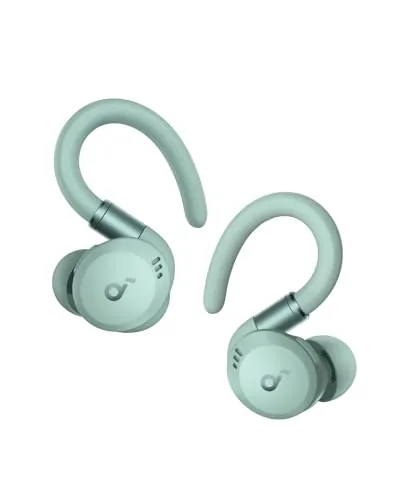
soundcore Sport X20 Wireless Sport Earbuds (Green) · A3968
soundcore Sport X20 Wireless Sport Earbuds (Green)

Soundcore Sport X10 vs Sport X20: Hook Adjustment, Device Switching, and Workout Details

Both are hook-style workout earbuds, but their adjustment steps differ. X10’s hook rotates up to 210 degrees; X20’s hook pulls out across four extension scales and rotates up to ±30 degrees, with an app Fit Test. X20 also has official Dual Connections setup instructions; the checked X10 support page does not answer whether X10 supports multipoint. Compare the stated battery modes and water ratings as manufacturer specifications, not as a same-condition test or a promise of fit.

Read comparison
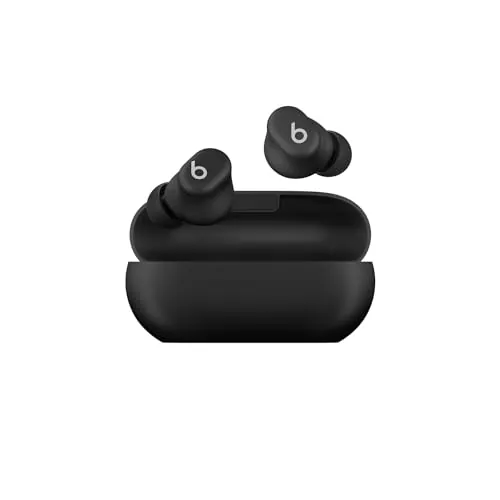
Beats Solo Buds True Wireless Earbuds · Solo Buds (MUVW3LL/A)
Beats Solo Buds True Wireless Earbuds
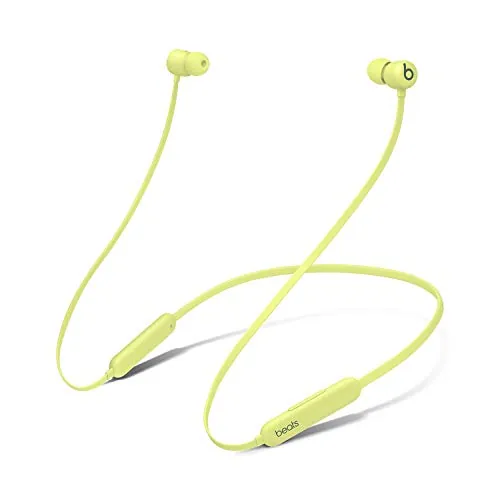
Beats Flex Wireless Earbuds · Beats Flex (MYMD2LL/A)
Beats Flex Wireless Earbuds

Beats Solo Buds vs Beats Flex: Case Charging or Cable-Linked Earbuds?

The Beats Solo Buds are two separate earbuds with a small storage case, but that case has no battery: to charge, seat the buds inside and connect the case to USB-C power. Its charging cable and adapter are sold separately. Beats Flex keeps the earbuds joined by a flexible cable, includes a USB-C charging cable, and has a separate playback-volume rocker and multifunction button. Solo Buds can reassign press-and-hold to volume, but that replaces the voice-assistant action.

Read comparison
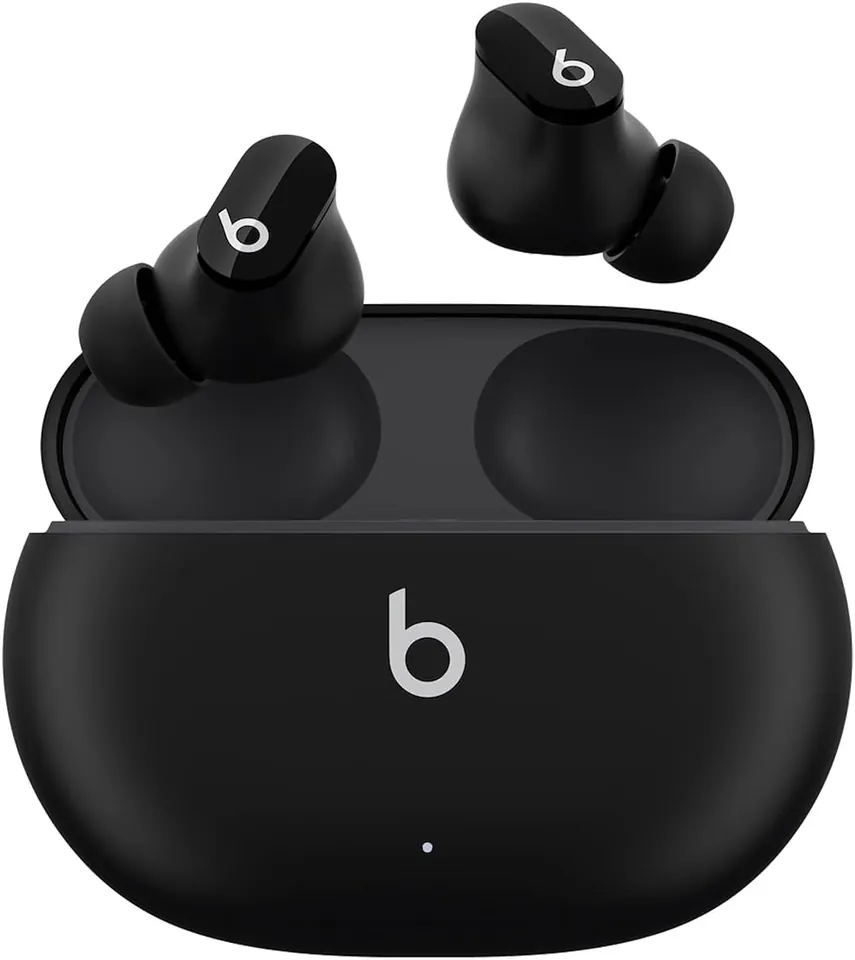
Beats Studio Buds (Black, original) · MJ4X3LL/A
Beats Studio Buds (Black, original)
Beats Solo Buds (Matte Black) · MUVW3LL/A
Beats Solo Buds (Matte Black)

Beats Studio Buds vs Solo Buds: ANC, Buttons, and Case Charging

For the original Black Beats Studio Buds (MJ4X3LL/A), the case can replenish the earbuds away from a cable and the earbuds offer ANC and Transparency modes. Matte Black Solo Buds (MUVW3LL/A) have no ANC, and their case stores the earbuds but does not charge them unless it is connected to USB-C power. Both pair with Apple and Android hosts; check the included cable and the way you normally recharge before choosing.

Read comparison
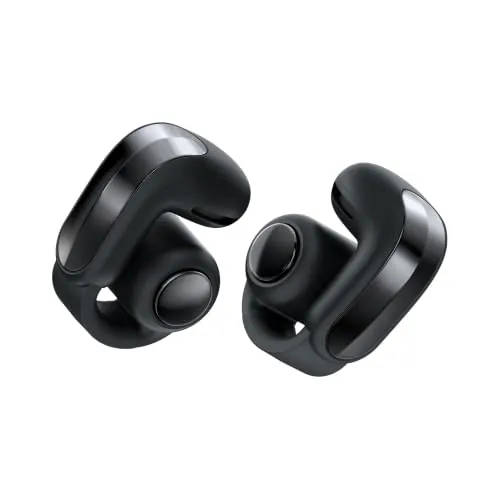
Bose Ultra Open Earbuds (2nd Gen) · 897806-0010
Bose Ultra Open Earbuds (2nd Gen)
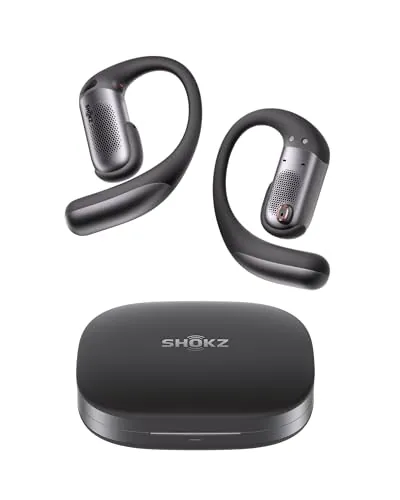
SHOKZ OpenFit Pro · SHOKZ T010
SHOKZ OpenFit Pro

Bose Ultra Open Earbuds (2nd Gen) vs SHOKZ OpenFit Pro

Both are open-ear earbuds with two-device multipoint and wireless case charging. Bose Gen 2 uses an adjustable cuff-like flex joint and documents earbud-button controls; SHOKZ OpenFit Pro uses titanium ear hooks and documents multipoint setup through its app after app and firmware updates. Check the exact wearing shape, control routine, and box contents before choosing; these maker descriptions do not establish comfort, sound, or connection superiority.

Read comparison
Apple AirPods Pro 3 · MFHP4LL/A
Apple AirPods Pro 3
SHOKZ OpenFit Pro Open-Ear Earbuds — Black · SHOKZ T010
SHOKZ OpenFit Pro Open-Ear Earbuds — Black

AirPods Pro 3 vs SHOKZ OpenFit Pro: In-Ear Noise Modes or Open-Ear Listening?

AirPods Pro 3 and SHOKZ OpenFit Pro take different approaches. AirPods Pro 3 uses ear tips at the ear-canal opening and offers Apple's Active Noise Cancellation, Transparency, and Adaptive Audio modes. OpenFit Pro wraps around the outer ear, leaves the ear open, and adds Shokz's separate Open-Ear Noise Reduction feature, which needs both earbuds and is adjusted in the Shokz App. Choose the wearing style and control routine that suit you; manufacturer descriptions do not establish which blocks more noise, sounds better, or feels more comfortable.

Read comparison
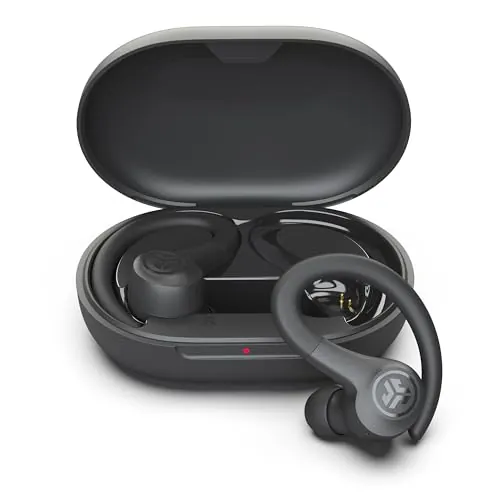
JLab GO Sport+ True Wireless Earbuds, Graphite · GO Sport+ Graphite (EBGSPRTPGPH50WEB)
JLab GO Sport+ True Wireless Earbuds, Graphite
soundcore Sport X20 Wireless Sport Earbuds, Green · Sport X20 (A3968)
soundcore Sport X20 Wireless Sport Earbuds, Green

JLab GO Sport+ vs Soundcore Sport X20: Earhook Adjustment, Controls and Case Charging

For the U.S. products compared here—JLab GO Sport+ Graphite (B0CYNFWD2R) and soundcore Sport X20 Green, model A3968 (B0CRT1VB6F)—the documented differences are interface and setup. JLab describes touch controls, app settings and a USB-C cable built into the case. Soundcore documents an adjustable ear hook and physical-button controls; its support instructions describe charging the case with a separate cable and wall charger. These are maker-documented design and workflow details, not fit, comfort, sound, noise-reduction or battery-test results.

Read comparison
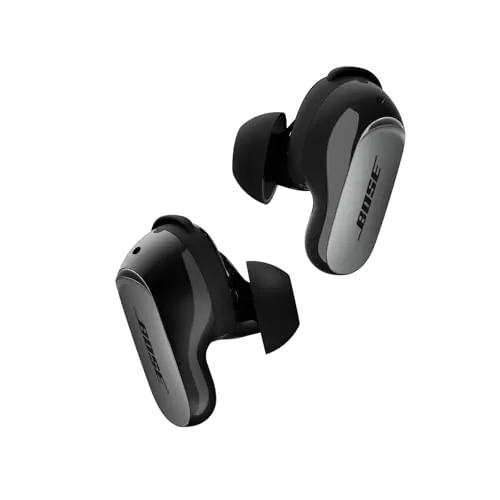
Bose QuietComfort Ultra Earbuds (2nd Gen), Black · 896637-0010
Bose QuietComfort Ultra Earbuds (2nd Gen), Black
Samsung Galaxy Buds3 FE, Black · SM-R420NZKFXAR (listing data code; exact suffix mapping unresolved)
Samsung Galaxy Buds3 FE, Black

Bose QuietComfort Ultra Earbuds (2nd Gen) vs Galaxy Buds3 FE: Device Switching and Charging

Bose documents multipoint for two active device connections and supports wireless-pad or USB-C case charging. Samsung documents Auto Switch for compatible Galaxy devices with a Samsung account on each, while the Buds3 FE case charges by cable and the U.S. box omits that cable. Both can pair over Bluetooth with compatible devices; Samsung’s exact seller SKU suffix still needs checking against the package.

Read comparison
Shokz OpenRun Air 2 (Black, Standard) · S610
Shokz OpenRun Air 2 (Black, Standard)
Shokz OpenRun Pro 2 (Black, Standard) · S820
Shokz OpenRun Pro 2 (Black, Standard)

Shokz OpenRun Air 2 vs OpenRun Pro 2: Size, Modes and Charging Kit

This compares the Black, Standard Shokz OpenRun Air 2 and OpenRun Pro 2; Shokz also offers both in Mini. Its guide maps Air 2 measurements above 9.25 inches to Standard and below that to Mini, without a recommendation at exactly the boundary. The documented differences include app settings and charging kit: Air 2 names four EQ options and a five-minute charge for up to two playback hours, while Pro 2 lists six presets and two custom modes and includes a USB-C cable. Battery figures are maker maxima, not predictions of actual runtime.

Read comparison
Shokz OpenFit Pro · T010
Shokz OpenFit Pro
Shokz OpenDots 2 · E320
Shokz OpenDots 2

Shokz OpenFit Pro vs OpenDots 2: Ear Hook or Clip-On?

These black open-ear Shokz models use different attachment and control designs. OpenFit Pro (T010) wraps a nickel-titanium hook around the outer ear and has raised physical buttons. OpenDots 2 (E320) clips at the ear and supports taps or force-sensor pinches. Published battery figures are not a controlled head-to-head: Shokz supplies detailed test conditions for OpenFit Pro, while the OpenDots 2 spec sheet does not state matching conditions.

Read comparison
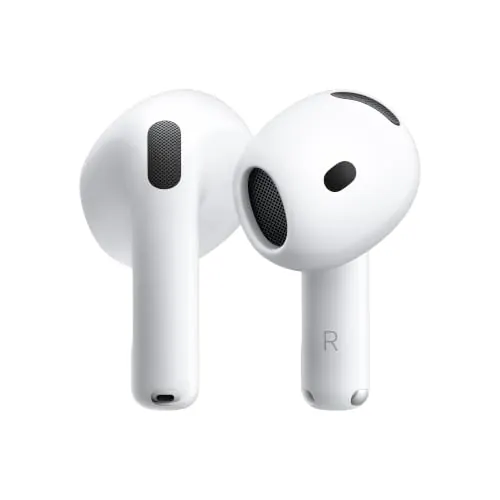
Bose Ultra Open Earbuds (2nd Gen) · 897806-0010
Bose Ultra Open Earbuds (2nd Gen)
Shokz OpenFit 2+ · T921
Shokz OpenFit 2+

Bose Ultra Open Earbuds (2nd Gen) vs Shokz OpenFit 2+: Cuff or Ear Hook?

Bose Ultra Open Earbuds (2nd Gen) use an adjustable cuff around the ear; Bose says the placement typically avoids glasses and hats. Shokz OpenFit 2+ uses a flexible hook that curves behind the outer ear. Both document physical buttons, while Shokz also documents an app-enabled touch area. Compare charging and maker-stated battery conditions, but try the attachment style on your own ears before treating either shape as a fit answer.

Read comparison
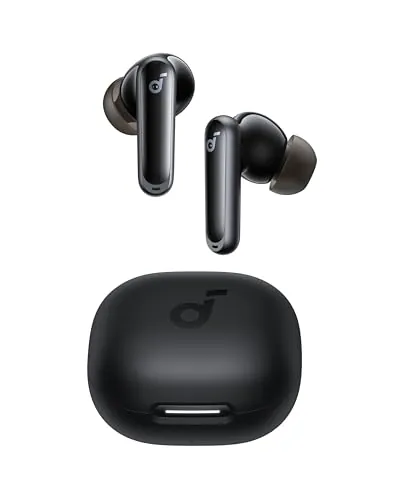
Beats Studio Buds (Black) · MJ4X3LL/A
Beats Studio Buds (Black)
Beats Powerbeats Pro 2 (Jet Black) · MX723DN/A
Beats Powerbeats Pro 2 (Jet Black)

Beats Studio Buds vs Powerbeats Pro 2: Ear Hooks, Controls and Charging

The original Beats Studio Buds use eartips and a multifunction button on each earbud. Powerbeats Pro 2 adds an ear hook and a separate up/down volume rocker on each side. Both have buttons and Beats-documented phone setup paths; the main practical differences are how they sit at the ear, the controls you can reach, and what charging hardware you need. Beats’ battery estimates use different settings, so they are not a direct same-mode comparison.

Read comparison
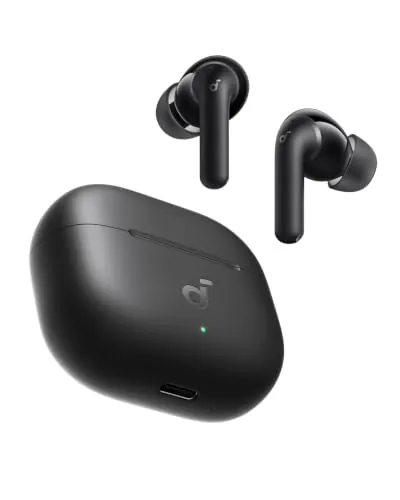
Apple AirPods 4 (standard, USB-C Charging Case) · MXP63LL/A
Apple AirPods 4 (standard, USB-C Charging Case)
Google Pixel Buds 2a, Hazel · Pixel Buds 2a (Hazel)
Google Pixel Buds 2a, Hazel

Apple AirPods 4 vs Google Pixel Buds 2a: Fit Style and Phone Workflow

The selected AirPods 4 are Apple’s standard open-ear model; Pixel Buds 2a include four eartip sizes and document adjustable fit. Then compare the setup: Apple automatic switching is tied to supported Apple devices, current software and one Apple Account, while Google Multipoint connects two paired Bluetooth sources but is off by default and requires a playback pause before switching media. Neither specification predicts your personal fit.

Read comparison
Apple AirPods Pro 3 · MFHP4LL/A
Apple AirPods Pro 3
Samsung Galaxy Buds3 Pro, Silver · SM-R630NZAAXAC
Samsung Galaxy Buds3 Pro, Silver

AirPods Pro 3 MFHP4LL/A vs Galaxy Buds3 Pro SM-R630NZAAXAC: Ecosystem Fit

Both pairs support Bluetooth, but app access and device switching follow different ecosystems. Apple says AirPods Pro 3 works with non-Apple devices over Bluetooth with limited functionality and no Siri. Samsung says Buds3 Pro is Bluetooth-only on iOS, without Galaxy Buds app support; its documented Auto Switch requires Galaxy devices on One UI 3.1 or later signed into the same Samsung account. Choose by the phones and accounts you use.

Read comparison
Bose Ultra Open Earbuds (2nd Gen) · 897806-0010
Bose Ultra Open Earbuds (2nd Gen)
Bose QuietComfort Ultra Earbuds (2nd Gen) · 896637-0010
Bose QuietComfort Ultra Earbuds (2nd Gen)

Bose Ultra Open Earbuds 2nd Gen vs QuietComfort Ultra 2nd Gen: fit and controls

This is the exact Black 2nd-generation pair: Ultra Open 897806-0010 (B0HF8PYLWS) versus QuietComfort Ultra 896637-0010 (B0F7M3HPBD). The practical choice is an open-ear cuff with physical buttons versus an in-ear fit kit, touch controls and Quiet/Aware/Immersion modes. Aware mode does not turn the in-ear model into an open-ear design.

Read comparison
soundcore P40i Smart ANC True-Wireless Earbuds · A3955
soundcore P40i Smart ANC True-Wireless Earbuds
soundcore P42i True Wireless Earbuds with Adaptive ANC · D1205
soundcore P42i True Wireless Earbuds with Adaptive ANC

soundcore P40i A3955 vs P42i D1205: Case Use, Controls and LDAC

Both exact models support two-device connection and app features, so multipoint alone does not separate them. The P40i A3955 charging case doubles as a horizontal phone stand, with maker-stated size/orientation limits. The P42i D1205 documents SBC, AAC and LDAC; LDAC is Android-only and cannot run alongside Spatial Audio or Gaming mode. Choose around that case routine or the codec/mode combination you will actually use, not an assumed sound or ANC winner.

Read comparison