Pickagu

All comparisons

Search by model or browse by category and brand pairing.

2,994 comparisons

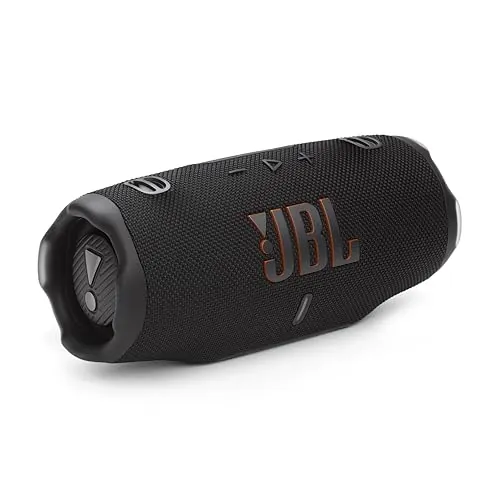
JBL Charge 6 Portable Bluetooth Speaker - Black · JBLCHARGE6BLKAM
JBL Charge 6 Portable Bluetooth Speaker - Black
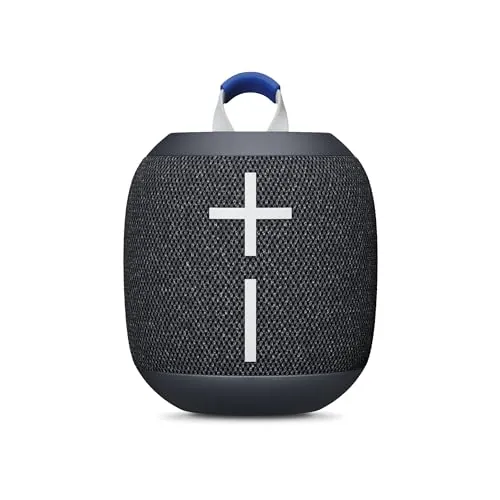
Ultimate Ears WONDERBOOM 4 Portable Speaker - Black · 984-001876
Ultimate Ears WONDERBOOM 4 Portable Speaker - Black

Bluetooth Speakers

JBL Charge 6 vs Ultimate Ears WONDERBOOM 4: USB Audio or Speaker Pairing?

The black JBL Charge 6 (JBLCHARGE6BLKAM) can accept laptop or tablet audio over USB-C after its software is current, and its Auracast workflow connects compatible JBL speakers. The black Ultimate Ears WONDERBOOM 4 (984-001876) is a Bluetooth speaker whose USB-C port is for charging; its Double Up routine is documented with WONDERBOOM 3 or 4 speakers. Pick the speaker based on the host connection and companion-speaker family you actually plan to use. The reviewed documents do not establish cross-brand grouping or a measured sound winner.

Read comparison
JBL Charge 6 Portable Bluetooth Speaker (Black) · JBLCHARGE6BLKAM
JBL Charge 6 Portable Bluetooth Speaker (Black)
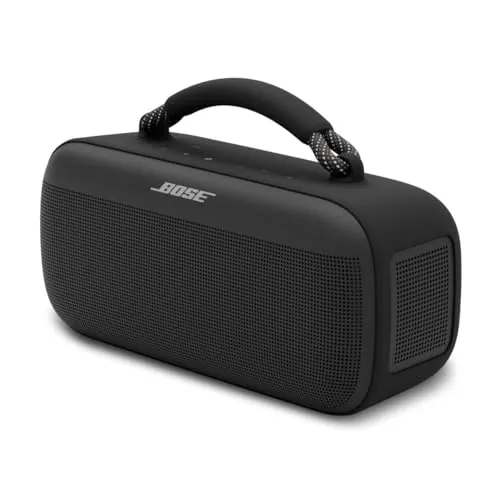
Bose SoundLink Max Portable Speaker (Black) · 883848-0100
Bose SoundLink Max Portable Speaker (Black)

Bluetooth Speakers

JBL Charge 6 vs Bose SoundLink Max: USB Audio, AUX and Speaker Grouping

JBL Charge 6 Black (JBLCHARGE6BLKAM) documents lossless USB-C audio from a compatible laptop or tablet and Auracast grouping with compatible JBL speakers. Bose SoundLink Max Black (883848-0100) has a 3.5 mm AUX input and documented ways to link compatible Bose speakers. Bose Bluetooth-speaker linking has two separate 30 ft placement conditions; SimpleSync has a different 30 ft link to a Bose Smart speaker or soundbar. Check your source ports, existing speaker ecosystem and Bose app Shortcut assignment before choosing.

Read comparison
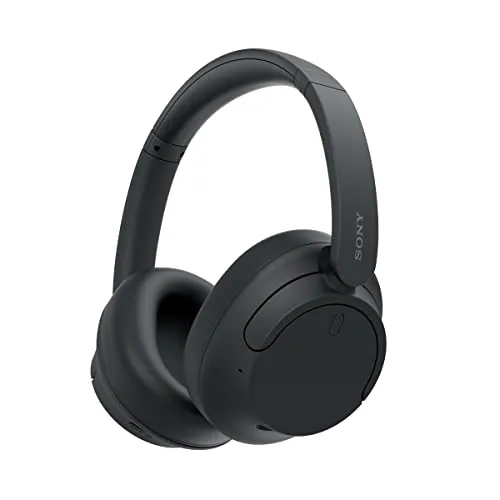
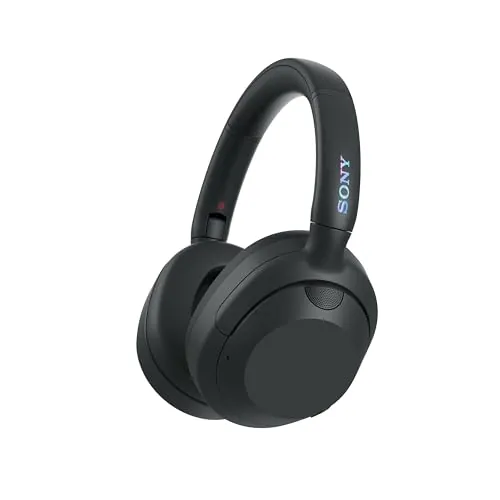
Sony ULT WEAR Wireless Noise Canceling Headphones — Black · WH-ULT900N family / WHULT900NB.UC listed model
Sony ULT WEAR Wireless Noise Canceling Headphones — Black
Sony WH-CH720N Wireless Noise Canceling Headphones — Black · WH-CH720N/B
Sony WH-CH720N Wireless Noise Canceling Headphones — Black

Headphones

Sony ULT WEAR vs WH-CH720N: LDAC, Wired Use, and What Is in the Box

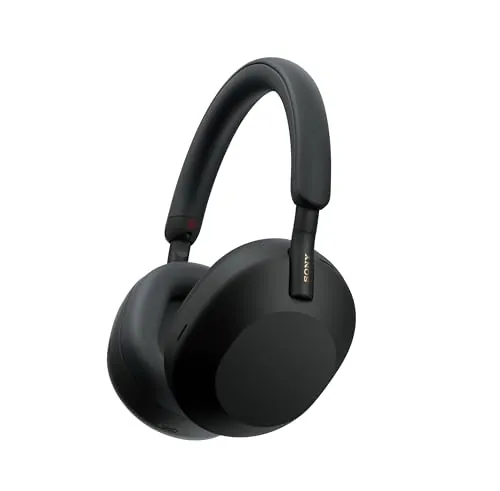
The black Sony ULT WEAR (WH-ULT900N family; listed model WHULT900NB.UC) adds LDAC when the Bluetooth source supports it, plus a listed carrying case, headphone cable, USB-A-to-USB-C charging cable, and a physical ULT1/ULT2/OFF button. The black Sony WH-CH720N (WH-CH720N/B) lists SBC/AAC, a connection cable and a USB cable; its U.S. Sony specs do not list a case. Both accept their supplied headphone cable, but some features change in wired use. Check the source codec, the exact package list, and which controls remain available on cable before deciding. None of these specifications establish a sound or noise-canceling winner.

Read comparison
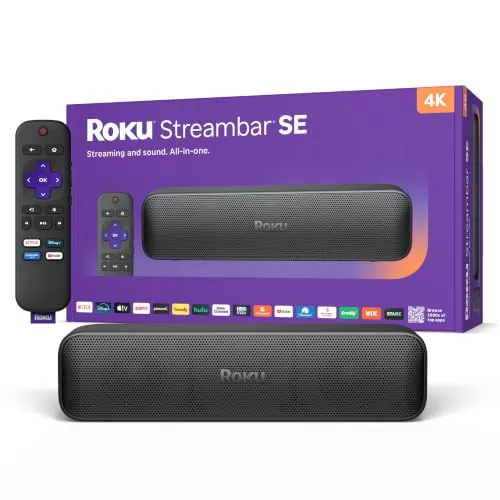
Roku Streambar SE 4K Streaming Soundbar · 9104R
Roku Streambar SE 4K Streaming Soundbar
Sony HT-S100F 2.0ch Compact Soundbar · HT-S100F
Sony HT-S100F 2.0ch Compact Soundbar

Soundbars

Roku Streambar SE 9104R vs Sony HT-S100F: TV Ports, Streaming and Remote Setup

This U.S. comparison covers the Roku Streambar SE model 9104R and Sony HT-S100F. Roku combines a soundbar with built-in 4K streaming and an included remote with TV power, volume and mute buttons; TV audio needs HDMI ARC or HDMI plus optical and Roku's SE setup requires PCM stereo from the TV. Sony is a soundbar for audio from an existing TV or source; its manual documents HDMI ARC or optical TV input, Dolby Digital or two-channel Linear PCM, plus Bluetooth and USB playback. Sony includes a remote and batteries, and the manual explains when the TV remote's IR signal may need to pass through the bar. Neither product is presented as the better-sounding option: the choice turns on source, ports, audio settings and controls.

Read comparison
Bose SoundLink Max Portable Speaker, Black · 883848-0100
Bose SoundLink Max Portable Speaker, Black
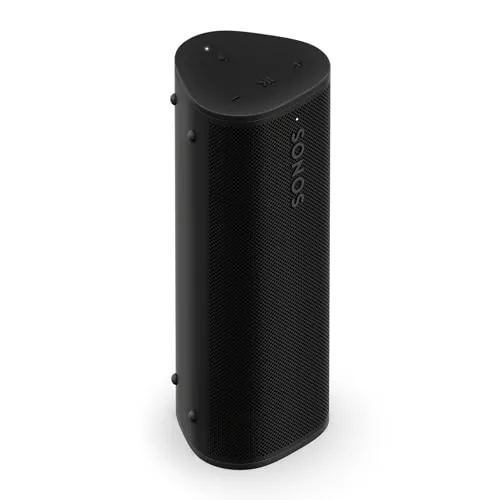
Sonos Roam 2, Black · ROAM2US1BLK
Sonos Roam 2, Black

Bluetooth Speakers

Bose SoundLink Max vs Sonos Roam 2: Wired Sources, Pairing and Carry

This exact black U.S. pair serves different setups. Bose SoundLink Max (883848-0100) accepts a wired 3.5 mm source and can link to compatible Bose speakers or smart speakers/soundbars, subject to documented pairing limits. Sonos Roam 2 (ROAM2US1BLK) can play directly from a phone over Bluetooth, then join a Sonos system after Wi-Fi setup; Sonos also documents a 6.61 × 2.44 × 2.36-inch, 0.95-pound body. Compare the source you use, the multi-speaker system you already own, and whether Roam 2's dimensions suit your bag. This is a feature and setup comparison, not a sound or range test.

Read comparison
Roku Streambar SE 4K Streaming Soundbar — Black · 9104R
Roku Streambar SE 4K Streaming Soundbar — Black
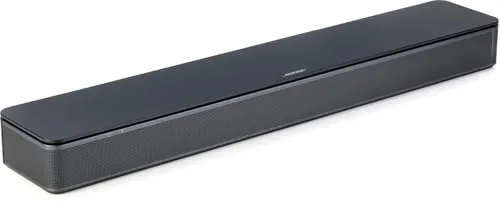
Bose TV Speaker — Black, first generation · 838309-1100
Bose TV Speaker — Black, first generation

Soundbars

Roku Streambar SE vs Bose TV Speaker: Streaming and TV Connection Fit

Roku Streambar SE combines a Roku streaming player with TV audio. Bose TV Speaker is documented as a TV-audio speaker with HDMI ARC or optical input and Bluetooth from a mobile device. Roku’s exact setup requires internet/account activation and PCM Stereo for TV audio; Bose Support identifies Dolby Digital and PCM 2.0 support for model 838309-1100. Check your television’s actual ports and source-output settings before choosing.

Read comparison
Sony ULT WEAR Wireless Noise Canceling Headphones, Black · WH-ULT900N
Sony ULT WEAR Wireless Noise Canceling Headphones, Black
Sony WH-1000XM5 Wireless Noise Canceling Headphones, Black · WH-1000XM5
Sony WH-1000XM5 Wireless Noise Canceling Headphones, Black

Headphones

Sony ULT WEAR vs WH-1000XM5: Carry-Case Folding, Wired Listening and Controls

Both black Sony headphones offer Bluetooth and a supplied 3.5mm headphone cable. ULT WEAR (WH-ULT900N) adds a dedicated ULT button that cycles ULT1, ULT2 and off, but that function is unavailable over the cable. Its guide describes folding one unit toward the headband for case storage. WH-1000XM5 (WH1000XM5/B) rotates its earcups inward to fit its supplied case; its guide says wired playback works with the headset on or off, while noise canceling needs power. Compare the packing routine and cable use you need; this is not a sound or ANC test.

Read comparison
Sony WH-CH720N Wireless Noise Canceling Headphones (Black) · WH-CH720N/B
Sony WH-CH720N Wireless Noise Canceling Headphones (Black)
JBL Tune 720BT Wireless Over-Ear Headphones (Blue) · JBLT720BTBLUAM
JBL Tune 720BT Wireless Over-Ear Headphones (Blue)

Headphones

Sony WH-CH720N vs JBL Tune 720BT: ANC, Wired Audio and Carry

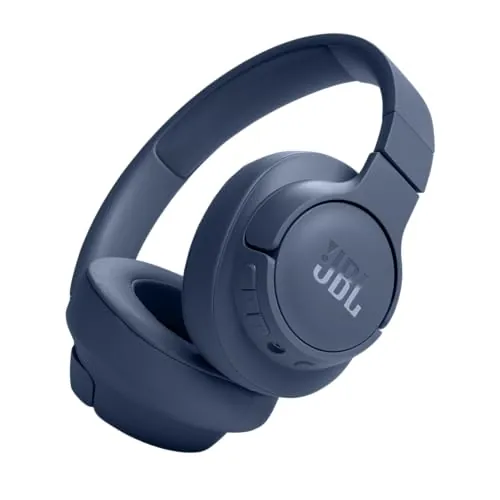
The black Sony WH-CH720N/B documents active noise canceling, an Ambient Sound mode, and an NC/AMB button to switch between them. The blue JBL Tune 720BT (JBLT720BTBLUAM) documents Voice Aware for calls and folds flat in a backpack; its U.S. product sources do not document a listening transparency or ANC mode. Both have Bluetooth multipoint and a wired audio path, but Sony’s supplied 3.5 mm cable can continue noise canceling with Bluetooth off, while JBL’s included detachable audio cable is a separate wired listening mode. Choose around your source devices, ambient-sound needs and bag.

Read comparison
CORSAIR K65 PLUS WIRELESS 75% RGB Mechanical Gaming Keyboard - Black/Gray · CH-91D401L-NA
CORSAIR K65 PLUS WIRELESS 75% RGB Mechanical Gaming Keyboard - Black/Gray
CORSAIR K70 CORE RGB Mechanical Gaming Keyboard with Palm Rest - Black · CH-910981E-NA
CORSAIR K70 CORE RGB Mechanical Gaming Keyboard with Palm Rest - Black

Keyboards

Corsair K65 Plus Wireless vs K70 CORE: Layout, Switches and Connection Modes

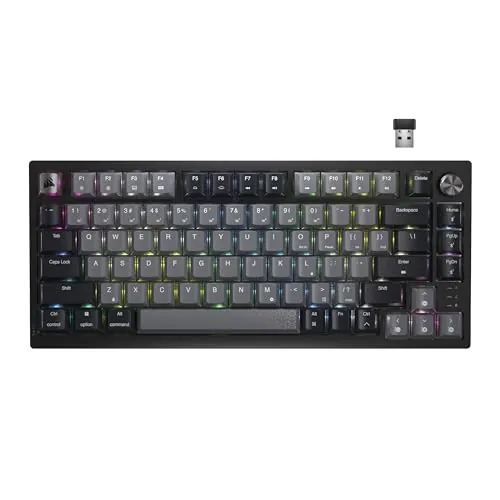
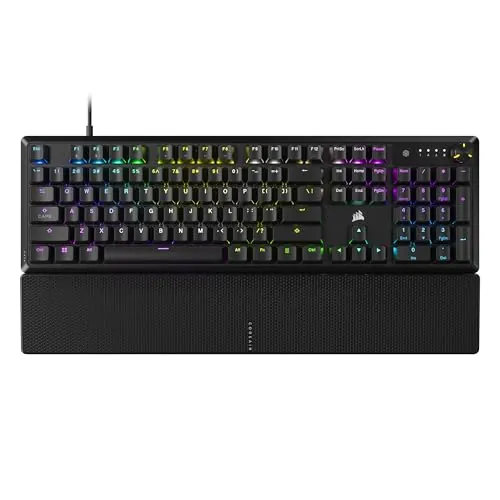
The black/gray Corsair K65 Plus Wireless (CH-91D401L-NA) keeps arrow and utility keys in a 75% layout and switches among 2.4GHz, Bluetooth and wired USB modes. The black Corsair K70 CORE with palm rest (CH-910981E-NA) is full-size with a 104-key matrix and wired USB Type-A. Both use Corsair MLX Red linear switches, but the K65 page explicitly describes its switches as hot-swappable and calls them MLX Red, while K70's page calls its switches MLX Red v2. Both support iCUE; choose by layout and host workflow rather than an untested typing-feel claim.

Read comparison
CORSAIR K65 PLUS WIRELESS 75% Mechanical Gaming Keyboard — Black/Gray · RGP0156 / SKU CH-91D401L-NA
CORSAIR K65 PLUS WIRELESS 75% Mechanical Gaming Keyboard — Black/Gray
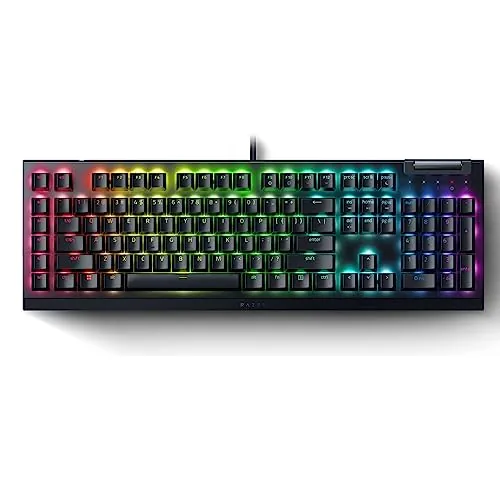
Razer BlackWidow V4 X Mechanical Gaming Keyboard — Black, Yellow Switch, US Layout · RZ03-04701900-R3U1
Razer BlackWidow V4 X Mechanical Gaming Keyboard — Black, Yellow Switch, US Layout

Keyboards

CORSAIR K65 PLUS Wireless vs Razer BlackWidow V4 X: Layout and Controls

The CORSAIR K65 PLUS (CH-91D401L-NA, Black/Gray) is a compact 75% keyboard with 2.4 GHz, Bluetooth and USB wired modes. The BlackWidow V4 X (RZ03-04701900-R3U1, Black, Yellow switches, U.S. layout) is a full-size wired board with six dedicated macro keys. Compare your desk layout and whether you want physical macro keys or software-programmed macros before buying.

Read comparison
Logitech MX Keys S Wireless Illuminated Keyboard — Graphite · 920-011558
Logitech MX Keys S Wireless Illuminated Keyboard — Graphite
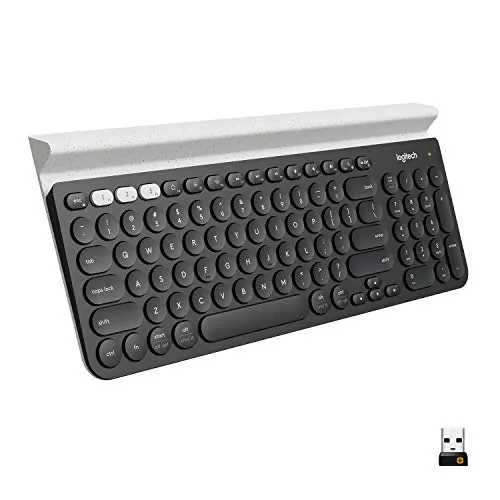
Logitech K780 Multi-Device Wireless Keyboard — Speckled White · 920-008025
Logitech K780 Multi-Device Wireless Keyboard — Speckled White

Keyboards

Logitech MX Keys S vs K780: Desk Footprint, Receiver and Phone Cradle

This U.S. comparison covers the Graphite Logitech MX Keys S (920-011558) and Speckled White Logitech K780 (920-008025). MX Keys S is 430.20 mm wide and 131.63 mm deep, uses Bluetooth or a Logi Bolt USB receiver, and its rechargeable battery can charge over USB-C while you continue typing. K780 is 380 mm wide and 153 mm deep, uses Bluetooth or Logitech's Unifying receiver, and its built-in cradle holds phones through a 12-inch iPad class; Logitech lists a maximum device thickness of 11.3 mm. K780 uses two replaceable AAA cells and has no backlight. The practical choice is whether your desk and phone/tablet routine benefit more from an integrated cradle or from illumination and rechargeable upkeep—not a typing-quality verdict.

Read comparison
CORSAIR K65 PLUS WIRELESS 75% RGB Mechanical Gaming Keyboard, Black/Gray · CH-91D401L-NA
CORSAIR K65 PLUS WIRELESS 75% RGB Mechanical Gaming Keyboard, Black/Gray
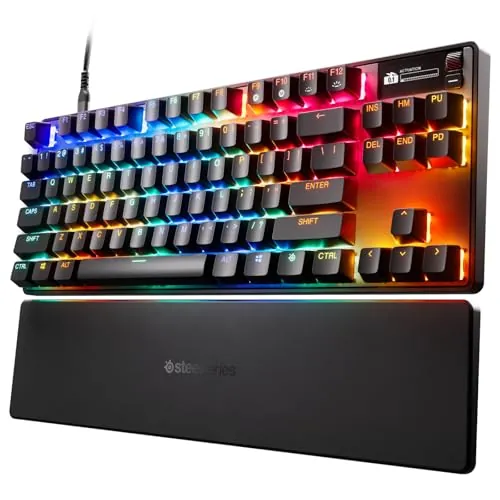
SteelSeries Apex Pro TKL Gen 3 Gaming Keyboard, Black, Wired · 64740
SteelSeries Apex Pro TKL Gen 3 Gaming Keyboard, Black, Wired

Keyboards

Corsair K65 Plus Wireless vs SteelSeries Apex Pro TKL Gen 3: Connections and Switch Controls

This U.S. comparison differs in host connection and key customization. CORSAIR K65 Plus Wireless (U.S. SKU CH-91D401L-NA) supports 2.4 GHz, Bluetooth and USB wired modes, stores up to three Bluetooth pairings, and has a hot-swappable PCB. SteelSeries Apex Pro TKL Gen 3 (64740, black, wired) uses a detachable USB-C-to-USB-A cable and lets you adjust actuation on 61 OmniPoint keys through SteelSeries GG or onboard controls; other listed keys use regular red switches. Compare the layout and software workflow you want, not an assumed gaming or typing-performance winner.

Read comparison