Pickagu

Motherboards

Find your model below to compare what is included and how the differences affect everyday use.

11 comparisons

Motherboards comparisons

ASUS ROG Strix B650-A Gaming WiFi · ROG STRIX B650-A GAMING WIFI
ASUS ROG Strix B650-A Gaming WiFi
ASUS ROG Strix B550-F Gaming WiFi II · ROG STRIX B550-F GAMING WIFI II
ASUS ROG Strix B550-F Gaming WiFi II

ASUS ROG Strix B650-A vs B550-F WiFi II: CPU, RAM, and Slot Fit

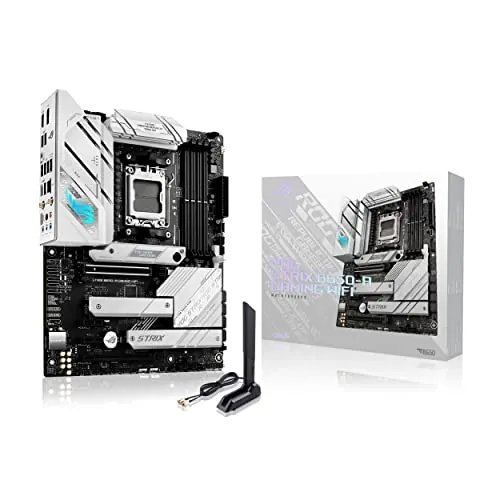
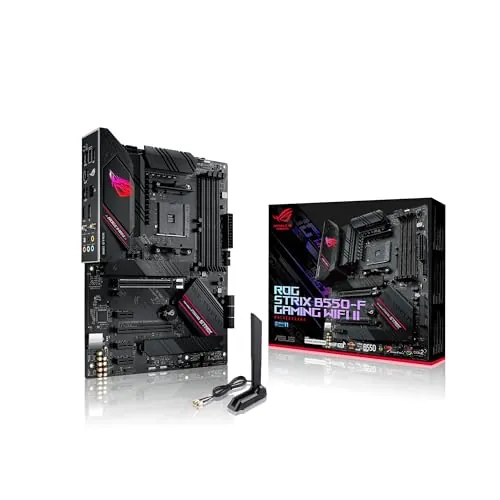
The ROG Strix B650-A Gaming WiFi is an AM5, DDR5 board for listed Ryzen 9000, 8000, and 7000 desktop processor families. The ROG Strix B550-F Gaming WiFi II is AM4 with DDR4 for listed Ryzen 5000/3000 and 5000/4000 G-series families. Their storage layouts also differ: three M.2 plus four SATA on B650-A, versus two M.2 plus six SATA on B550-F WiFi II, with model-specific shared-slot rules. Check the exact CPU/BIOS, RAM kit, drives, and PCIe cards before ordering.

Read comparison
ASUS ROG Strix B650-A Gaming WiFi · ROG STRIX B650-A GAMING WIFI
ASUS ROG Strix B650-A Gaming WiFi
ASUS ROG Strix B850-A Gaming WiFi · ROG STRIX B850-A GAMING WIFI
ASUS ROG Strix B850-A Gaming WiFi

ASUS ROG Strix B650-A vs B850-A: Map Your CPU, Drives and Rear I/O

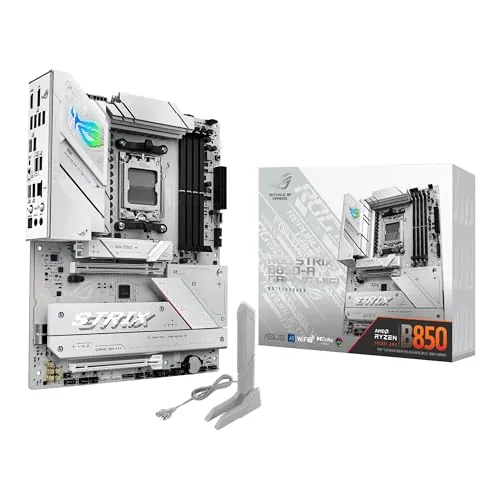
Both are AM5 ATX boards listed for Ryzen 7000, 8000 and 9000 desktop processors, but their practical layouts differ. The B650-A lists 3 M.2 and 4 SATA ports; the B850-A lists 4 M.2 and 2 SATA ports. CPU family changes the primary M.2 and graphics-slot modes, while both boards document shared bandwidth between M.2_3 and a chipset x16 slot. The B650-A manual and its repeated spec footnote disagree about which connection is disabled, so verify that condition before finalizing the card map. Compare the exact CPU, drive and card plan, memory kit, USB plug types and audio connections before choosing.

Read comparison
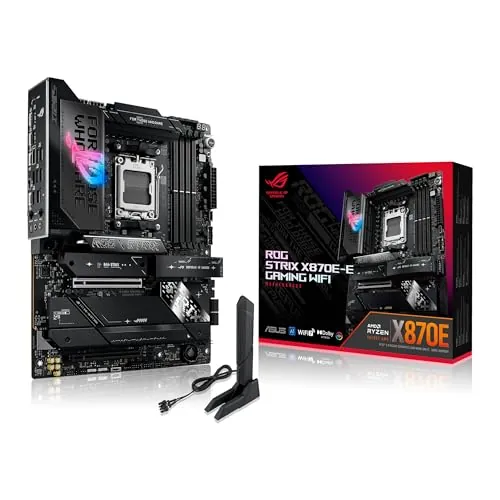
ASUS ROG Strix X870E-E Gaming WiFi · ROG STRIX X870E-E GAMING WIFI
ASUS ROG Strix X870E-E Gaming WiFi
ASUS ROG Strix B850-A Gaming WiFi · ROG STRIX B850-A GAMING WIFI
ASUS ROG Strix B850-A Gaming WiFi

ASUS ROG Strix X870E-E vs B850-A: USB4, M.2 Lanes and DDR5 Build Fit

The US ASUS ROG Strix X870E-E Gaming WiFi documents two rear USB4 40Gbps Type-C ports and five M.2 sockets; the ROG Strix B850-A Gaming WiFi lists four M.2 sockets and a different M.2_3/secondary-slot conflict, with no USB4 port in its rear-I/O list. Both are AM5 DDR5 boards with four DIMM slots and up to 256GB listed, while supported memory speed and module count depend on the CPU and configuration. Before choosing, map your exact Ryzen generation, every M.2 drive, graphics card, add-in card and RAM kit to the ASUS board specifications. This is a feature-fit guide, not a benchmark ranking.

Read comparison
ASUS ROG STRIX B650-A GAMING WIFI · ROG STRIX B650-A GAMING WIFI
ASUS ROG STRIX B650-A GAMING WIFI
ASUS ROG STRIX X870E-E GAMING WIFI · ROG STRIX X870E-E GAMING WIFI
ASUS ROG STRIX X870E-E GAMING WIFI

ROG Strix B650-A vs X870E-E: M.2 Lanes, USB4, and RAM Limits

Both are AM5 ROG Strix boards for Ryzen 7000, 8000, and 9000 series, but their lane maps are not interchangeable. B650-A offers three M.2 sockets and a chipset M.2_3 that shares bandwidth with its secondary chipset x4 slot; X870E-E offers five sockets, but Ryzen 8000 disables M.2_2/_3 and Ryzen 7000/9000 drops the primary graphics slot to x8 when either is populated. Choose after mapping your exact CPU, drives, add-in cards, and case USB headers.

Read comparison
ASUS ROG Strix B550-F Gaming WiFi II · ROG STRIX B550-F GAMING WIFI II
ASUS ROG Strix B550-F Gaming WiFi II
ASUS Prime B550M-A WiFi II · PRIME B550M-A WIFI II
ASUS Prime B550M-A WiFi II

ASUS ROG Strix B550-F Gaming WiFi II vs Prime B550M-A WiFi II

Both are AM4 B550 Wi-Fi motherboards, but the ROG Strix is a full ATX board with more listed SATA ports, a 2.5Gb Ethernet port, Wi-Fi 6E, and a rear USB-C port. The Prime is a square microATX board with fewer listed SATA and rear USB ports. The practical choice depends on your case, installed cards and drives, and whether your network and peripherals can use the ROG's extra interfaces.

Read comparison
ASUS TUF Gaming X870-PLUS WiFi · TUF GAMING X870-PLUS WIFI
ASUS TUF Gaming X870-PLUS WiFi
ASUS ROG Strix X870E-E Gaming WiFi · ROG STRIX X870E-E GAMING WIFI
ASUS ROG Strix X870E-E Gaming WiFi

ASUS TUF Gaming X870-PLUS WiFi vs ROG Strix X870E-E Gaming WiFi: Plan Drives and Slots First

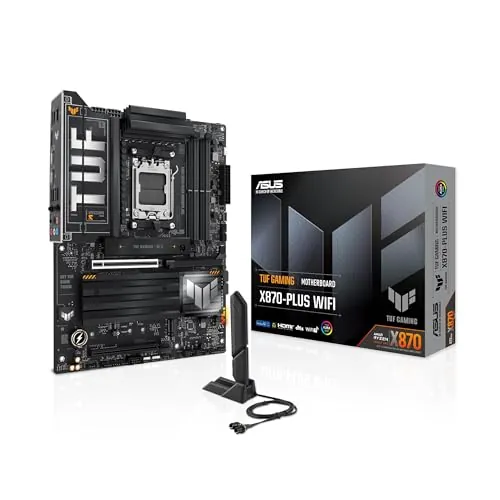
Both are AM5 ATX Wi-Fi 7 boards for Ryzen 9000, 8000 and 7000 series, but their slot maps are CPU-dependent. TUF lists four M.2 positions and two SATA ports; ROG lists five M.2 and four SATA. Before deciding, map your exact CPU, drives, GPU/add-in cards and rear devices against the manual: using some M.2 slots changes or disables PCIe slots, and Ryzen 8000 does not support several CPU-attached M.2 positions.

Read comparison
ASUS ROG STRIX B650-A GAMING WIFI · ROG STRIX B650-A GAMING WIFI
ASUS ROG STRIX B650-A GAMING WIFI
ASUS TUF GAMING B650E-PLUS WIFI · TUF GAMING B650E-PLUS WIFI
ASUS TUF GAMING B650E-PLUS WIFI

ASUS ROG Strix B650-A vs TUF B650E-Plus WiFi: PCIe, Ports, and Audio

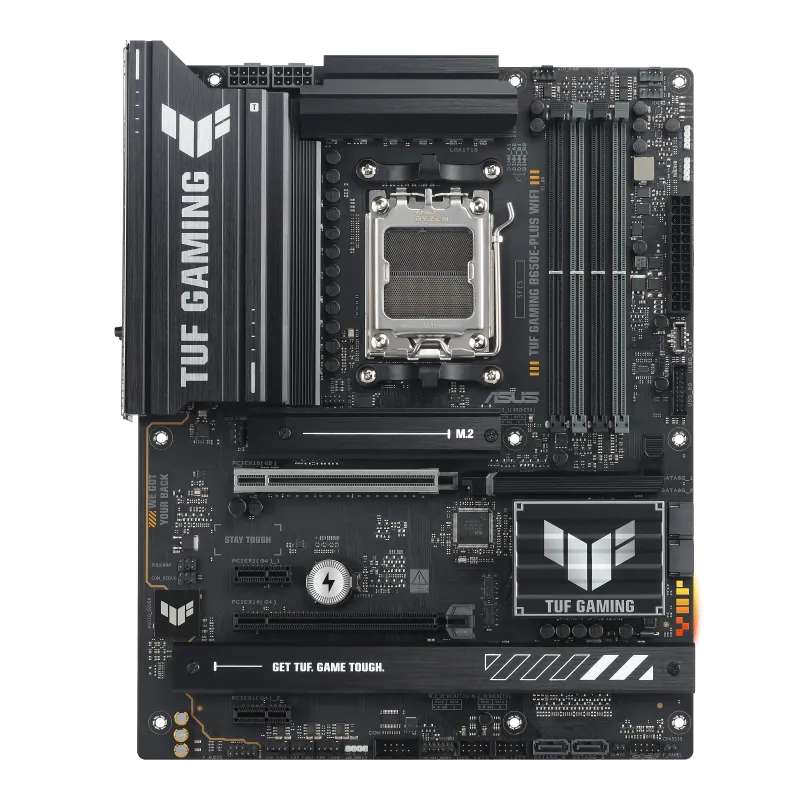
Both ASUS boards use AM5, support Ryzen 9000/8000/7000 desktop processors, and provide four DDR5 DIMM slots. With Ryzen 9000 or 7000, the TUF B650E-Plus WiFi lists PCIe 5.0 for its primary x16 slot; the ROG Strix B650-A lists PCIe 4.0. Both list PCIe 4.0 x8/x4 primary-slot modes with Ryzen 8000. The ROG has one more rear 10Gbps USB port, including an extra Type-C, while TUF has two more rear USB 2.0 Type-A ports. Check the lower-slot/M.2_3 sharing rules and your audio connection before choosing.

Read comparison
ASUS TUF Gaming B550-PLUS WiFi II · TUF GAMING B550-PLUS WIFI II
ASUS TUF Gaming B550-PLUS WiFi II
ASUS ROG Strix B550-F Gaming WiFi II · ROG STRIX B550-F GAMING WIFI II
ASUS ROG Strix B550-F Gaming WiFi II

ASUS TUF B550-PLUS WiFi II vs ROG Strix B550-F WiFi II: 6 GHz and Slot Planning

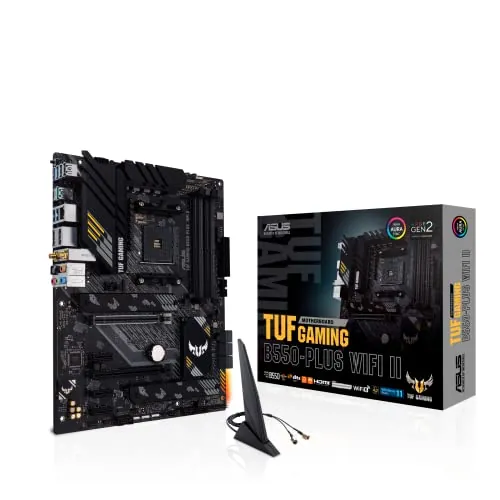
Both are ATX AM4/DDR4 B550 boards with two M.2 slots and similar front USB headers. The ROG model adds a documented 6 GHz Wi-Fi 6E option; the manuals also make clear that both boards need careful planning if you combine the lower x16 slot with PCIe x1 cards. Check your exact CPU's minimum BIOS and case before choosing.

Read comparison
ASUS TUF Gaming X870-PLUS WiFi · TUF GAMING X870-PLUS WIFI
ASUS TUF Gaming X870-PLUS WiFi
ASUS TUF Gaming B650E-PLUS WiFi · TUF GAMING B650E-PLUS WIFI
ASUS TUF Gaming B650E-PLUS WiFi

ASUS TUF Gaming X870-PLUS WiFi vs B650E-PLUS WiFi: Ports, CPU and Storage Fit

The TUF Gaming X870-PLUS WiFi lists two rear USB4 40Gbps Type-C ports, Wi-Fi 7 and four M.2 positions. The TUF Gaming B650E-PLUS WiFi lists one rear USB 20Gbps Type-C port, Wi-Fi 6E and four SATA ports. Check CPU-specific M.2 and PCIe sharing before choosing: drive slots can change which expansion slot remains available.

Read comparison
ASUS B760M-AYW WIFI D4 II · B760M-AYW WIFI D4 II
ASUS B760M-AYW WIFI D4 II
ASUS PRIME B550M-A WIFI II · PRIME B550M-A WIFI II
ASUS PRIME B550M-A WIFI II

ASUS B760M-AYW WIFI D4 II vs PRIME B550M-A WIFI II: CPU, Storage and Network Fit

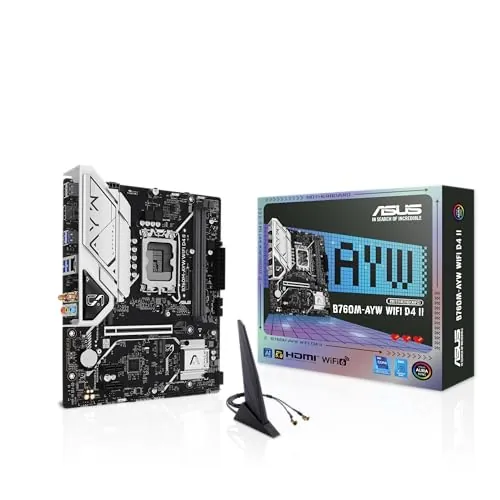
The B760M-AYW WIFI D4 II is the Intel LGA1700/DDR4 option; the PRIME B550M-A WIFI II is for listed AMD AM4 Ryzen desktop families and also uses DDR4. Both are microATX and list two M.2 sockets, but the B550 board's primary M.2 and x16 slot change generation with CPU family. ASUS lists 2.5Gb Ethernet for the B760M model and 1Gb Ethernet for the B550M model; both list dual-band Wi-Fi 6. Check the exact processor support list and planned drive/expansion layout before choosing.

Read comparison
ASUS TUF GAMING B550-PLUS WIFI II · TUF GAMING B550-PLUS WIFI II
ASUS TUF GAMING B550-PLUS WIFI II
ASUS PRIME B550M-A WIFI II · PRIME B550M-A WIFI II
ASUS PRIME B550M-A WIFI II

ASUS TUF B550-PLUS WIFI II vs PRIME B550M-A WIFI II: Case, Slots and I/O

The TUF B550-PLUS WIFI II is the full-size ATX choice with an extra expansion layout, two more SATA ports, rear USB-C and 2.5Gb Ethernet. The PRIME B550M-A WIFI II uses a smaller microATX outline and adds D-Sub and DVI-D display outputs. Check the exact case, card plan and CPU/BIOS list before choosing; these are manufacturer specifications, not test results.

Read comparison