Pickagu

All comparisons

Search by model or browse by category and brand pairing.

2,994 comparisons

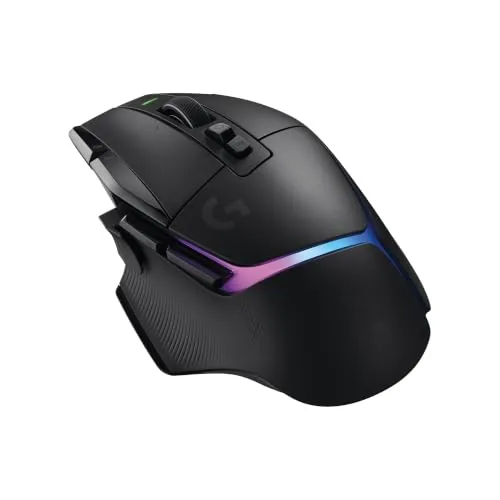
Logitech G502 X PLUS Wireless Gaming Mouse (Black) · 910-006160
Logitech G502 X PLUS Wireless Gaming Mouse (Black)
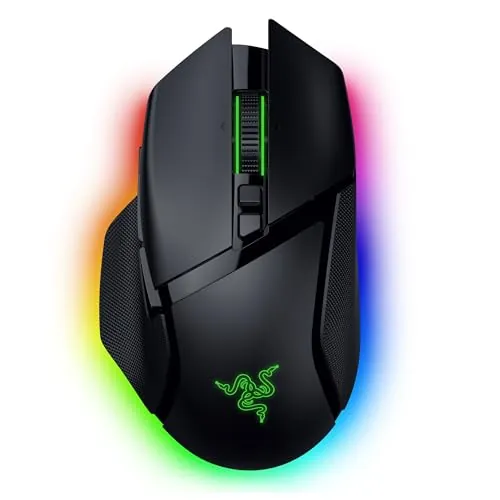
Razer Basilisk V3 Pro 35K Wireless Gaming Mouse (Black) · RZ01-05240100-R3U1
Razer Basilisk V3 Pro 35K Wireless Gaming Mouse (Black)

Gaming Mice

Logitech G502 X PLUS vs Razer Basilisk V3 Pro 35K: Which Fits Your Setup?

This comparison covers the black Logitech G502 X PLUS (910-006160) and black Razer Basilisk V3 Pro 35K (RZ01-05240100-R3U1). The deciding details are the host connection you need, the thumb and scroll controls you prefer, and whether you already own or plan to add a wireless-charging accessory.

Read comparison

Logitech G522 LIGHTSPEED Gaming Headset, Black · 981-001491
Logitech G522 LIGHTSPEED Gaming Headset, Black
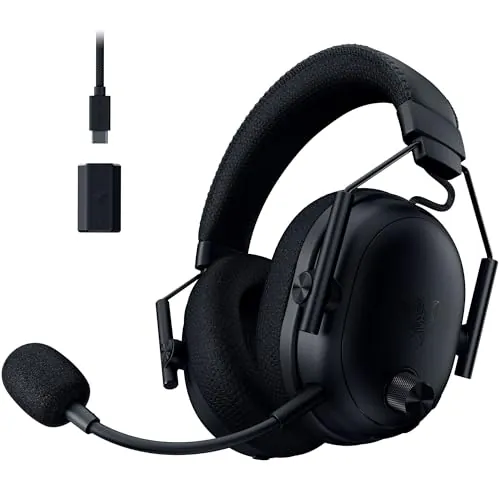
Razer BlackShark V3 Pro Wireless ANC Gaming Headset for PC, Black · RZ04-05400100-R3U1
Razer BlackShark V3 Pro Wireless ANC Gaming Headset for PC, Black

Gaming Headsets

Logitech G522 vs Razer BlackShark V3 Pro: Dual Audio, USB, and ANC

This comparison is about how the exact black Logitech G522 (981-001491) and black PC Razer BlackShark V3 Pro (RZ04-05400100-R3U1) route audio. Logitech says the G522 switches between LIGHTSPEED and Bluetooth rather than mixing them, and USB wired audio disables LIGHTSPEED. Razer documents simultaneous 2.4 GHz plus Bluetooth listening, along with USB and 3.5 mm modes. Razer also documents hybrid ANC controls; the sources reviewed do not establish whether G522 has headphone ANC. No sound, microphone, comfort, latency, or ANC-effectiveness winner is claimed.

Read comparison
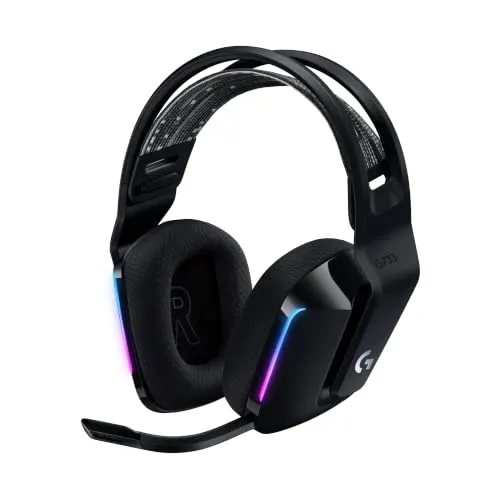
Logitech G733 LIGHTSPEED Wireless Gaming Headset (Black) · G733, 981-000863
Logitech G733 LIGHTSPEED Wireless Gaming Headset (Black)
Logitech G522 LIGHTSPEED Gaming Headset (Black) · G522, 981-001491
Logitech G522 LIGHTSPEED Gaming Headset (Black)

Gaming Headsets

Logitech G733 vs G522: Wireless Modes, USB Setup and Mic Controls

For the exact US black G733 (981-000863) versus G522 (981-001491), the practical difference is how you connect and manage the headset. Logitech lists the G733 with LIGHTSPEED wireless through its USB receiver; the G522 adds LIGHTSPEED, Bluetooth and USB wired audio. G522 switches between Bluetooth and LIGHTSPEED rather than mixing their audio, and USB wired mode disables LIGHTSPEED. Its headset mic EQ and signal-cleanup options work across its listed modes, while voice modulation still depends on G HUB. Pick G733 if your setup is a receiver-based PC/console workflow and you do not need Bluetooth; choose G522 if you want to switch among receiver, phone Bluetooth and USB audio. Check your platform, available USB port and the exact listing's box contents before ordering.

Read comparison
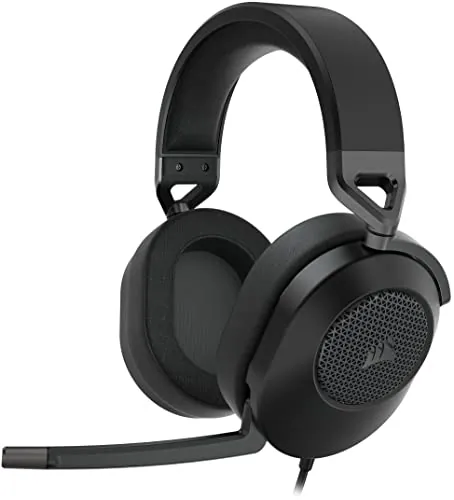
CORSAIR HS65 SURROUND Wired Gaming Headset — Carbon · HS65 SURROUND (CA-9011270-NA)
CORSAIR HS65 SURROUND Wired Gaming Headset — Carbon
HyperX Cloud III Wired Gaming Headset — Black · Cloud III Wired (727A8AA)
HyperX Cloud III Wired Gaming Headset — Black

Gaming Headsets

Corsair HS65 Surround vs HyperX Cloud III: Ports, PC Features and Mic Controls

Both wired headsets can connect over 3.5 mm, but their USB paths differ: the exact Corsair HS65 adds an included adapter for iCUE SoundID/Dolby features, while the exact black Cloud III includes a USB dongle and USB-A adapter and lists NGENUITY access on supported Windows PCs. The HS65 boom stays attached and flips to mute; Cloud III's mic detaches and its mute LED shows state.

Read comparison
Corsair HS65 Surround Wired Gaming Headset - Carbon · CA-9011270-NA
Corsair HS65 Surround Wired Gaming Headset - Carbon
HyperX Cloud Alpha Wired Gaming Headset - Black-Red · HX-HSCA-RD/AM (SKU 4P5L1AA#ABL)
HyperX Cloud Alpha Wired Gaming Headset - Black-Red

Gaming Headsets

Corsair HS65 Surround vs HyperX Cloud Alpha: USB Audio, Mic and Cable Setup

These are wired gaming headsets with different setup and handling choices. Corsair's HS65 Surround CA-9011270-NA connects by 3.5 mm and includes a USB surround adapter for iCUE options; its current U.S. product page says PC and Mac, while the model Quick Start Guide scopes virtual 7.1 to PC and iCUE setup to Windows 10+, so confirm Mac support before relying on those USB features. HyperX Cloud Alpha Red SKU 4P5L1AA#ABL uses 3.5 mm and lists a detachable headset cable, detachable mic, inline volume/mic controls and a PC extension cable. Choose based on your host ports, OS and preferred mic/cable routine; no sound or microphone-performance winner is established.

Read comparison
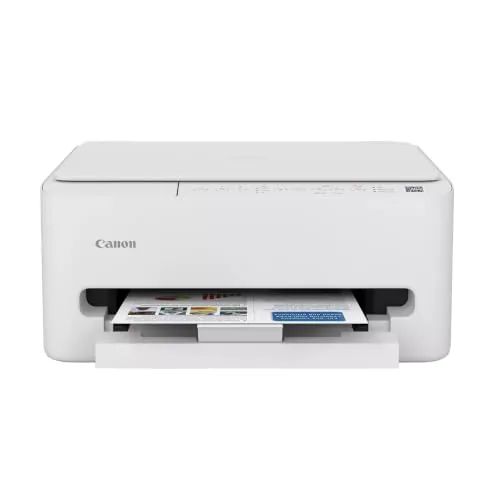
Canon PIXMA TR7120 Wireless Multi-Function Home Printer, White · 7178C002
Canon PIXMA TR7120 Wireless Multi-Function Home Printer, White
Canon PIXMA TS4320 Wireless Multi-Function Home Printer, White · 7181C002
Canon PIXMA TS4320 Wireless Multi-Function Home Printer, White

Printers

Canon PIXMA TR7120 vs TS4320: ADF, Ink and Paper Handling

For the exact white U.S. models TR7120 (7178C002) and TS4320 (7181C002), the meaningful difference is document handling: TR7120 has a 35-sheet ADF and 1.42-inch OLED, while TS4320 has a flatbed and no display. Canon lists the same PG-295 black and CL-286 color cartridges, a 100-sheet plain-paper cassette, dual-band Wi-Fi and USB for both. Both print two-sided; that does not establish automatic duplex scanning.

Read comparison
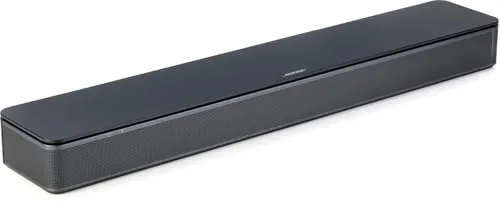
Bose TV Speaker · 838309-1100
Bose TV Speaker
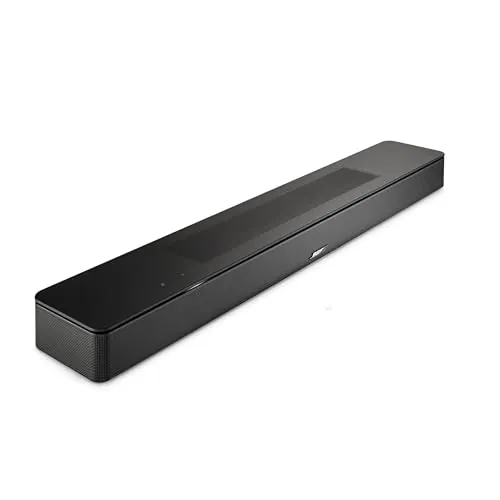
Bose Smart Soundbar · 892079-1100
Bose Smart Soundbar

Soundbars

Bose TV Speaker vs Bose Smart Soundbar: Connections, App and Expansion

These Bose soundbars serve different system plans. The TV Speaker focuses on one TV connection, Bluetooth music and remote control; it includes an optical cable, while its HDMI cable is sold separately. Smart Soundbar adds the Bose app, Wi-Fi streaming and optional wireless bass and surround equipment, and its box lists both optical and HDMI cables. Before choosing, check your TV ports, whether you need Dolby Atmos, the cables already included, the space under your TV and any accessories you expect to add.

Read comparison
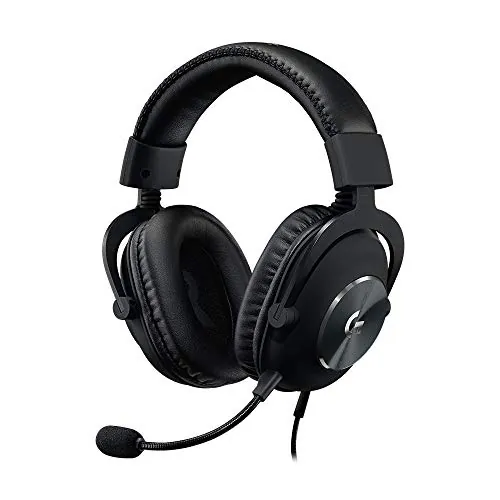
Logitech G PRO X Wired Gaming Headset · 981-000817
Logitech G PRO X Wired Gaming Headset
Logitech G733 LIGHTSPEED Wireless Gaming Headset · 981-000863
Logitech G733 LIGHTSPEED Wireless Gaming Headset

Gaming Headsets

Logitech PRO X Wired vs G733: Connection, PC Features, and Fit Adjustments

The black Logitech PRO X (981-000817) connects by cable and can use its USB DAC for PC features; the black G733 (981-000863) uses a LIGHTSPEED USB receiver and has a rechargeable, non-user-replaceable battery. Compare the connection your device can use, the features that require G HUB, and the fit adjustments you prefer.

Read comparison
Logitech G PRO X Wired Gaming Headset, Black · 981-000817
Logitech G PRO X Wired Gaming Headset, Black
HyperX Cloud Alpha Gaming Headset, Black-Red · 4P5L1AA#ABL
HyperX Cloud Alpha Gaming Headset, Black-Red

Gaming Headsets

Logitech G PRO X vs HyperX Cloud Alpha: USB DAC or 3.5 mm Setup?

The black Logitech G PRO X wired headset (981-000817) and black-red HyperX Cloud Alpha (4P5L1AA#ABL) are both wired, detachable-mic headsets, but their setup paths differ. Logitech documents a USB DAC that enables Blue VO!CE, five-band EQ, and DTS Headphone:X 2.0 on a PC using G HUB; using the PC's analog sound-card splitter does not enable those features. HyperX documents a 3.5 mm connection, inline volume and mic-mute controls, and a detachable headset cable, mic, and PC extension cable in the box. Logitech also specifies included leatherette and velour ear-pad sets. These are setup and package choices, not sound or comfort results.

Read comparison
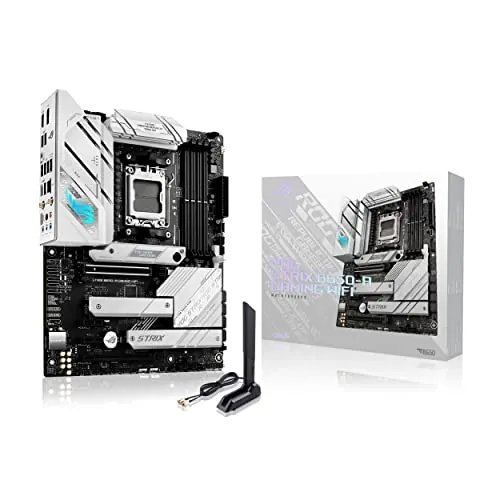
ASUS ROG Strix B650-A Gaming WiFi · ROG STRIX B650-A GAMING WIFI
ASUS ROG Strix B650-A Gaming WiFi
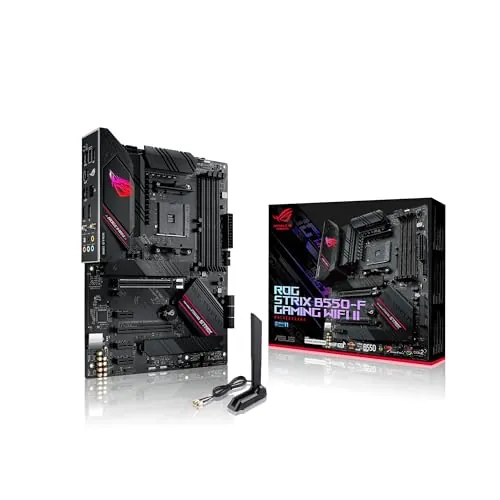
ASUS ROG Strix B550-F Gaming WiFi II · ROG STRIX B550-F GAMING WIFI II
ASUS ROG Strix B550-F Gaming WiFi II

Motherboards

ASUS ROG Strix B650-A vs B550-F WiFi II: CPU, RAM, and Slot Fit

The ROG Strix B650-A Gaming WiFi is an AM5, DDR5 board for listed Ryzen 9000, 8000, and 7000 desktop processor families. The ROG Strix B550-F Gaming WiFi II is AM4 with DDR4 for listed Ryzen 5000/3000 and 5000/4000 G-series families. Their storage layouts also differ: three M.2 plus four SATA on B650-A, versus two M.2 plus six SATA on B550-F WiFi II, with model-specific shared-slot rules. Check the exact CPU/BIOS, RAM kit, drives, and PCIe cards before ordering.

Read comparison
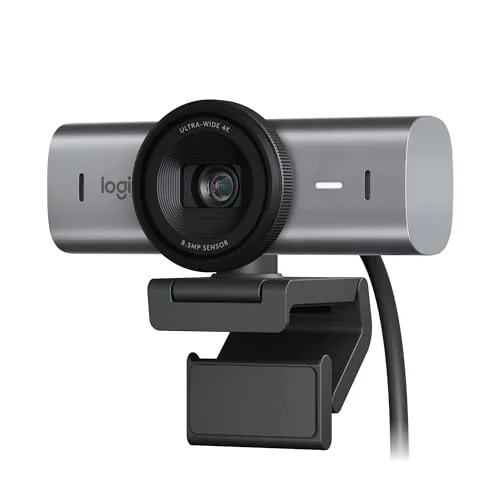
Elgato Facecam 4K Studio Webcam — Black · Facecam 4K (listed model 20WAF9901; Elgato page SKU 10WAF9901)
Elgato Facecam 4K Studio Webcam — Black
Logitech MX Brio UHD 4K Webcam — Graphite · MX Brio (960-001545; support hardware M/N VU0066)
Logitech MX Brio UHD 4K Webcam — Graphite

Webcams

Elgato Facecam 4K vs Logitech MX Brio: Frame Rates, Focus and Desk Use

Elgato Facecam 4K can output 4K60, but only as MJPG over USB 3.0; USB 2.0 tops out at 1080p60. Logitech MX Brio's published maximum is 4K30 or 1080p60 and requires USB-C with USB 3.0 support. The Elgato uses fixed focus and has no built-in mic; MX Brio adds autofocus, dual mics and a rotating privacy shutter.

Read comparison
Logitech G733 LIGHTSPEED Wireless Gaming Headset, Black · 981-000863
Logitech G733 LIGHTSPEED Wireless Gaming Headset, Black
SteelSeries Arctis Nova 5 Wireless Gaming Headset, Black · 61670
SteelSeries Arctis Nova 5 Wireless Gaming Headset, Black

Gaming Headsets

Logitech G733 vs SteelSeries Arctis Nova 5: Wireless Modes and Mic Setup

The black Logitech G733 (981-000863) is documented around a USB LIGHTSPEED receiver workflow on PC, with a detachable boom mic and earcup mute/volume controls. The black SteelSeries Arctis Nova 5 (61670) includes a USB-C wireless dongle plus a USB-C-to-USB-A adapter and lets you switch between 2.4 GHz and Bluetooth from the headset; SteelSeries lists PC, PS5, PS4, mobile, Switch and Mac. Pick by your host and daily switching routine. The reviewed Logitech sources do not settle Bluetooth support or every console pairing, so verify those before buying if they are required.

Read comparison