Pickagu

All comparisons

Search by model or browse by category and brand pairing.

2,994 comparisons

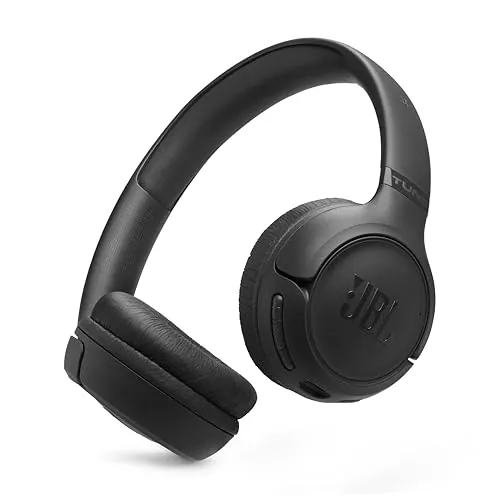
JBL Tune 530BT Wireless On-Ear Headphones, Black · JBLT530BTBLKAM
JBL Tune 530BT Wireless On-Ear Headphones, Black
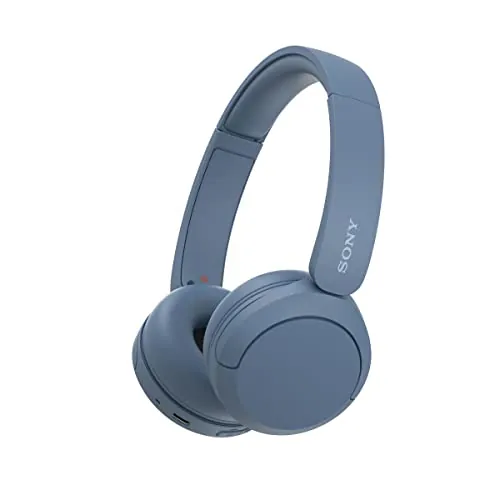
Sony WH-CH520 Wireless Headphones with Microphone, Blue · WHCH520/L
Sony WH-CH520 Wireless Headphones with Microphone, Blue

Headphones

JBL Tune 530BT vs Sony WH-CH520: Multipoint Setup, Cable and Carry

Both the black JBL Tune 530BT (JBLT530BTBLKAM) and blue Sony WH-CH520 support connecting to two Bluetooth devices. JBL documents starting a second-device search with the headset’s BT button; Sony documents enabling multipoint in its app and pairing later devices with a button hold. Sony lists a short charging cable in the box, while JBL says its package has no charging cable. JBL explicitly says its headset folds flat; check the Sony’s actual storage shape before counting on it for a tight pouch.

Read comparison
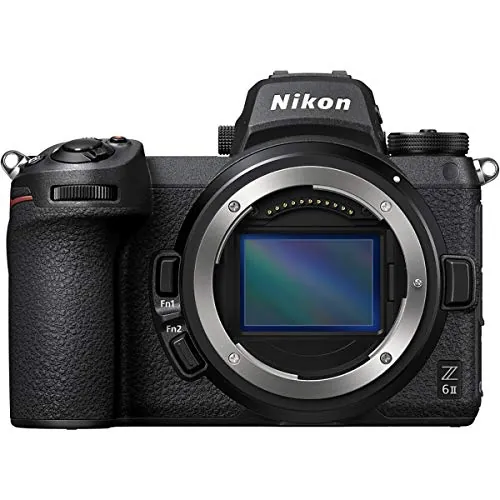
Nikon Z 6II Full-Frame Mirrorless Camera (U.S. model 1659) · Z 6II / 1659
Nikon Z 6II Full-Frame Mirrorless Camera (U.S. model 1659)
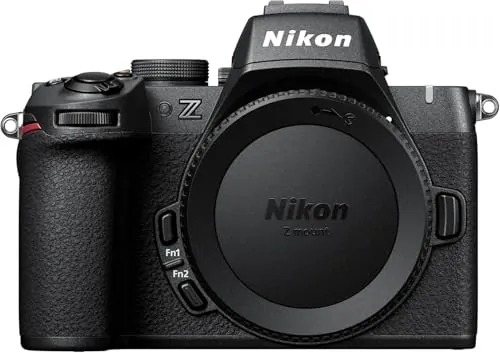
Nikon Z50II Mirrorless Camera (U.S. model 1784) · Z50II / 1784
Nikon Z50II Mirrorless Camera (U.S. model 1784)

Mirrorless Cameras

Nikon Z 6II vs Z50 II: FX Framing, 4K60p and Card Workflow

The U.S. Nikon Z 6II model 1659 records stills over an FX-format sensor and has two different card slots; its 4K60p/50p video switches to DX area and is 8-bit. The Z50II model 1784 is DX-format, has one SD slot, and lists internal H.265 10-bit 4K60p/50p, with an additional crop relative to its normal DX video view and Electronic VR fixed off in those modes. Match your intended lens framing, recording format and backup routine before choosing.

Read comparison
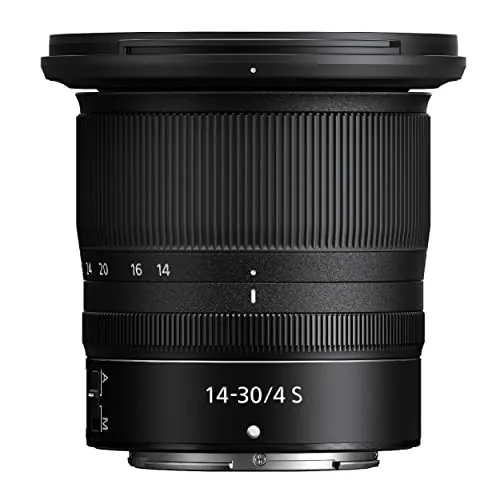
Nikon NIKKOR Z 14-30mm f/4 S · NIKKOR Z 14-30mm f/4 S (US model 20070)
Nikon NIKKOR Z 14-30mm f/4 S
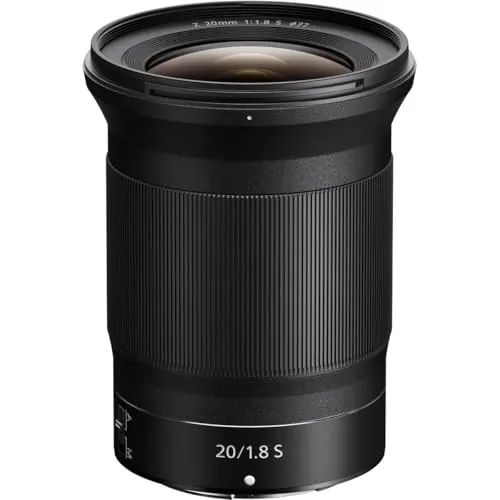
Nikon NIKKOR Z 20mm f/1.8 S · NIKKOR Z 20mm f/1.8 S (US model 20093)
Nikon NIKKOR Z 20mm f/1.8 S

Camera Lenses

Nikon NIKKOR Z 14-30mm f/4 S vs 20mm f/1.8 S: Zoom Range, Aperture and Filters

For the exact US models 20070 (Nikon NIKKOR Z 14-30mm f/4 S) and 20093 (NIKKOR Z 20mm f/1.8 S), the practical choice is a zoom workflow versus a fixed-prime workflow. Nikon specifies the 14-30mm as a constant-f/4 zoom and the 20mm as an f/1.8 prime. Both cover a 20mm focal length, but only the zoom also reaches 14mm and 30mm. Their screw-in filter threads differ: 82mm for the zoom and 77mm for the prime. Nikon’s 14-30mm packing-length descriptions differ between its product page and press release, so check physical clearance for a close-fit bag instead of assuming a size advantage.

Read comparison
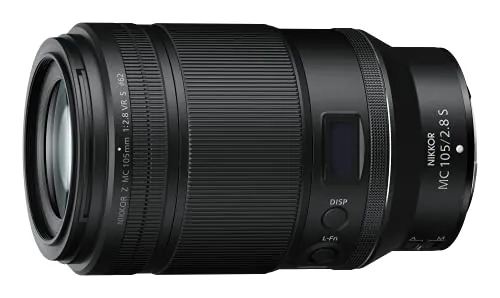
Nikon NIKKOR Z MC 105mm f/2.8 VR S · NIKKOR Z MC 105mm f/2.8 VR S (U.S. model 20100)
Nikon NIKKOR Z MC 105mm f/2.8 VR S
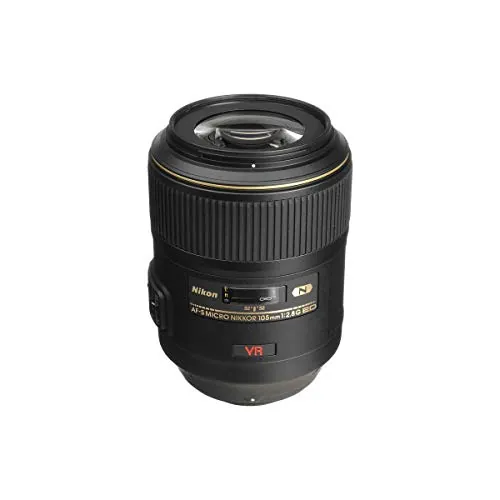
Nikon AF-S VR Micro-Nikkor 105mm f/2.8G IF-ED · AF-S VR Micro-Nikkor 105mm f/2.8G IF-ED (U.S. model 2160; JAA630DB)
Nikon AF-S VR Micro-Nikkor 105mm f/2.8G IF-ED

Camera Lenses

Nikon Z MC 105mm vs AF-S VR Micro-Nikkor 105mm: Mount, Macro Setup and FTZ

The Nikon NIKKOR Z MC 105mm f/2.8 VR S (U.S. model 20100) mounts directly on Z bodies. The AF-S VR Micro-Nikkor 105mm f/2.8G IF-ED (U.S. model 2160) is an F-mount lens; on a compatible Z body it requires Nikon FTZ or FTZ II, while on a compatible F-mount DSLR it mounts directly. Both are listed for life-size 1:1 reproduction and a 62mm filter. Choose by body/adapter path, control layout and macro workflow. Nikon's f/2.8 maximum-aperture labels do not mean f/2.8 effective aperture at close focus.

Read comparison
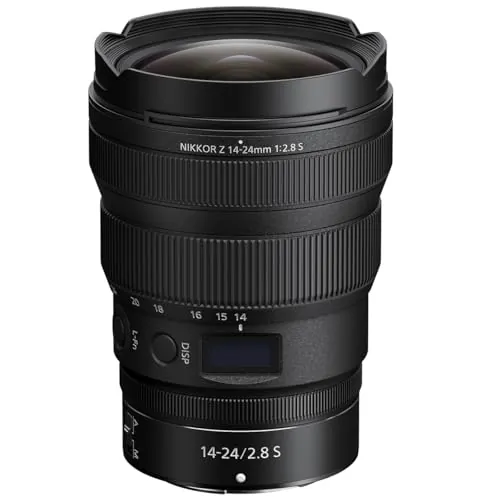
NIKKOR Z 14-24mm f/2.8 S · 20097
NIKKOR Z 14-24mm f/2.8 S
NIKKOR Z 20mm f/1.8 S · 20093
NIKKOR Z 20mm f/1.8 S

Camera Lenses

NIKKOR Z 14-24mm f/2.8 S vs Z 20mm f/1.8 S: Framing, Filters, and Carry

Both lenses are full-frame FX NIKKOR Z lenses and mount directly to compatible Nikon Z cameras. The 14-24mm f/2.8 S is a zoom that covers 114° to 84° on FX and takes 112mm front screw-in filters with the HB-97 hood, plus trimmed rear gel filters. The 20mm f/1.8 S is a fixed 94° view with a conventional 77mm screw-in filter thread. Nikon lists the 14-24mm at 650 g and 88.5 × 124.5 mm, versus 505 g and 84.5 × 108.5 mm for the 20mm. Choose by whether changing framing without changing lenses, a fixed 20mm view, the filter kit you already own, or the packed size matters most.

Read comparison
Nikon NIKKOR Z MC 105mm f/2.8 VR S · Nikon USA model 20100
Nikon NIKKOR Z MC 105mm f/2.8 VR S
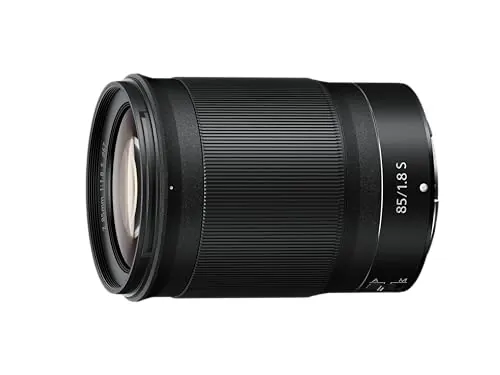
Nikon NIKKOR Z 85mm f/1.8 S · Nikon USA model 20090
Nikon NIKKOR Z 85mm f/1.8 S

Camera Lenses

Nikon Z MC 105mm f/2.8 VR S vs Z 85mm f/1.8 S: Macro or Portrait Setup

Nikon lists the Z MC 105mm f/2.8 VR S at 1:1 maximum reproduction and the Z 85mm f/1.8 S at 0.12x, so start with the size of subject detail you need. The MC 105mm manual also explains how to set a reproduction ratio and why its effective aperture changes as you focus close: f/2.8 selected at infinity is f/4.5 effective at the 0.29m focus distance. Nikon measures those minimum-focus distances from the focal plane; they are not the space between the lens front and your subject. The 85mm is shorter and lighter by Nikon's lens-only figures, while its listed maximum aperture is f/1.8.

Read comparison
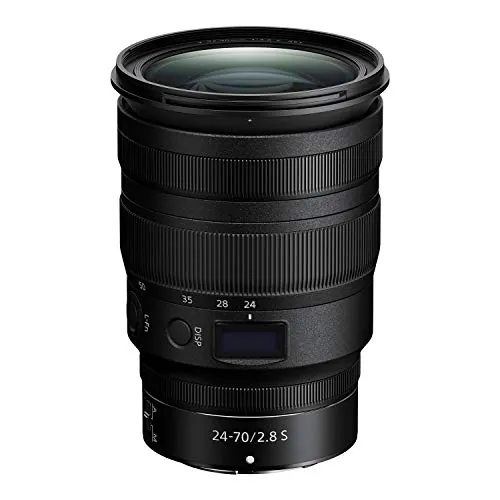
NIKKOR Z 24-70mm f/2.8 S · 20089
NIKKOR Z 24-70mm f/2.8 S
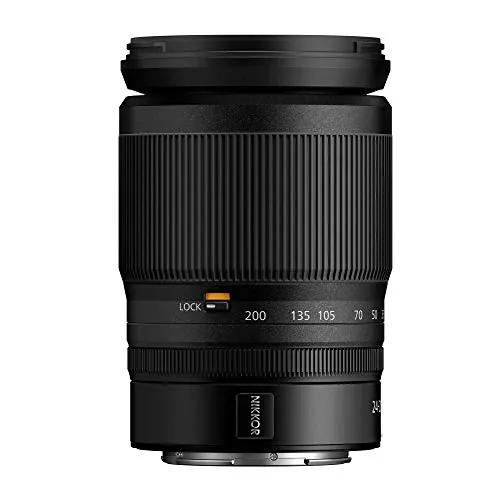
NIKKOR Z 24-200mm f/4-6.3 VR · 20092
NIKKOR Z 24-200mm f/4-6.3 VR

Camera Lenses

NIKKOR Z 24-70mm f/2.8 S vs Z 24-200mm f/4-6.3 VR: Range, Stabilization and Carry

The original NIKKOR Z 24-70mm f/2.8 S (model 20089) keeps a constant f/2.8 maximum aperture across 24–70mm and relies on compatible Z camera in-body VR for its listed five-axis stabilization behavior. The NIKKOR Z 24-200mm f/4-6.3 VR (model 20092) reaches 200mm, has lens VR, and takes smaller 67mm screw-in filters instead of 82mm. Nikon lists these lenses at 805g and 570g; screen your focal needs, camera body's stabilization, existing filters and packed size before choosing.

Read comparison
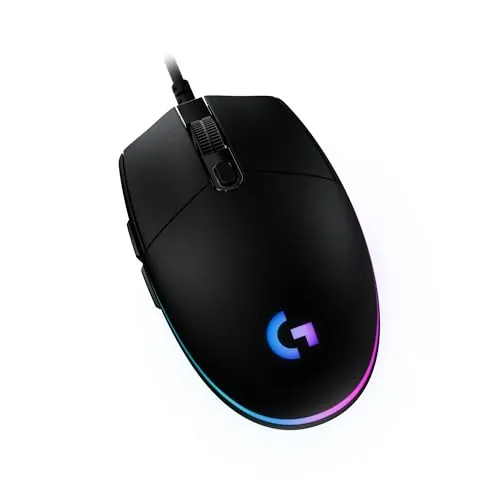
Logitech G203 LIGHTSYNC Wired Gaming Mouse - Black · G203 LIGHTSYNC / 910-005790
Logitech G203 LIGHTSYNC Wired Gaming Mouse - Black
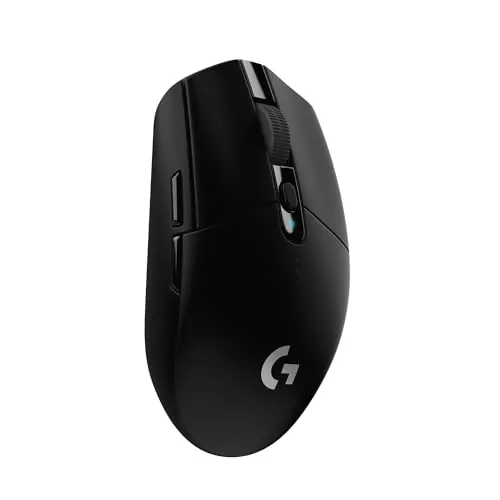
Logitech G305 LIGHTSPEED Wireless Gaming Mouse - Black · G305 LIGHTSPEED / 910-005280
Logitech G305 LIGHTSPEED Wireless Gaming Mouse - Black

Gaming Mice

Logitech G203 LIGHTSYNC vs G305 LIGHTSPEED: Wired Desk or Wireless Setup?

The assigned black G203 is the LIGHTSYNC model 910-005790, not a G203 Prodigy; it connects by cable and offers configurable LIGHTSYNC RGB. The black G305 910-005280 uses a LIGHTSPEED USB receiver and a replaceable AA battery, and Logitech lists its RGB lighting as none. Both have six buttons, so decide by connection, lighting and the setup changes you are willing to make rather than button count or untested gaming performance.

Read comparison
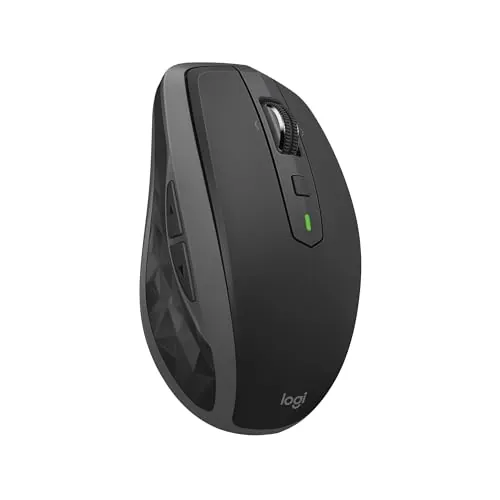
Logitech MX Anywhere 2S Bluetooth Edition Wireless Mouse (Graphite) · MX Anywhere 2S Bluetooth Edition, Graphite, part 910-007232 (M-R0067 family)
Logitech MX Anywhere 2S Bluetooth Edition Wireless Mouse (Graphite)
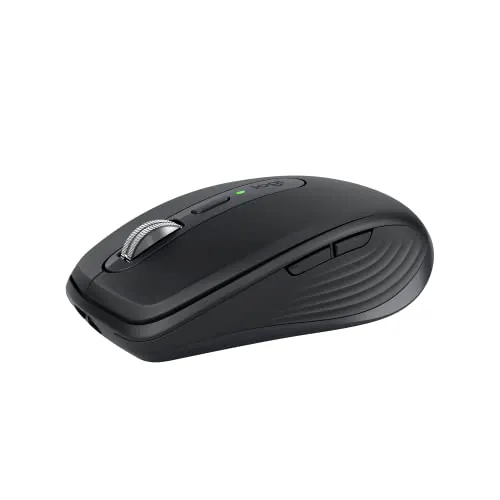
Logitech MX Anywhere 3S Compact Wireless Performance Mouse (Graphite) · MX Anywhere 3S, Graphite, part 910-006925
Logitech MX Anywhere 3S Compact Wireless Performance Mouse (Graphite)

Mice

Logitech MX Anywhere 3S vs MX Anywhere 2S Bluetooth Edition: Receivers, USB-C and OS Fit

This comparison is for the assigned graphite SKUs: MX Anywhere 3S 910-006925 / ASIN B0BPY4ZQXG and MX Anywhere 2S Bluetooth Edition 910-007232 / ASIN B0CJXQVMHL. Both pair with up to three computers and support Bluetooth. The 3S can also use a Logi Bolt receiver, which Logitech says is not included; it cannot use a Unifying receiver. The 2S model family lists both Bluetooth and Unifying, but the assigned Bluetooth Edition listing says no USB receiver is included. Charging also differs: USB-C on the 3S, Micro-USB on the 2S. Decide by the receiver you own, the port and cable you want, and whether your computer can use Logitech's customization app.

Read comparison
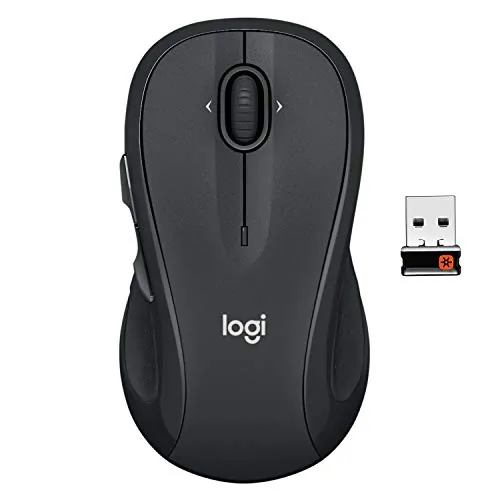
Logitech M510 Comfort Plus Wireless Mouse — Graphite · M510 Comfort Plus, retail part 910-006030
Logitech M510 Comfort Plus Wireless Mouse — Graphite
Logitech M720 Triathlon Multi-Device Wireless Mouse — Black · M720 Triathlon, retail part 910-006036
Logitech M720 Triathlon Multi-Device Wireless Mouse — Black

Mice

Logitech M510 vs M720 Triathlon: Receiver, Bluetooth, and Scrolling

The selected U.S. retail items are M510 Comfort Plus Graphite (910-006030) and M720 Triathlon Black (910-006036). Logitech's M510 model documentation describes a Unifying USB receiver, line-by-line scrolling, and tilt scrolling. The M720 adds Bluetooth Low Energy, up to three paired-device channels with a physical Easy-Switch button, and a wheel that toggles between faster and line-by-line scrolling. Check your host OS and available ports: Logitech's current M510 receiver compatibility list names Windows 10/11, ChromeOS, and Linux, while its M720 materials also list macOS and iPadOS support. Logitech's public M510 and M720 model pages do not identify the two assigned retail part numbers, so verify the exact listing and in-box receiver before buying.

Read comparison
Logitech G502 HERO Wired Gaming Mouse - Black · 910-005469
Logitech G502 HERO Wired Gaming Mouse - Black
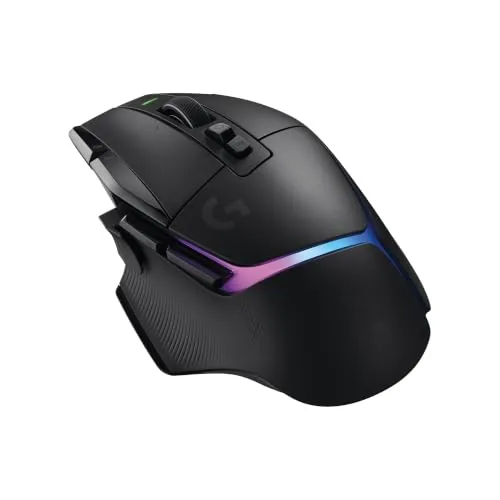
Logitech G502 X PLUS LIGHTSPEED Wireless RGB Gaming Mouse - Black · 910-006160
Logitech G502 X PLUS LIGHTSPEED Wireless RGB Gaming Mouse - Black

Gaming Mice

Logitech G502 HERO vs G502 X PLUS: Wired or Rechargeable Wireless?

These black U.S. models suit different desk routines. The G502 HERO 910-005469 stays connected by its 2.1 m cable and has Logitech-documented weight adjustment. The G502 X PLUS 910-006160 uses a LIGHTSPEED USB-A receiver, recharges over USB-C, and can switch to data-over-cable use when connected directly to a PC. Its DPI-Shift button can be repositioned or replaced by a cover. Decide whether cable-free movement and the X PLUS control adjustment are worth adding a receiver and charging routine.

Read comparison