Pickagu

Computer Mice

Find your model below to compare what is included and how the differences affect everyday use.

13 comparisons

Computer Mice comparisons

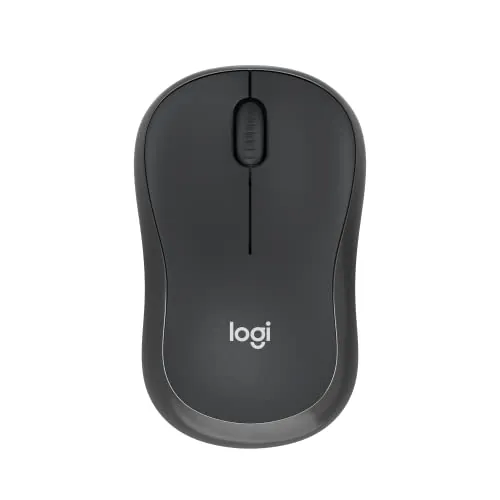
Logitech M240 Silent Bluetooth Mouse — Graphite · 910-007113
Logitech M240 Silent Bluetooth Mouse — Graphite
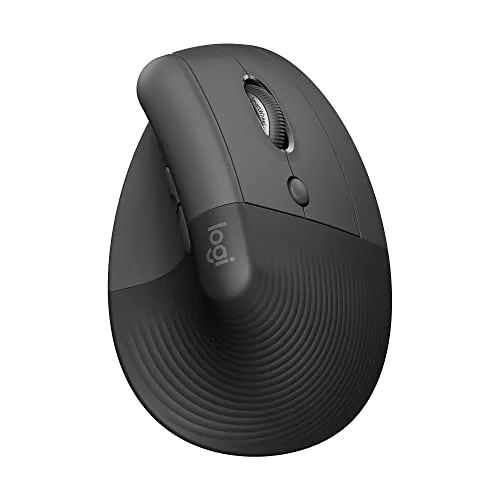
Logitech MX Vertical Wireless Mouse — Graphite · 910-005447
Logitech MX Vertical Wireless Mouse — Graphite

Logitech M240 Graphite vs MX Vertical Graphite: Handedness, Connection and Power

These are different desk setups, not a tested comfort comparison. Logitech describes the M240 Graphite as suitable for left- and right-handed use, with Bluetooth and a replaceable AA battery. MX Vertical Graphite is right-handed and supports Bluetooth, a Unifying receiver or a USB-C cable; Logitech also documents switching among up to three paired computers. Decide first who will use the mouse, then check the host connection you need and whether you prefer replacing an AA or recharging.

Read comparison
Logitech MX Vertical Advanced Ergonomic Mouse (Graphite) · 910-005447
Logitech MX Vertical Advanced Ergonomic Mouse (Graphite)
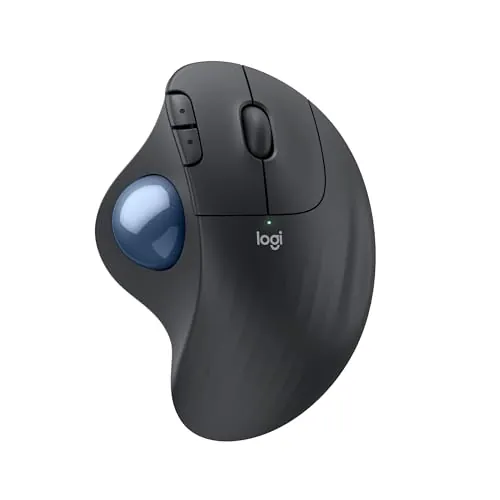
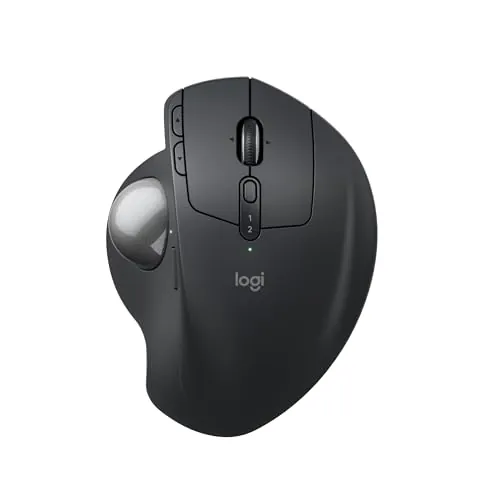
Logitech ERGO M575S Wireless Trackball (Graphite + Blue Ball) · 910-007027
Logitech ERGO M575S Wireless Trackball (Graphite + Blue Ball)

Logitech MX Vertical vs ERGO M575S: Mouse Movement, Desk Space and Power

These Logitech mice differ in how the cursor moves and what the desk must provide. MX Vertical uses a 57° upright grip, but the mouse still travels over a surface; ERGO M575S moves the cursor with its thumb-operated ball while its body stays in place. Check the exact 910-005447 and 910-007027 versions, then match Unifying versus Logi Bolt or Bluetooth to your computer and decide whether USB-C recharging or a replaceable AA battery fits your routine.

Read comparison
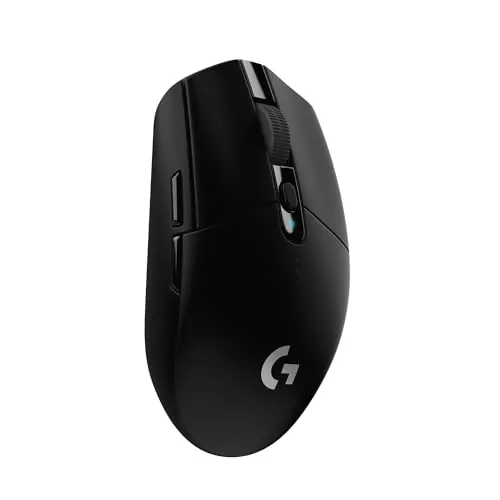
Logitech G305 LIGHTSPEED Wireless Gaming Mouse (Black) · G305 / 910-005280
Logitech G305 LIGHTSPEED Wireless Gaming Mouse (Black)
Logitech ERGO M575S Wireless Trackball Mouse (Graphite + Blue Ball) · ERGO M575S / 910-007027
Logitech ERGO M575S Wireless Trackball Mouse (Graphite + Blue Ball)

Logitech G305 vs ERGO M575S: Mouse Movement, Desk Space and Connection

The black Logitech G305 (910-005280) moves across the desk and connects through its LIGHTSPEED USB receiver. The graphite-and-blue Logitech ERGO M575S (910-007027) keeps its body in place while the thumb rolls the trackball, and supports Bluetooth Low Energy or its included Logi Bolt USB receiver. Check both the motion style and the ports available on your exact computer; M575S reduces mouse-sweep needs but still occupies desk space and needs room for your hand.

Read comparison
Logitech G502 HERO Wired Gaming Mouse (Black) · 910-005469
Logitech G502 HERO Wired Gaming Mouse (Black)
Logitech MX Vertical Advanced Ergonomic Mouse (Graphite) · 910-005447
Logitech MX Vertical Advanced Ergonomic Mouse (Graphite)

Logitech G502 HERO vs MX Vertical: Grip, Controls and Connection

These exact Logitech models answer different desk questions. The wired G502 HERO puts 11 programmable controls and an adjustable weight system in a conventional mouse layout. The right-hand MX Vertical uses a documented 57° upright angle, four customizable buttons, Bluetooth or a Unifying receiver, and USB-C cable operation. Neither shape is a fit guarantee; choose by the grip and control arrangement you want, then check the host connection and the exact model number.

Read comparison
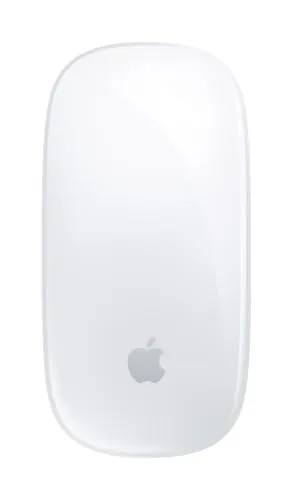
Apple Magic Mouse - White Multi-Touch Surface · Magic Mouse (USB-C, White; MXK53AM/A)
Apple Magic Mouse - White Multi-Touch Surface
Logitech MX Master 4 Wireless Mouse - Graphite · MX Master 4 (Graphite; 910-007558)
Logitech MX Master 4 Wireless Mouse - Graphite

Apple Magic Mouse USB-C vs Logitech MX Master 4: Touch Surface or Dedicated Controls?

The white USB-C Apple Magic Mouse uses a Multi-Touch surface and is listed for Mac with macOS 15.1 or later. The graphite Logitech MX Master 4 adds a MagSpeed wheel, thumb wheel, gesture and back/forward buttons, plus Easy-Switch for up to three computers. Its Actions Ring and several custom controls require Logi Options+. Choose by the input layout and software setup you will actually use; these sources do not establish a tested comfort or productivity winner.

Read comparison
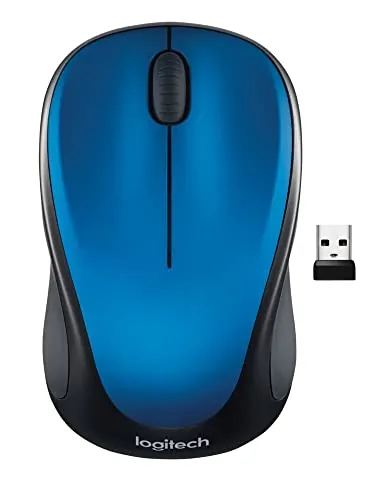
Logitech Wireless Mouse M317 · M317, Steel Blue, 910-002901
Logitech Wireless Mouse M317
Logitech M240 Silent Bluetooth Mouse · M240 Silent, Graphite, 910-007113
Logitech M240 Silent Bluetooth Mouse

Logitech M317 vs M240 Silent: Receiver, Bluetooth and Battery Upkeep

The exact blue M317 (910-002901) connects through a USB receiver, while the graphite M240 Silent (910-007113) can pair over Bluetooth Low Energy without using a USB port. Logitech lists optional Logi Bolt support for M240, but the consumer package does not include that receiver. Both mice use a replaceable AA battery: Logitech quotes up to 12 months for M317 and 18 months for M240, figures that are not a controlled comparison. Check your computer’s allowed connection method and available ports before choosing.

Read comparison
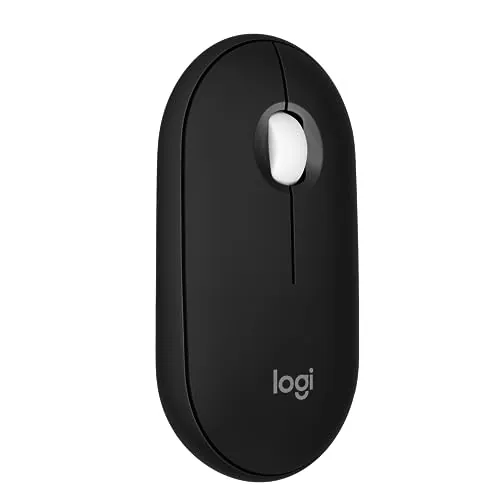
Logitech Pebble Mouse 2 M350s Wireless Mouse — Black · 910-007168
Logitech Pebble Mouse 2 M350s Wireless Mouse — Black
Logitech M720 Triathlon Multi-Device Wireless Mouse — Black · 910-006036
Logitech M720 Triathlon Multi-Device Wireless Mouse — Black

Logitech Pebble Mouse 2 M350s vs M720 Triathlon: Receivers and Controls

Both mice can switch among up to three paired devices and use one AA battery, so those features do not decide this comparison. The Pebble Mouse 2 M350s documents Bluetooth Low Energy and optional Logi Bolt; its Bolt receiver is sold separately except in a Pebble 2 Combo. Logitech’s M720 documentation lists Bluetooth and a Unifying receiver, plus a tilt wheel and dedicated side and thumb buttons. If you need a receiver, check the exact M720 listing for the receiver actually included: the model specification is not proof of the current B087Z6LSHW seller bundle.

Read comparison
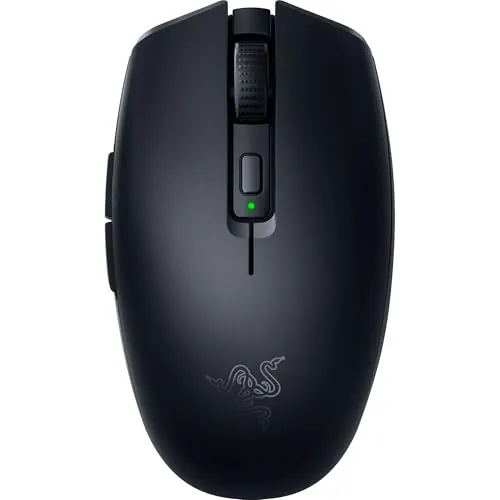
Razer Orochi V2 Wireless Gaming Mouse, Black · RZ01-03730100-R3U1
Razer Orochi V2 Wireless Gaming Mouse, Black
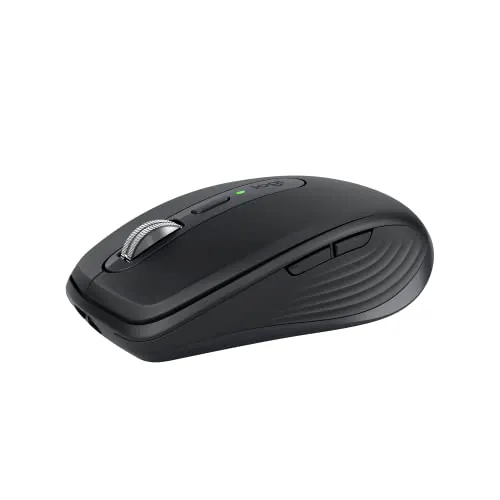
Logitech MX Anywhere 3S Compact Wireless Mouse, Graphite · 910-006925
Logitech MX Anywhere 3S Compact Wireless Mouse, Graphite

Razer Orochi V2 vs Logitech MX Anywhere 3S: Battery, Receiver and Travel Setup

The black Razer Orochi V2 RZ01-03730100-R3U1 can use one AA or AAA battery at a time and stores its HyperSpeed USB receiver under the top cover; it also supports Bluetooth LE. The Graphite Logitech MX Anywhere 3S 910-006925 has a rechargeable battery and an included USB-C charging cable, pairs with up to three computers by Bluetooth, and supports a Logi Bolt receiver that is not included. Pick by what you want to pack, how your hosts connect, and whether you want multi-host Bluetooth switching or a receiver stored inside the mouse. Neither maker's battery estimate is directly comparable to the other's stated conditions.

Read comparison
Logitech G PRO X2 SUPERSTRIKE LIGHTSPEED Wireless Gaming Mouse · 910-007700
Logitech G PRO X2 SUPERSTRIKE LIGHTSPEED Wireless Gaming Mouse
Logitech G PRO X SUPERLIGHT 2 LIGHTSPEED Wireless Gaming Mouse, Black · 910-006628
Logitech G PRO X SUPERLIGHT 2 LIGHTSPEED Wireless Gaming Mouse, Black

Logitech PRO X2 SUPERSTRIKE vs PRO X SUPERLIGHT 2: Adjustable HITS or LIGHTFORCE

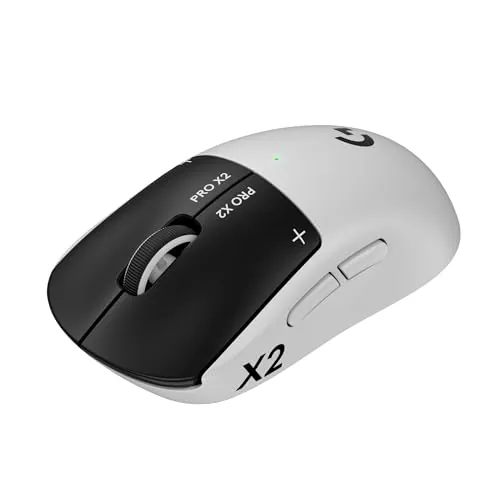
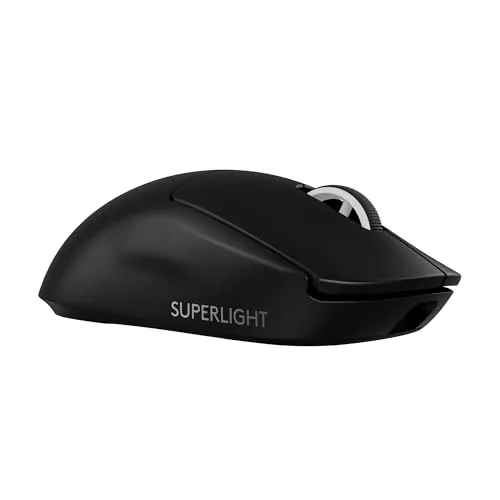
The PRO X2 SUPERSTRIKE (910-007700) replaces conventional main-button microswitches with HITS controls: Logitech documents 10 actuation settings, five rapid-trigger reset settings and six haptic levels in G HUB. The PRO X SUPERLIGHT 2 (910-006628) uses LIGHTFORCE hybrid optical-mechanical switches. Both are LIGHTSPEED wireless mice with a listed USB-A receiver and USB-A-to-USB-C cable. Pick the X2 if you want its adjustable click controls; pick the SUPERLIGHT 2 if you prefer its documented LIGHTFORCE switch design. Logitech's X2 weight sources conflict, so listed weight does not decide this guide.

Read comparison
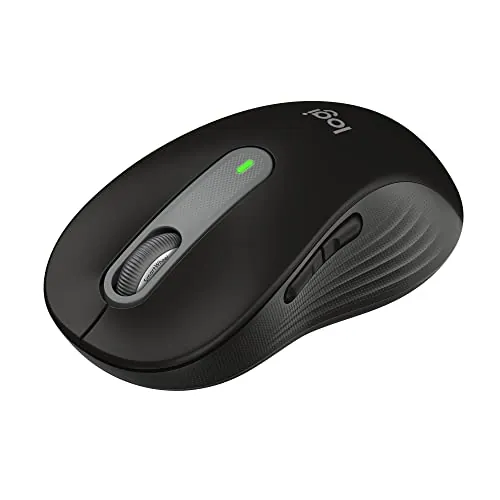
Logitech Signature M650 L Wireless Mouse (Black) · 910-006265
Logitech Signature M650 L Wireless Mouse (Black)
Logitech Signature Comfort Plus M850 L Wireless Mouse (Graphite) · 910-007709
Logitech Signature Comfort Plus M850 L Wireless Mouse (Graphite)

Logitech M650 L vs M850 L: Bolt Receiver or Three-Device Switching?

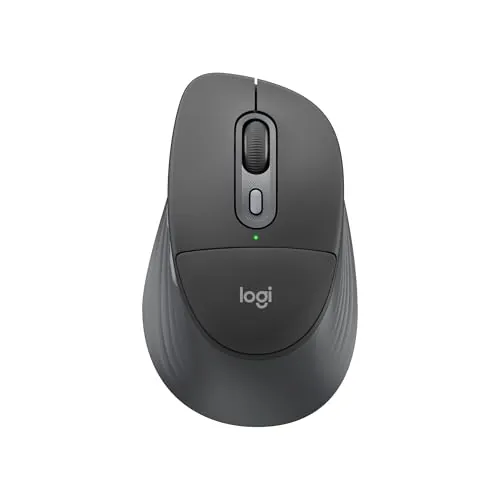
The black Logitech Signature M650 L includes a Logi Bolt receiver and also supports Bluetooth on one connection channel. The graphite Signature Comfort Plus M850 L is documented for Bluetooth Easy-Switch among up to three devices; Logitech describes it as Bolt-ready, but the worldwide box does not include that receiver. Choose by host setup and preferred hand-contact features, not an untested comfort claim.

Read comparison