Pickagu

Mice

Find your model below to compare what is included and how the differences affect everyday use.

43 comparisons

Mice comparisons

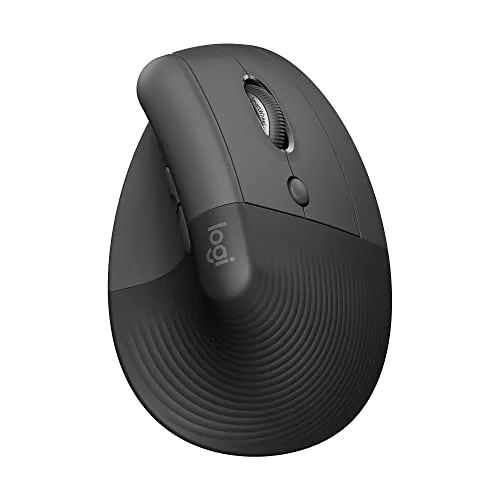
Logitech Lift Vertical Ergonomic Mouse · Lift Graphite, right-handed (910-006466)
Logitech Lift Vertical Ergonomic Mouse
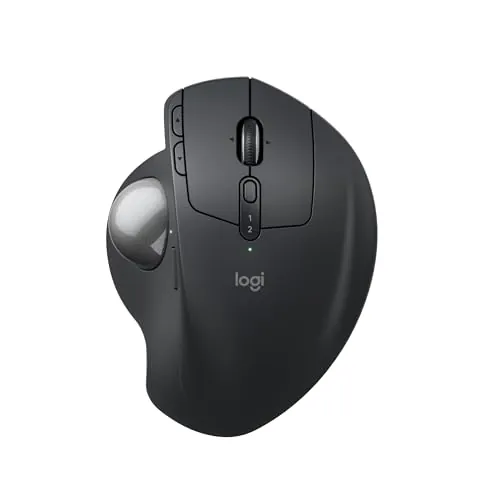
Logitech MX Ergo S Advanced Wireless Trackball · MX Ergo S Graphite base model (910-007259)
Logitech MX Ergo S Advanced Wireless Trackball

Logitech Lift vs MX Ergo S: Mouse Travel or Thumb Trackball?

The Graphite Lift keeps a moving-mouse workflow, with a replaceable AA and three saved devices. The Graphite MX Ergo S keeps its base in place while you steer a thumb-operated ball, recharges over USB-C, and switches between two saved devices from a top button. Choose by the control movement and routine you want.

Read comparison
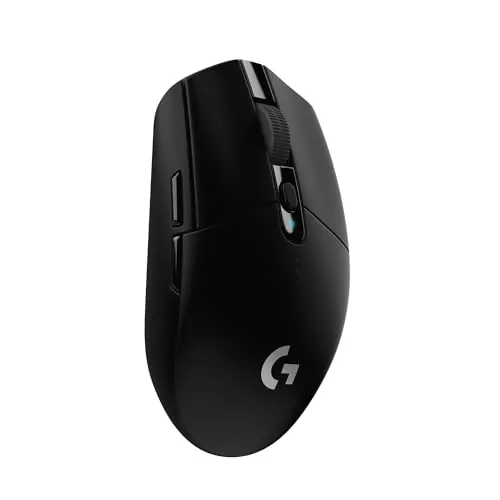
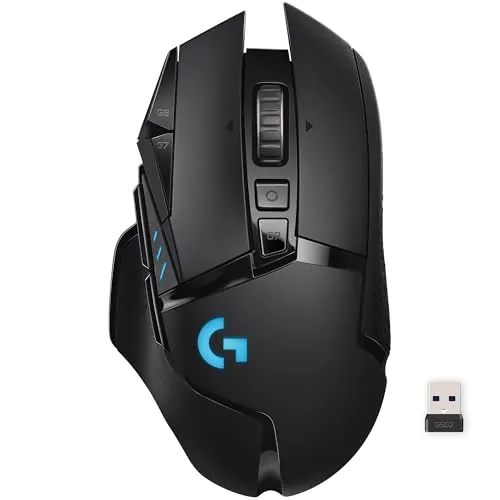
Logitech G305 LIGHTSPEED Wireless Gaming Mouse - Black · 910-005280
Logitech G305 LIGHTSPEED Wireless Gaming Mouse - Black
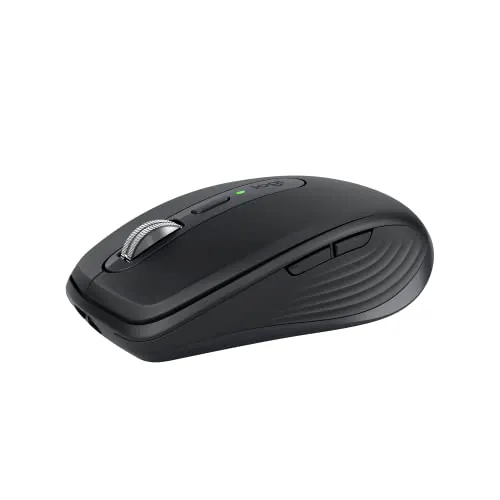
Logitech MX Anywhere 3S Compact Wireless Mouse - Graphite · 910-006925
Logitech MX Anywhere 3S Compact Wireless Mouse - Graphite

Logitech G305 LIGHTSPEED vs MX Anywhere 3S: Receiver or Bluetooth?

The black Logitech G305 includes a LIGHTSPEED USB receiver and uses one replaceable AA. The Graphite MX Anywhere 3S can connect directly to Bluetooth and switch among up to three paired computers; its compatible Logi Bolt receiver is optional and not included in this standard consumer package. The MX charges over its included USB-A to USB-C cable. Check the exact part number and your host's free ports/Bluetooth support before ordering.

Read comparison
Logitech Lift Vertical Ergonomic Mouse · Lift Graphite, right-handed (910-006466)
Logitech Lift Vertical Ergonomic Mouse
Logitech MX Anywhere 3S Compact Wireless Mouse · MX Anywhere 3S Graphite (910-006925)
Logitech MX Anywhere 3S Compact Wireless Mouse

Logitech Lift vs MX Anywhere 3S: Desk Shape, Bag Fit and Setup

The Graphite Lift is a tall, 57-degree vertical mouse with an included Logi Bolt USB-A receiver and replaceable AA. The Graphite MX Anywhere 3S is a compact 34.4-mm-high mouse with three Bluetooth channels and USB-C charging; its cable is included, but its Bolt receiver is sold separately. Both save up to three devices. Choose the pointing shape and travel setup that match where you work.

Read comparison
Logitech G PRO X2 SUPERSTRIKE Wireless Gaming Mouse — 910-007700 · 910-007700
Logitech G PRO X2 SUPERSTRIKE Wireless Gaming Mouse — 910-007700
Razer Viper V4 Pro Wireless Esports Gaming Mouse — Black, RZ01-05630100-R3U1 · RZ01-05630100-R3U1
Razer Viper V4 Pro Wireless Esports Gaming Mouse — Black, RZ01-05630100-R3U1

Logitech G PRO X2 SUPERSTRIKE vs Razer Viper V4 Pro: Click Controls, Setup and Size

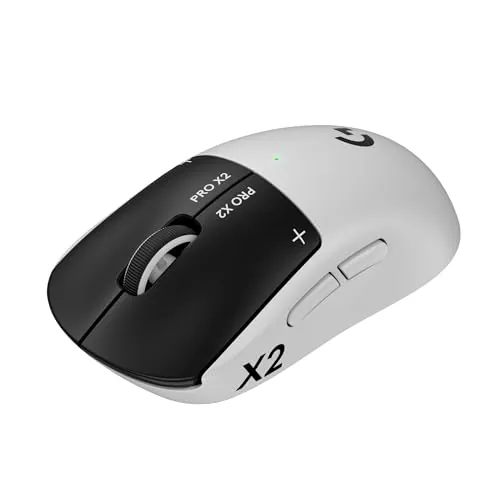
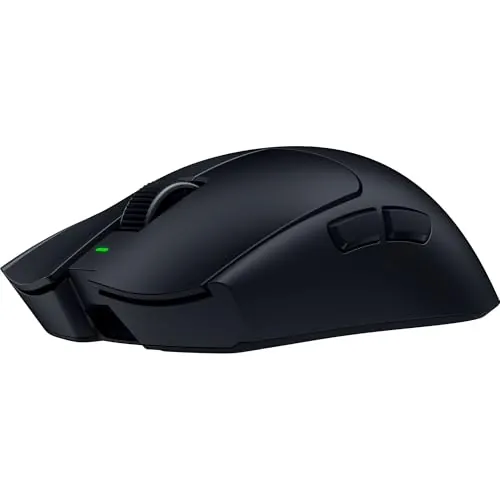
The Logitech G PRO X2 SUPERSTRIKE is the documented fit if you want to tune main-button actuation, reset points and haptic level in G HUB. The Razer Viper V4 Pro lists Gen-4 optical main switches, six programmable controls and one onboard profile for Synapse settings. Their published body dimensions are close; those numbers can help check desk space but cannot predict hand comfort. Verify the exact black Razer SKU and the kit contents on the listing before checkout.

Read comparison
Logitech M720 Triathlon Multi-Device Wireless Mouse (Black) · M720 Triathlon; listing data part number 910-006036
Logitech M720 Triathlon Multi-Device Wireless Mouse (Black)
Logitech MX Ergo S Advanced Wireless Trackball (Graphite) · MX Ergo S; listing data part number 910-007259
Logitech MX Ergo S Advanced Wireless Trackball (Graphite)

Logitech M720 Triathlon vs MX Ergo S: Mouse Movement, Switching and Charging

The black Logitech M720 Triathlon (910-006036) is a conventional optical mouse with Bluetooth LE or a Unifying receiver, three Easy-Switch channels and a replaceable AA. The graphite Logitech MX Ergo S (910-007259) is a stationary thumb trackball with Bluetooth LE or a Logi Bolt receiver, two device channels and a rechargeable battery charged over USB-C; its cable is not included. Compare how you steer first, then count your switching devices, check the receiver/host path and measure the intended desk area.

Read comparison
Logitech M240 Silent Bluetooth Mouse · 910-007113
Logitech M240 Silent Bluetooth Mouse
Logitech M330 Silent Plus Wireless Mouse · 910-004905
Logitech M330 Silent Plus Wireless Mouse

Logitech M240 Silent vs M330 Silent Plus: Bluetooth, Receiver and Hand Fit

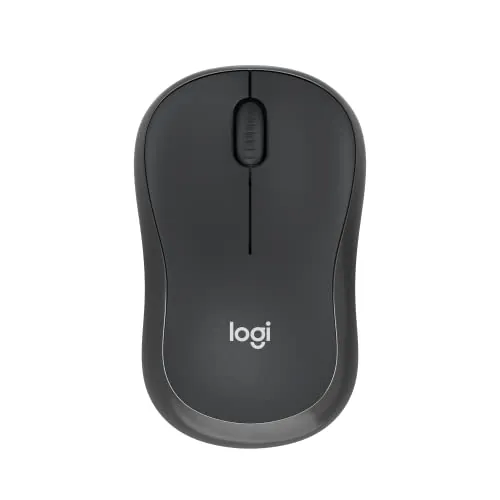
The exact Graphite M240 (910-007113) and Black M330 Silent Plus (910-004905) solve the same basic pointing task, but the setup differs. Logitech's M240 page describes direct Bluetooth pairing with no dongle or port required, while the M330 page starts with plugging in its USB receiver. Their shapes also differ: Logitech describes the M240 as compact and for left- or right-handed users, and the M330 as asymmetric and shaped around the right hand. Check your host's Bluetooth/USB options and try the shape if hand fit matters; the manufacturer battery-life figures are not a head-to-head test.

Read comparison
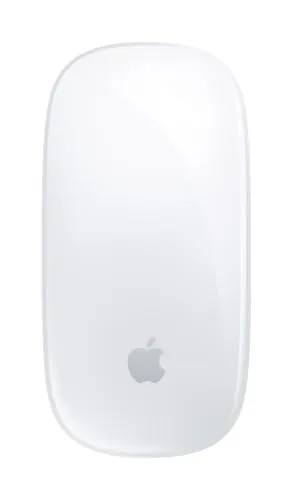
Apple Magic Mouse - White Multi-Touch Surface (USB-C) · MXK53AM/A
Apple Magic Mouse - White Multi-Touch Surface (USB-C)
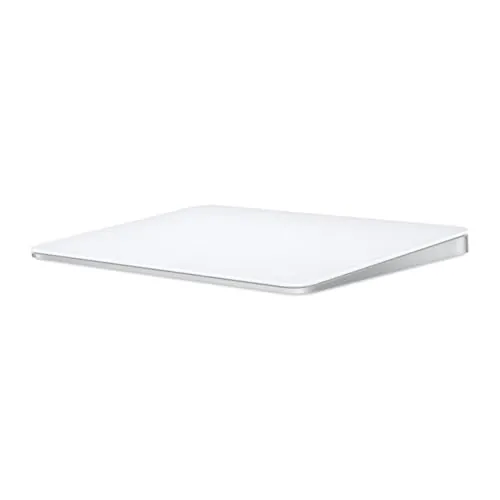
Apple Magic Trackpad - White Multi-Touch Surface (USB-C) · MXK93AM/A
Apple Magic Trackpad - White Multi-Touch Surface (USB-C)

Apple Magic Mouse vs Magic Trackpad: Gestures, Desk Space and Charging

The white USB-C Magic Mouse (MXK53AM/A) combines mouse movement with a touch surface for scrolling and swipes. The white USB-C Magic Trackpad (MXK93AM/A) adds a broad glass surface, documented pinch and rotate gestures, and Force Touch. Both include a USB-C charge cable and list macOS 15.1 or later; only the Trackpad remains usable while charging.

Read comparison
Logitech G502 HERO Wired Gaming Mouse - Black · G502 HERO / 910-005469
Logitech G502 HERO Wired Gaming Mouse - Black
Logitech G502 LIGHTSPEED Wireless Gaming Mouse - Black · G502 LIGHTSPEED / 910-005565
Logitech G502 LIGHTSPEED Wireless Gaming Mouse - Black

Logitech G502 HERO vs G502 LIGHTSPEED: Wired or Wireless Setup?

These black G502 mice share the same broad button-rich shape, but their desk setup differs. HERO is a wired USB mouse. LIGHTSPEED uses a wireless receiver, can run in data-over-cable mode, and needs charging; Logitech recommends placing its receiver close to the mouse and away from other 2.4 GHz devices. Their documented weight systems also differ: five 3.6 g positions for HERO versus four 2 g and two 4 g pieces for LIGHTSPEED. Choose around your cable, receiver, charging and weight-adjustment preferences—not an untested performance claim.

Read comparison
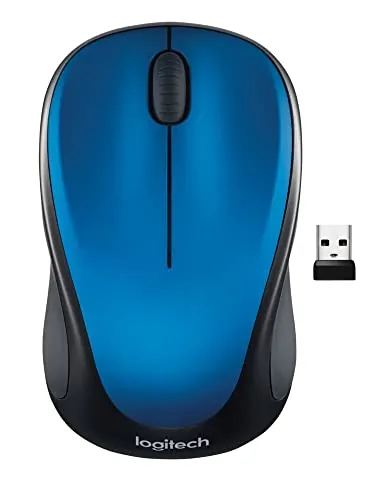
Logitech Wireless Mouse M317 (Blue) · 910-002901
Logitech Wireless Mouse M317 (Blue)
Logitech M720 Triathlon Multi-Device Wireless Mouse (Black) · 910-006036
Logitech M720 Triathlon Multi-Device Wireless Mouse (Black)

Logitech M317 vs M720: Handedness, Buttons and Connection Choice

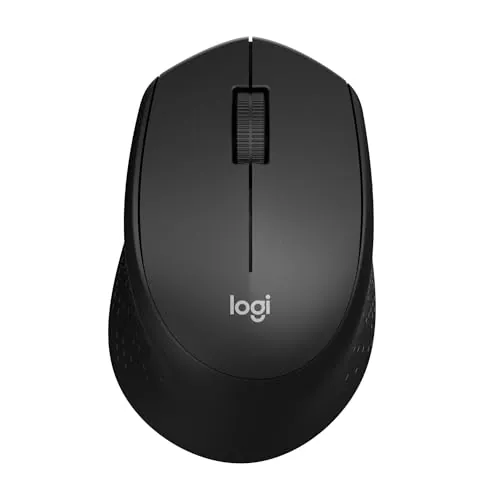
The blue Logitech M317 and black M720 Triathlon solve different desk setups. M317 is compact and designed for either hand, with Logitech documenting a USB-receiver path. M720 is a full-size right-handed mouse with two side buttons plus a thumb button; it supports Bluetooth or the included Unifying receiver and can switch among three paired devices. Start with your hand and the ports on your computer, then decide whether you will use M720's extra controls or device switching.

Read comparison
Apple Magic Mouse (USB-C) - White Multi-Touch Surface · MXK53AM/A
Apple Magic Mouse (USB-C) - White Multi-Touch Surface
Logitech MX Anywhere 3S Compact Wireless Mouse - Graphite · 910-006925
Logitech MX Anywhere 3S Compact Wireless Mouse - Graphite

Apple Magic Mouse USB-C vs Logitech MX Anywhere 3S: Gestures or Switching?

This exact pair is a white USB-C Apple Magic Mouse (MXK53AM/A) versus a Graphite Logitech MX Anywhere 3S (910-006925). Apple’s mouse uses a Multi-Touch surface and its gestures require macOS Sequoia 15.1 or later. Logitech uses a wheel and buttons, and pairs with up to three Bluetooth computers for manual Easy-Switch channel selection. Logitech Flow is a separate workflow for cursor movement and clipboard transfer: pair on different channels, install Logi Options+ on each computer, and connect the computers to the same network. Both use USB-C charging cables, but Logitech explicitly says it can be used while charging; Apple’s page documents pairing/charging by connecting the included cable to a USB-C port on a Mac and does not specify in-use charging. These are feature and setup differences, not comfort or performance rankings.

Read comparison
Razer Pro Click V2 Vertical Edition · RZ01-05250100-R3U1
Razer Pro Click V2 Vertical Edition
Logitech MX Vertical Wireless Mouse — Graphite · 910-005447
Logitech MX Vertical Wireless Mouse — Graphite

Razer Pro Click V2 Vertical Edition vs Logitech MX Vertical: Angle, Switching, and Setup

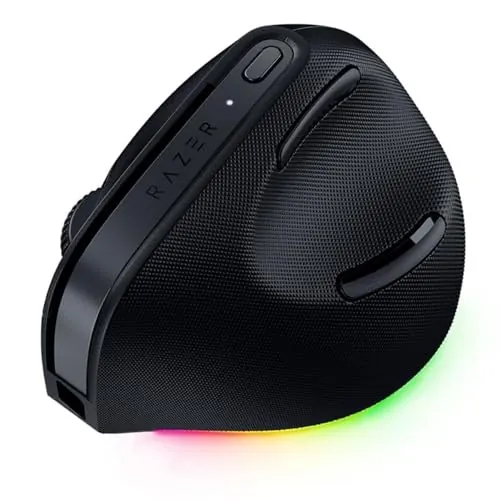
Razer lists a 71.7° angle and a dedicated button for its five-way device connection. Logitech lists a 57° angle, says MX Vertical is intended for large-to-medium hands, and documents three Easy-Switch indicators plus receiver, Bluetooth, and cable-wired options. Use the Logitech hand-size note as a maker guide, check your host ports, and try either shape if fit is decisive.

Read comparison
Logitech Pebble Mouse 2 M350s Bluetooth Mouse, Black · M350s / 910-007168
Logitech Pebble Mouse 2 M350s Bluetooth Mouse, Black
Logitech Mobi Fold Foldable Wireless Mouse, Graphite · Mobi Fold / 910-007602
Logitech Mobi Fold Foldable Wireless Mouse, Graphite

Logitech Pebble Mouse 2 M350s vs Mobi Fold: Fixed Shape or Folded Carry?

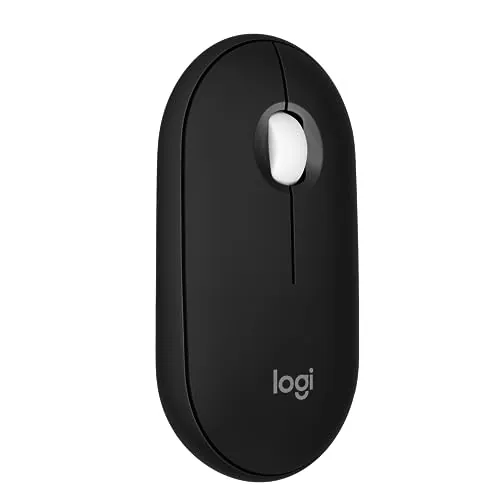
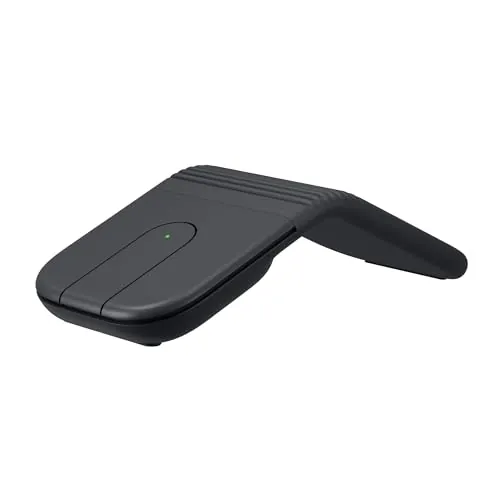
Choose Mobi Fold if you want a folding mouse that Logitech lists at 66 × 57 × 21 mm closed. Choose Pebble Mouse 2 M350s if you prefer a slim fixed shape with a replaceable AA battery. Mobi Fold charges over USB-C. Both switch among up to three Bluetooth devices. Check receiver support before ordering.

Read comparison
Logitech Lift Vertical Ergonomic Mouse · 910-006466
Logitech Lift Vertical Ergonomic Mouse
ProtoArc EM11 NL Wireless Vertical Mouse · EM11 NL
ProtoArc EM11 NL Wireless Vertical Mouse

Logitech Lift vs ProtoArc EM11 NL: Connections, Buttons and Power

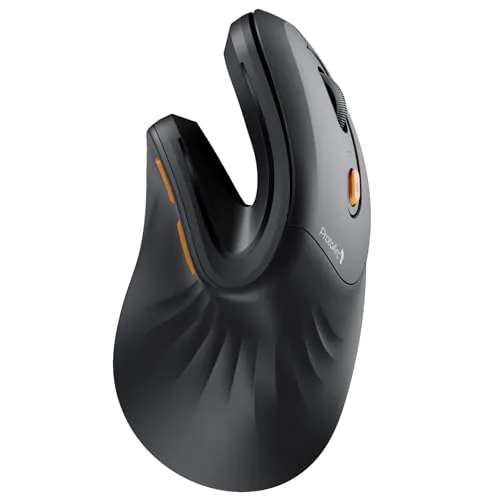
Both are vertical wireless mice, but their day-to-day setup differs. Lift offers Bluetooth LE or the included Logi Bolt receiver, three device channels, and software-supported button customization; the EM11 NL offers two Bluetooth pairings plus a USB receiver, a built-in USB-C rechargeable battery, and fixed side buttons. If you use a Mac and rely on Back/Forward buttons, ProtoArc says those buttons are not compatible with macOS. Compare the exact hand-size guidance as maker advice, not a fit guarantee.

Read comparison
Logitech Pebble Mouse 2 M350s, Black · 910-007168
Logitech Pebble Mouse 2 M350s, Black
Apple Magic Mouse (USB-C), White Multi-Touch Surface · MXK53AM/A
Apple Magic Mouse (USB-C), White Multi-Touch Surface

Logitech Pebble Mouse 2 M350s vs Apple Magic Mouse (USB-C): Choose by Controls and Setup

The black Logitech Pebble Mouse 2 M350s pairs over Bluetooth with up to three devices and has a physical scroll wheel, a customizable middle button and a replaceable AA battery. Apple's white Magic Mouse in this comparison is the USB-C model, not the older Lightning edition: it uses a Multi-Touch surface and recharges with the included USB-C cable. Check your host's OS requirements and decide whether you need Logitech's optional, separately purchased Bolt receiver before ordering.

Read comparison
Logitech MX Vertical Ergonomic Wireless Mouse · 910-005447
Logitech MX Vertical Ergonomic Wireless Mouse
Logitech MX Anywhere 3S Compact Wireless Mouse · 910-006925
Logitech MX Anywhere 3S Compact Wireless Mouse

Logitech MX Vertical vs MX Anywhere 3S: Shape, Receiver and Host Fit

These Graphite mice solve different setup problems. The MX Vertical (910-005447) is a full-height 57° design with an included Unifying receiver; the compact MX Anywhere 3S (910-006925) is shorter and narrower, and its Bolt receiver is sold separately. Both support Bluetooth, so a host without the matching USB receiver can still connect that way if Bluetooth is available. Measure the mouse space and identify your host's ports and receiver before choosing; the published dimensions describe the products, not a comfort or tracking test.

Read comparison
Logitech M240 Silent Bluetooth Mouse, Graphite · 910-007113
Logitech M240 Silent Bluetooth Mouse, Graphite
Logitech MX Anywhere 3S Compact Wireless Mouse, Graphite · 910-006925
Logitech MX Anywhere 3S Compact Wireless Mouse, Graphite

Logitech M240 Silent vs MX Anywhere 3S: Battery, Bolt and Controls

Both Graphite models connect over Bluetooth and Logitech support specifications list Logi Bolt as an optional receiver connection; neither exact U.S. product page includes a Bolt receiver. M240 uses one replaceable AA and has three listed buttons. MX Anywhere 3S recharges over USB-C, supports up to three Bluetooth hosts and adds back/forward buttons plus two MagSpeed wheel modes. Choose by power routine, device switching and the controls you use—not by comfort, noise or pointer-performance claims.

Read comparison
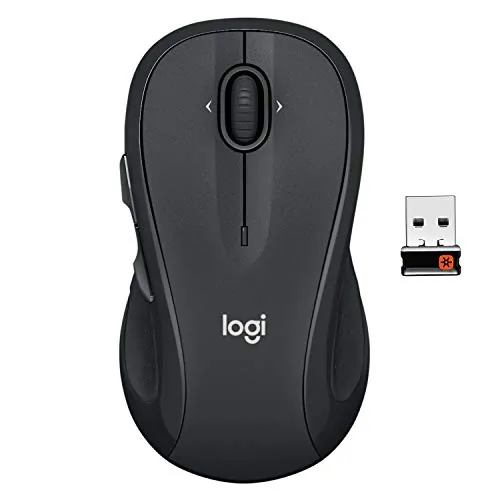
Logitech M510 Wireless Mouse · 910-006030
Logitech M510 Wireless Mouse
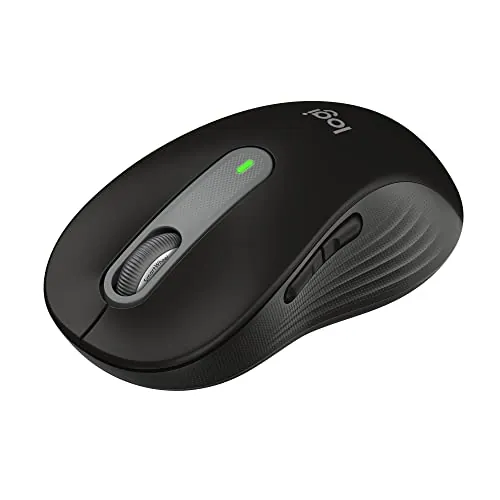
Logitech Signature M650 L Wireless Mouse, Black · 910-006265
Logitech Signature M650 L Wireless Mouse, Black

Logitech M510 vs Signature M650 L: Connection and Scroll Choices

The listing data pair is the Graphite Logitech M510 910-006030 and Black Signature M650 L 910-006265. M510 family documentation describes a Unifying USB receiver and tilt-wheel side scrolling; M650/M650 L documentation adds Bluetooth Low Energy or Logi Bolt pairing and SmartWheel modes. Check the exact box and host ports before relying on either receiver path.

Read comparison
Logitech MX Anywhere 3S Compact Wireless Mouse (Graphite) · MX Anywhere 3S, 910-006925
Logitech MX Anywhere 3S Compact Wireless Mouse (Graphite)
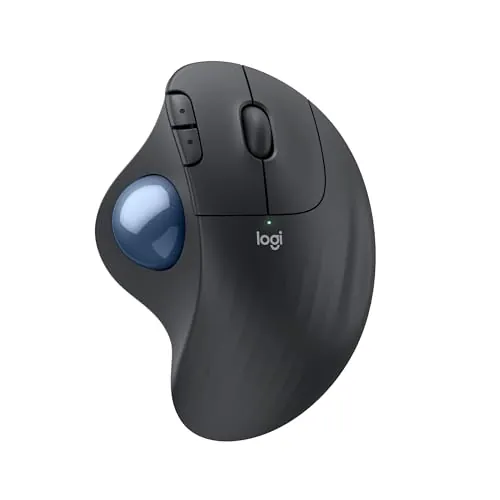
Logitech ERGO M575S Wireless Trackball (Graphite + Blue Ball) · ERGO M575S, 910-007027
Logitech ERGO M575S Wireless Trackball (Graphite + Blue Ball)

Logitech MX Anywhere 3S vs ERGO M575S: Moving Mouse or Stationary Trackball?

The Graphite MX Anywhere 3S is a compact movable mouse with a documented MagSpeed mode shift, rechargeable USB-C power, and up-to-three-computer Bluetooth pairing. The Graphite + Blue Ball ERGO M575S is a thumb-operated trackball that can stay in place; Logitech lists a Logi Bolt receiver and one AA battery in its box. Both offer Bluetooth and Logi Bolt, but only the MX Anywhere 3S documentation reviewed here specifies switching across up to three computers. Choose by pointer style, desk clearance, and whether you prefer charging or replacing an included AA.

Read comparison
Logitech M240 Silent Bluetooth Mouse, Graphite · 910-007113
Logitech M240 Silent Bluetooth Mouse, Graphite
Logitech M510 Wireless Mouse, Graphite · 910-006030
Logitech M510 Wireless Mouse, Graphite

Logitech M240 Graphite vs M510 Graphite: Bluetooth, Receiver and Controls

These are two Graphite Logitech mice with different setup paths. The M240 (910-007113) pairs directly over Bluetooth and is described by Logitech as compact. The M510 (910-006030) is a full-size M510 variant; Logitech’s M510 setup guide shows a Unifying USB receiver and side/back/forward controls, with software needed for horizontal scrolling. Confirm the exact 910-006030 box includes the receiver you expect, and check your computer’s Bluetooth or USB-A situation before buying.

Read comparison