Pickagu

Keyboards

Find your model below to compare what is included and how the differences affect everyday use.

55 comparisons

Keyboards comparisons

Logitech Pebble Keys 2 K380s Bluetooth Keyboard, Tonal Graphite, English US · K380s (920-011775)
Logitech Pebble Keys 2 K380s Bluetooth Keyboard, Tonal Graphite, English US
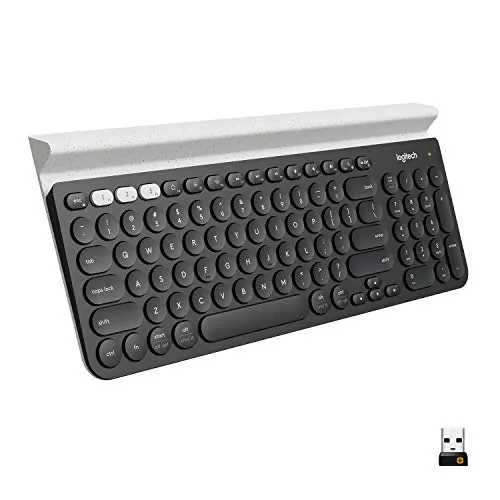
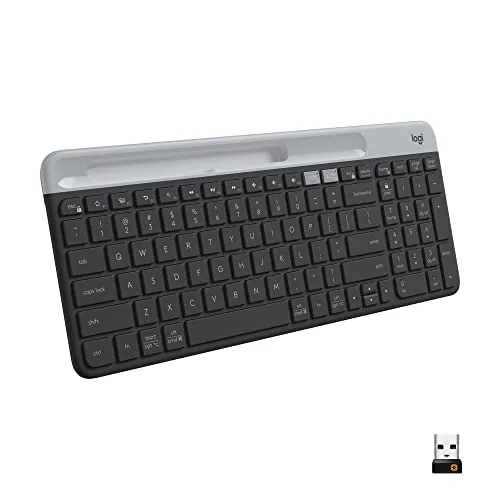
Logitech K585 Slim Multi-Device Wireless Keyboard, Graphite, English US · K585 (920-011479)
Logitech K585 Slim Multi-Device Wireless Keyboard, Graphite, English US

Logitech Pebble Keys 2 K380s vs K585: Layout, Device Switching and Receiver

The English-US Tonal Graphite Pebble Keys 2 K380s (920-011775) is the more compact layout, omits a dedicated number pad and can keep up to three devices paired for Easy-Switch. The Graphite K585 (920-011479) adds a number pad and phone cradle, switches between two paired devices and includes a Unifying USB receiver. Both can connect over Bluetooth Low Energy. Before buying, count your regular hosts and check whether the receiver type and keyboard width fit your actual desk or bag.

Read comparison

Logitech Pebble Keys 2 K380s (Tonal Graphite) · K380s / 920-011775
Logitech Pebble Keys 2 K380s (Tonal Graphite)
Logitech Wave Keys (Graphite) · Wave Keys / 920-011898
Logitech Wave Keys (Graphite)

Logitech Pebble Keys 2 K380s vs Wave Keys: Compact Carry or Number Pad?

Both Logitech keyboards pair with up to three devices over Bluetooth and can use Logi Bolt. The Pebble Keys 2 K380s is the much smaller, low-profile round-key option; Wave Keys adds a wave-shaped layout, cushioned palm rest, a documented 10-key number pad and an included Bolt receiver. Check the desk or bag footprint and whether you will use Bluetooth or the receiver before choosing.

Read comparison
Logitech Pebble Keys 2 K380s (Tonal Graphite) · K380s / 920-011775
Logitech Pebble Keys 2 K380s (Tonal Graphite)
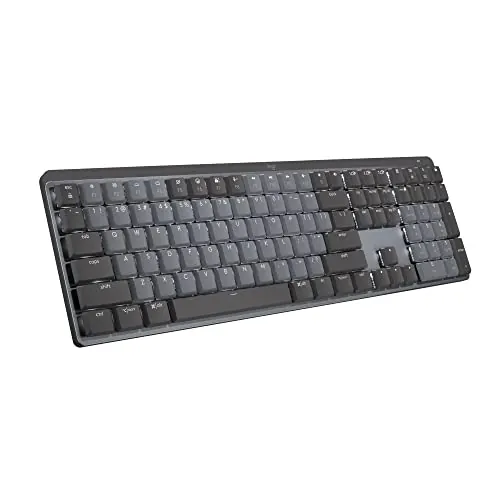
Logitech MX Mechanical (Graphite, Tactile Quiet) · MX Mechanical / 920-010547, full-size Tactile Quiet
Logitech MX Mechanical (Graphite, Tactile Quiet)

Logitech K380s vs MX Mechanical: Compact Keyboard or Full-Size Numpad?

The Pebble Keys 2 K380s is Logitech's compact, portable Bluetooth keyboard with round low-profile keys and replaceable AAA batteries. The full-size MX Mechanical adds an integrated number pad, low-profile mechanical switches, white backlighting and an included Logi Bolt receiver; its USB-C cable charges but does not carry typing data. Both switch between up to three paired devices, so that feature alone does not decide the pair. Measure your workspace, check whether a dedicated number pad matters, and decide whether Bluetooth, an included receiver or a separately purchased K380s receiver best fits your host setup.

Read comparison
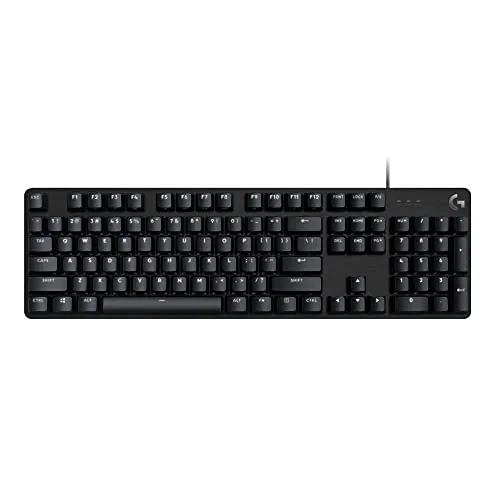
Logitech G413 SE Mechanical Gaming Keyboard · G413 SE (920-010433)
Logitech G413 SE Mechanical Gaming Keyboard
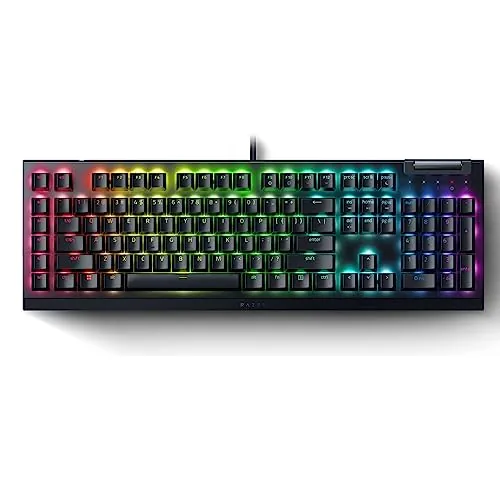
Razer BlackWidow V4 X Yellow Switch · BlackWidow V4 X (RZ03-04701900-R3U1)
Razer BlackWidow V4 X Yellow Switch

Logitech G413 SE vs Razer BlackWidow V4 X Yellow: Macro Setup or Tactile Simplicity?

The Logitech G413 SE is the simpler fit if you want a full-size wired keyboard with tactile switches and white lighting. The exact Razer BlackWidow V4 X listing here is the US Yellow-switch model, with six dedicated macro keys and extra media controls; its macro workflow depends on Razer Synapse. Decide whether that software-backed customization is useful before choosing.

Read comparison
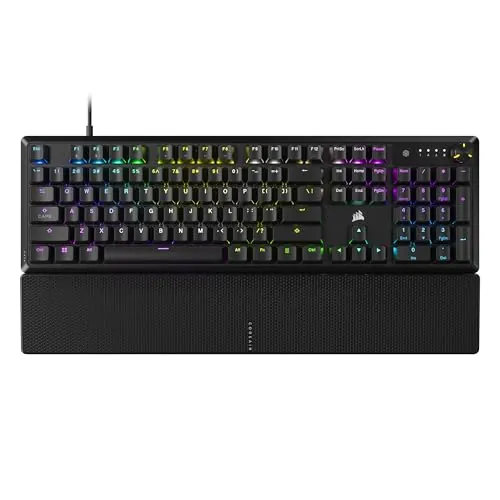
CORSAIR K70 CORE RGB Mechanical Gaming Keyboard with Palm Rest — Black · CH-910981E-NA
CORSAIR K70 CORE RGB Mechanical Gaming Keyboard with Palm Rest — Black
Razer BlackWidow V4 X — Yellow Switch — US — Black · RZ03-04701900-R3U1
Razer BlackWidow V4 X — Yellow Switch — US — Black

Corsair K70 CORE vs Razer BlackWidow V4 X Yellow: Switches and Controls

These exact US models both use manufacturer-described linear switch options, so the more useful distinction is the control layout. Corsair’s K70 CORE has a multi-function dial and iCUE customization; Razer’s BlackWidow V4 X Yellow has six dedicated macro keys, a roller/media keys, and on-the-fly macro recording. Check the US layout, host/software requirements, and included palm rest before buying.

Read comparison
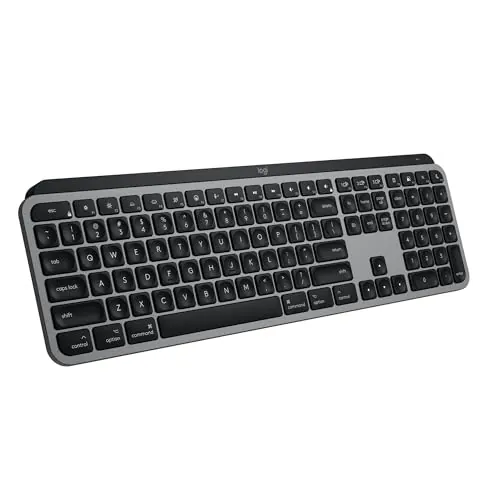
Logitech MX Keys S Wireless Illuminated Keyboard · 920-011558 (Graphite)
Logitech MX Keys S Wireless Illuminated Keyboard
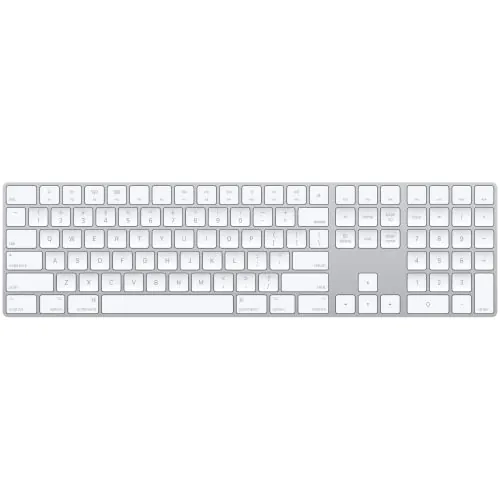
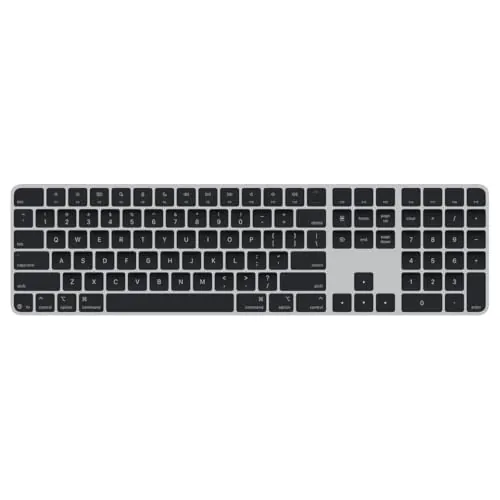
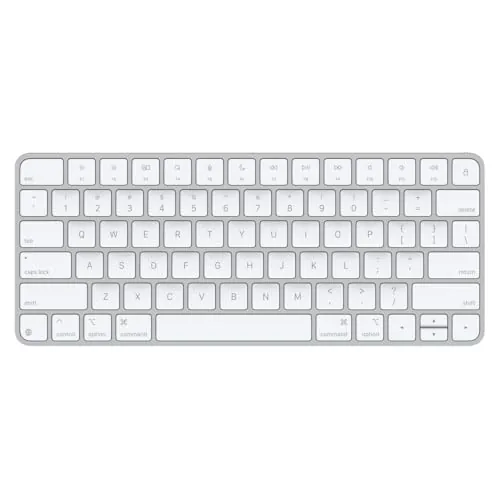
Apple Magic Keyboard with Numeric Keypad - US English · MXCJ3LL/A
Apple Magic Keyboard with Numeric Keypad - US English

Logitech MX Keys S vs Apple Magic Keyboard Numeric: Pairing, Ports and Mac Setup

This is an exact U.S. Graphite Logitech MX Keys S (920-011558) versus Apple Magic Keyboard with Numeric Keypad, US English (MXCJ3LL/A). Logitech documents pairing over Bluetooth or the included Logi Bolt receiver, storing up to three computers, and switching channels with a short Easy-Switch press. Apple’s guide describes pairing over its included Lightning-to-USB-A cable and removing the existing pairing before pairing with a different Mac. The models also differ in OS key markings, software/settings path, charging connector and published footprint. Choose by the computers and ports on your desk, not by an untested typing or comfort claim.

Read comparison
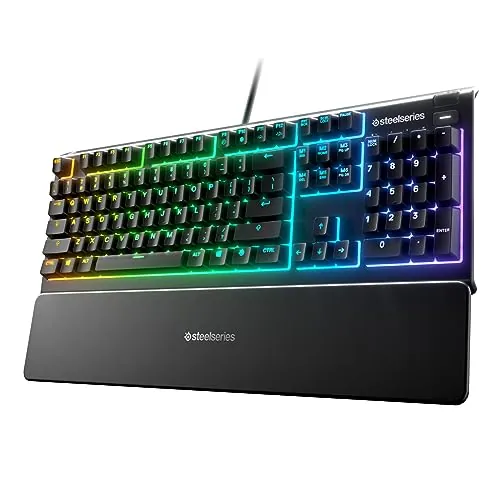
SteelSeries Apex 3 Gaming Keyboard - Black · 64812
SteelSeries Apex 3 Gaming Keyboard - Black
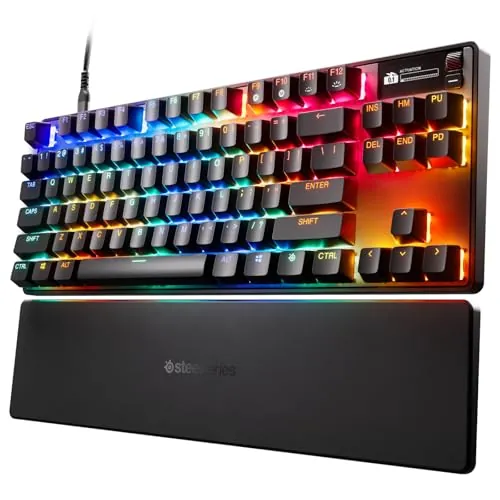
SteelSeries Apex Pro TKL Gen 3 Gaming Keyboard - Black · 64740
SteelSeries Apex Pro TKL Gen 3 Gaming Keyboard - Black

SteelSeries Apex 3 vs Apex Pro TKL Gen 3: Number Pad or Adjustable Keys?

These exact black U.S. keyboards answer different desk and control questions. Product 7516 is listed as Apex 3 model 64812, and the U.S. SteelSeries page has a Full Size option; the official Apex 3 guide illustrates the number pad and documents a volume roller, media button, profile switching and macro recording. Product 9537 is listed as Apex Pro TKL Gen 3 model 64740; SteelSeries identifies the selected U.S. English, black, wired TKL version and documents adjustable actuation from 0.1 to 4.0 mm, Rapid Trigger, Rapid Tap and OLED settings. Before ordering, confirm the exact size and wired option on the retailer listing. No speed, typing comfort or gaming result was measured.

Read comparison
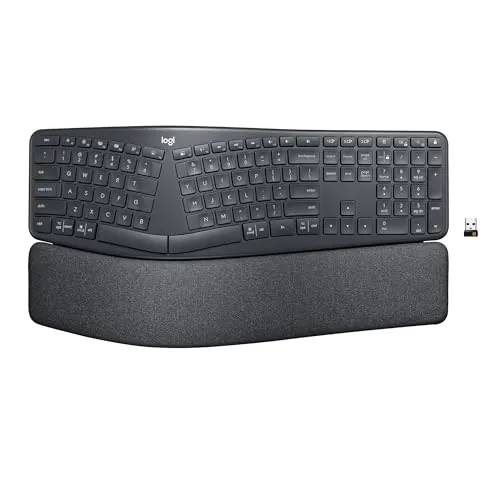
Logitech ERGO K860 Wireless Split Keyboard · 920-009166
Logitech ERGO K860 Wireless Split Keyboard
Apple Magic Keyboard with Touch ID and Numeric Keypad (USB-C) · MXK83LL/A
Apple Magic Keyboard with Touch ID and Numeric Keypad (USB-C)

Logitech ERGO K860 vs Apple Magic Keyboard with Touch ID USB-C: Split Layout or Mac Authentication?

This is a choice between two different desk routines. The Graphite Logitech ERGO K860 (920-009166) has a curved split frame, a pillowed palm rest and Easy-Switch for up to three paired computers. Apple’s Magic Keyboard with Touch ID and Numeric Keypad (USB-C, US English, Black Keys; MXK83LL/A) keeps an unsplit layout and offers Touch ID only when paired with an Apple-silicon Mac that meets Apple’s macOS requirement. Choose by the shape you want and the exact host you use; split geometry is not a proven comfort or typing result.

Read comparison
Logitech MX Keys S for Mac Wireless Keyboard · 920-011621
Logitech MX Keys S for Mac Wireless Keyboard
Apple Magic Keyboard with Touch ID and Numeric Keypad (USB-C) · MXK83LL/A
Apple Magic Keyboard with Touch ID and Numeric Keypad (USB-C)

Logitech MX Keys S for Mac vs Apple Magic Keyboard with Touch ID: Which Fits Your Desk?

Both assigned products are Mac-layout keyboards with numeric keypads, but they solve different setup needs. Logitech documents Easy-Switch across up to three paired computers. Apple adds Touch ID for an Apple-silicon Mac running macOS 15.1 or later. Check that requirement first if Touch ID is the reason you are shopping, then compare each keyboard’s listed footprint with your desk or tray.

Read comparison
Logitech MX Keys S Wireless Keyboard Graphite · 920-011558
Logitech MX Keys S Wireless Keyboard Graphite
Apple Magic Keyboard USB-C US English · MXCL3LL/A
Apple Magic Keyboard USB-C US English

Logitech MX Keys S vs Apple Magic Keyboard USB-C: Layout, Backlighting and Switching

For this exact US pair, Logitech MX Keys S Graphite (920-011558) is the documented full-size-with-numpad option, with backlighting, Logi Bolt or Bluetooth LE, and one-key switching among up to three devices. Apple Magic Keyboard USB-C US English (MXCL3LL/A) is the standard Apple keyboard; Apple documents a USB-C-to-Mac pairing and charging routine followed by Bluetooth use. Apple multi-device switching and the old part’s exact dimensions are not confirmed by the cited pages, so check the exact listing if either decides your purchase.

Read comparison
Logitech K585 Slim Multi-Device Wireless Keyboard (Graphite) · 920-011479
Logitech K585 Slim Multi-Device Wireless Keyboard (Graphite)
Logitech K780 Multi-Device Wireless Keyboard · 920-008025
Logitech K780 Multi-Device Wireless Keyboard

Logitech K585 vs K780: Two-Device or Three-Device Keyboard?

Both Logitech keyboards combine a number pad with a built-in device cradle and can connect wirelessly. The K585 supports two paired devices total; the K780 supports up to three. Check how many hosts you need to keep paired, which connection each host supports, and whether your phone or tablet fits the cradle before choosing.

Read comparison
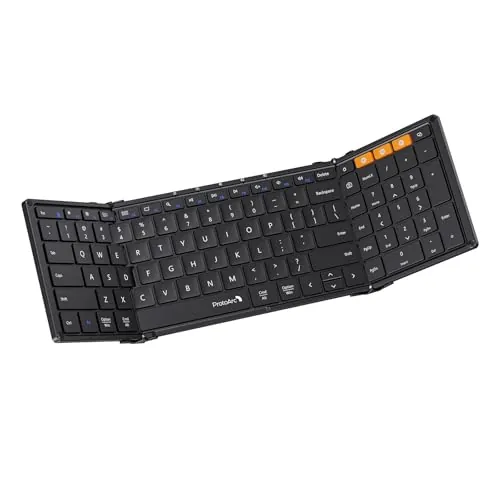
ProtoArc XK01 Full-Size Tri-Fold Bluetooth Keyboard (Black) · XK01
ProtoArc XK01 Full-Size Tri-Fold Bluetooth Keyboard (Black)
Logitech K780 Multi-Device Wireless Keyboard (Dark Grey/Speckled White) · 920-008025
Logitech K780 Multi-Device Wireless Keyboard (Dark Grey/Speckled White)

ProtoArc XK01 vs Logitech K780: Folding Keyboard or Built-In Device Cradle?

The black ProtoArc XK01 is a tri-fold Bluetooth keyboard with a rechargeable battery and a listed USB-C charging cable. Logitech's K780 (920-008025, Dark Grey/Speckled White) keeps an integrated device cradle on a fixed body and supports Bluetooth or a Unifying USB receiver. Both list a number pad and up to three device channels. The practical choice is how you pack and prop devices, then whether each host and your charging kit match the exact setup.

Read comparison
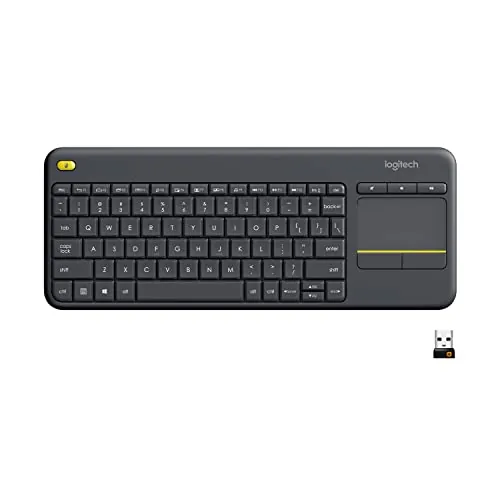
Logitech K400 Plus Wireless Touch Keyboard (Black) · 920-007119
Logitech K400 Plus Wireless Touch Keyboard (Black)
Logitech K780 Multi-Device Wireless Keyboard (Dark Grey/Speckled White) · 920-008025
Logitech K780 Multi-Device Wireless Keyboard (Dark Grey/Speckled White)

Logitech K400 Plus vs K780: Built-In Touchpad or Three Keyboard Channels?

These keyboards solve different desk and couch jobs. The K400 Plus 920-007119 combines typing with a built-in touchpad for one compatible USB-receiver host. The K780 920-008025 has three Easy-Switch typing channels, Bluetooth or a Unifying receiver, and a phone/tablet cradle, but its selector changes the keyboard connection only. Check each host's port and OS support, and inspect the actual K400 key legends before ordering.

Read comparison
Logitech ERGO K860 Wireless Ergonomic Split Keyboard · ERGO K860 (Graphite; 920-009166)
Logitech ERGO K860 Wireless Ergonomic Split Keyboard
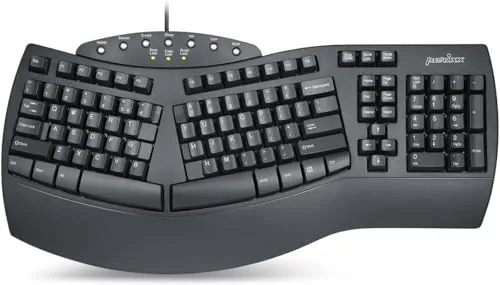
Perixx PERIBOARD-512B Wired Ergonomic Keyboard - Split Keyboard, Wrist Rest, Natural Typing - Wired USB Connectivity - US English - Black · PERIBOARD-512B (listed model 11525; English US; Black)
Perixx PERIBOARD-512B Wired Ergonomic Keyboard - Split Keyboard, Wrist Rest, Natural Typing - Wired USB Connectivity - US English - Black

Logitech ERGO K860 vs Perixx PERIBOARD-512B: Wireless Setup, Tilt and Desk Fit

Both are full-size split keyboards with an integrated palm-rest area, but the connection routine differs. Logitech's ERGO K860 supports Bluetooth or a Unifying receiver, pairs with up to three computers, and documents 0°, 4° and 7° palm-lift positions. Perixx's PERIBOARD-512B is listed as a wired USB-A keyboard with a 1.8 m cable, English (US) layout and Black finish. Measure the Perixx's published 485 × 236 mm footprint against your desk, and check the exact K860 dimensions before treating either as the smaller fit. These are feature-fit facts, not health or typing-performance results.

Read comparison
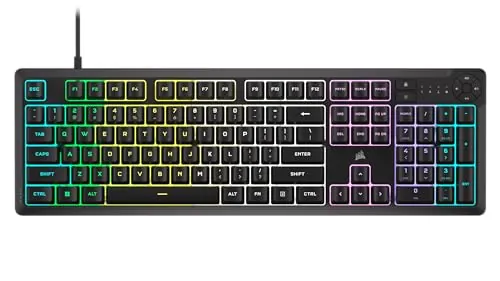
Corsair K55 CORE RGB (Black, US) · CH-9226C65-NA
Corsair K55 CORE RGB (Black, US)
Corsair K70 CORE RGB with Palm Rest (Black, NA) · CH-910981E-NA
Corsair K70 CORE RGB with Palm Rest (Black, NA)

Corsair K55 CORE vs K70 CORE: Keys, Controls and Setup

These are both wired, full-size North American Corsair keyboards, but they suit different desk routines. K55 CORE uses membrane keys and has separate playback, volume and mute controls. The exact K70 CORE package compared here uses MLX Red linear mechanical switches, a multifunction dial and a detachable magnetic palm rest. Both can use saved onboard settings without iCUE running; customization and macros require setup in iCUE.

Read comparison
Logitech Pebble Keys 2 K380s Wireless Bluetooth Keyboard · 920-011775
Logitech Pebble Keys 2 K380s Wireless Bluetooth Keyboard
ProtoArc XK01 Full-Size Tri-Fold Bluetooth Keyboard · XK01
ProtoArc XK01 Full-Size Tri-Fold Bluetooth Keyboard

Logitech Pebble Keys 2 K380s vs ProtoArc XK01: Compact Desk or Foldable Numpad?

The Logitech Pebble Keys 2 K380s is the compact fixed keyboard: about 279 mm wide, with no dedicated number pad and two replaceable AAA cells. The ProtoArc XK01 folds to about 215.5 mm at its longest edge, then opens to about 386 mm and keeps a number pad; it recharges over its specified USB-A-to-USB-C cable. Measure the surface where you will type, not only the pouch where you will pack it.

Read comparison
Logitech K780 Multi-Device Wireless Keyboard · 920-008025
Logitech K780 Multi-Device Wireless Keyboard
Logitech Alto Keys K98M Wireless Mechanical Keyboard, Graphite · 920-013575
Logitech Alto Keys K98M Wireless Mechanical Keyboard, Graphite

Logitech K780 vs Alto Keys K98M: Receiver Fit, Backlighting and Desk Setup

The K780 supports Logitech Unifying or Bluetooth and has no key backlighting; the Graphite Alto Keys K98M uses Logi Bolt or Bluetooth Low Energy and adds white backlighting. Bolt and Unifying receivers do not cross-pair, so inspect the receiver family or plan a compatible Bluetooth route before ordering. K780 also has a built-in phone/tablet cradle, while K98M is a 98-key mechanical layout.

Read comparison
Corsair K65 Plus Wireless 75% Mechanical Keyboard · K65 Plus Wireless CH-91D401L-NA (Original, MLX Red)
Corsair K65 Plus Wireless 75% Mechanical Keyboard
Logitech MX Mechanical Full-Size Wireless Keyboard · MX Mechanical 920-010547 (Tactile, Graphite)
Logitech MX Mechanical Full-Size Wireless Keyboard

Corsair K65 Plus vs Logitech MX Mechanical: Wired Input or Tactile Switches?

The exact K65 Plus configuration in this comparison comes with MLX Red linear switches and can send input over USB. The full-size MX Mechanical 920-010547 has tactile switches, a number pad and wireless input; its USB-C cable charges the keyboard but does not carry keystrokes.

Read comparison
Logitech Pebble Keys 2 K380s · 920-011775
Logitech Pebble Keys 2 K380s
Logitech K780 Multi-Device Wireless Keyboard · 920-008025
Logitech K780 Multi-Device Wireless Keyboard

Logitech Pebble Keys 2 K380s vs K780: Layout and Receiver Setup

Both Logitech keyboards can switch among three paired devices. The practical choice is the layout and what the computer connection requires: Pebble Keys 2 K380s 920-011775 is compact, uses Bluetooth or an optional separately purchased Logi Bolt receiver, and has no built-in device cradle; K780 920-008025 adds a numeric keypad and integrated phone/tablet cradle and its guide documents an included, pre-paired Unifying receiver. Bolt and Unifying receivers do not pair across systems. List your hosts first, then decide whether you need a number pad or USB receiver in the package.

Read comparison
Logitech K585 Slim Multi-Device Wireless Keyboard · K585 / 920-011479
Logitech K585 Slim Multi-Device Wireless Keyboard
Logitech Wave Keys Ergonomic Wireless Keyboard · Wave Keys / 920-011898
Logitech Wave Keys Ergonomic Wireless Keyboard

Logitech K585 vs Wave Keys: phone cradle, palm rest and receiver fit

The Graphite US K585 (920-011479) is a slim number-pad keyboard with a built-in phone cradle and two Easy-Switch device channels; its USB receiver is the Unifying type. Wave Keys (920-011898) has a wave-shaped layout, cushioned palm rest, three-device workflow and an included Logi Bolt receiver. Bolt and Unifying cannot pair to each other, so check your existing mouse and available Bluetooth/USB connections before buying.

Read comparison
Logitech Pebble Keys 2 K380s Wireless Bluetooth Keyboard · 920-011775 · Tonal Graphite
Logitech Pebble Keys 2 K380s Wireless Bluetooth Keyboard
Logitech MX Keys Mini Minimalist Wireless Illuminated Keyboard · 920-010388 · Graphite
Logitech MX Keys Mini Minimalist Wireless Illuminated Keyboard

Logitech Pebble Keys 2 K380s vs MX Keys Mini: Layout, Receiver and Power

Choose the Pebble Keys 2 K380s if you want removable AAA batteries and round low-profile keys. The exact 920-011775 Target listing specifies unlit keys. Choose MX Keys Mini for adaptive backlighting and a battery you can recharge over USB-C while typing. Both switch among three paired devices. If the computer needs a USB receiver, check the exact package for Logi Bolt.

Read comparison
Logitech MX Keys Mini Minimalist Wireless Illuminated Keyboard - Graphite · 920-010388
Logitech MX Keys Mini Minimalist Wireless Illuminated Keyboard - Graphite
Logitech MX Keys S Wireless Keyboard - Graphite · 920-011558
Logitech MX Keys S Wireless Keyboard - Graphite

Logitech MX Keys Mini vs MX Keys S: Layout, Desk Width and Receiver

The Graphite MX Keys Mini is the compact option at 295.99 mm across its listed width; Logitech presents its full-size alternative with an integrated numpad. The Graphite MX Keys S is 430.20 mm along its longer dimension and Logitech’s support page lists a USB receiver in the box. Both support Bluetooth, backlighting, USB-C charging and up to three paired computers. Logitech’s reviewed pages do not confirm whether this exact Mini package includes a Logi Bolt receiver, so verify the listing contents if you need one.

Read comparison
Logitech MX Mechanical Wireless Illuminated Keyboard · 920-010547 — Tactile Quiet, Graphite, full-size
Logitech MX Mechanical Wireless Illuminated Keyboard
Logitech G413 SE Mechanical Gaming Keyboard · 920-010433 — full-size, Black
Logitech G413 SE Mechanical Gaming Keyboard

Logitech MX Mechanical vs G413 SE: Wireless Switching or a Wired Desk Setup?

These are both full-size tactile mechanical keyboards, but they solve different setup problems. The MX Mechanical (920-010547, Tactile Quiet Graphite) pairs with up to three devices by Bluetooth or its Logi Bolt receiver and uses rechargeable proximity-responsive lighting. The G413 SE (920-010433, Black) is wired and offers white LEDs with five onboard patterns. Choose by how you connect, switch hosts and manage lighting—not by untested typing feel or sound.

Read comparison
AULA F75 Wireless Mechanical Keyboard · F75
AULA F75 Wireless Mechanical Keyboard
AULA F99 Wireless Mechanical Keyboard · F99 (standard model; not F99 Pro or F99 Max)
AULA F99 Wireless Mechanical Keyboard

AULA F75 vs F99: Desk Width, Number Pad, and Controls

AULA lists the F75 at 322.7 mm wide and describes a 75% layout; the standard F99 manual shows a separate number pad, while its listed body is about 68 mm wider. The F75 manual also documents a rotary volume and lighting workflow. Decide by desk width, number-pad use, and control preference—not typing feel or performance claims.

Read comparison